App Profile: MacID

Android / Games / Puzzles
MacID
Installs:
Rating:
2.94
Total Reviews:
108
Top Countries:
US, GB, CN
< $5k
/mo
< 5k
/mo
Reviews: What People Think About MacID
cucucumbur
Rating: 3/5
I have tried all the solutions for proximity iphone-mac auto lock and unlock. This is about the closest ive come to an app that is worthy of being on my β€œessentials” list of apps that I install immediately on getting a new phone. But; the Bluetooth connection can be kinda wonky, and proximity-only locking/unlocking is in the menu and enabled, but doesnt seem to change the default behavior. The defeult behavior which includes opening an app, waiting a few seconds to see your macbook visible (sometimes πŸ™„), pressing it, then pressing the home button for touchid. It takes longer and is more of a disruptive process than just logging in. Well, if the proximity features worked I wouldn’t mind. But since it seems like once again there is no app that will let you say β€œunlock when im within 10 meters, lock when im further. The design is pretty good though, and its the best thing ive found in the market space 😫
gmansc
Rating: 2/5
Don't waste your time with this app until the developer becomes serious about its maintenance. I installed about two weeks ago and, for a while, it worked nicely. However, it has now died and restarting all devices/computers, reinstalling the app and it computer client fail to bring it back to life. Recent comments on the developer's web site are three months old. Clearly, this is a part time project that's not getting the attention it needs -- especially for a $4 app.
Tomz0086
Rating: 4/5
Problem 1. The devices would not find each other. Solution: Toggling Bluetooth on and off, resetting Bluetooth did not work, so I uninstalled MacID from both iPhone and Mac and then reinstalled after rebooting both devices. This resolved my Bluetooth connectivity issues. Problem 2. The app did not recognize that I’ve changed my login password. Solution: Go into Keychain and delete anything associated with MacID. Disconnect and forget device. Relaunch MacID Re add iPhone. It then asks you to enter your current login password. (For me, multiple times this failed as clicking continue to update my password just hung and did nothing) But this was because I did not relaunch the app after the keychain delete. πŸ˜‘ so hopefully now it will go back to working the way it did before which was rather flawless. Definitely some bugs but great app otherwise. I’ve been using it for years. Dev doesn’t really respond to emails but it’s just him a one man army so it’s understandable. Thank you πŸ€“ this is this best of the bunch. Pretty much a must have.
About MacID
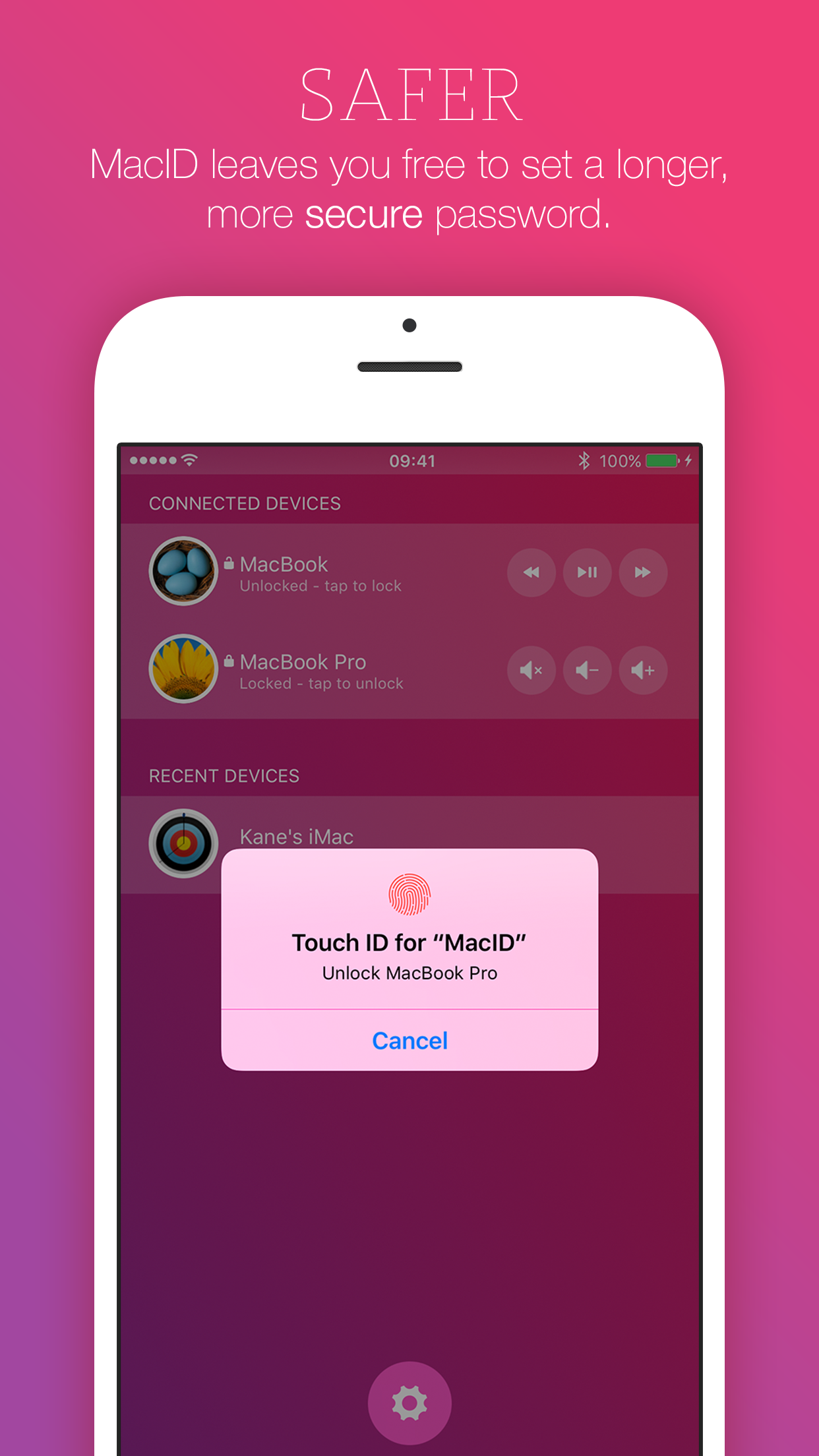
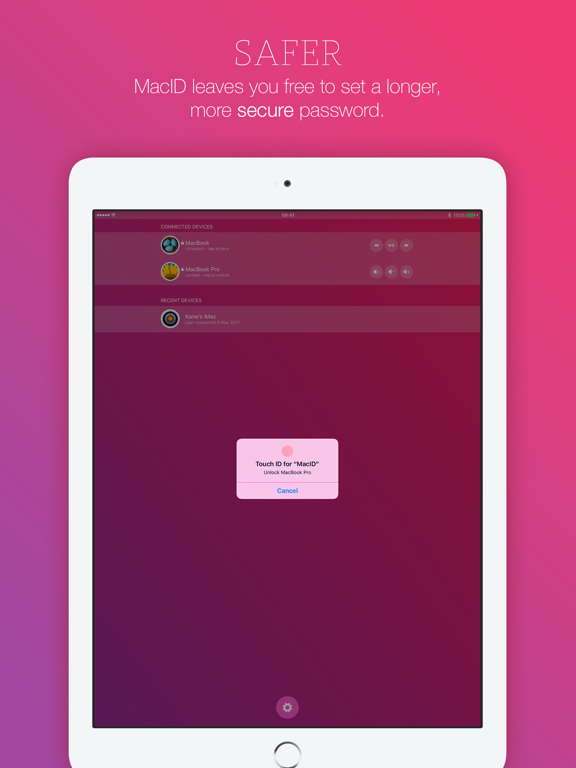
Unlock your Mac with just your fingerprint, passcode, or watch – without even unlocking your iOS device.
––––––––––––––––––––––––––
Requires a Mac with Bluetooth LE (Low Energy) running macOS Yosemite or newer, and an iOS device with Bluetooth LE running iOS 8 or newer.
Please make sure your devices support Bluetooth LE before purchasing MacID for iOS.
––––––––––––––––––––––––––

FEATURES
β€’ Works with multiple Macs, iOS devices and Apple Watches at once.
β€’ Unlock your Mac using Touch ID, Passcode, Apple Watch or Pebble.
β€’ Apple Watch Complication & background refresh for super quick access.
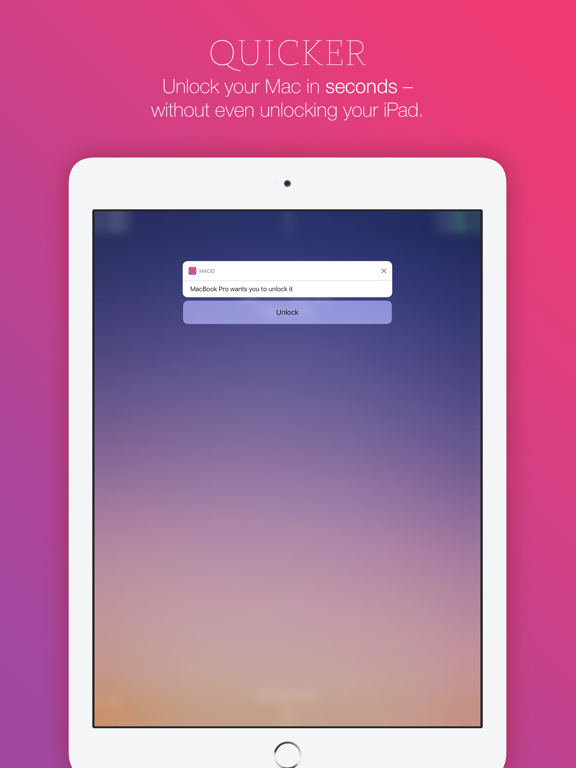
β€’ Interactive notifications – you don't even have to unlock your iOS device.
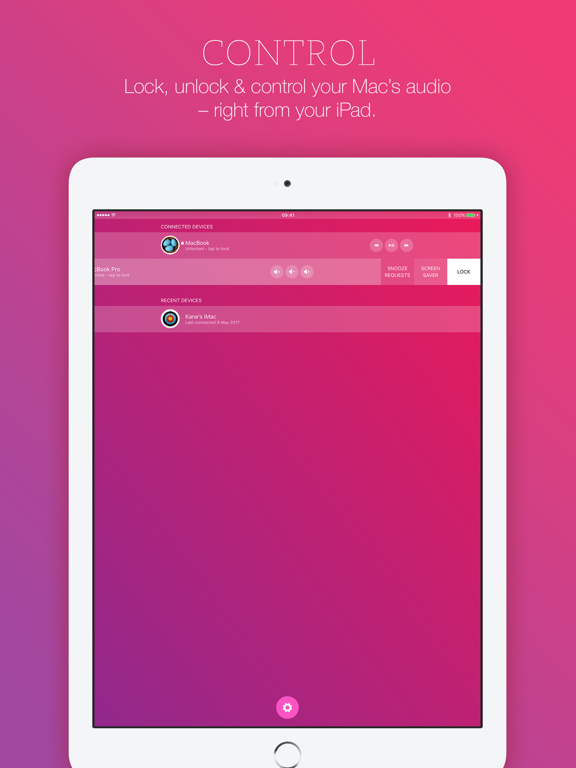
β€’ Control your Mac's audio – works with iTunes & Spotify!
β€’ Manually lock your Mac or start the screensaver remotely.
β€’ Auto-lock when your iOS device moves away from your Mac.
β€’ Proximity Wake & automatic unlocking when returning to your Mac.
β€’ 3D Touch shortcuts.
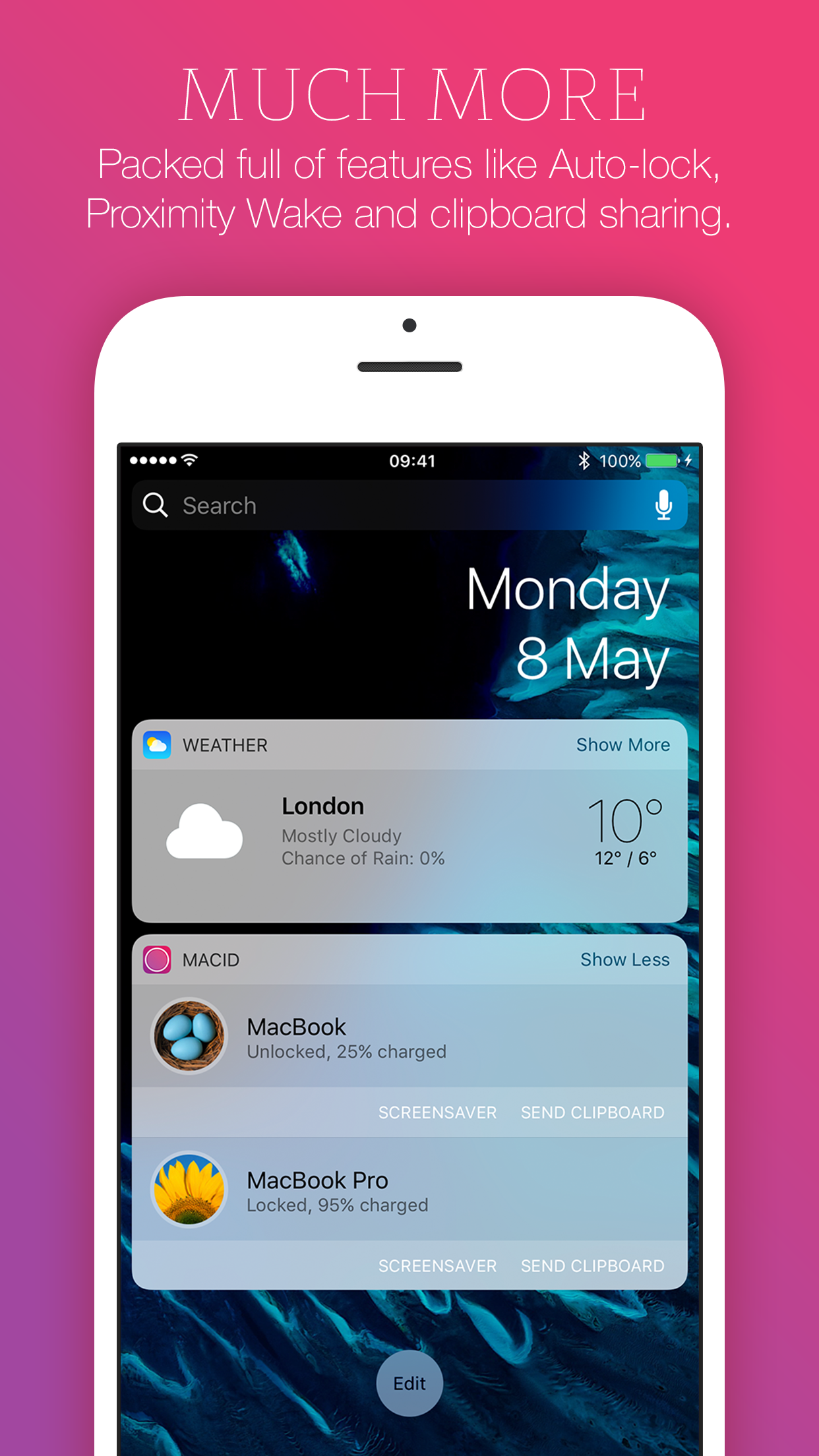
β€’ Notification Center widget – unlock your Mac from anywhere on your iOS device.
β€’ Share clipboard text to and from your Mac.
β€’ Choose from beautiful colour schemes.
β€’ Use MacID to authorise tasks that require your macOS admin password. (Admin accounts only)
β€’ MacID for macOS never connects to the Internet without your consent.
β€’ Your macOS password is never broadcast and never leaves your Mac.
β€’ Incredibly simple to use but packed full of features and options.
β€’ Automatically throttles connections during Low Power Mode to save even more battery.

INTERACTIVE NOTIFICATIONS
You don't even need to open the app to unlock your Mac. MacID intelligently notifies you when one of your connected Macs is woken up, which you can action directly from your iOS lock screen using either your fingerprint or passcode.

AUTHORISE
MacID can notify you when tasks require your macOS admin password, like moving protected files to Trash or changing a setting in System Preferences. (Admin accounts only)

AUDIO CONTROLS
You can also play, pause and skip iTunes & Spotify on your Mac remotely, as well as change the volume. Simply long-press on the audio controls to toggle between track and volume controls. Audio controls work anywhere the physical keys would on your Mac.

3D TOUCH
Press hard on the app icon to quickly access settings or to lock and unlock your Mac.

URL SCHEMES:
Create Home Screen shortcuts and URL schemes to lock and unlock your Mac from other apps.

CLIPBOARD SHARING
Ever needed to quickly share a phone number or piece of text between your Mac and iOS device? Clipboard sharing is built right into MacID – share any piece of text quickly and reliably. And now you can do it right from the Notification Center.

AUTO-LOCK
Enable auto-lock in MacID for macOS and your Mac will automatically lock when your iOS device moves away from it. You can even get notified when your Mac locks itself.

PROXIMITY WAKE
Enable Proximity Wake in MacID for macOS and your Mac will wake its display when your iOS device gets near. Simply authorise from the interactive notification MacID sends you to unlock your Mac, or enable automatic unlocking to have MacID do it for you.

WIDGET
MacID includes a handy Notification Center widget, which will show all your currently connected Macs and give you quick access to lock and unlock them from anywhere on your iOS device. You can even start a Mac's screensaver or share the clipboard.
––––––––––––––––––––––––––
Macs that support Bluetooth LE:

β€’ MacBook Air 2011+
β€’ MacBook Pro 2012+
β€’ iMac 2012+
β€’ Mac Mini 2011+
β€’ Mac Pro 2013+

Check if your Mac supports Bluetooth Low Energy: click the Apple menu > About This Mac > System Report > Bluetooth.

MacID for iOS needs to be paired with the free MacID for macOS companion app, which you must download from: macid.co/get
––––––––––––––––––––––––––
Featured as EE's "App of the Week" in the UK
One of Time Magazine's "5 Apps Not To Miss" and "7 Best Apple Watch Apps"
Featured in 100s of articles across the globe!
––––––––––––––––––––––––––
File size: 6802432
Launched countries: CAAUCNDZATAZBBBMCOCRDKECSVFIGHGRIDIELBLUMGNLNZPASGSKZASETWTRUAUYVEUSFRDEGBITJPRUAOARBYBEBRBGCLHRCZDOEGGTHKHUINILKZKEKWLTMOMYMXNGNOOMPKPEPHPLPTQAROSASIESLKCHTHTNAEUZVNBOEELVNIPYKHMZYEBHCYMTBJBFCGJOLAMLSNTZUGZW
Minimum OS version: 8.0
Release Date: 1421368705000
Published by Kane Cheshire
Website url: https://macid.co/
Publisher country: United Kingdom
Copyright Β© 2025. Made with β™₯ in London by AdScan.ai