Check the acquisition promise
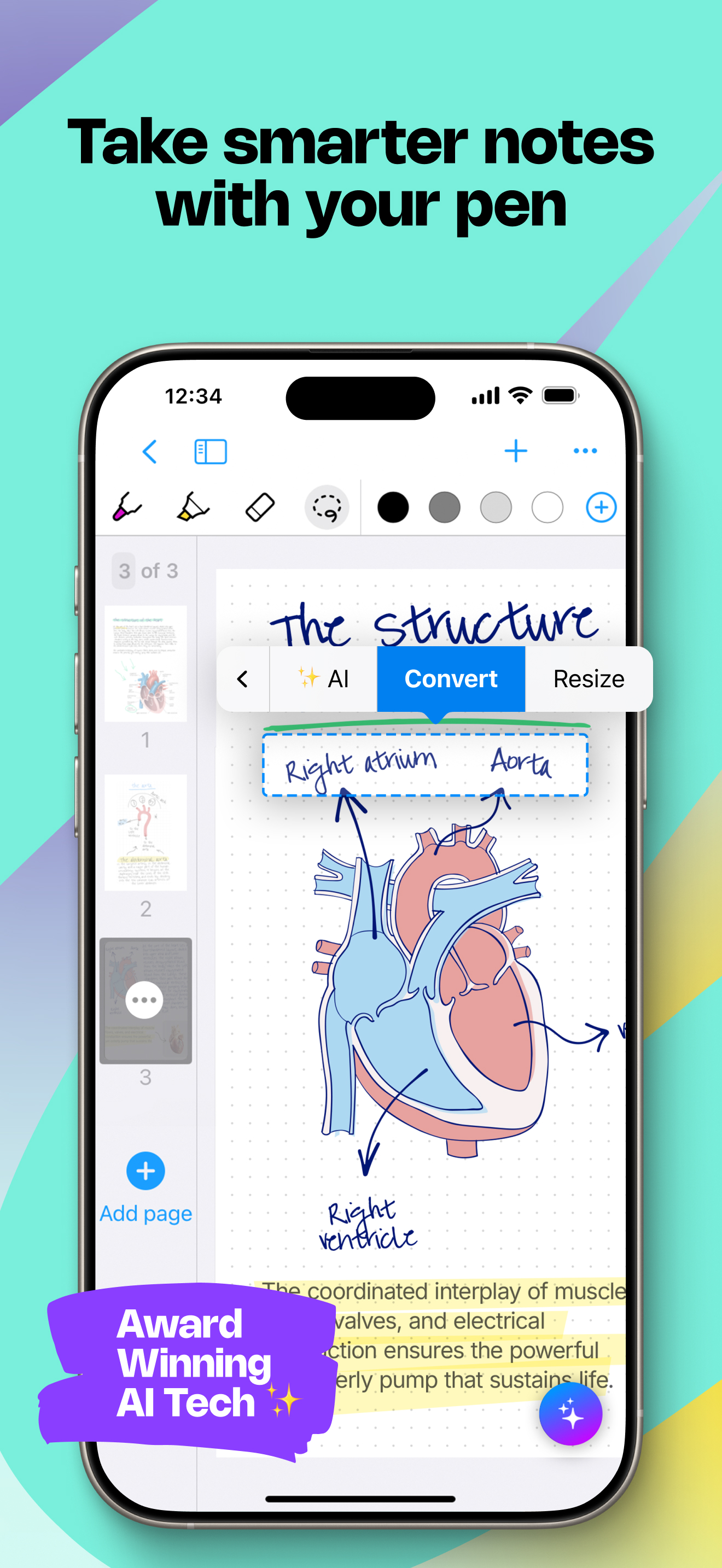
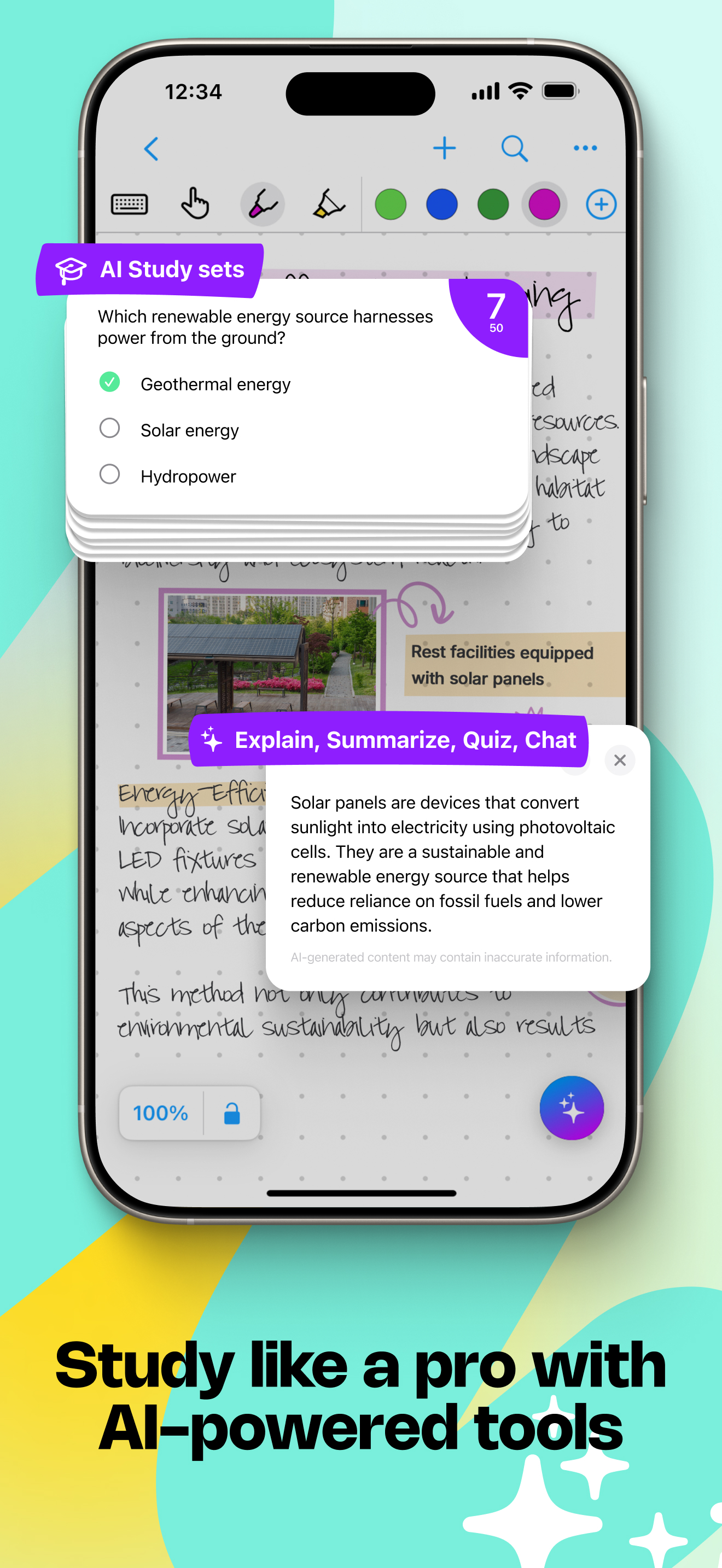
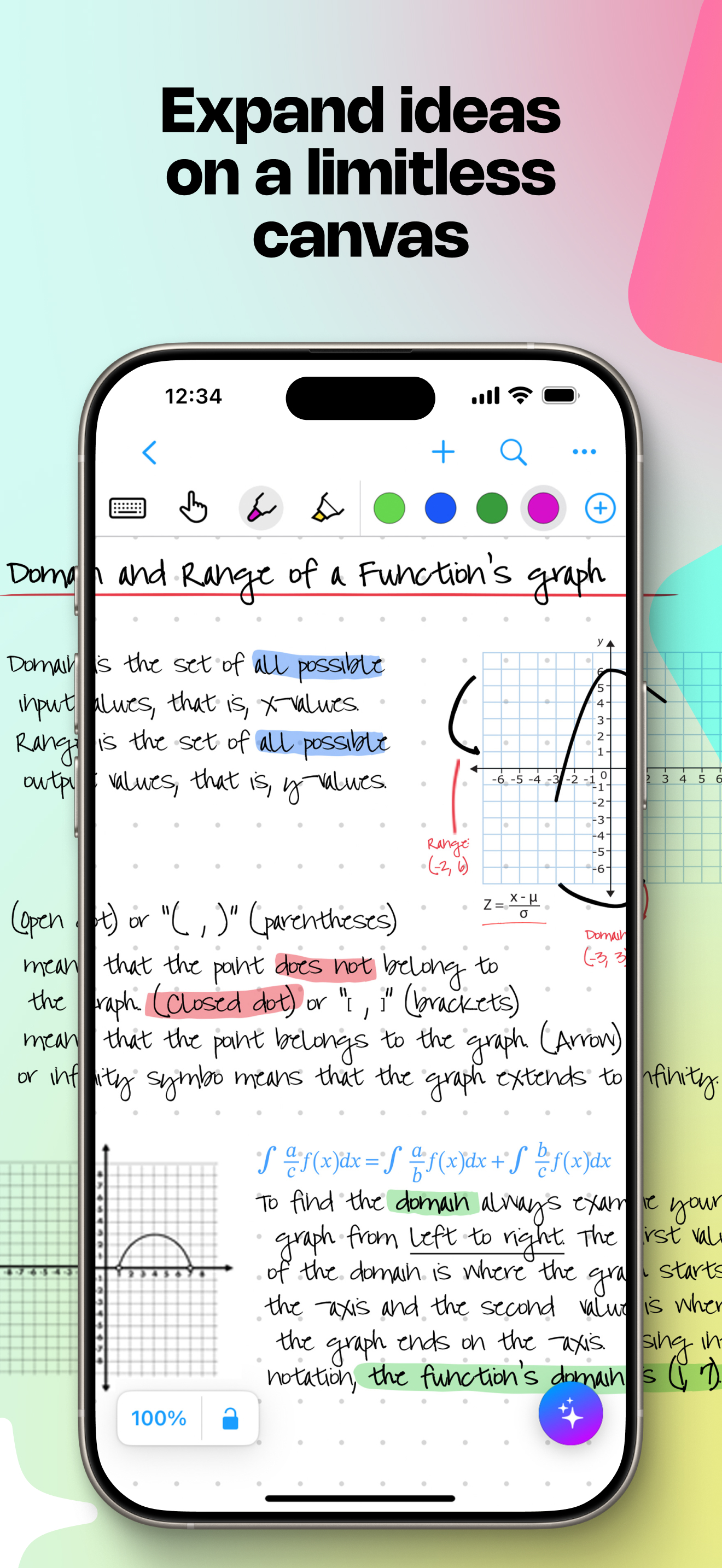
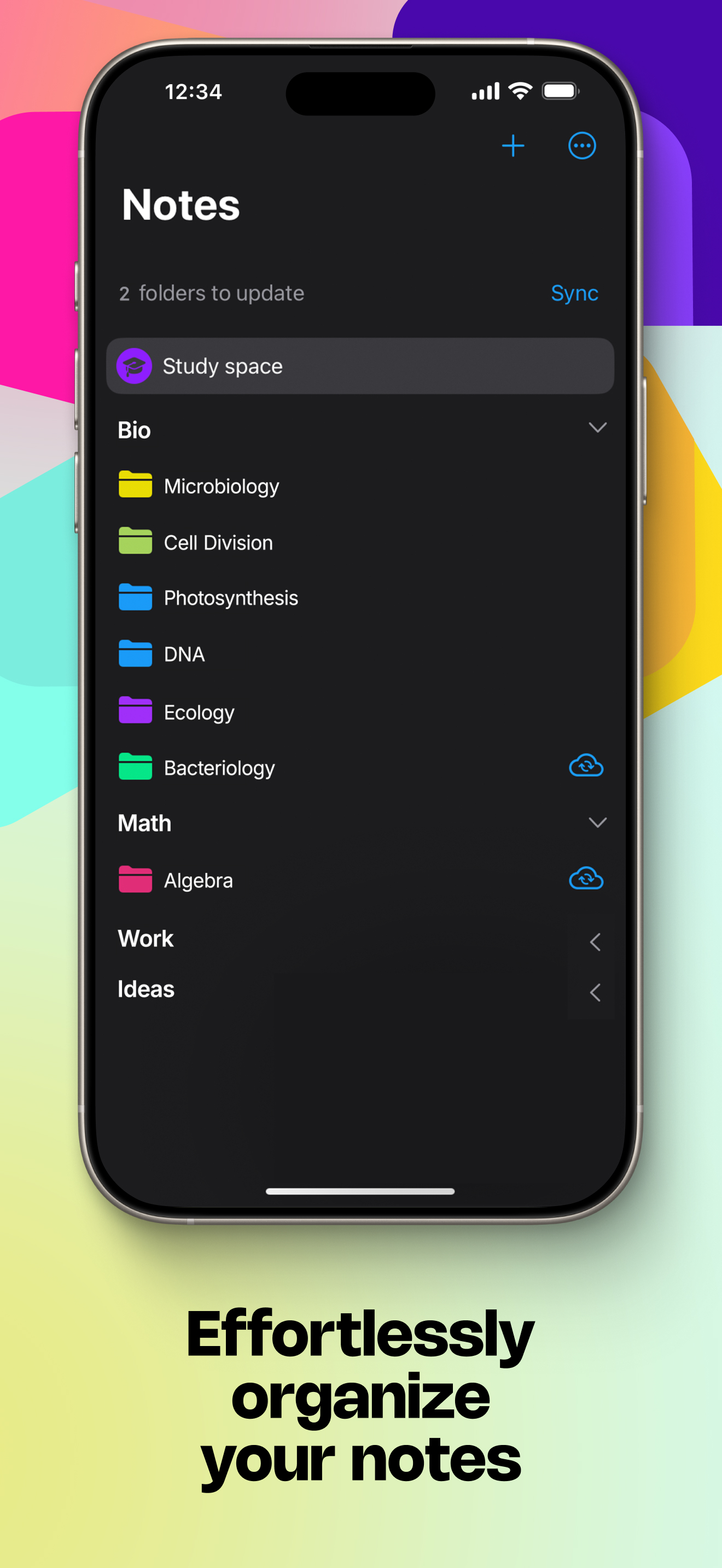
Read the store headline, screenshots and description. What problem is the app promising to solve?
Study the storefront ↗
MyScript · iOS
Explore the ad evidence, study the storefront, and build your next acquisition hypothesis.
01 / Creative research
Read the store headline, screenshots and description. What problem is the app promising to solve?
Study the storefront ↗Explore apps with direct store-link matches. Compare their hooks and formats without assuming the same approach works here.
Browse observed advertisers ↗Store rankings and revenue estimates describe market context. They do not establish ad spend, conversions or ROAS.
Review the market context ↗02 / Storefront & product
Study the product story and store experience behind the acquisition funnel.
03 / Market context
Keep revenue, downloads and store rankings separate from advertising performance.
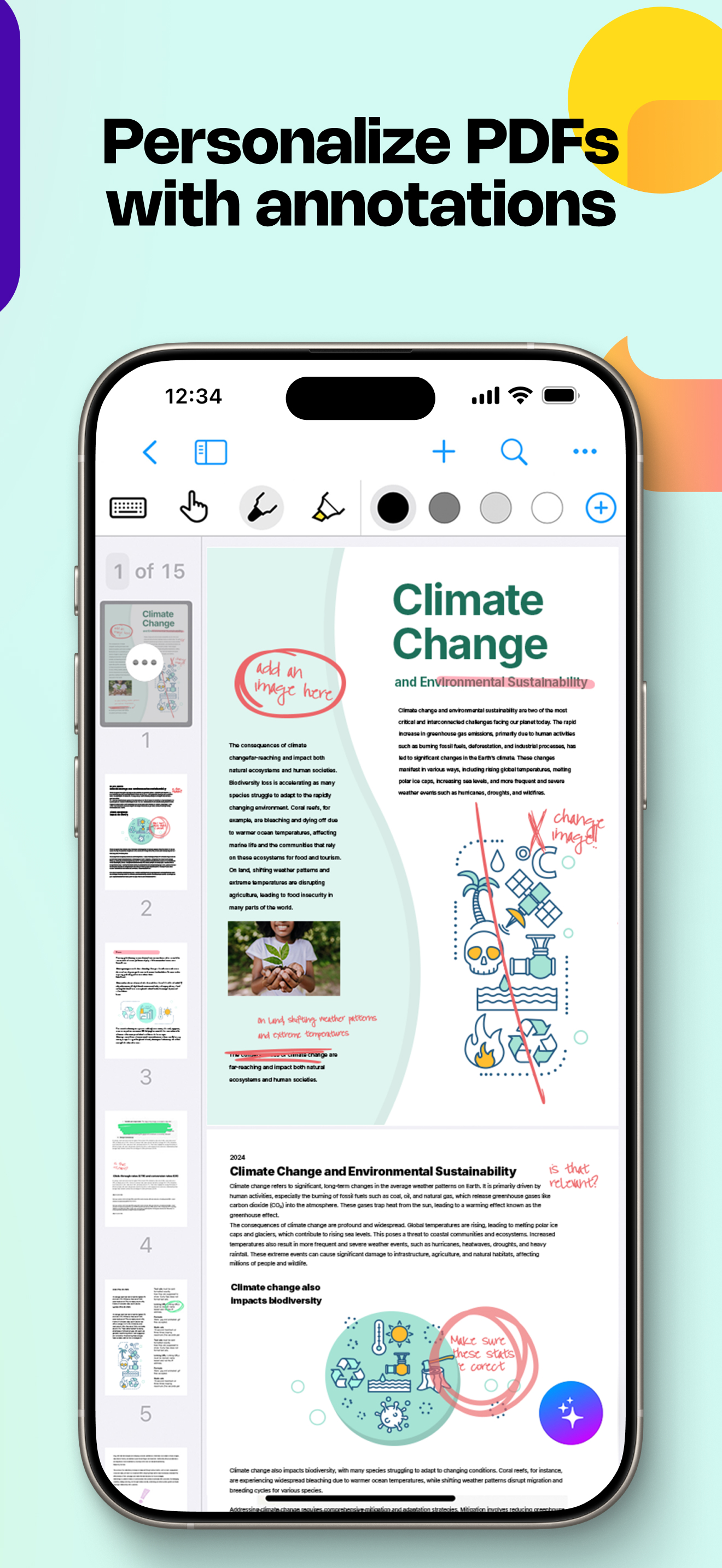
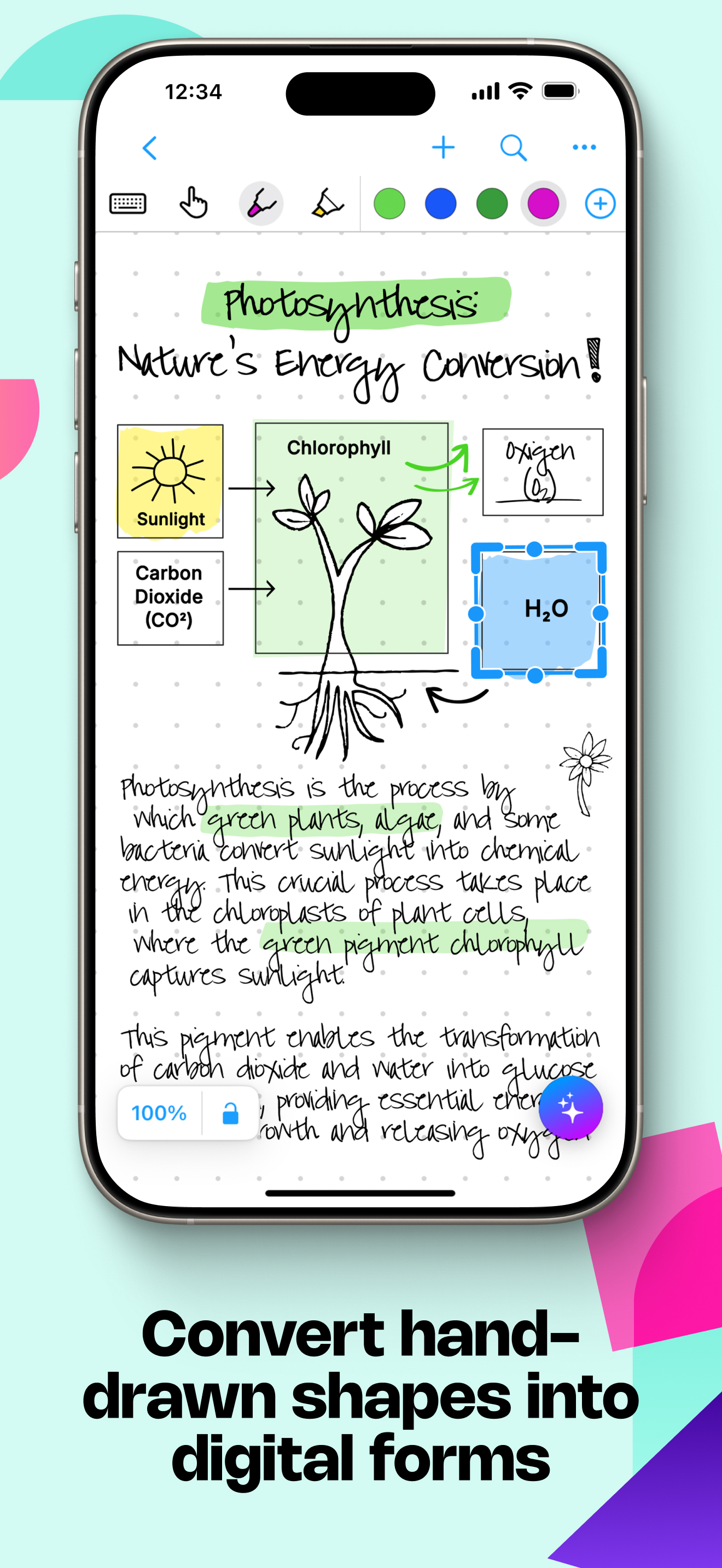
I have loved this app since I downloaded it several years ago & recommend it to everyone! I appreciate that unlike most apps I’ve tested, this one doesn’t immediately convert handwriting to text but instead allows you to double-tap when you’re ready to convert. I find that much less distracting than other methods! Nebo’s “note” mode has the ability to endlessly scroll in any direction, which is also apparently a rare feature that I needed. The “document” mode works wonderfully when I need to take general notes - sometimes it’s better than I am at deciphering my handwriting - and I love that I can add sections sketches and math amongst the normal text. I will say I am hoping for an update to PDF editing at some point - Nebo doesn’t seem to “remember” any part of the PDF that isn’t actively onscreen, and those parts have to reload and resize every time you move the PDF around. Not a deal-breaker for me but it’s gotten more annoying as I’ve started taking notes directly on lecture slides. Just hoping that the experience of moving around a PDF will become as smooth as moving around a board. Overall though, definitely the best note-taking app I’ve tried (and I’ve tried a lot!) and the pro version is a one-time purchase which I really appreciate!! Wish more software still used this model :)
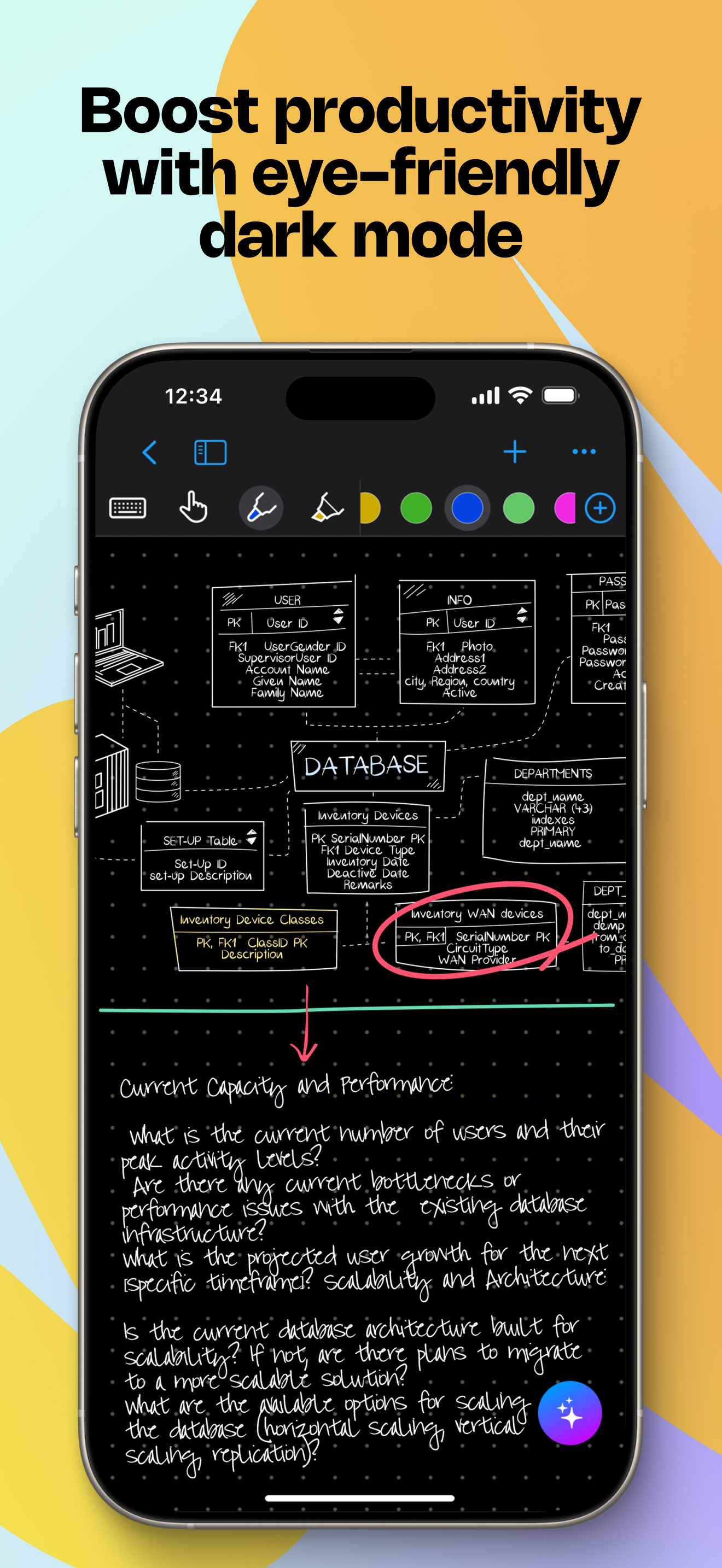
I’m old and my entire adult life I’ve been a writer: books, poetry, journals. And I always wrote longhand with pen on paper, which is nothing short of magical, or spiritual depending on your sensibilities. Nothing can replace the power of writing with a comfortable pen and a clean sheet of ruled paper. The problem is my cursive handwriting is brutal to read, and after writing the first draft of a novel out by hand and having to try to read and decipher it to type it up on a computer… well, it’s tedious and dispiriting to say the least, and the laboriousness of the task extends the process out longer than it should be, or, with Nebo, need be. While I will most likely always have regrets no longer writing with pen and paper, I will also always thank the gods of writing for the app. It can read my chicken scratch way better than I. And as for the transcription process from cursive to computer ready, ha ha, it’s now literally done at the speed of light instead of taking me long, brutal months filled with strained eyes and headaches. The only reason I give the blessing of an app 4 stars instead of 5 is because, like I said, I’m old and my vision isn’t the greatest, which makes the ruled lines mighty hard for me to see. So, once there is an option to darken, or lighten, the lines, then yeah, consider this a 5-star review… and then some.
Not sure if anyone in the fields of math/physical sciences who uses this app has already suggested this, but it would be GREATLY appreciated if nebo was able to provide a mode where the entire handwritten text could be converted to Latex, so that it would be functional for writing proofs, derivations, theorems, laws, etc. As of now there is no app with this capability, which is why it is so crucial for math/physical sciences students to learn Latex typesetting in order to write research papers and longer works that include both natural spoken language and mathematical symbols. However, I feel that Nebo has the potential to fill this space, seeing how powerful the "Math" section that can be added to regular pages already is. While it is very useful and well made, it is limited since ordinary languages like English cannot be recognized in the same section. If Nebo were able to develop a way to recognize and convert hand written mathematical proofs and other similar types of text to Latex, it would absolutely be the primary notes app of choice for EVERY individual studying higher level math, physics, or chemistry. Suggestions aside, Nebo is an amazing app with all of its other features!!
Create stunning notes and professional documents effortlessly by hand, brainstorm ideas on an infinite canvas, and annotate PDFs seamlessly. Powered b...
| Name | Price | Type |
|---|---|---|
| MyScript Notes – Full Access (Monthly) | $1.99 | Monthly |
| Essentials Pack | $4.99 | One-time |
| PDF Pack | $4.99 | One-time |
| PDF Pack | $4.99 | One-time |
| Connect Pack | $4.99 | One-time |
| MyScript Notes – Full Access (Annual) | $7.99 | Yearly |
| Nebo Pro | $9.99 | One-time |
| Full version | $9.99 | One-time |
| Full version | $14.99 | One-time |
| MyScript Notes – Full Access | $24.99 | One-time |