Check the acquisition promise
Read the store headline, screenshots and description. What problem is the app promising to solve?
Study the storefront ↗
Locometric · iOS
Explore the ad evidence, study the storefront, and build your next acquisition hypothesis.
01 / Creative research
Read the store headline, screenshots and description. What problem is the app promising to solve?
Study the storefront ↗Explore apps with direct store-link matches. Compare their hooks and formats without assuming the same approach works here.
Browse observed advertisers ↗Store rankings and revenue estimates describe market context. They do not establish ad spend, conversions or ROAS.
Review the market context ↗02 / Storefront & product
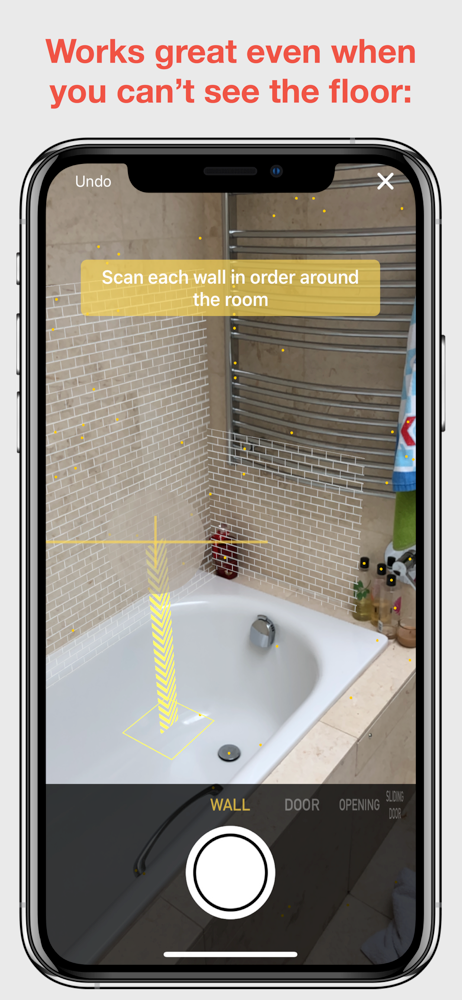
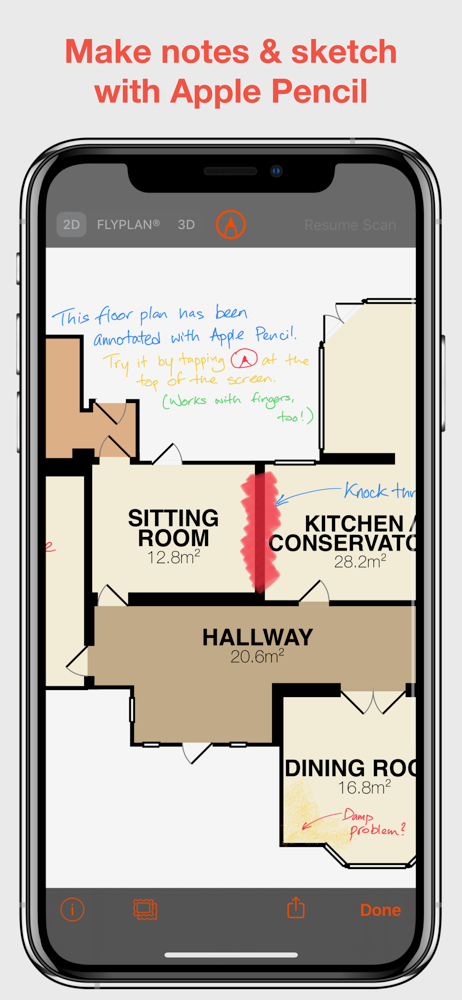
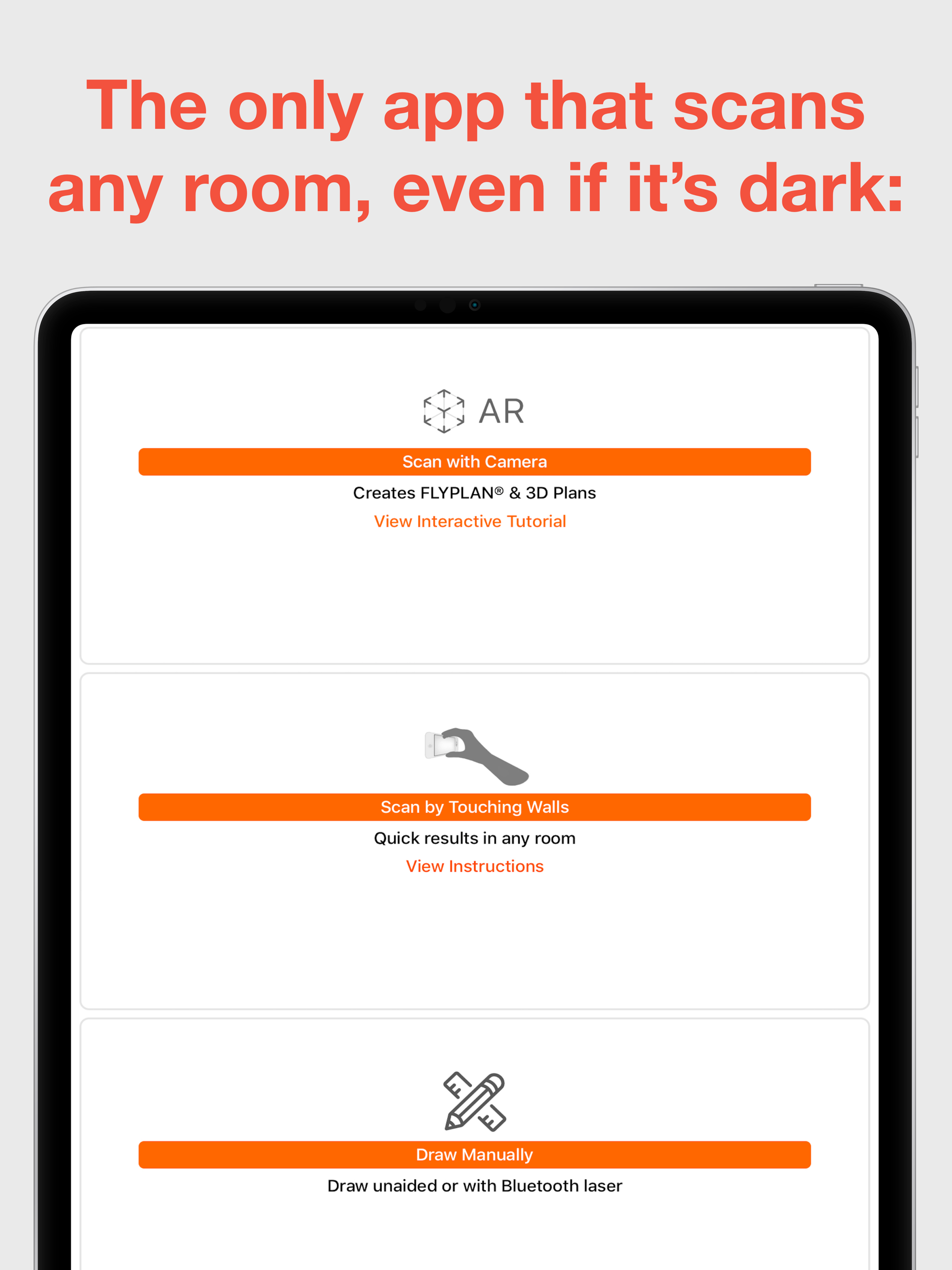
Study the product story and store experience behind the acquisition funnel.



03 / Market context
Keep revenue, downloads and store rankings separate from advertising performance.
....because of a lot of recent negative reviews. However, all of the measurement apps have a lot of negative reviews and I liked the way the developers here responded. So I went ahead. Measured and joined 2 rooms in approximately 20 minutes. Easy-Peasy. Love it! Read the instructions. Dig around a bit in settings. There are 2 places you need to hit to change all measurements from meters to feet or vice-versa- that’s the only moment of passing frustration I had. I would like to be able to measure windows and doors in the app, is the only thing I feel is missing so far- and there might be a way to do that I haven’t found yet. This is great! Get it.
I am glad I found this app, because my room plans have some unusual angles with small doorways. I needed a floor plan to plan for a bathroom remodel. This app is very difficult to learn how to work with. Yes, I read the instructions, and was able to use the “touch” method with my phone. However, it kept telling me I had not touched after returning to the wall after the start point, when I had. So, I had to keep trying over and over. I couldn’t get the AR method to work for me. I tried the Get Assistance email, but no one got back to me today. I also had problems with linking another room thru a doorway—the two rooms weren’t properly aligned (remember the doorways are narrow—24” wide, and set at angles), and I had problems trying to rotate and slide them into position. In two rooms, the measurements surrounding a window area aren’t accurate, and I don’t know how to correct that. Needs more support FAQs, or instructions.
I admire the app’s comprehensive functionality to map the entire plan of a home or building, especially the wall touch feature. I would like to provide one major recommendation. But first, a prelude . . . . I read some of the reviews and I noted a single common thread among those that have a problem with the app. The app has many complex features that require practice to handle. Some of the features are not inherently obvious. It took me at least twelves times to map my home adequately. This implies, along with the looking at some of the reviews, that there is a steep learning curve to understand the app at a competent level. With that said, my recommendation is to provide more extensive videos and/or training instructions for users. The current videos are helpful, but is lacks how to accomplish the finer details on essential functions to pull all the information together harmoniously - like how to add additional rooms to existing rooms, adding openings, editing, etc. These are some of the things I grappled with. I saw the potential, so I stuck with it until I found the solutions. In summary, the this app has powerful capacities, yet it currently requires the user to adapt to its capability at a deliberately moderate rate.
RoomScan Classic is our older app — ten years old in fact! For recent iPhone and iPad models, please use RoomScan Pro LiDAR. RoomScan Classic creates...
| Name | Price | Type |
|---|---|---|
| Full Unlock (monthly) | $3.99 | Monthly |
| Full Unlock (Annual) | $39.99 | Yearly |