
Check the acquisition promise
Read the store headline, screenshots and description. What problem is the app promising to solve?
Study the storefront ↗
AXL NUNEZ · iOS
Explore the ad evidence, study the storefront, and build your next acquisition hypothesis.
01 / Creative research
Read the store headline, screenshots and description. What problem is the app promising to solve?
Study the storefront ↗Explore apps with direct store-link matches. Compare their hooks and formats without assuming the same approach works here.
Browse observed advertisers ↗Store rankings and revenue estimates describe market context. They do not establish ad spend, conversions or ROAS.
Review the market context ↗02 / Storefront & product
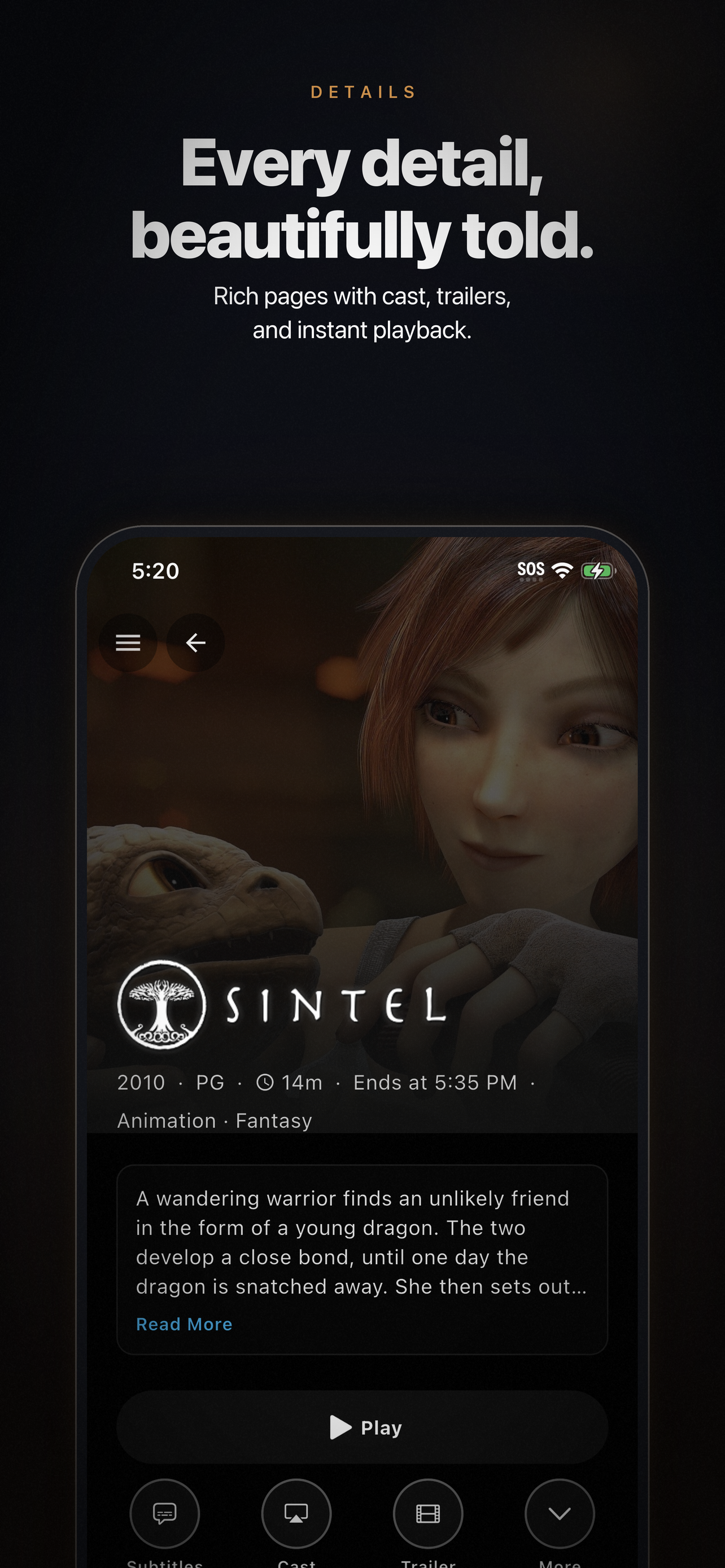
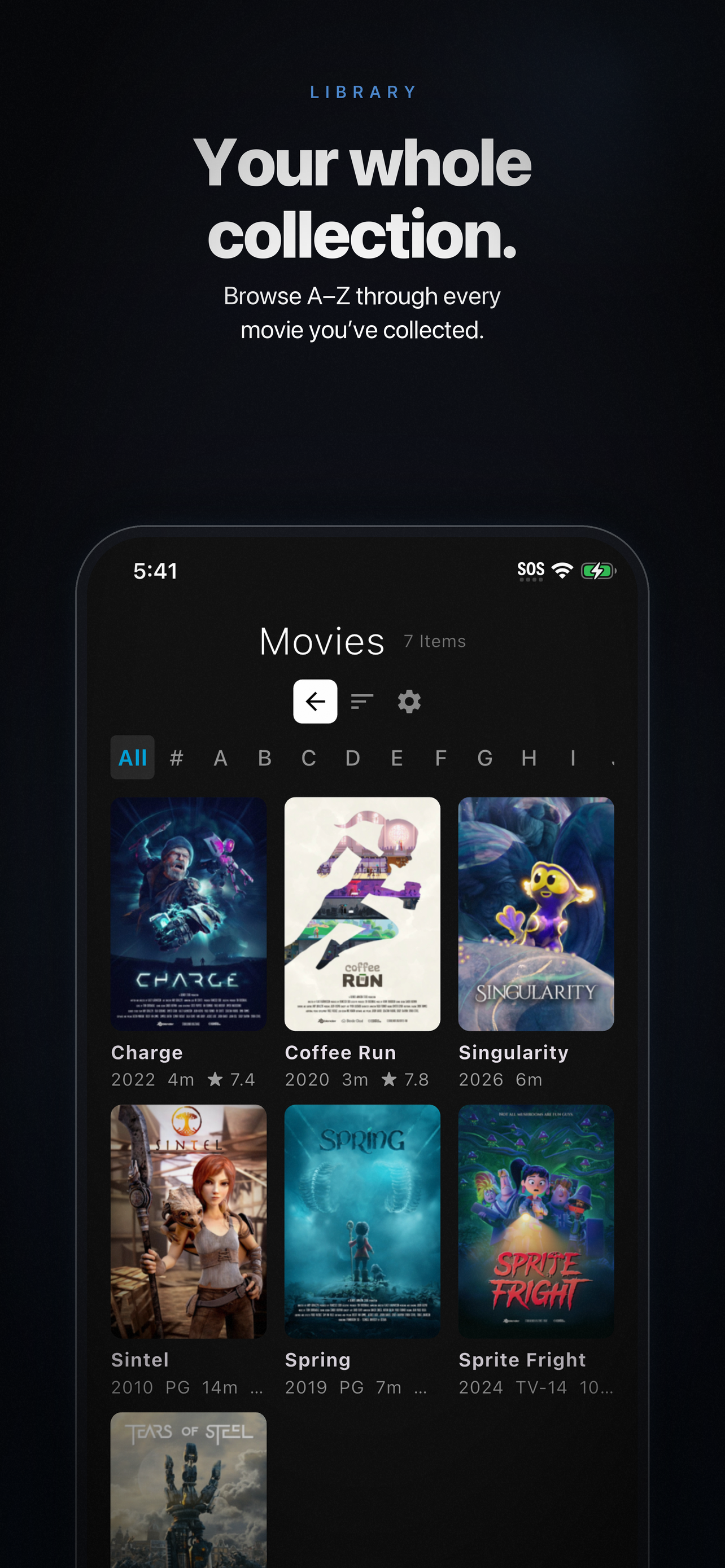
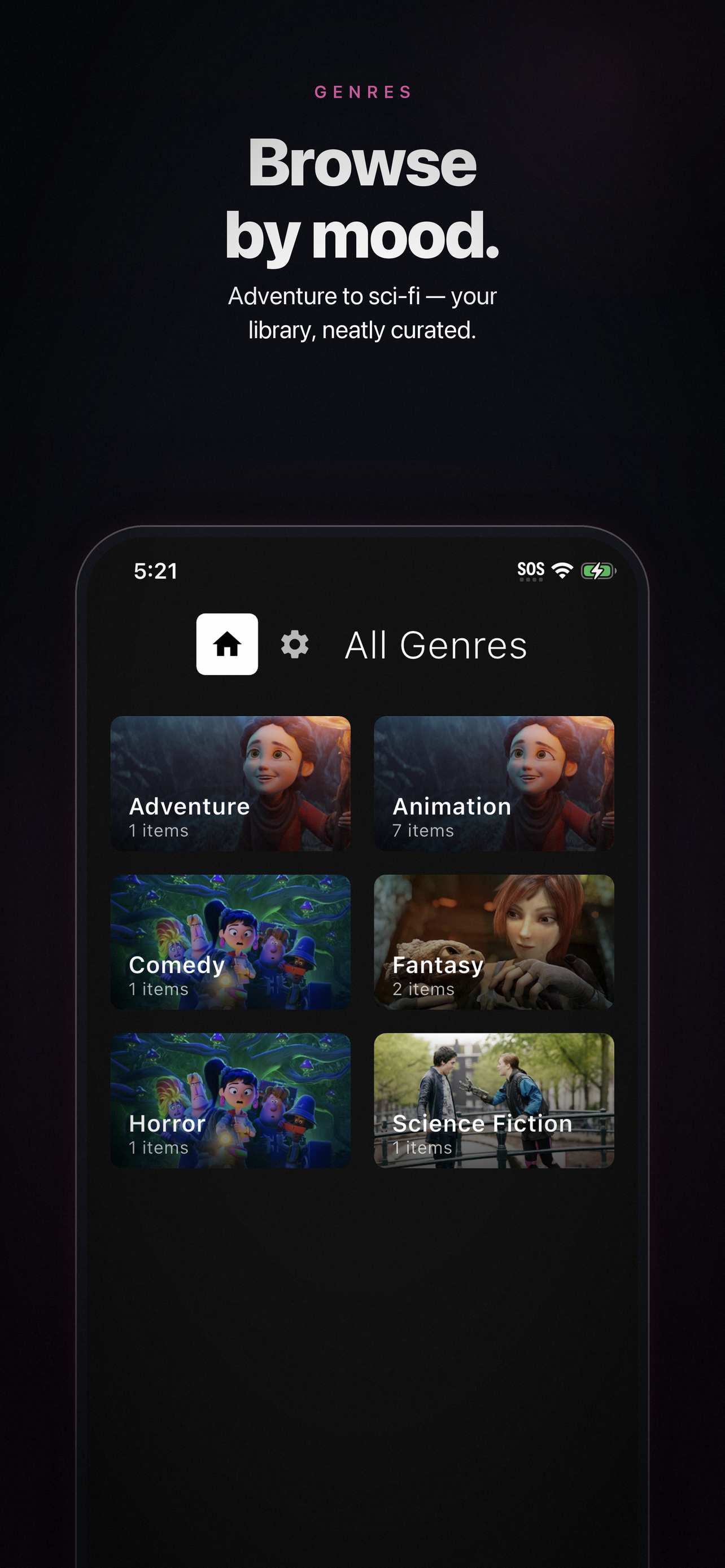
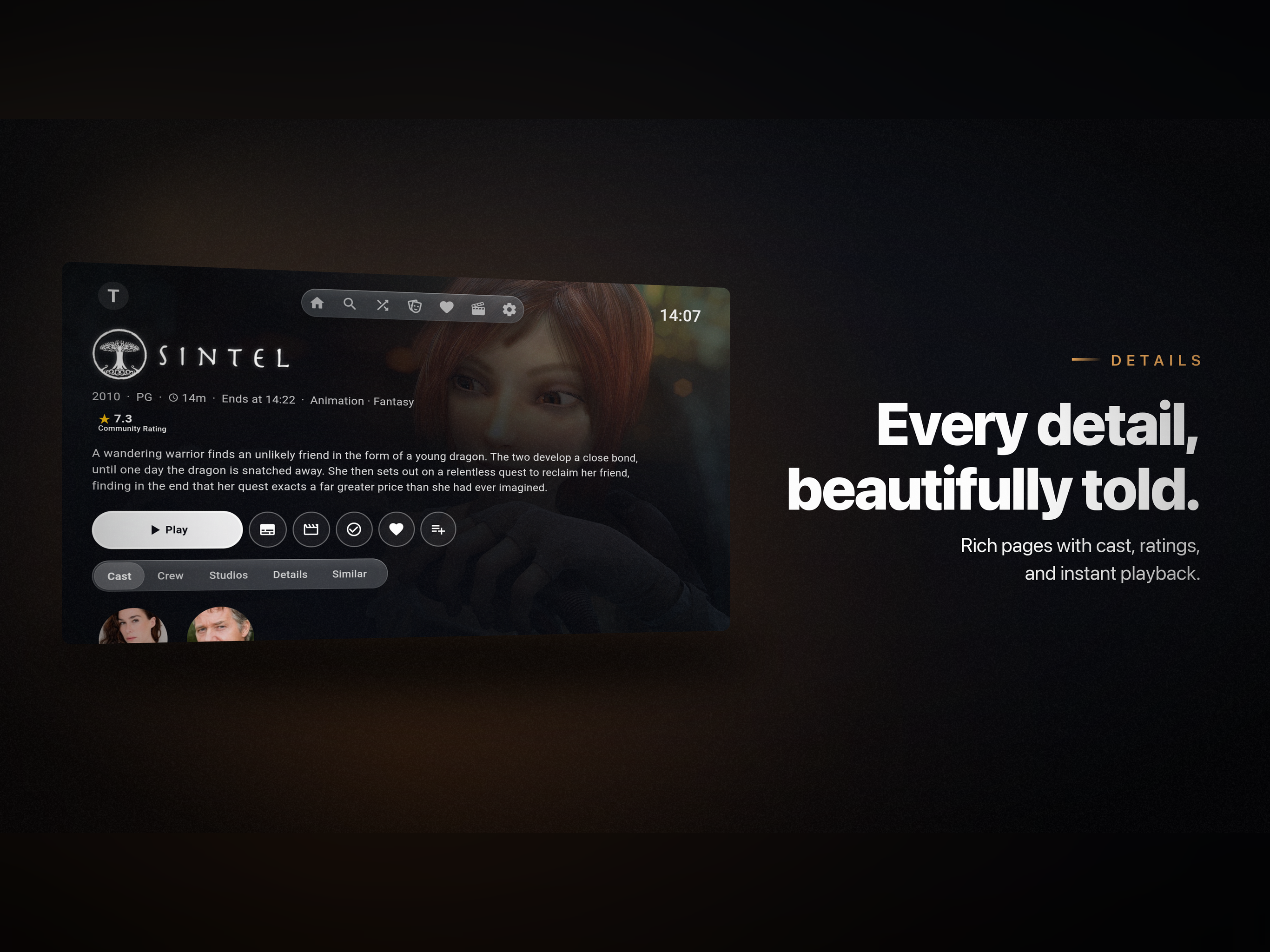
Study the product story and store experience behind the acquisition funnel.




03 / Market context
Keep revenue, downloads and store rankings separate from advertising performance.
I love how much you can customize the app to make it look exactly how you want. The interface and home screen look so much better now thanks to all the improvements the developer has been making. I also really like the new animations—they make the app feel much more polished. Playback works well overall, but I did notice one bug. If I’m watching something, pause it, lock my phone, then unlock it and press play again, the screen turns white. I have to exit the video and reopen it for playback to work normally. Another thing I’d like to point out is the Skip Outro button. I don’t like that it stays on the screen the entire time. I’d prefer if it appeared for a few seconds and then faded away. I don’t mean it should disappear completely—I still want to be able to skip the outro if I choose. The button could simply hide visually and reappear if I tap the screen. Some shows detect the outro very early (sometimes around eight minutes before the episode actually ends), so having the Skip Outro button visible for that long distracts from the viewing experience. Other than those minor issues, everything has been great. I know this is still a relatively new project, and I’m really happy with the progress that’s being made. I’m excited to see how the app continues to improve.
Thankfully, there are many Jellyfin clients available these days, and most of them are excellent. I just ran into Moonfin, and it’s now my go to app on iOS. The interface is beautiful, and definitely feels premium. The best features that set it apart is the ability to easily download content from your server for offline viewing, and a very clean interface for switching users. Compared to Plex, the one thing I liked about Plex (I’ve dropped it for good now) was its clean way of switching profiles, which Jellyfin lacks. This app does the best job creating a nice user profile view for easily switching between users. Great job!
I really love this app! Moonfin is one of the best-looking Jellyfin clients I’ve ever used. The UI is clean, modern, smooth, and very pleasant to use on my MacBook. The design and overall experience are clearly well thought out — great job by the developers! However, I’m facing one annoying issue: When playing 4K and higher content over my local LAN network, the app forces transcoding instead of Direct Play. This results in reduced video quality, occasional stuttering, and extra load on the server. I’m using a MacBook (macOS). I hope the team can fix this problem in future updates
Moonfin brings your Jellyfin and Emby experience to iOS, MacOS, and tvOS in one polished app. Whether you’re on the couch or on the go, Moonfin makes...


