Check the acquisition promise
Read the store headline, screenshots and description. What problem is the app promising to solve?
Study the storefront ↗
WAC Lighting · iOS
Explore the ad evidence, study the storefront, and build your next acquisition hypothesis.
01 / Creative research
Read the store headline, screenshots and description. What problem is the app promising to solve?
Study the storefront ↗Explore apps with direct store-link matches. Compare their hooks and formats without assuming the same approach works here.
Browse observed advertisers ↗Store rankings and revenue estimates describe market context. They do not establish ad spend, conversions or ROAS.
Review the market context ↗02 / Storefront & product
Study the product story and store experience behind the acquisition funnel.


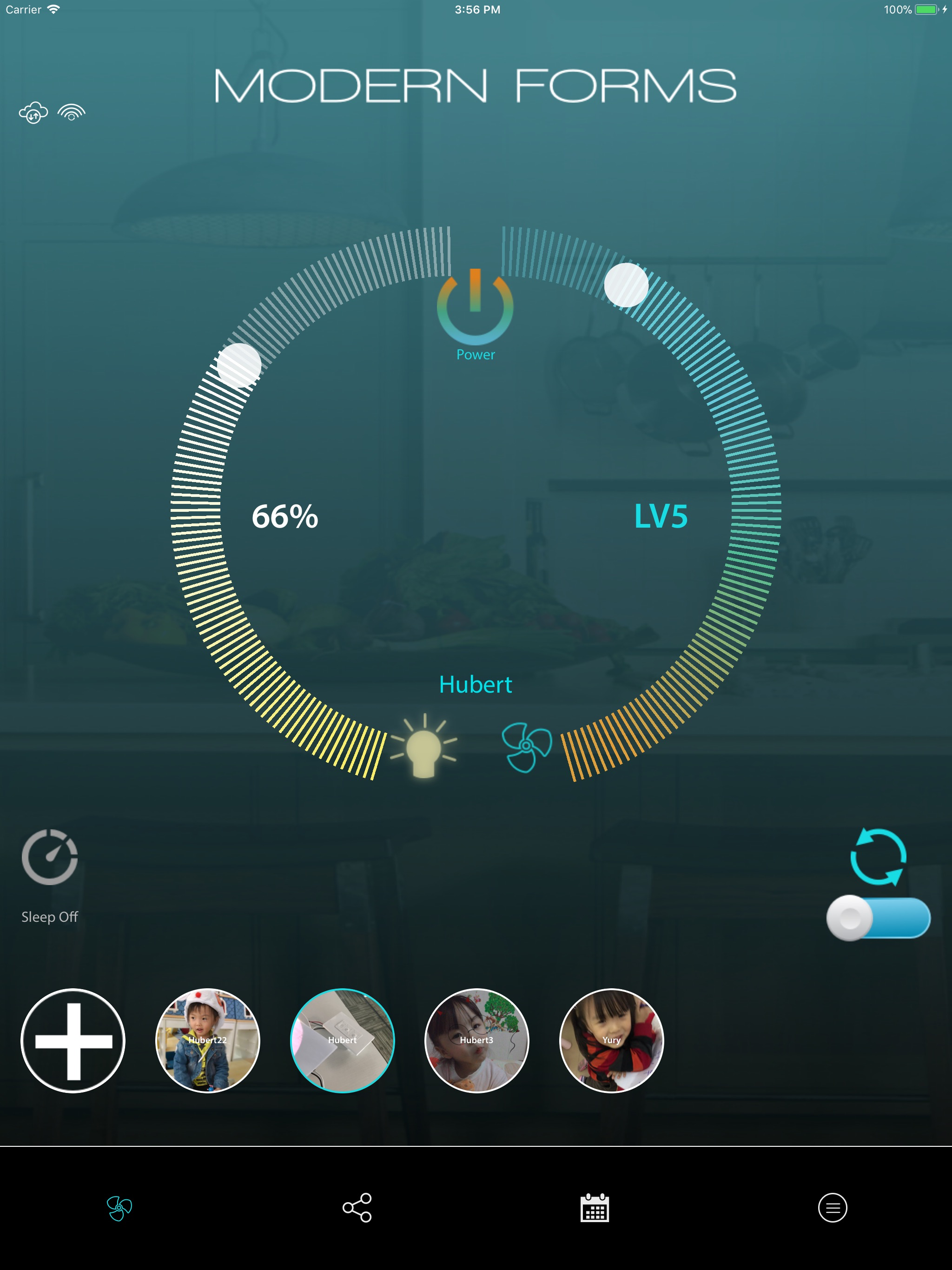

03 / Market context
Keep revenue, downloads and store rankings separate from advertising performance.
Getting this app to connect and work with your fans is problematic at best and enraging at its worst. This has has been nothing but frustrating trying to get the app to even connect with the remote and then it seems quite random as to when it chooses to work or not. I had the issue of connecting it with the app and then the wall controls wouldn’t work, only way I could change the settings then was via the app which was not ideal. I have found that the only thing that seems to work for this fan is just set it and forget it, otherwise you just never know what hoops you have to jump through to turn on the light or change the fan speed. I changed internet providers recently and have the joy of trying to get this fan and app switched over - on day 2 now of this ridiculous exercise. No problems with the other 15 or so items I had to switch over, this fan is the last item and the one causing the most problems. Never would I ever choose this brand again. Good luck getting this to work - with today’s technology it shouldn’t be this difficult!
I honestly wish this fan had no wifi claim and came without an app at this point. Both the app and the wifi connection are some of the worst I’ve seen. For those struggling to connect, you have to delete the app and reinstall it. Thankfully it takes less than 1 minute now, so it’s not that much of a pain. The problem is that you are often stuck waiting for it to connect in the 1st place. The reason I gave it more than 1 star, is because it does work most of the time. But we do not live in a world where that is good enough. It is completely inexcusable to expect your customer to be happy with this service. I’m honestly shocked by the number of great reviews. Because I have read a lot of 1 star reviews which confirm what I have experienced. So I question the authenticity of some of the rave experiences out there. Since I have acquired this app, I have had a flood of problems. Unfortunately I am stuck with the fans in the house, otherwise this would be replaced by something that works.
We have had this fan for three or four years. We have always managed to get it to work, though it can be finicky. It recently stopped working from Alexa. I tried resetting it from the wall control, but the app would just keep spinning at the point where it is searching for the network. I finally tried uninstalling the app from my iPhone (rebooted phone before reinstalling). Then when I got to the part where it searches for the network, I was able to manually add the name and password for my home network (click the network icon at the bottom of that page to be able to manually add). Now it is working again. I hope that helps someone else who is having trouble with getting stuck on the spinning network search.
Modern Forms smart fans make life simpler every day, that’s what modern luxury is all about. Control your Modern Forms smart fan from anywhere with fe...