
Check the acquisition promise
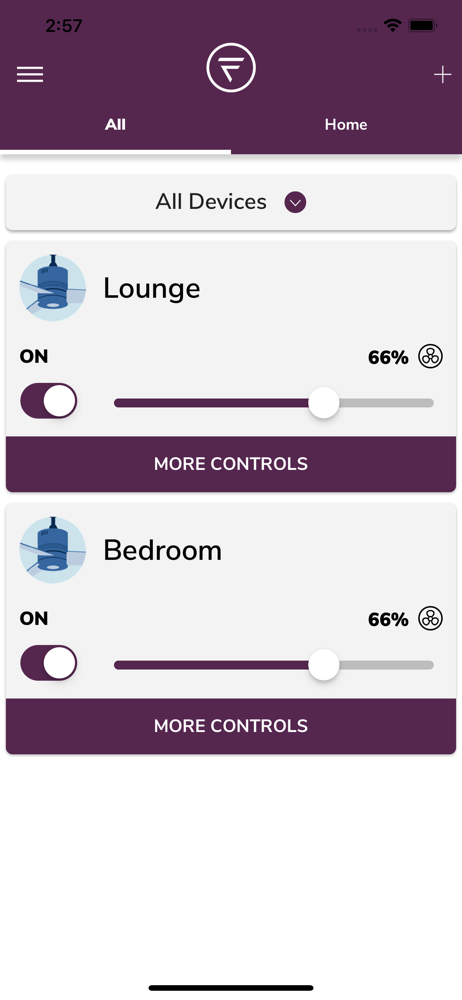
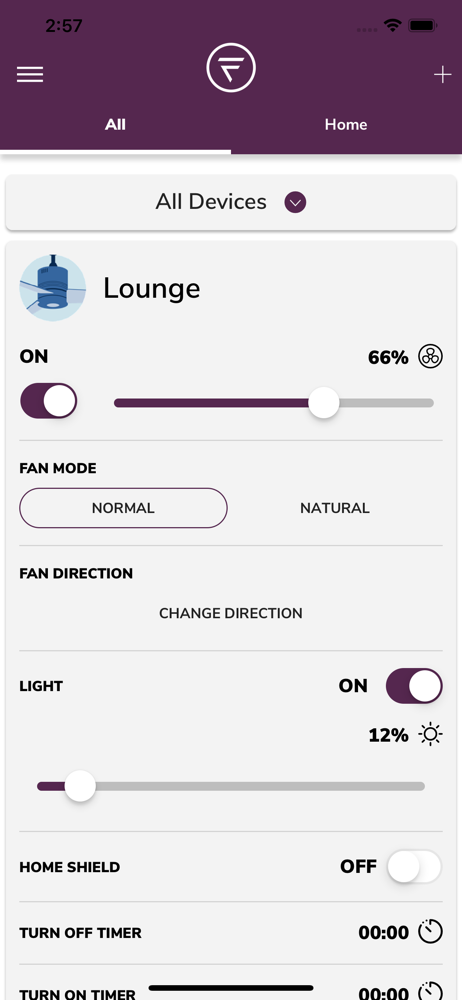
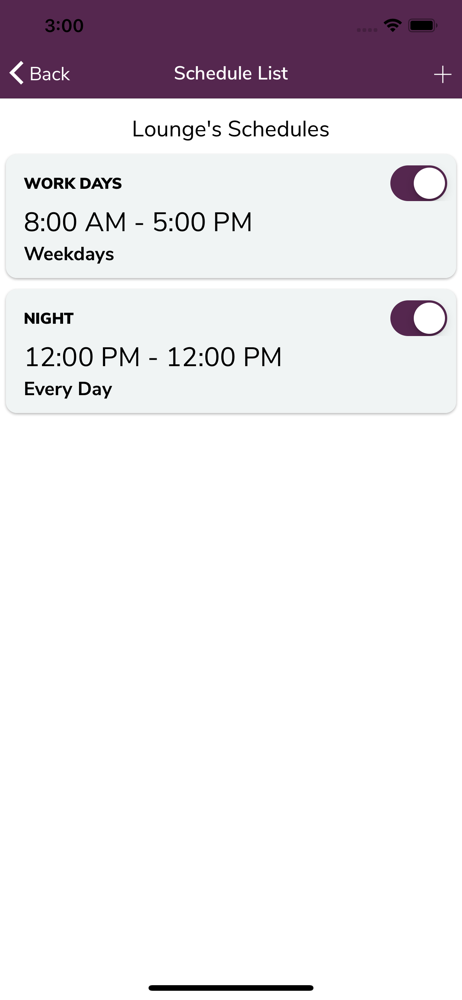
Read the store headline, screenshots and description. What problem is the app promising to solve?
Study the storefront ↗
Fanimation, INC. · iOS
Explore the ad evidence, study the storefront, and build your next acquisition hypothesis.
01 / Creative research
Read the store headline, screenshots and description. What problem is the app promising to solve?
Study the storefront ↗Explore apps with direct store-link matches. Compare their hooks and formats without assuming the same approach works here.
Browse observed advertisers ↗Store rankings and revenue estimates describe market context. They do not establish ad spend, conversions or ROAS.
Review the market context ↗02 / Storefront & product
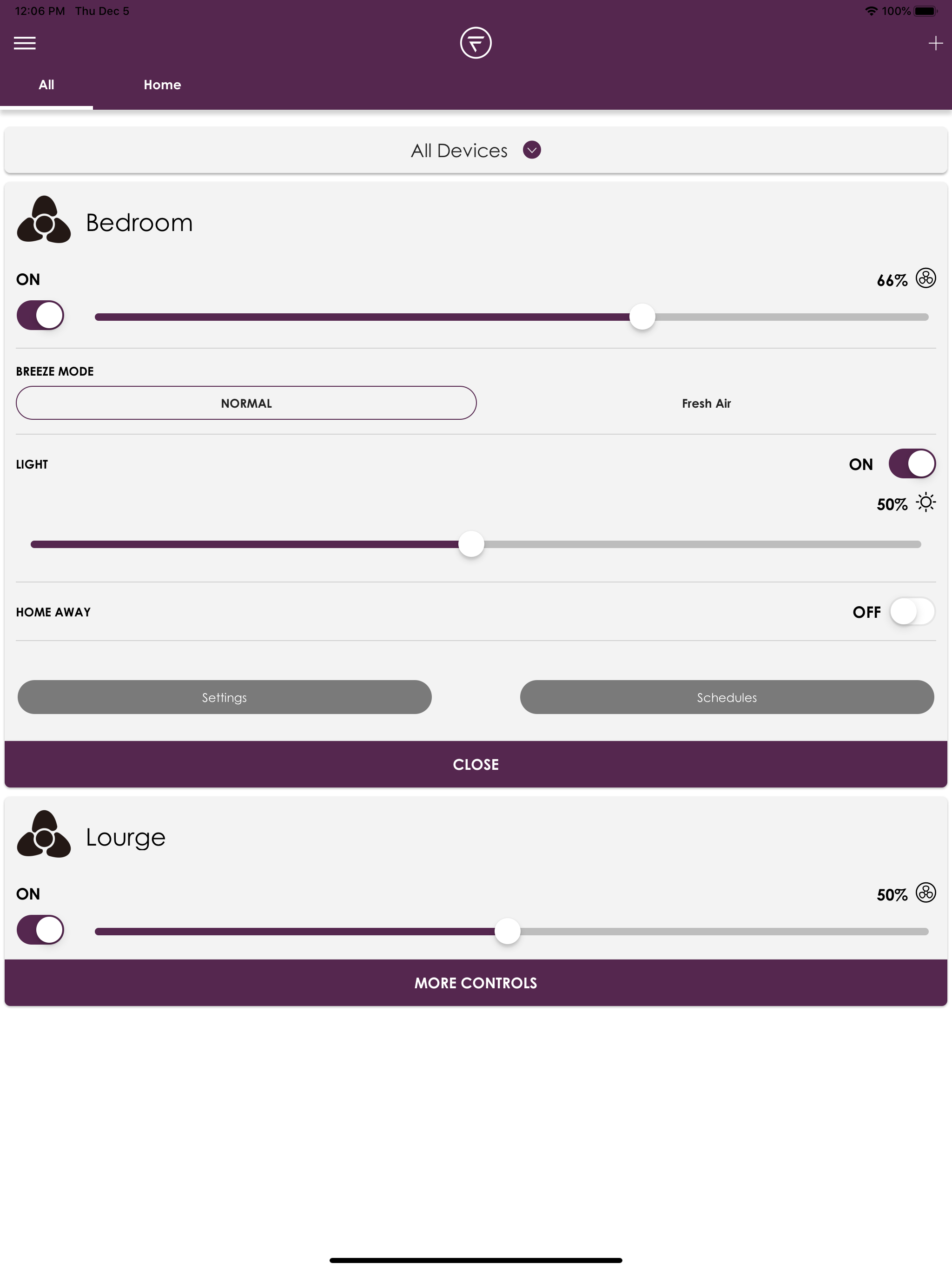
Study the product story and store experience behind the acquisition funnel.

03 / Market context
Keep revenue, downloads and store rankings separate from advertising performance.
The app gives you the option of remembering the network to which you add the first fan. If you do this, you can’t add any more fans because it does not allow you to forget the network, and it also will not allow you to select the correct network for adding any subsequent fans. This still happens even with deleting and reinstalling the app and deleting and making a new account.
This worked fine for me with a TriAire Custom 48 inch fan both lights and fan on my local WiFi. I cannot speak to remote use or voice activation and I think folks should give this a try if they want to control their fan and light over their local network.
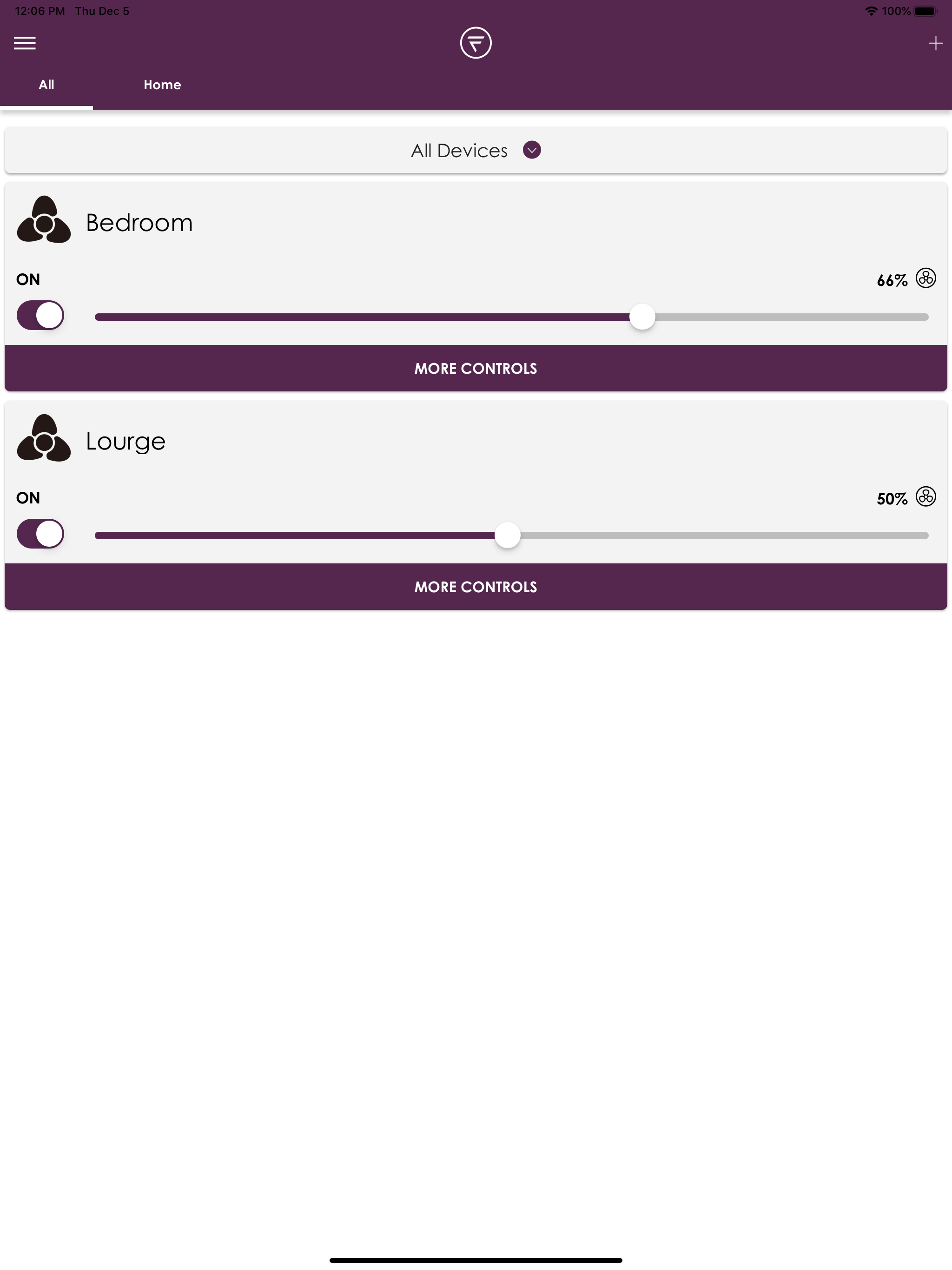
I decided to purchase 4 Fanimation fans because of their quality. The app regularly doesn’t work well which I will address but one problem I have is that I purchased and installed 3 Kute fans and one Hugh fan. The FanSync app works with the Kute fans but not with the Hugh fan. I’m not sure why Fanimation would sell fans that don’t work with the FanSync app. Anyway, I gave the app 2 stars mainly because when it is working it’s great. But it doesn’t work often. When it doesn’t work, the controls for the fan won’t work. For instance you move a slider and it will go back to the original position. You click a button to turn on the fan and it won’t turn on. One work around I found works is that I restart my device then everything works. I use an iPad and an iPhone. Also doesn’t work with Apple HomeKit. Fanimation needs to fix this.
fanSync WiFi by Fanimation. Control your ceiling fan from anywhere using our WiFi receiver accessory sold separately. Control using the fanSync WiFi...


