Check the acquisition promise
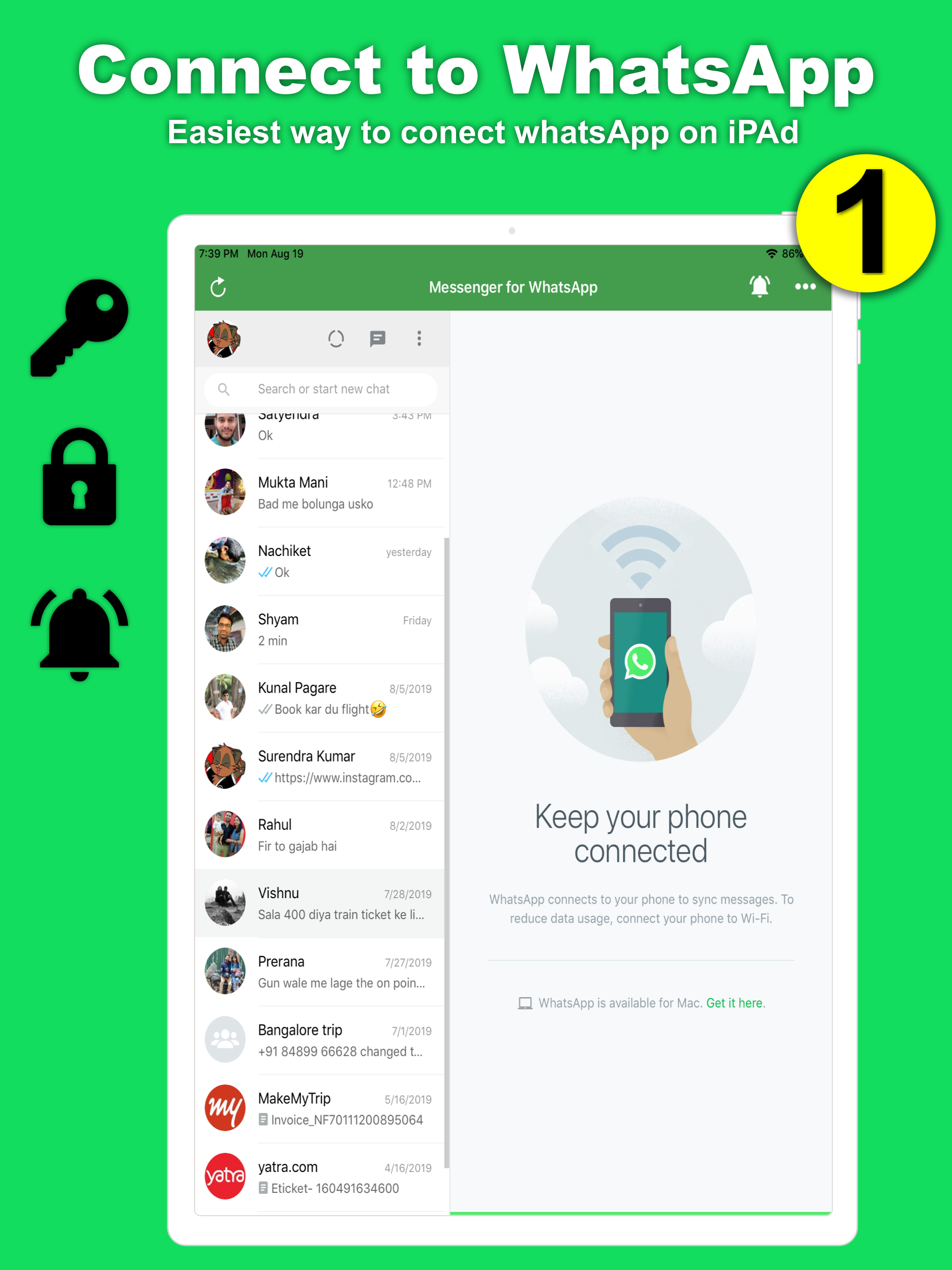
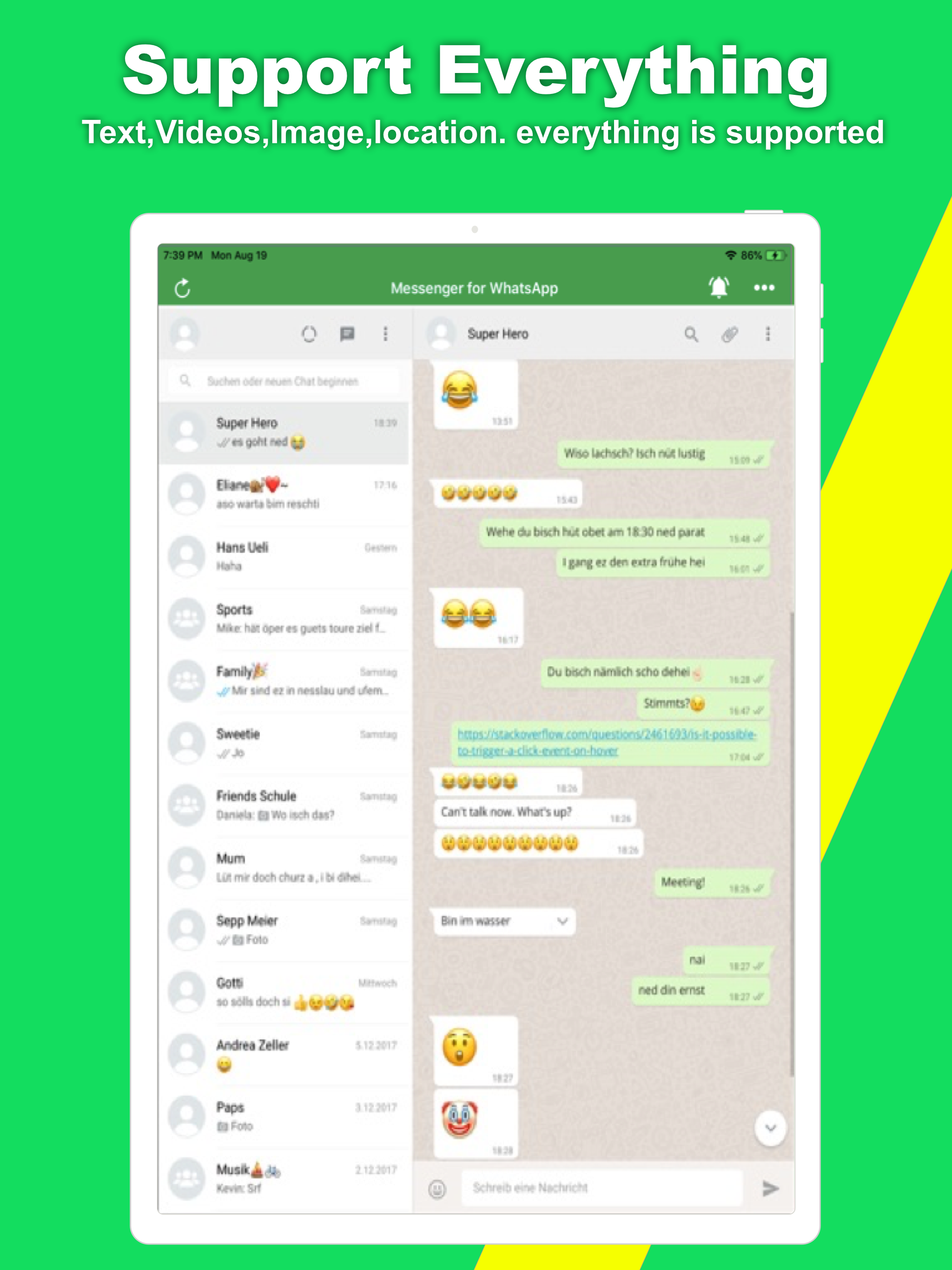
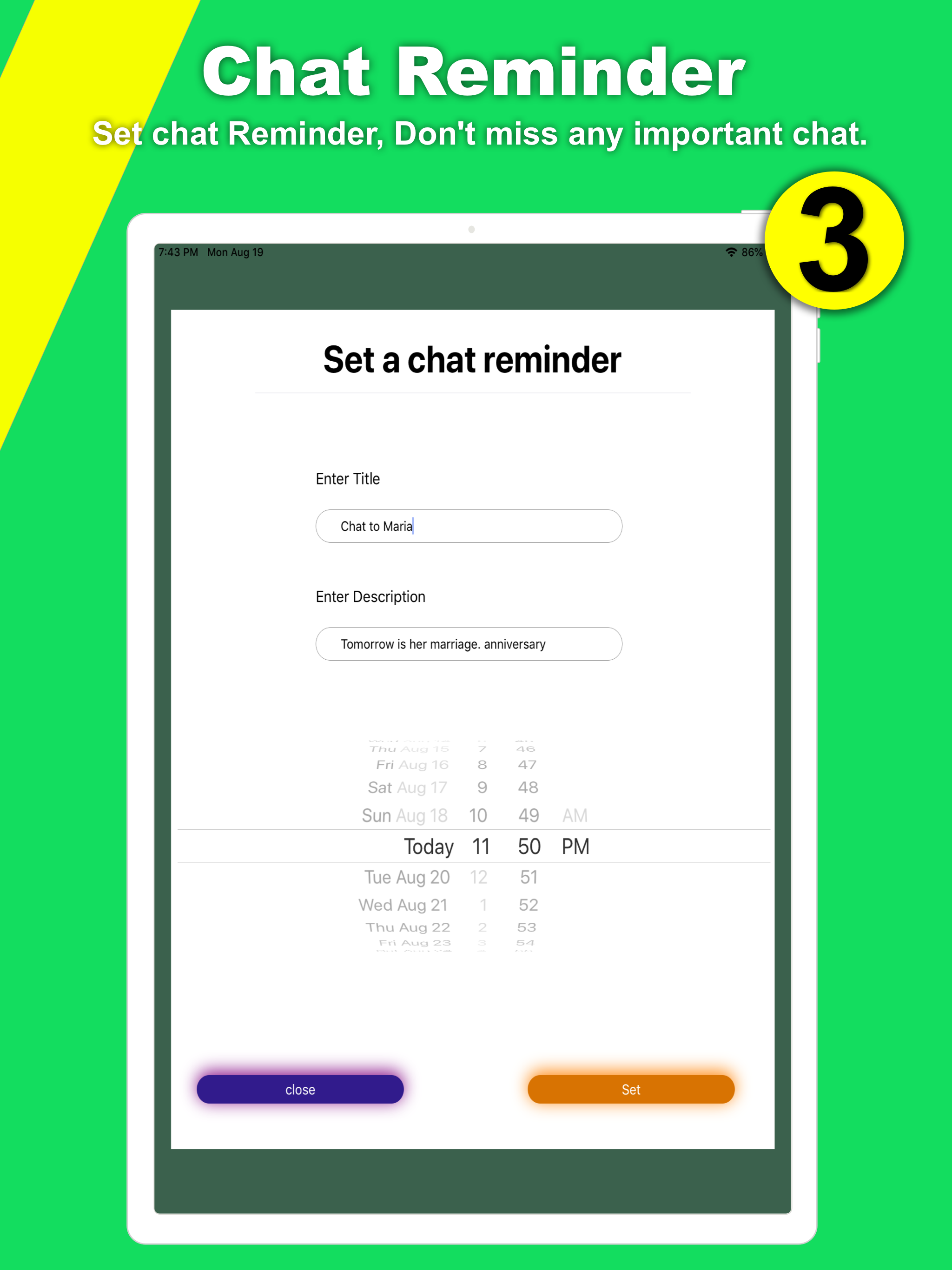
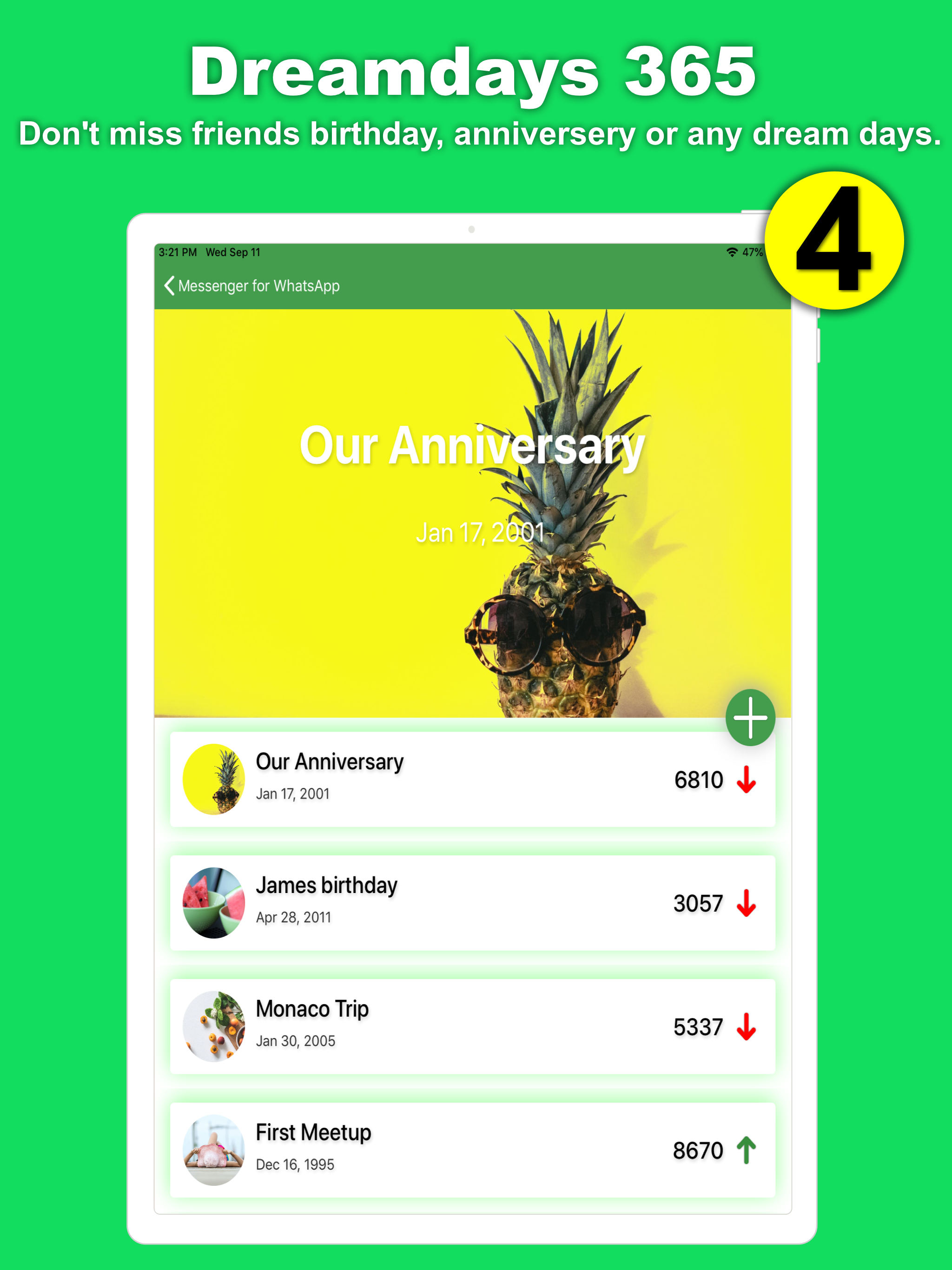
Read the store headline, screenshots and description. What problem is the app promising to solve?
Study the storefront ↗
surendra kumar · iOS
Explore the ad evidence, study the storefront, and build your next acquisition hypothesis.
01 / Creative research
Read the store headline, screenshots and description. What problem is the app promising to solve?
Study the storefront ↗Explore apps with direct store-link matches. Compare their hooks and formats without assuming the same approach works here.
Browse observed advertisers ↗Store rankings and revenue estimates describe market context. They do not establish ad spend, conversions or ROAS.
Review the market context ↗02 / Storefront & product
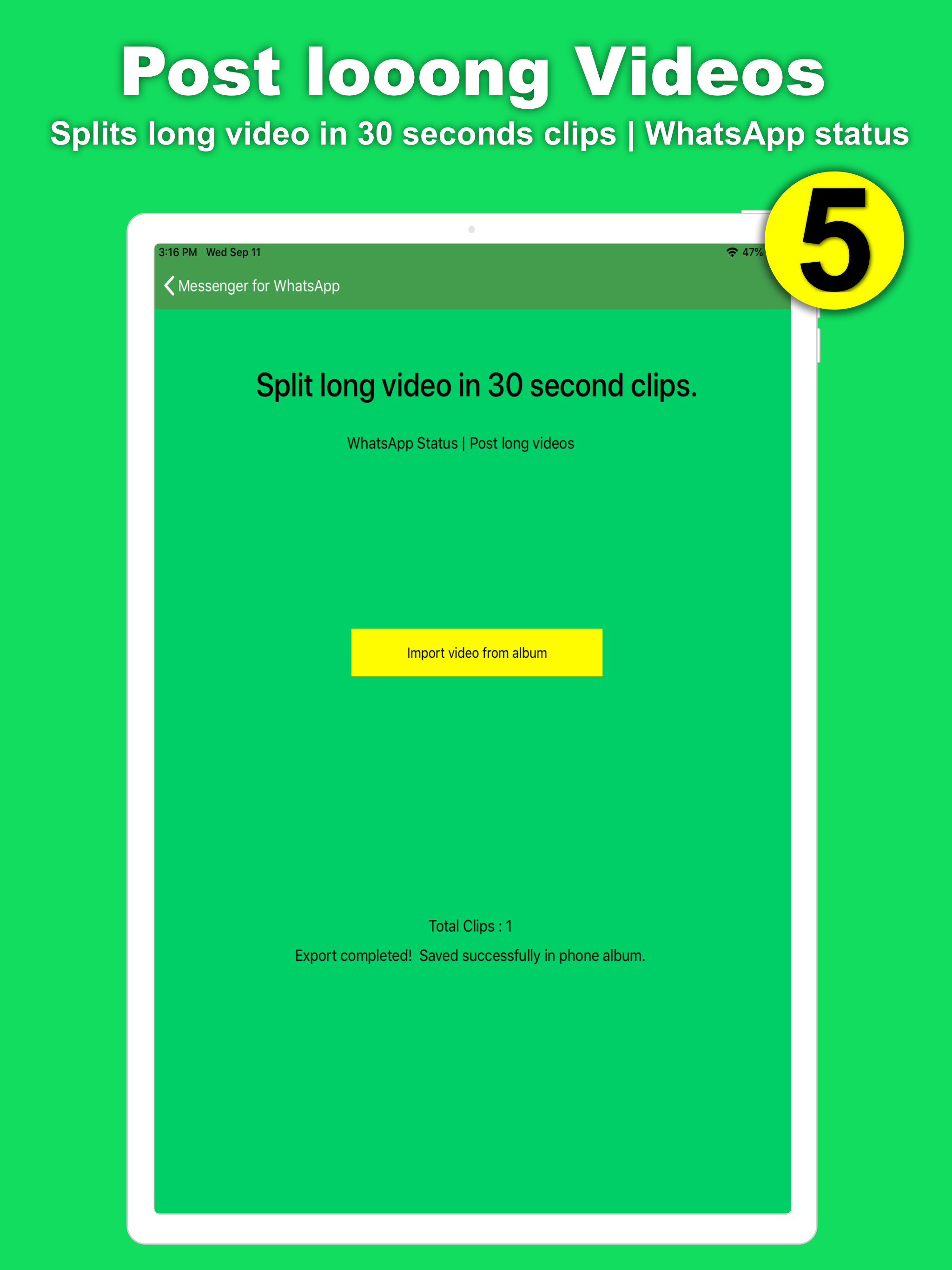
Study the product story and store experience behind the acquisition funnel.


03 / Market context
Keep revenue, downloads and store rankings separate from advertising performance.
I really appreciate the larger format of WhatsApp on my iPad. I’m an old person and working on a phone is just hard for me. I don’t like that I’m frequently signed out of the app when I didn’t ask to be and I have to go through the whole linking process again. The great thing about WhatsApp in general is the ability to communicate with lots of people from various countries and different phone plans for free. The encryption is also a plus.
WhatsApp's desktop version offers a convenient extension of its mobile messaging service, appealing because I prefer the spacious layout of a full screen and the ease of typing on a keyboard. This setup is particularly advantageous for multitasking, allowing me to stay engaged with my conversations while working on other tasks on their computer, without the distraction of switching devices. However, the desktop application has its drawbacks. I find the interface cluttered and overwhelming, making it less intuitive compared to the mobile version's streamlined design. Additionally, a point of frustration is the app's slow startup time, which can interrupt workflow and dampen the overall experience. Despite these issues, WhatsApp Desktop remains a valuable tool for integrating my messaging seamlessly into my desktop computing environment.
Updated review: with more time with this, and apparently thanks to some updates, it seems to be working better. Since WhatsApp doesn’t have an app for the iPad, this app is a workaround, but it’s dependent on your having your phone nearby. That means there’s a lag when bringing it up while it gets your WhatsApp chats, maybe 30 seconds, but then you can read the chats and respond. So after my earlier (see below) disappointment, I’ve found this app to be useful, and I’m grateful for this. ——- I use WhatsApp on my iPhone and MacBook, and have been feeling the need for it on my iPad. This app looks a lot like the real WhatsApp, I appreciate that it’s free, and don’t really mind the ads....but: Any time you switch to the app from another app, wait a while, see ads for Facebook shaking back and forth in an annoying manner, and wait some more until your list of chats comes up. Then you click on that chat and wait to see messages. And wait. And wait. I tried to time it for this review, and gave up after 3 minutes. It’s like the old days of dial-up modems. Apparently, whatsapp can’t be accessed on a web browser from my iPad, either. So I guess I’ll just keep using my iPhone and MacBook to check in with What’sApp.
Disclaimer This is an UNOFFICIAL tool for WhatsApp Messenger. This app is developed by an independent developer, not affiliated to the official develo...
| Name | Price | Type |
|---|---|---|
| No Ads for 1 Month | $5.99 | One-time |
| Premium Weekly | $9.99 | Weekly |
| No Ads for 6 Month | $17.99 | One-time |
| Premium Monthly | $19.99 | Monthly |
| No Ads for 12 Month | $24.99 | One-time |
| Premium Yearly | $49.99 | Yearly |