Check the acquisition promise
Read the store headline, screenshots and description. What problem is the app promising to solve?
Study the storefront ↗
俊杰 阮 · iOS
Explore the ad evidence, study the storefront, and build your next acquisition hypothesis.
01 / Creative research
Read the store headline, screenshots and description. What problem is the app promising to solve?
Study the storefront ↗Explore apps with direct store-link matches. Compare their hooks and formats without assuming the same approach works here.
Browse observed advertisers ↗Store rankings and revenue estimates describe market context. They do not establish ad spend, conversions or ROAS.
Review the market context ↗02 / Storefront & product
Study the product story and store experience behind the acquisition funnel.




03 / Market context
Keep revenue, downloads and store rankings separate from advertising performance.
Just recently I found that the Ui on the videos I’m playing was updated, and I do not like this update at all. No only has the 10 second skip function been removed, but now the videos don’t stay where I left off in the video. Let me explain. Beforehand, whenever I was watching a video and I wanted to click off for a bit while I did something else and come back to it, I could always exit out of the video and it would always leave me where I left off so I can play it again with no hassle. Now, with this update, I can’t do that anymore. Now, if I exit out of the video and come back to it, it restarts from the beginning, whyyy? Why would you do that? One of the best and most convenient aspects of the videos that made this my go-to app was being able to pick up where I left off in the video. Now I can’t do that. Now anytime I wanna watch a video, I have to mainly drag the progress bar over to the part I’m at in the video whenever I decide to put off watching a video. Not only that, but I do not like the new design of the Ui, it’s looks too over designed now. The simplicity of the old design is gone, instead replaced with this new complicated set up. Ugh, really disappointed in this update. Update: so they fixed the issue with the video’s progress issue, so that’s good, but now we have a new issue. Now the app has removed setting for subtitles. A lot of files I download are mkv files, meaning the subtitles have to be manually turned on in the settings. Now those settings have been removed, meaning now I can’t toggle subtitles anymore, there’s only options for the audio and aspect ration now. It’s like with every fix this app makes, they muck up another super useful and important feature.
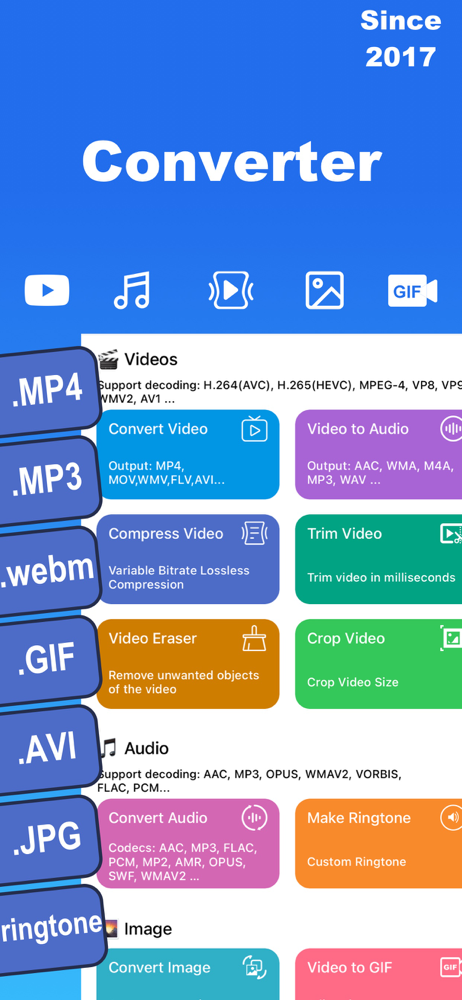
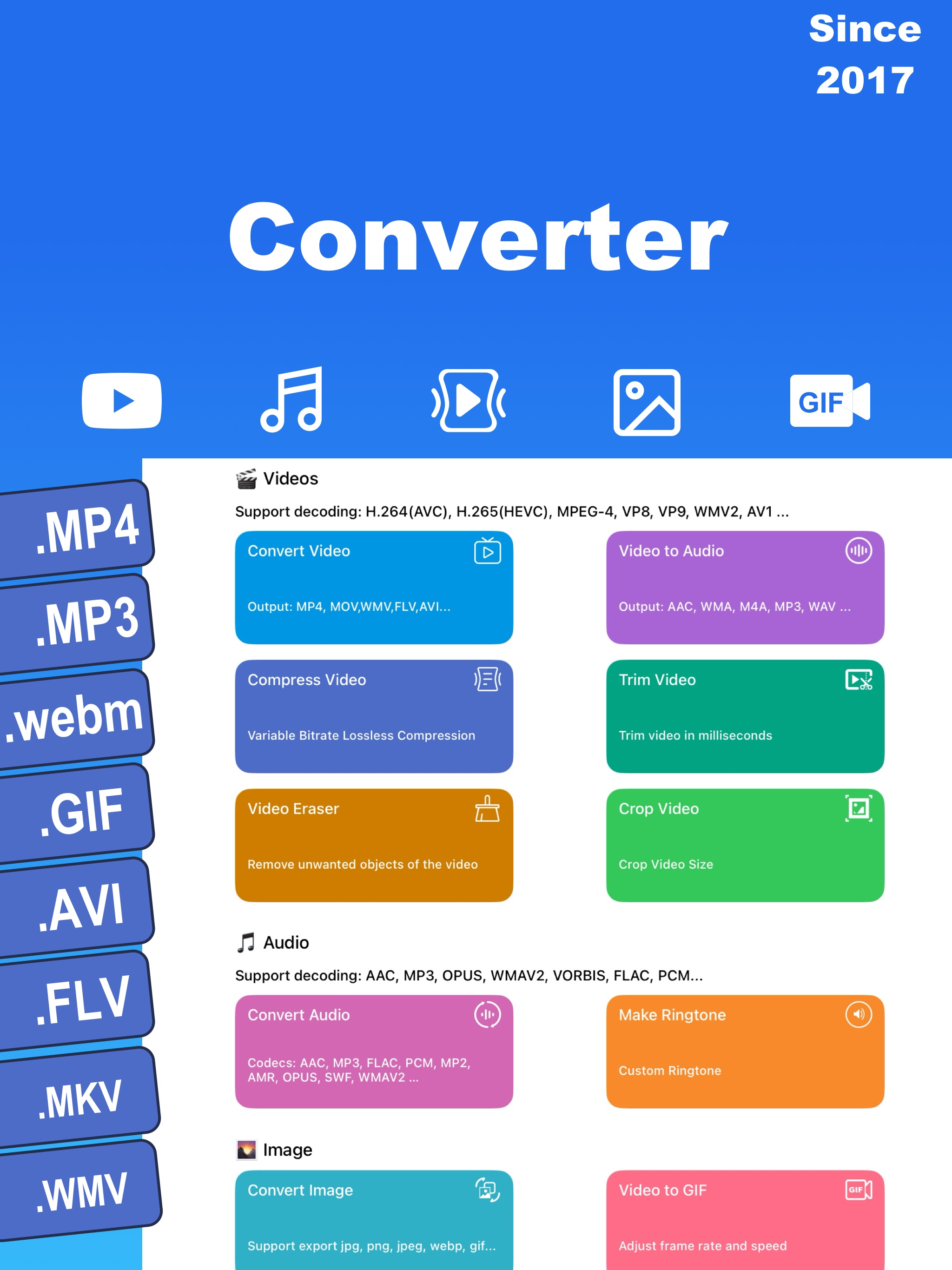
I hate the idea of an app forcing you by feature restricting functionality & usability…and while I still hate that idea, this app gets a pass, BECAUSE ITS $5 FOR THE iOS EQUAL TO PC/Linux’s Handbrake & VLC, it’s with a single payment that is 1 time, no subscription, no limit, fork over Abe Lincoln’s TP, in modern times he won’t get you much anyway & a single Washington coin (with tax it’s a little over 4.99). Here’s why I did and how I knew I’d be worth it, even with feature blocking the free version has, the 2 best video formats are WebM & Matroska (MKV), WebM is widely considered the best because of their VP9 video and Opus Audio Codecs, however MKV has the ONLY format/Codec better, and it wipes the floor with VP9, it’s called AOMEDIA VIDEO-1 aka AV1, with ability to use OPUS from the WebM container or even FLAC if you wish, you WILL NOTICE A DIFFERENCE THE SECOND YOU CONVERT, and because iOS isn’t fully integrated to use AV1 (IPhone 16/17was the first to natively support it), this app even offers a post conversion emulator to view the full video via software decoding, if you’re hardware (the phone) doesn’t support it. ID BUY THAT FOR A DOLLAR, and I even bought it for 5, so take it from a tech geek and video nerd, ITS WORTH IT!
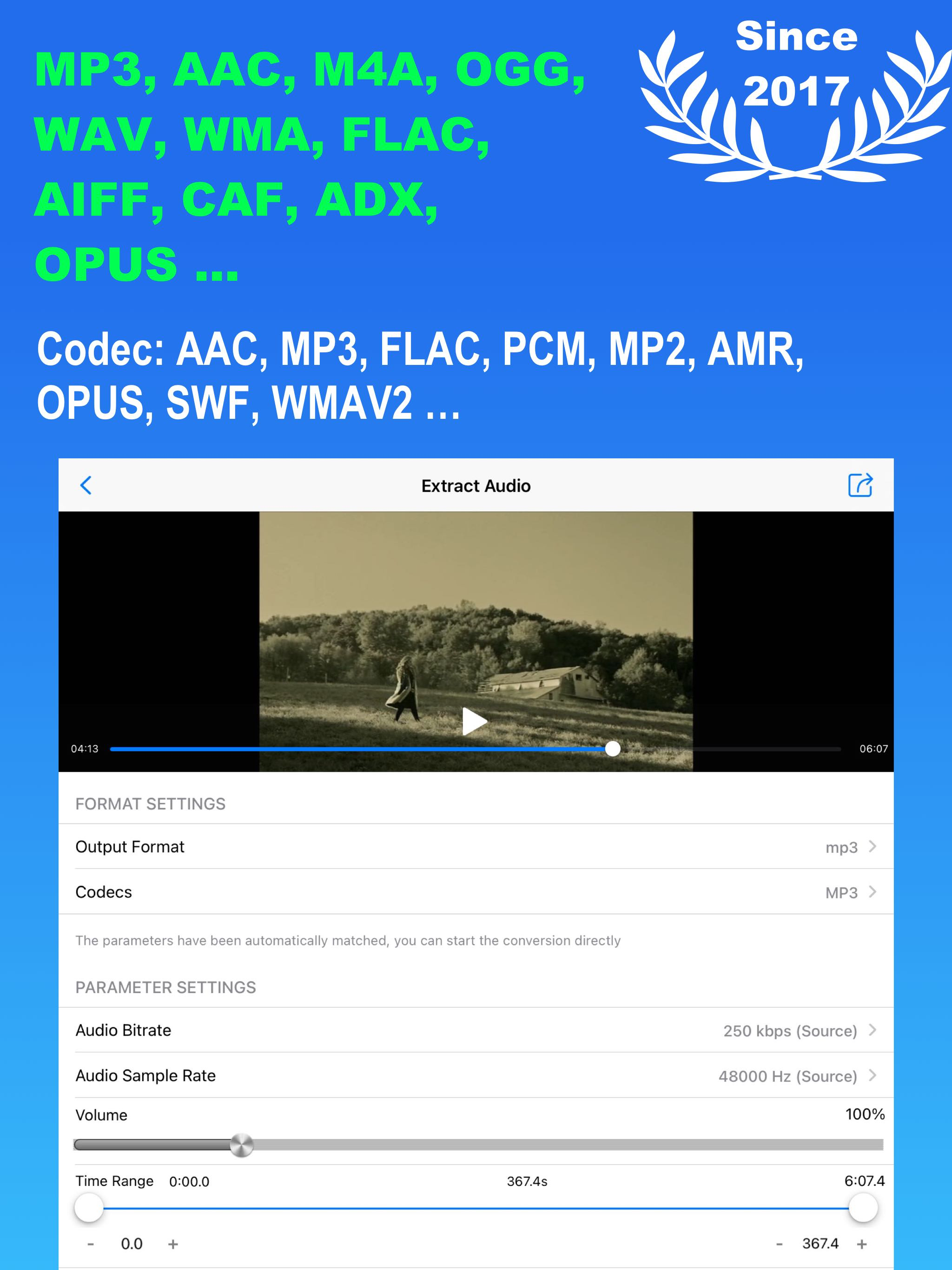
Got this for audio conversion features and am very pleased with the function. I had been trying many apps to also find a video good video compressor, not realizing that this app also had that option. Am happy to discover that it does videos well, and better! The standard high, low, and , medium compression algorithms are more than adequate, fast, and don’t mess up the layout of the video. This app has replaced all those others that all suffered in one way or another, or did not support iPad landscape view. This is my go to media app. I’ve used computers and digital devices since 1985 and have purchased or used hundreds of utility applications. The truly good ones stand out for their function and stability. They are the ones you use constantly, finding them to be like a Swiss Army Knife. This is one.
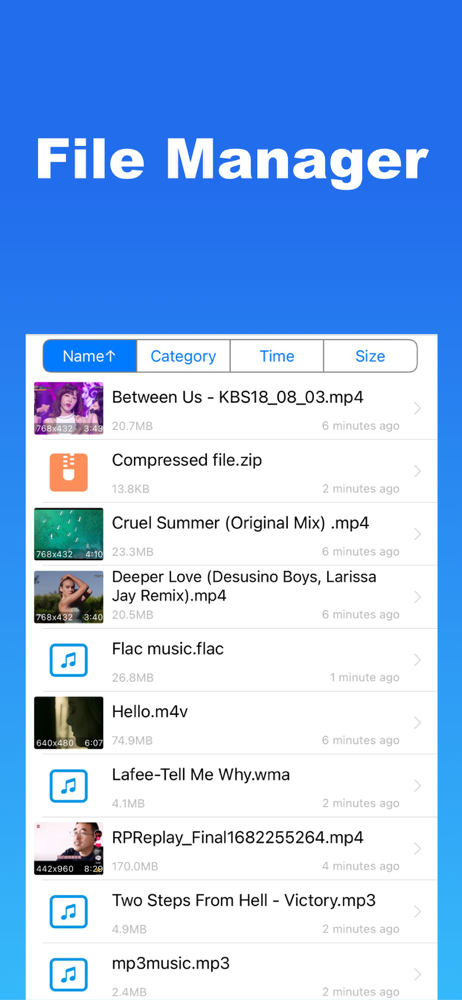
Media Converter – Video Converter, Convert all your videos, audios, images, GIFs, and PDFs. Convert video & audio & picture encoding, compress video,...
| Name | Price | Type |
|---|---|---|
| Universal video player | $0.99 | One-time |
| Remove Ads | $0.99 | One-time |
| Passcode Lock | $0.99 | One-time |
| Monthly Pro | $2.99 | Monthly |
| Yearly Pro | $9.99 | Yearly |
| Pro – Lifetime Access | $16.99 | One-time |