
Check the acquisition promise
Read the store headline, screenshots and description. What problem is the app promising to solve?
Study the storefront ↗
俊杰 阮 · iOS
Explore the ad evidence, study the storefront, and build your next acquisition hypothesis.
01 / Creative research
Read the store headline, screenshots and description. What problem is the app promising to solve?
Study the storefront ↗Explore apps with direct store-link matches. Compare their hooks and formats without assuming the same approach works here.
Browse observed advertisers ↗Store rankings and revenue estimates describe market context. They do not establish ad spend, conversions or ROAS.
Review the market context ↗02 / Storefront & product
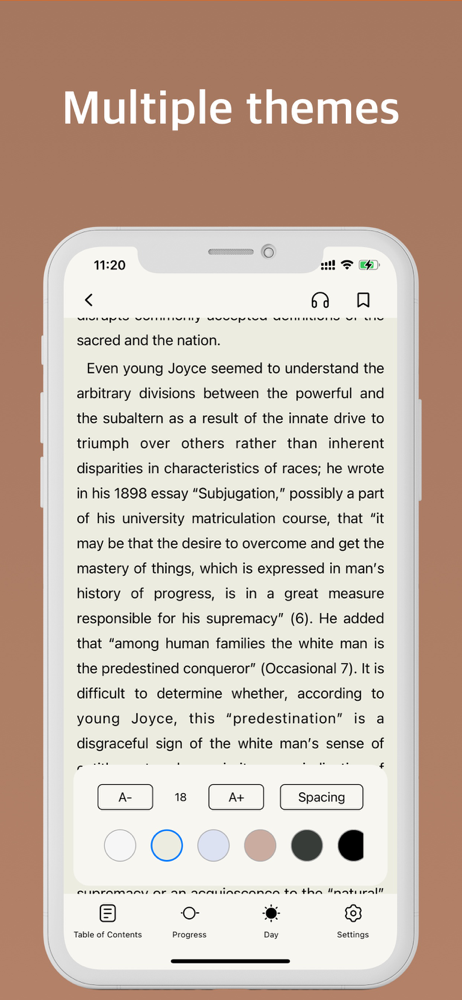
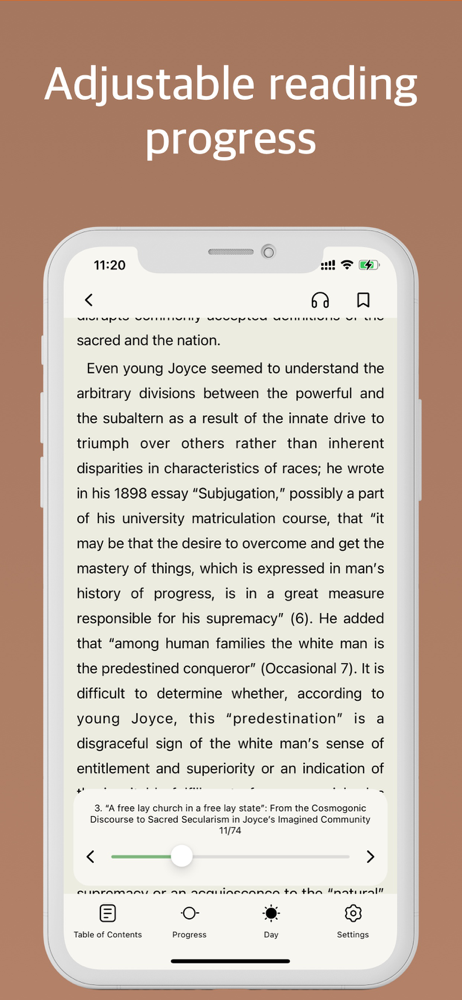
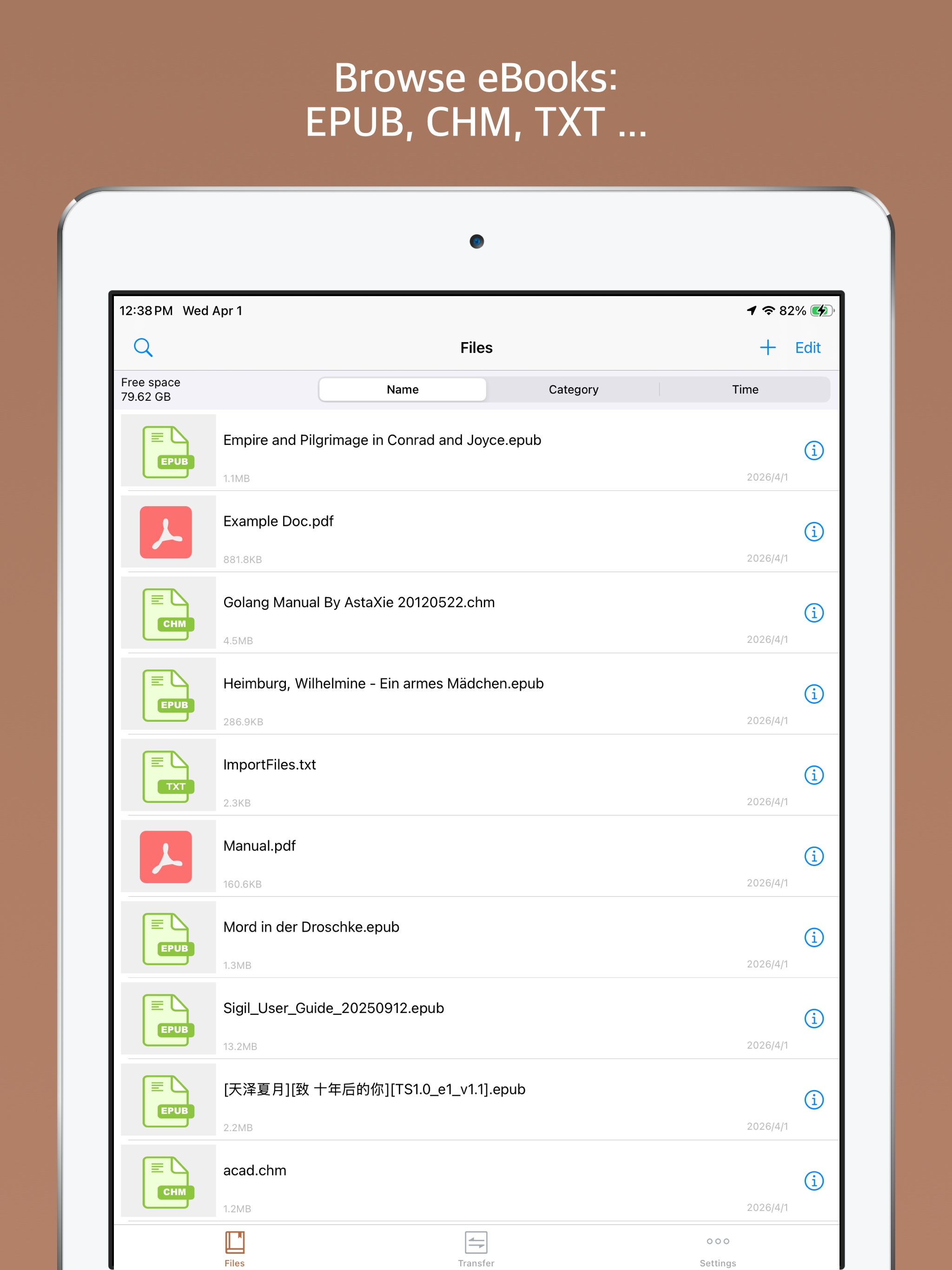
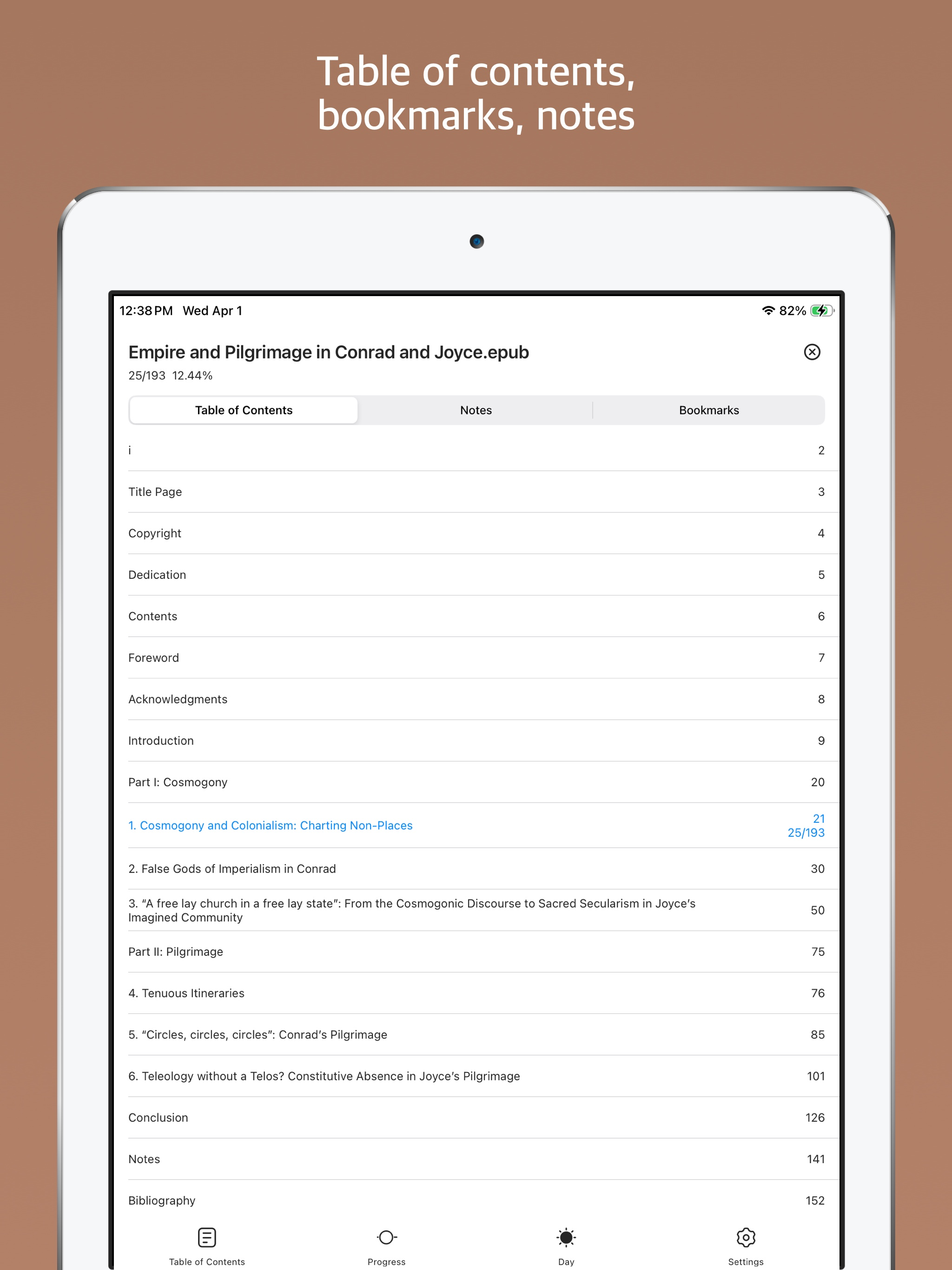
Study the product story and store experience behind the acquisition funnel.




03 / Market context
Keep revenue, downloads and store rankings separate from advertising performance.
I like it a lot, it’s easy to use, and doesn’t force premium on you. The ads are also very nonaggressive and it makes this app the best option that I’ve found to read books. I do have a minor request though. In one of the recent updates it changed how things are sorted, putting any new books (PDFs) at the bottom with no option to invert the order (newest to oldest instead of oldest to newest). I would also like a sort by recents option (As in sort by last opened). These aren’t critical problems though and I still like the app, just wish these things would be added.
I love this app. It’s worth the money for ad free. That being said it wasn’t bothersome with ads, I was just using it every day and figured I may as well get ad free. I think this app makes me read faster. I’ve finished so many book, maybe it’s just the format or what I’m reading though. It’s is amazing for casual reading, and because I was using it for casual reading I didn’t look into all the features. Since this has become my favorite reading app. For EPUB, I figured I would do some educational reading here too instead of on a computer. Things I would like to see: 1) When you highlight something it doesn’t remain highlighted, clicking on the notes takes you to the page but the text isn’t different so you have to read to find what you previously highlighted. I’d like to see the highlighted text, even if it’s only when you click on the notes section. (I’d even pay for this as an extra) 2) in newer iPhones the top margin is too high so it cuts off the tops of words. Lowering or having the ability to change margins ourselves would be good.
It can seem kinda janky at first but it’s pretty easy to use!! And it works on airplane mode, which is why I got it in the first place. The ads are always short or things you can immediately click out of, and they only show up when you first open the app. For some reason, the chapter titles don’t show up on the table of contents (it’s got things so you can click to different chapters, but they’re all blank), but that’s my only complaint. Now that I’ve gotten used to it, I prefer it to anything else.
Epub Reader, providing a smooth ebook reading experience. Support viewing CHM, EPUB, TXT, PDF, RTF. Support to open the compressed package format ZIP...
| Name | Price | Type |
|---|---|---|
| Remove Ads | $0.99 | One-time |
| Passcode Lock | $0.99 | One-time |
| Annual professional version | $3.99 | Yearly |
| Pro Version | $5.99 | One-time |


