Check the acquisition promise
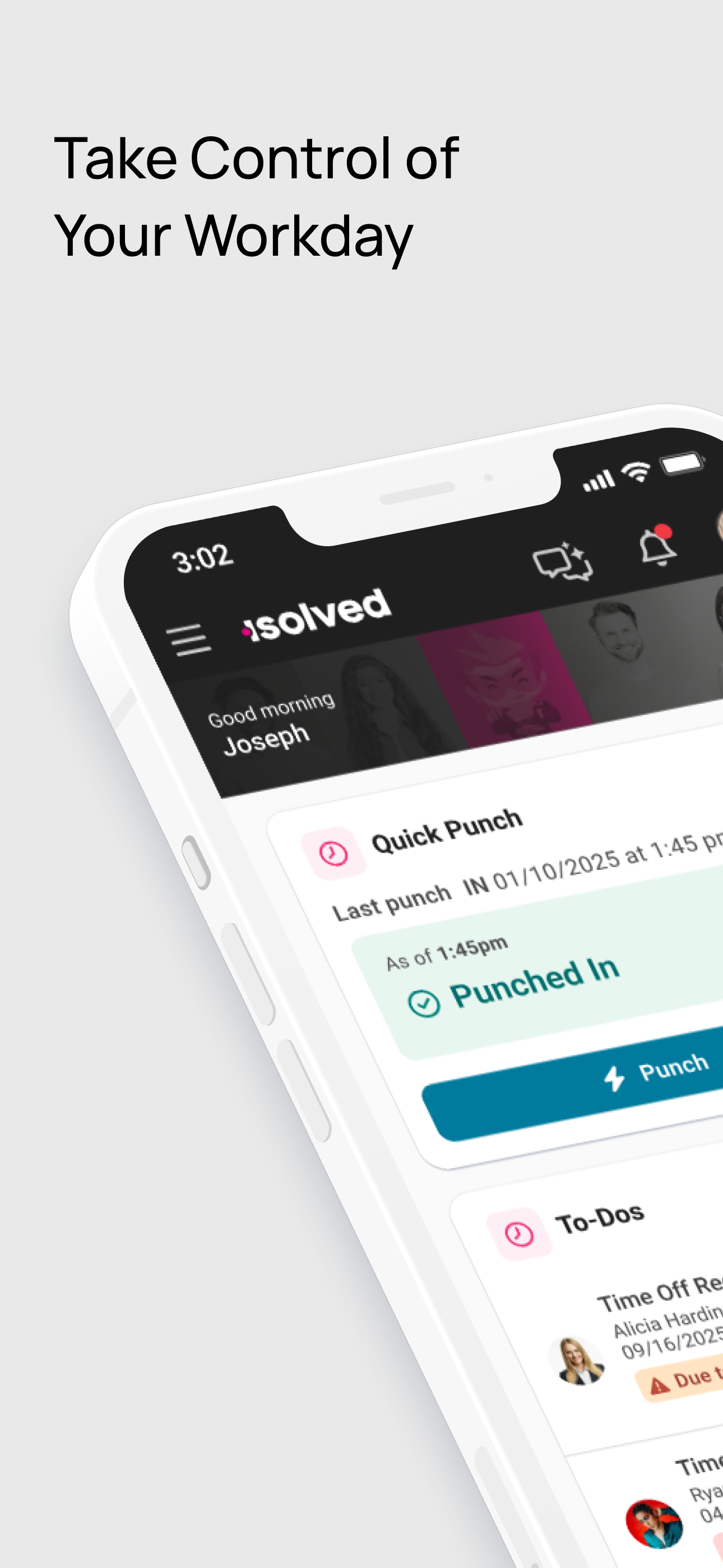
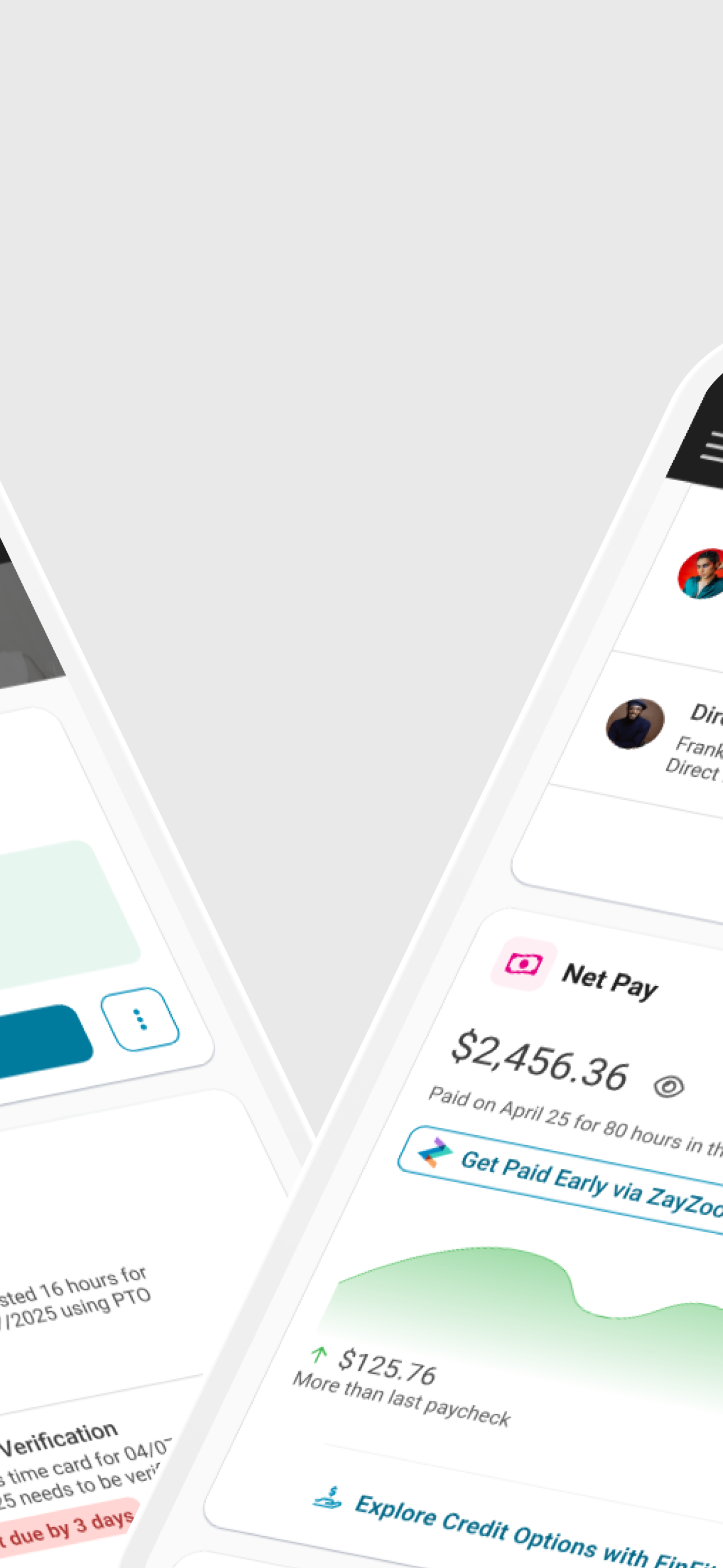
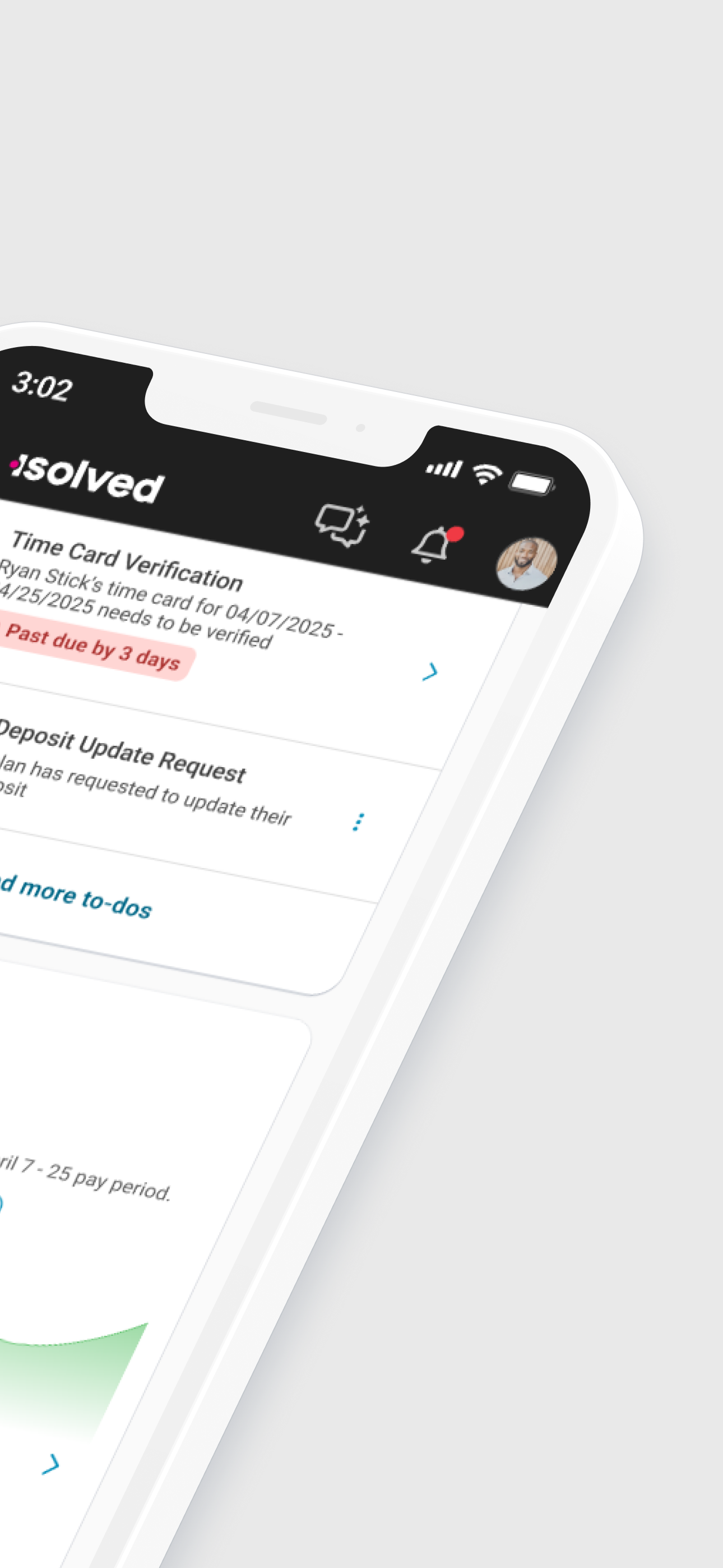
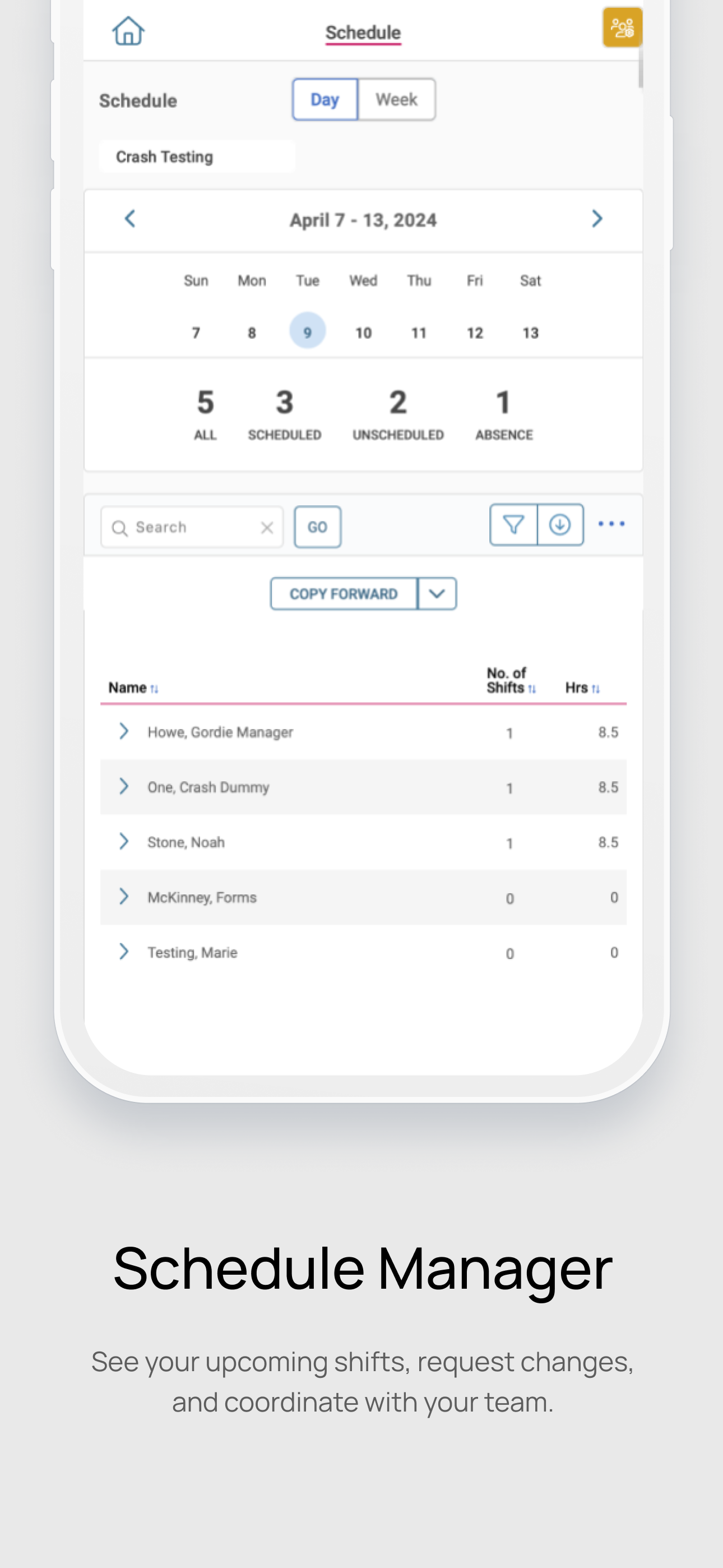
Read the store headline, screenshots and description. What problem is the app promising to solve?
Study the storefront ↗
Infinisource · iOS
Explore the ad evidence, study the storefront, and build your next acquisition hypothesis.
01 / Creative research
Read the store headline, screenshots and description. What problem is the app promising to solve?
Study the storefront ↗Explore apps with direct store-link matches. Compare their hooks and formats without assuming the same approach works here.
Browse observed advertisers ↗Store rankings and revenue estimates describe market context. They do not establish ad spend, conversions or ROAS.
Review the market context ↗02 / Storefront & product
Study the product story and store experience behind the acquisition funnel.


03 / Market context
Keep revenue, downloads and store rankings separate from advertising performance.
I’ve been using the iSolve app for quite some time, and it’s honestly one of the worst mobile apps I’ve had to rely on for work. It appears the developers put very little effort into making it functional on mobile devices. The layout is completely broken—my name, company information, and other fields overlap each other, making the app difficult to read. On top of that, the app won’t allow horizontal scrolling, so important parts of the screen are cut off and inaccessible. The biggest issue is that I can’t even submit a time-off request because the buttons and fields I need are off-screen with no way to reach them. For an app that’s supposed to handle employee self-service, that’s a major failure. This has been an ongoing issue since I started working at my job, yet nothing has been fixed. It’s disappointing that such basic usability problems have been ignored for so long. If your employees are expected to use this app, it should at least function properly on mobile devices. I would not recommend this app until these issues are addressed.
The app has accessible functionality and allows you to utilize all the main features of the platform. From using the time clock, requesting time off, or even accessing your benefit enrollment information, you can do just about everything you'd need from the Employee Self-Service website. The only issue I have is the log-in screen. In order for the sign-in buttons to work the page needs to be perfectly fit onto the screen. The initial log-in pages have a tendency to zoom in which then impedes the functionality of the buttons needed to proceed in the process. The have also been times where after logging on I'm taken to the Environments page rather than the EES or that the app crashes. These issues have led to me logging in a minute or two late. Hopefully this can get addressed soon.
The name is difficult to remember and search for on a smart device. Every few months I need to find it I have to think to myself “is it itime? Or ipay? Or isave?” because the name is impossible to remember and has nothing to do with what it is. Searching keywords on my iPhone doesn’t bring it up either. I always have to search Google for “dominion payroll app” then look through a bunch of results, because they have different apps, until I finally find the name, THEN I use my iPhone search to find it. On top of that I kicks me out all the time and ALWAYS tells me my dang password is wrong. Then it makes me wait 24 HOURS to reset the friggin password!!! When ever I need this stupid app it’s for a paystub, which is always for some type of a paperwork, which means I can’t wait 24 hours for a password reset. Then when I FINALLY get in and change the password, I save it in my keychain on the phone every time, and then next time the same dang thing happens AGAIN. EVERY TIME! If you are an HR person, or a company thinking of using dominion payroll and this app, PLEASE DO NOT DO IT.
The isolved People Cloud app provides employees a simple and seamless way to access their pay, time, benefits, talent, and other essential HR informat...