Check the acquisition promise
Read the store headline, screenshots and description. What problem is the app promising to solve?
Study the storefront ↗
Panasonic Connect Co., Ltd. · iOS
Explore the ad evidence, study the storefront, and build your next acquisition hypothesis.
01 / Creative research
Read the store headline, screenshots and description. What problem is the app promising to solve?
Study the storefront ↗Explore apps with direct store-link matches. Compare their hooks and formats without assuming the same approach works here.
Browse observed advertisers ↗Store rankings and revenue estimates describe market context. They do not establish ad spend, conversions or ROAS.
Review the market context ↗02 / Storefront & product
Study the product story and store experience behind the acquisition funnel.

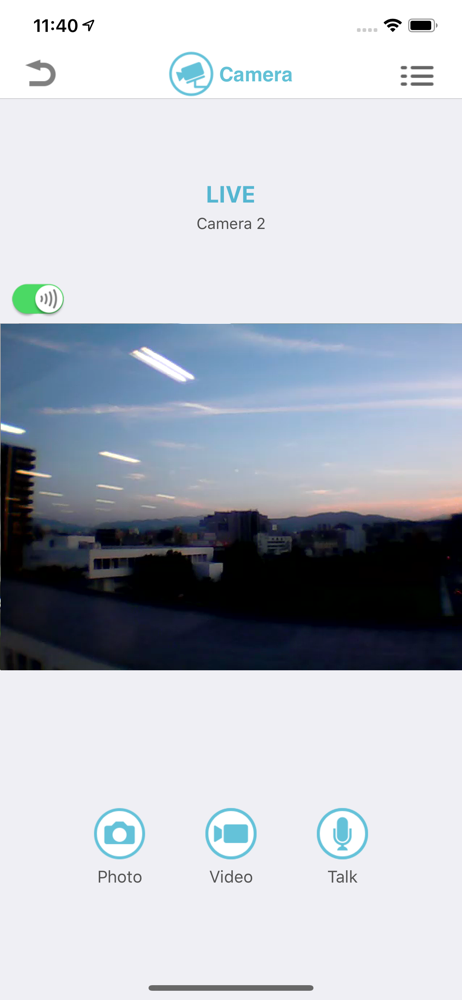
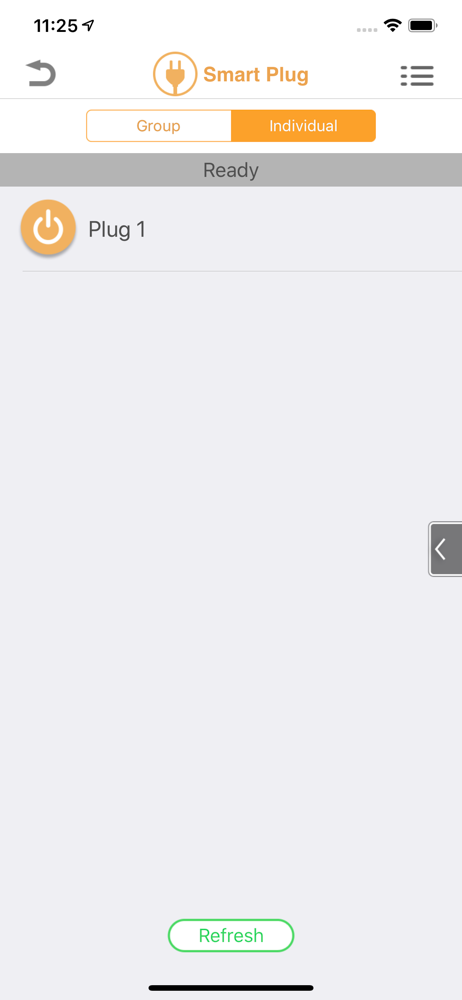

03 / Market context
Keep revenue, downloads and store rankings separate from advertising performance.
This app worked fairly well for a couple years however, over the last year or so you were unable to view your camera if you were not at home(which defeats the purpose of a security camera. They also now require your location AT ALL TIMES and they need to have access to all devices on your home network! The product will not work unless you give them these accesses. Ridiculous! In this time in the world I am not giving out my personal information for anybodyAnd Samsung does not need this kind of information at all and for any reason. It went in the garbage!!! I also changed my router name and pass phrase. I will never purchase another Samsung product again whether a washing machine, TV, or camera. There is no reason for you to need this kind of information in order to use your app, no matter what your bogus reason is stated on the location portion of app. Shame on you trying to get American information!
I have been using this app and the Panasonic system for quite a while with both the cheap cameras that come with the HNB600 hub and the newer Homehawk KX HNC800. The cheap cameras aren’t much to speak of but the Homehawks are great. The app has given me fits. The network configuration has been challenging but with the latest update everything is working great with really no configuration. I have removed all port forwarding and it is working fine. The system is quick to alert you when a sensor alarms. The sensors all take batteries so you have to periodically change them out but it isn’t too frequently. After the last update I am very pleased. It would be really nice if the developers made an Apple Watch app that could just change the arm state of the system. I have the disarm key fob but an Apple Watch app would be more convenient. Also it would be nice if there was a way to make the hub chirp or beep when a door is open in the at home alarm state. That way I could know if my kids went out the door without having an alarm.
If I can give it negative stars, I would. Most useless app I have on my iPhone. I bought 5 cameras and a water sensor last year. I was so happy with their products that I’ve told friends and family about how awesome this system was. Worked flawless and wonderfully until they updated. First, LTE connection stopped working and only home WiFi worked, which defeats the whole purpose of having this. Then now even the WiFi connection stopped working. Not only did I throw the cameras in the garbage since Panasonic can’t even be bothered to respond to emails, much less fix this useless app and hardware; I now vow to never buy ANY Panasonic products ever again and have told many friends and acquaintances to stay away.
The do-it-yourself Panasonic Home Network System makes it quick and easy to create a powerful, wireless network of cameras, sensors and controllers in...