
Check the acquisition promise
Read the store headline, screenshots and description. What problem is the app promising to solve?
Study the storefront ↗
Charging Essentials · iOS
Explore the ad evidence, study the storefront, and build your next acquisition hypothesis.
01 / Creative research
Read the store headline, screenshots and description. What problem is the app promising to solve?
Study the storefront ↗Explore apps with direct store-link matches. Compare their hooks and formats without assuming the same approach works here.
Browse observed advertisers ↗Store rankings and revenue estimates describe market context. They do not establish ad spend, conversions or ROAS.
Review the market context ↗02 / Storefront & product
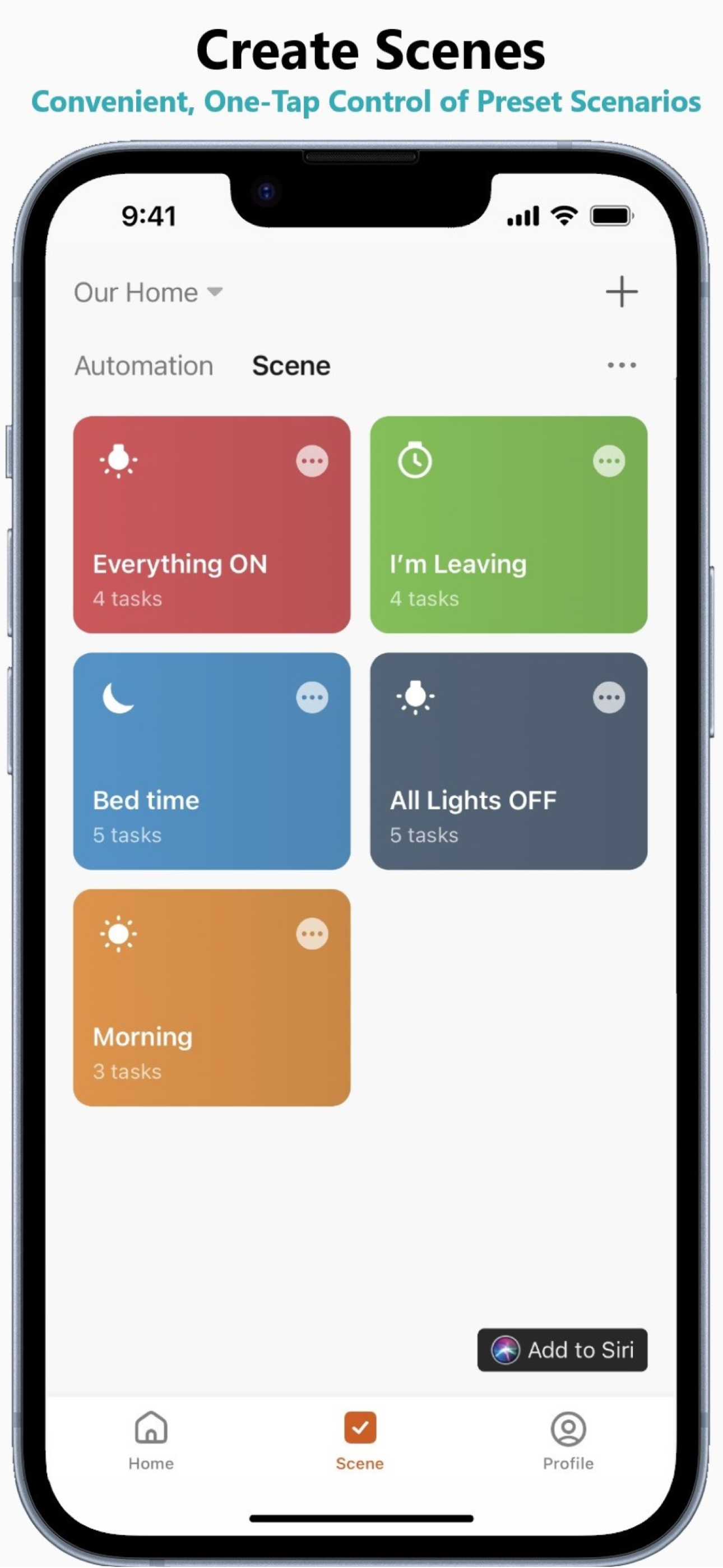
Study the product story and store experience behind the acquisition funnel.



03 / Market context
Keep revenue, downloads and store rankings separate from advertising performance.
I bought two outlets for my Christmas lights last year. They are awesome! I downloaded the app connected it to the internet and set up the on and off cycles. Very easy to set up, now I even have it connected to google. Works great! No more going outside to plug and unplug the lights.
Can you either move the weather to bottom of screen, or do not resize the weather area no matter the weather information is available or not. When I load the app to turn on off my switches, just because the weather info is shown later and move the switch list down, every time I tap a wrong switch button. Please focus on your main functions and make it quick, easy and friendly to use. Weather is nice to have but at least I can turn it off. Thanks.
These things are great worked awesome for my lights on the outside my house can set them up for different start and stop times and also can turn them on and off when your away from the house also very easy to setup and hook to your home WIFI
CE Smart, CE Smart Home, Smart Living, Wi-Fi Connected Devices, Remote Control 1. Remote Control: Turn devices on/off from anywhere in the world with...


