Check the acquisition promise
Read the store headline, screenshots and description. What problem is the app promising to solve?
Study the storefront ↗
Nekomimimi · iOS
Explore the ad evidence, study the storefront, and build your next acquisition hypothesis.
01 / Creative research
Read the store headline, screenshots and description. What problem is the app promising to solve?
Study the storefront ↗Explore apps with direct store-link matches. Compare their hooks and formats without assuming the same approach works here.
Browse observed advertisers ↗Store rankings and revenue estimates describe market context. They do not establish ad spend, conversions or ROAS.
Review the market context ↗02 / Storefront & product
Study the product story and store experience behind the acquisition funnel.

03 / Market context
Keep revenue, downloads and store rankings separate from advertising performance.
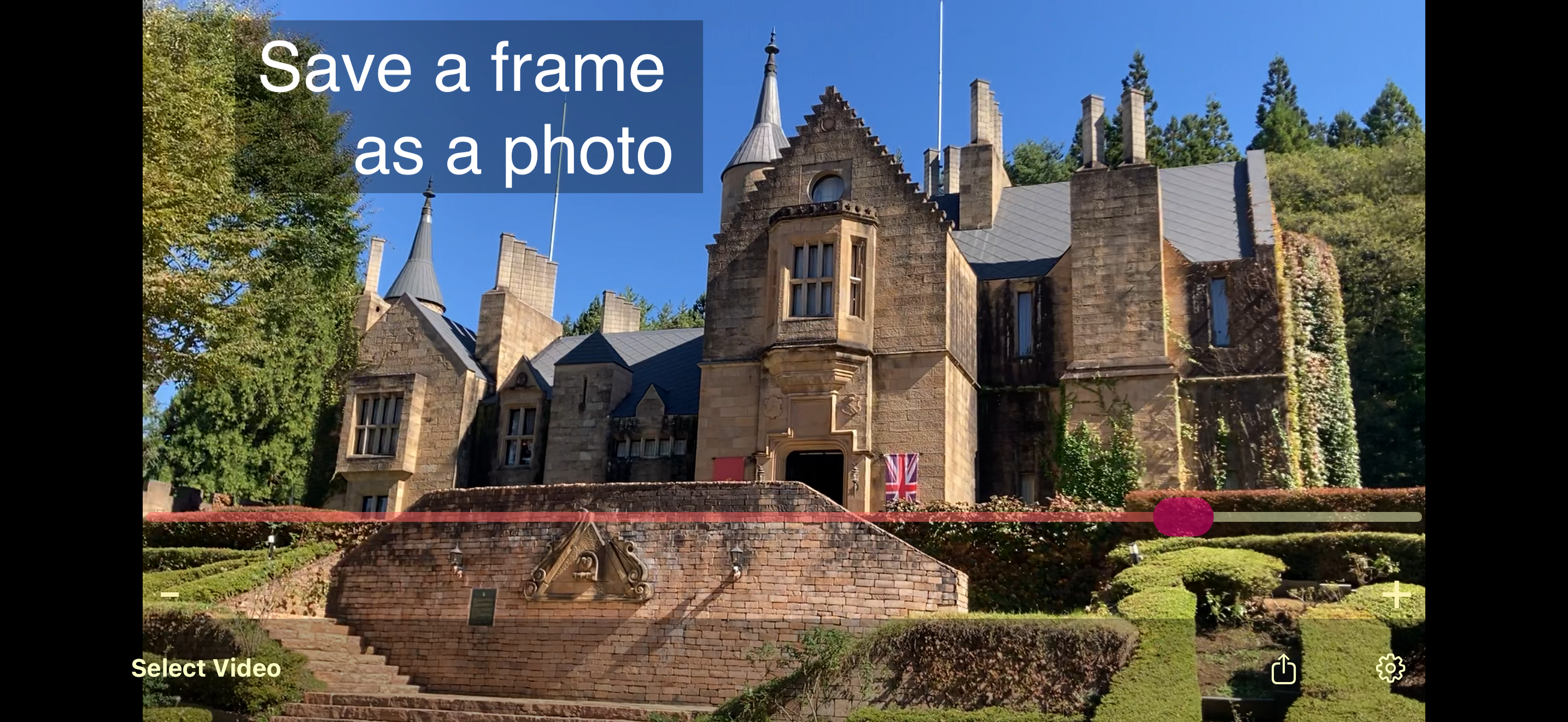
A simple app that does exactly what it claims. The developer recently fixed a bug I reported like 10 years ago. Lol, so hopefully that means development has resumed! I would love if there were more buttons for - and +, like “skip +/-v 5 frames” or something. And if you could long-press the + and - to play the video at 2x speed. And a way to play/pause the video normally. The - and + button should be much larger and easier to tap with your thumb without requiring such pinpoint precision. They also need to be full square buttons with a distinct color so the eye sees a large hit target. 👌🏼 Apple makes a free book every year on iBooks called Apple Human Interface Guidelines and I cannot recommend it strongly enough. It’s an amazingly simple-written book that’s super easy to read but explain exactly how to decide all these type of UI choices for which elements to use and when. So the app ultimately functions the way iOS users already expect it to even without knowing the app yet. 👍🏼
I wanted to pull a single frame from a video on my iPhone. This app made it so simple and quick. I've used this app several times with no problems.
This app solves the problem of getting a quality photo from a movie (h.264) file. Does the job quickly and yields an excellent photo. Thank you!
Get high-quality photos from your videos with MoviPic. How to use: 1. Select a video from Photos. 2. Drag the slider to select a frame. * Swipe t...