Check the acquisition promise
Read the store headline, screenshots and description. What problem is the app promising to solve?
Study the storefront ↗
Tranquillity Base · iOS
Explore the ad evidence, study the storefront, and build your next acquisition hypothesis.
01 / Creative research
Read the store headline, screenshots and description. What problem is the app promising to solve?
Study the storefront ↗Explore apps with direct store-link matches. Compare their hooks and formats without assuming the same approach works here.
Browse observed advertisers ↗Store rankings and revenue estimates describe market context. They do not establish ad spend, conversions or ROAS.
Review the market context ↗02 / Storefront & product
Study the product story and store experience behind the acquisition funnel.






03 / Market context
Keep revenue, downloads and store rankings separate from advertising performance.
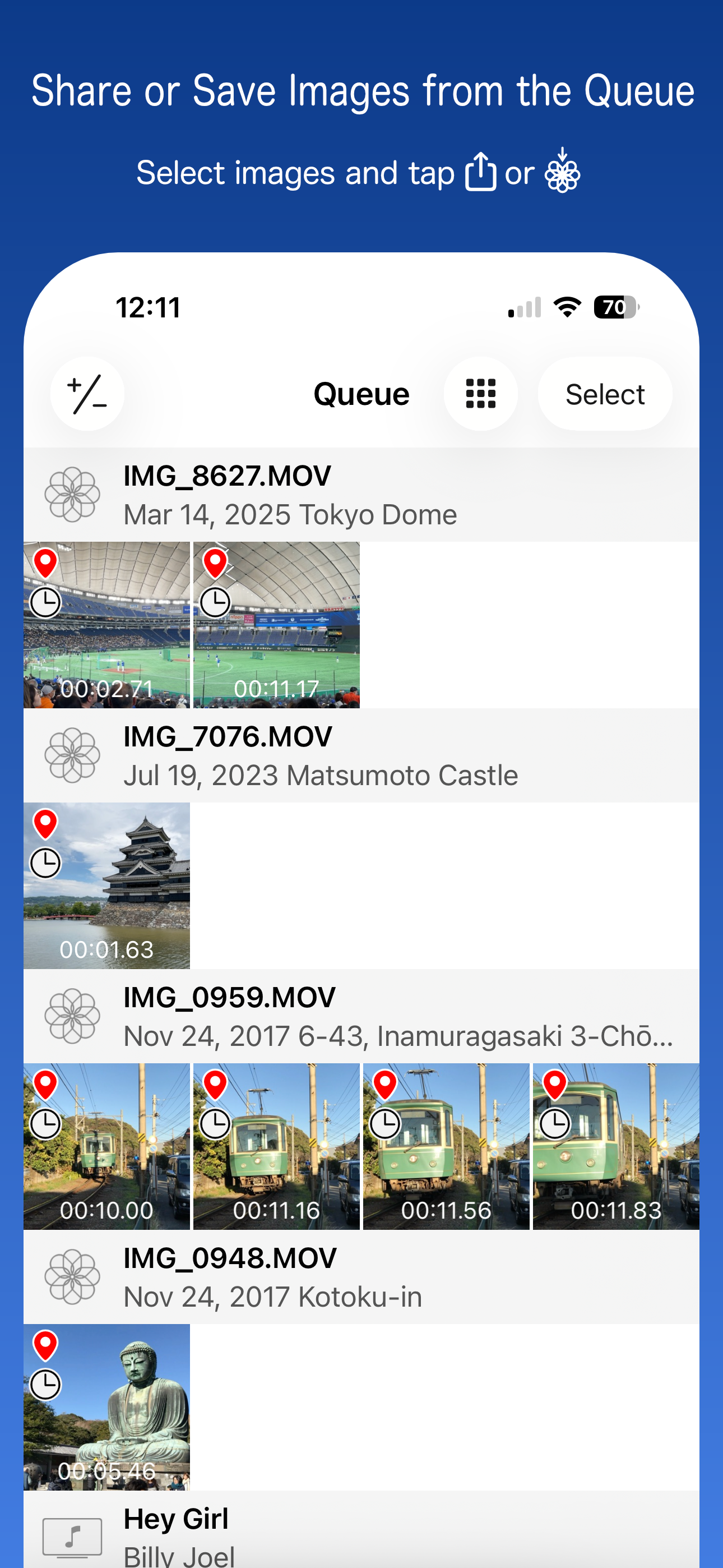
This tool is super simple, but has plenty of useful features. I particularly like being able to queue up multiple grabs, review them, select the ones to trash and the save the acceptable ones. If I could pay a one time purchase, I would. I have no intention of using Apple’s implementation in iOS 27. This app is my go to and will remain so.
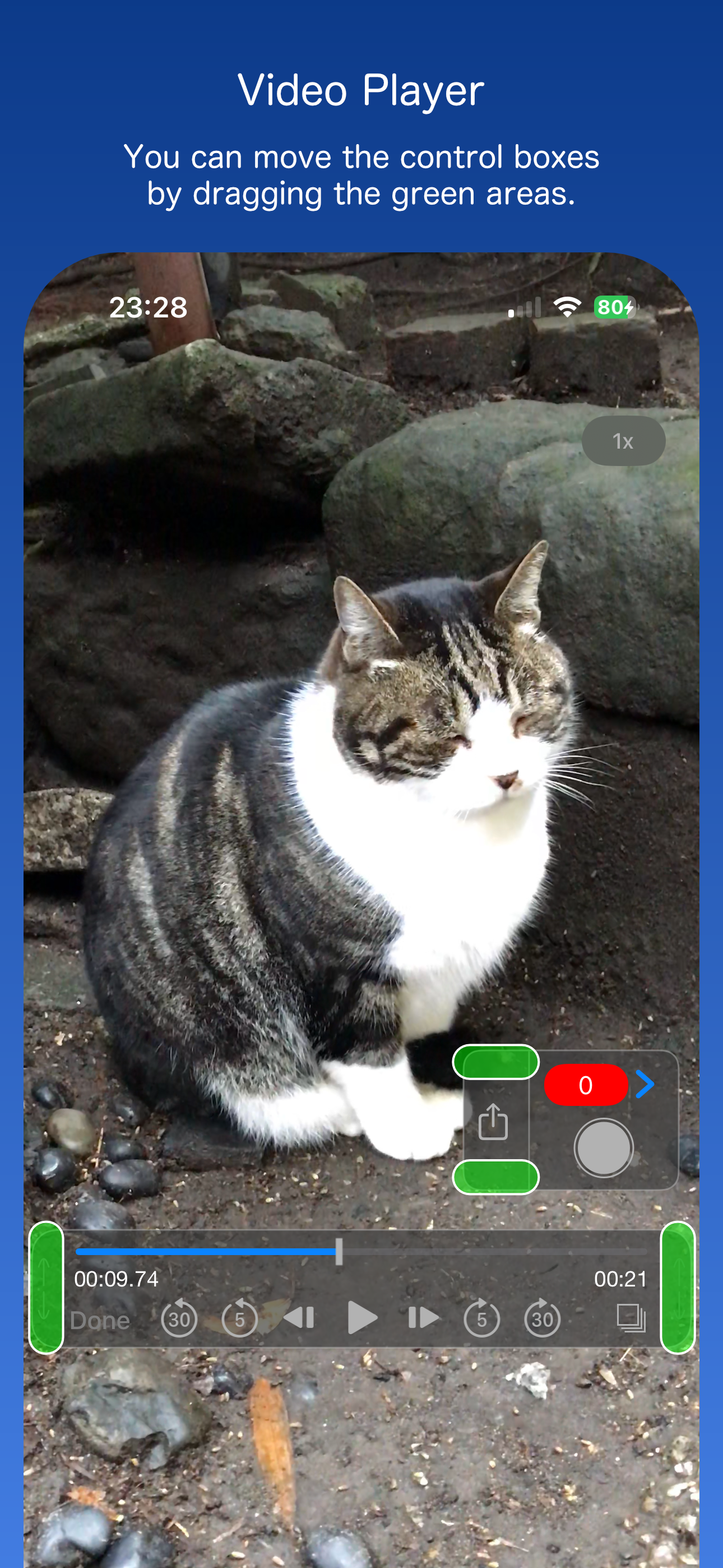
It’s extremely easy to get just the frame you want. Load the video you want and start it playing. Pause the video and simply drag your finger left and right across the paused video. Do it either fast or slow. Lift your finger off of the video. It will be paused on that frame. Even hold your finger down not moving it. The video will be frozen on that frame. Move your finger really slow to move from frame to frame either forward or backward. No need to be using the buttons and make a mistake.
For a free app I think it works better than any other I’ve used. You can set the tool to automatically take frames per second or other intervals to get the best quality pictures from a video. It has a glitch from time to time with Live Photos but I dont really care about those anyway. There are ads but they’re few and far between.
Frame Grab makes it easy to capture and share any moment from videos stored on your device as still images in JPEG format. It supports not only videos...