Check the acquisition promise
Read the store headline, screenshots and description. What problem is the app promising to solve?
Study the storefront ↗
Nekomimimi · iOS
Explore the ad evidence, study the storefront, and build your next acquisition hypothesis.
01 / Creative research
Read the store headline, screenshots and description. What problem is the app promising to solve?
Study the storefront ↗Explore apps with direct store-link matches. Compare their hooks and formats without assuming the same approach works here.
Browse observed advertisers ↗Store rankings and revenue estimates describe market context. They do not establish ad spend, conversions or ROAS.
Review the market context ↗02 / Storefront & product
Study the product story and store experience behind the acquisition funnel.
03 / Market context
Keep revenue, downloads and store rankings separate from advertising performance.
You can’t export the images to your camera roll. You can copy it or save it as a file but it will not save like normal photos. If I could export images directly to my camera roll then I would give this app 5 stars. You can get the pictures to your camera roll in a few roundabout ways. 1. Create a shared album on your phone that only you have access to then use the “add to shared album” option. Then go to the shared album on your phone and tap the 📤 share/export button and then select the “save image” option. Now the image is in your camera roll. 2. Select the “save to files” option. If you plan on saving more than 1 image from this app, I suggest naming the image. Otherwise the image name will always be “PNG Image” and you will get a prompt asking what to do with the identically named files. Then navigate to your “Files” app and select the photo you want and tap the 📤 share/export button and then select the “save image” option. Now the image is in your camera roll 3. Select the “copy” option then paste into your notes app. Then from the notes app, press and hold the image and select “Share” and then select “Save Image” Now the image is in your camera roll
This is pretty great for free. Yes, a color changer and option to kill ads would be nice but those don’t affect how I want to use it enough to get bent since it’s free. The ads are unobtrusive and don’t slow it down so I really don’t care. Another nice feature to me is the name of the app describes what it’s so I can easily find it months later without having to sift through 15 other apps, with generic names, until I find the one I need. If you use design apps regularly you know what I’m talking about. Icon looks nice as well. 👍
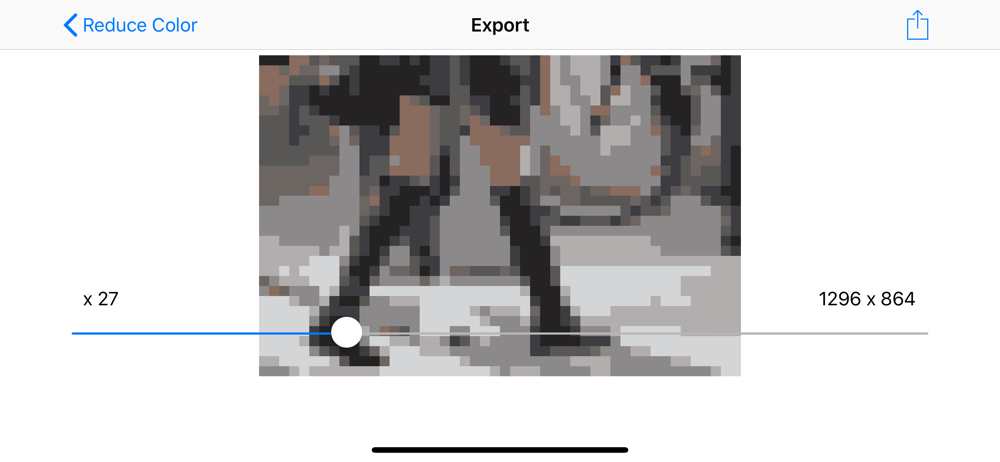
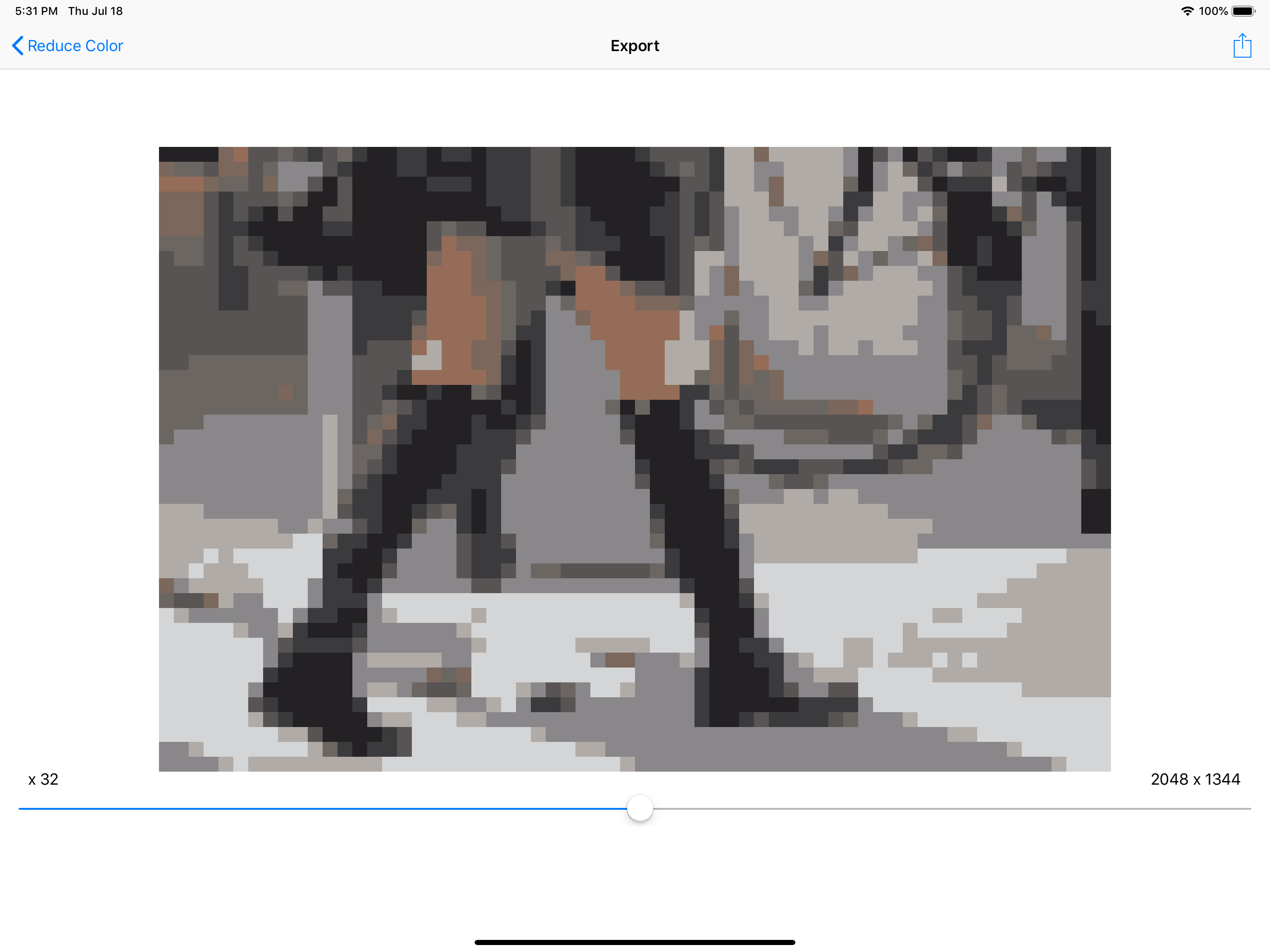
I want to give this app 5 stars. It's basic but does exactly what you'd want. Step 1: load in an image. Step 2: choose the resolution (slider with numbers) Step 3: choose how many colors (it'd be nice to be able to swap colors) Step 4: choose output resolution (clean upscaling) Then, unfortunately there's step 5. Watch an ad... Ugh. Why? I've never before wished for a paid version of an app before now. If they add in a color picker (ideally), I'd gladly pay a few $ to unlock an add free version. Unfortunately, with the rather intrusive ads now, I can't give this app a rating higher than 3.
Just 3 easy steps: Select your photo Set pixel size Adjust resolution and colors No complex editing tools - just pure simplicity. The app automatica...