
Check the acquisition promise
Read the store headline, screenshots and description. What problem is the app promising to solve?
Study the storefront ↗
South Shore Bank · iOS
Explore the ad evidence, study the storefront, and build your next acquisition hypothesis.
01 / Creative research
Read the store headline, screenshots and description. What problem is the app promising to solve?
Study the storefront ↗Explore apps with direct store-link matches. Compare their hooks and formats without assuming the same approach works here.
Browse observed advertisers ↗Store rankings and revenue estimates describe market context. They do not establish ad spend, conversions or ROAS.
Review the market context ↗02 / Storefront & product
Study the product story and store experience behind the acquisition funnel.



03 / Market context
Keep revenue, downloads and store rankings separate from advertising performance.
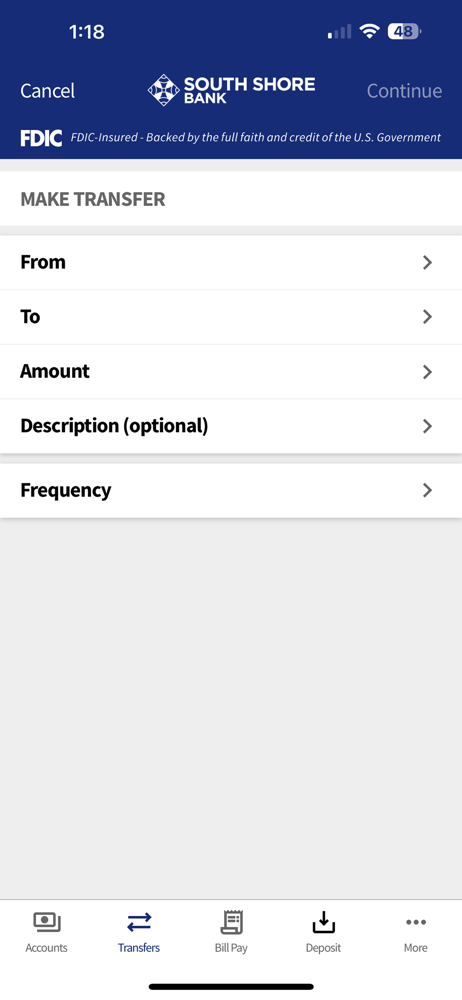
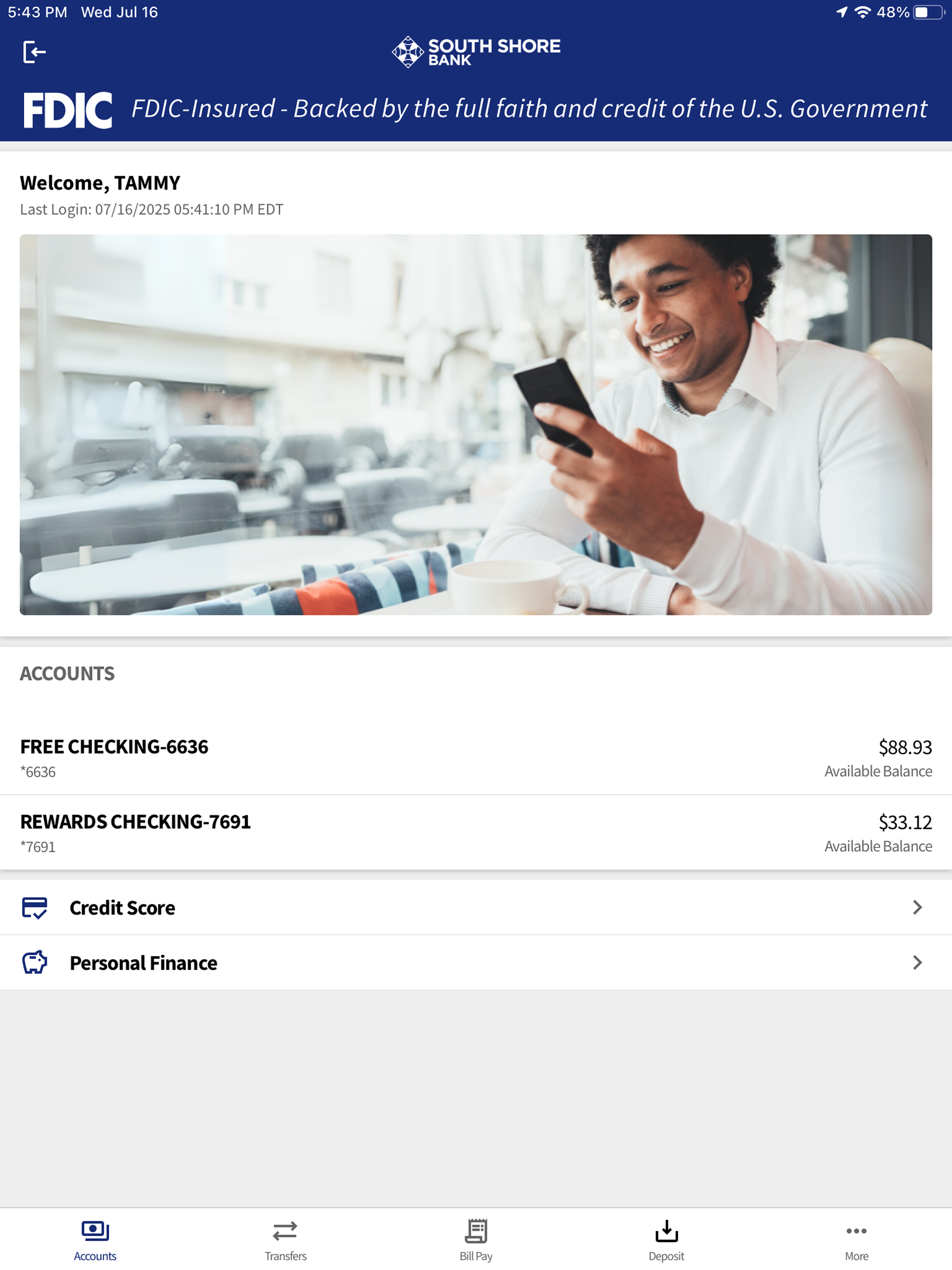
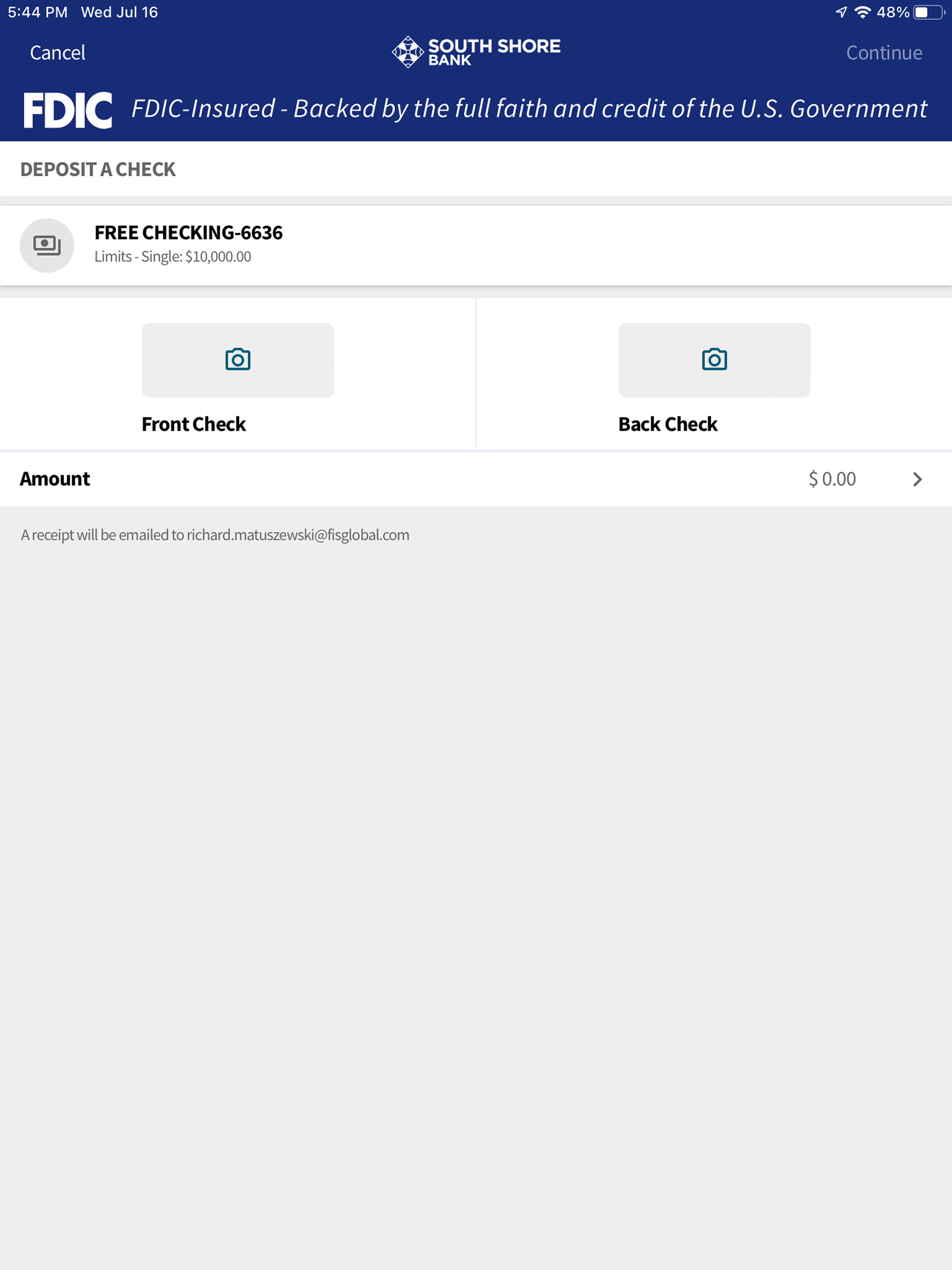
The main buttons or links you need (continue, done, submit, etc) are tiny words hidden on the top right corner. Took me a while to figure out where the link was. Could they have made it any smaller. Only shows half the page, rather than all the accounts. Have to find the lid the little link that says view more. Bad GUI. Screen doesn’t rotate anymore with the iPad.
This app and the website are horrendously bad. It’s a poor application and web design. Constantly getting locked out. Constantly having to change passwords with every use. Constantly infuriated with every transaction. Have called IT customer service they temporarily get you unlocked but you’ll find you’ll have to speak to them with every single use. Horrendously bad app and website.
The app compared to the old one is not user friendly at all!! I got locked out initially had to go on hold for 15 minutes just to get back into my account when I tried to login myself so my credentials were invalid and weren’t working. After finally managing to get into the app, Face ID can be used to login but even with Face ID I’m still required to put in my password defeating the whole purpose of setting up Face ID. there’s no quick view to see your balance at a glance without having to login. The set up of the app is confusing and not user-friendly transactions take forever to process to see the actual balance of your accounts. and when I tried depositing money into an account, the available balance was wrong after taking 3 days to process resulting me having to call the bank to fix the issue. Overall this was a terrible transition on numerous levels.
Start banking wherever you are with South Shore Bank for mobile banking! Available to all South Shore Bank online banking customers. South Shore Bank...


