Check the acquisition promise
Read the store headline, screenshots and description. What problem is the app promising to solve?
Study the storefront ↗
Adobe Labs, Inc. · iOS
Explore the ad evidence, study the storefront, and build your next acquisition hypothesis.
01 / Creative research
Read the store headline, screenshots and description. What problem is the app promising to solve?
Study the storefront ↗Explore apps with direct store-link matches. Compare their hooks and formats without assuming the same approach works here.
Browse observed advertisers ↗Store rankings and revenue estimates describe market context. They do not establish ad spend, conversions or ROAS.
Review the market context ↗02 / Storefront & product
Study the product story and store experience behind the acquisition funnel.

03 / Market context
Keep revenue, downloads and store rankings separate from advertising performance.
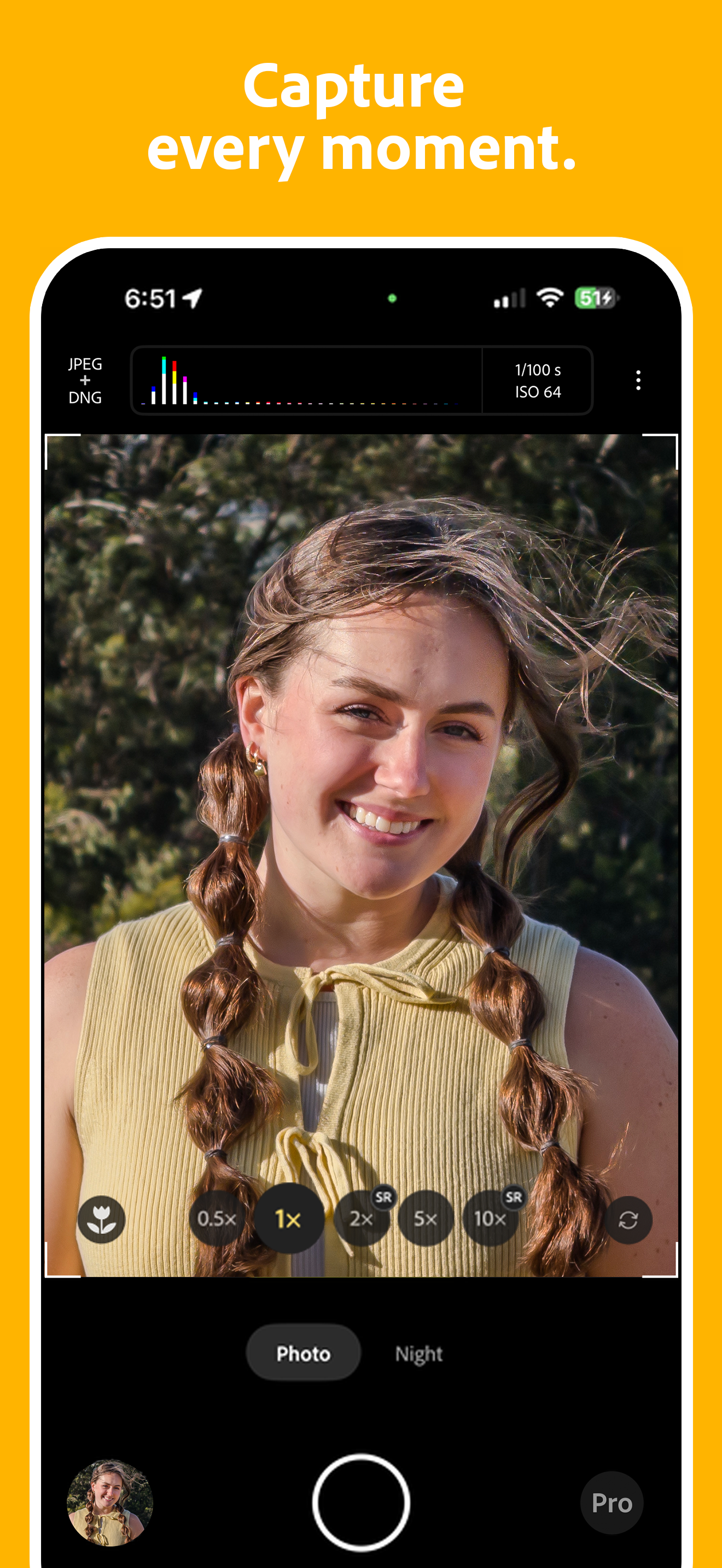
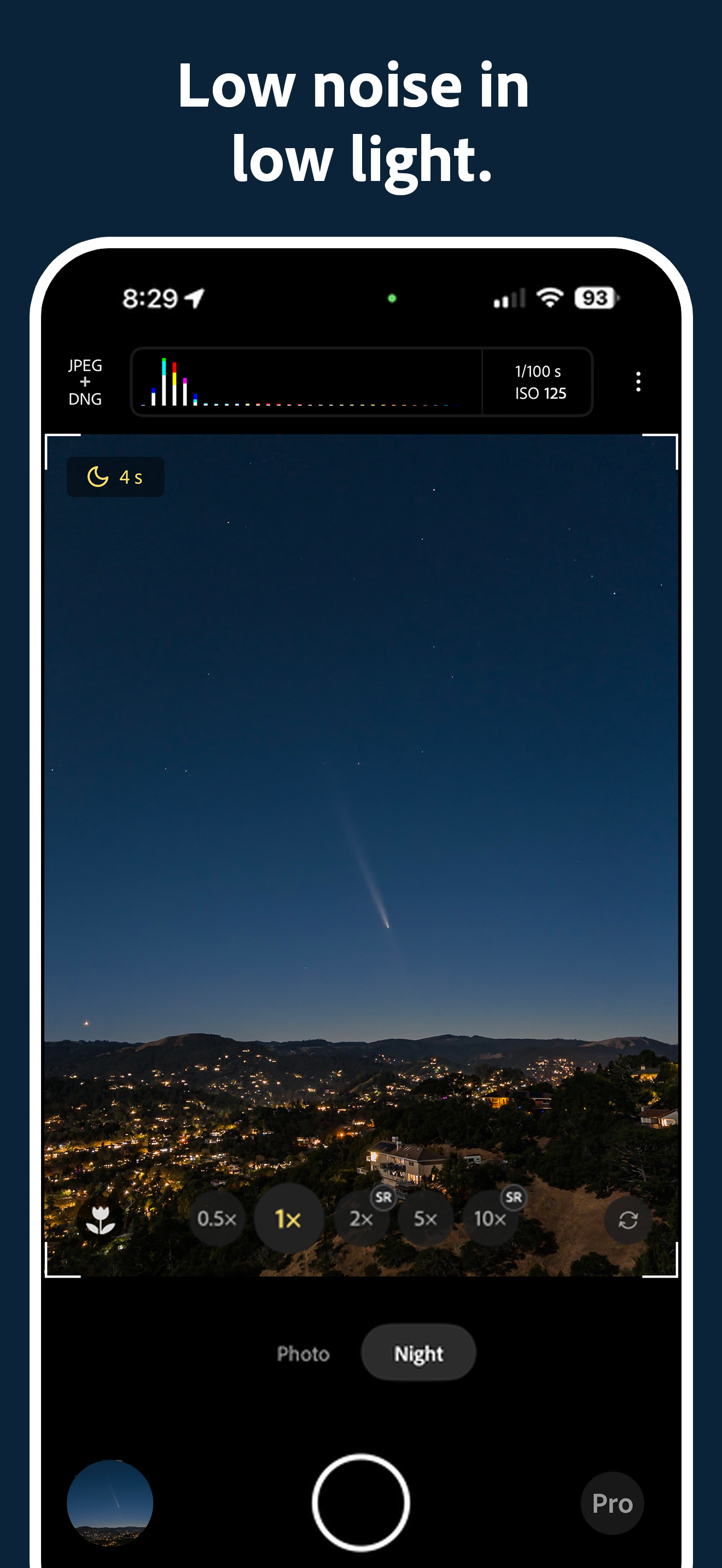
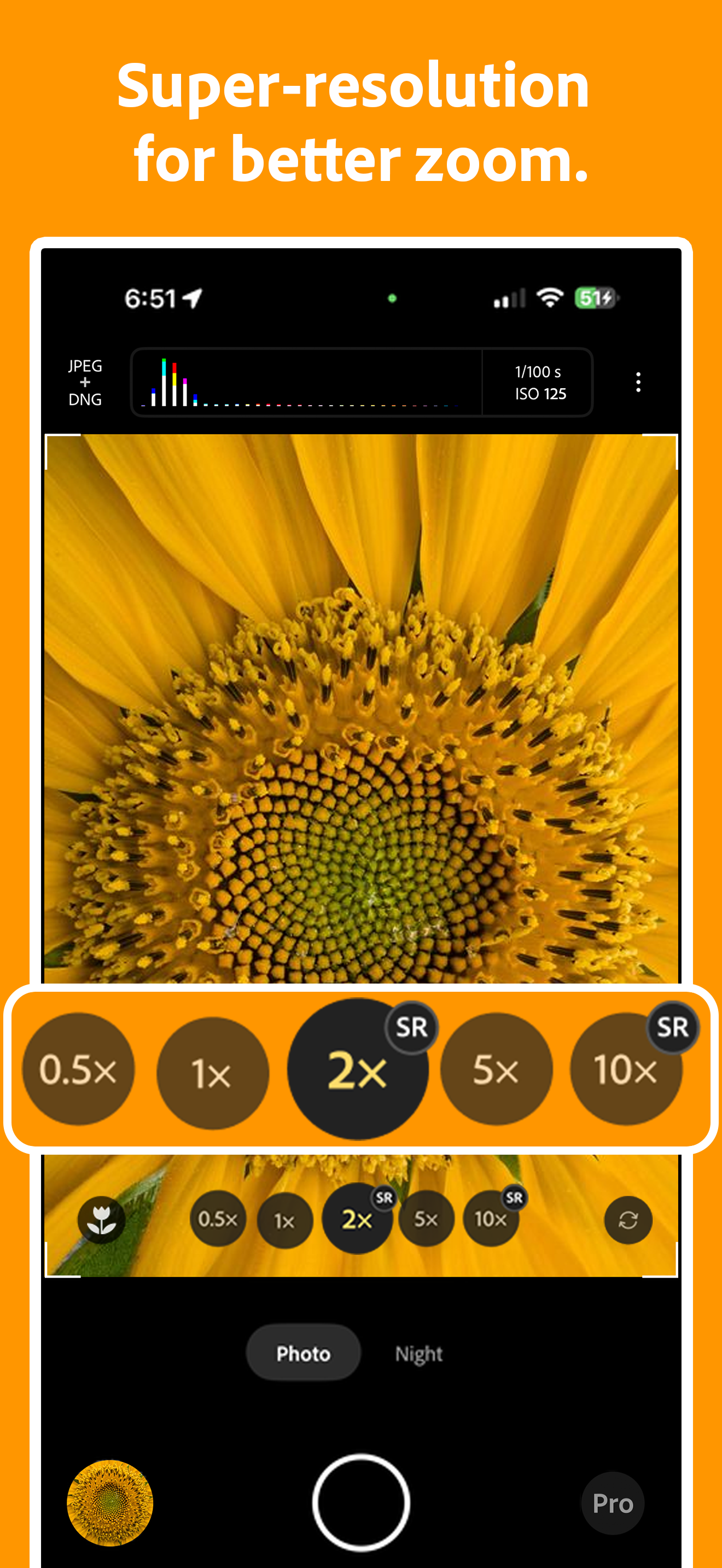
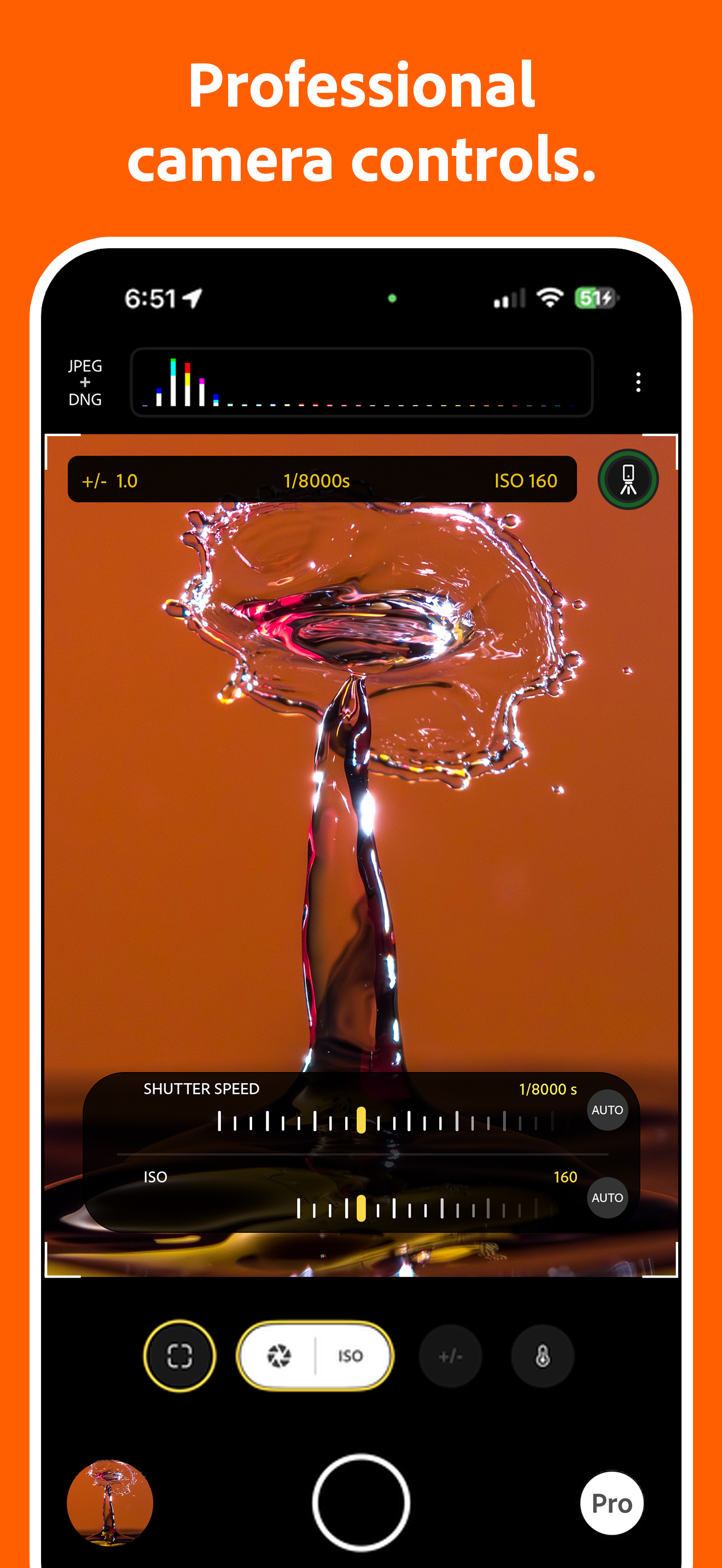
As someone who is a smartphone photography enthusiast, I always lamented that, despite improvements in smartphone cameras, you could always immediately tell if a photo was from a phone and not an ILC. This app bridges the gap quite a bit. You won’t get the fidelity and pixel peeping ability of photos from bigger cameras, but you will very often get natural looking photos. I’m satisfied with the super resolution feature—it’s a step above the native camera app’s digital zoom. The manual controls are also sufficient. I don’t use them often, but they’re there. For example, if you manually focus, the viewfinder will show a zoomed in view so you can get the focus you want easily. Something to note is that this app is pretty computationally intense. Photos take a few seconds to process, and you may experience some stuttering if the phone is on low power mode.
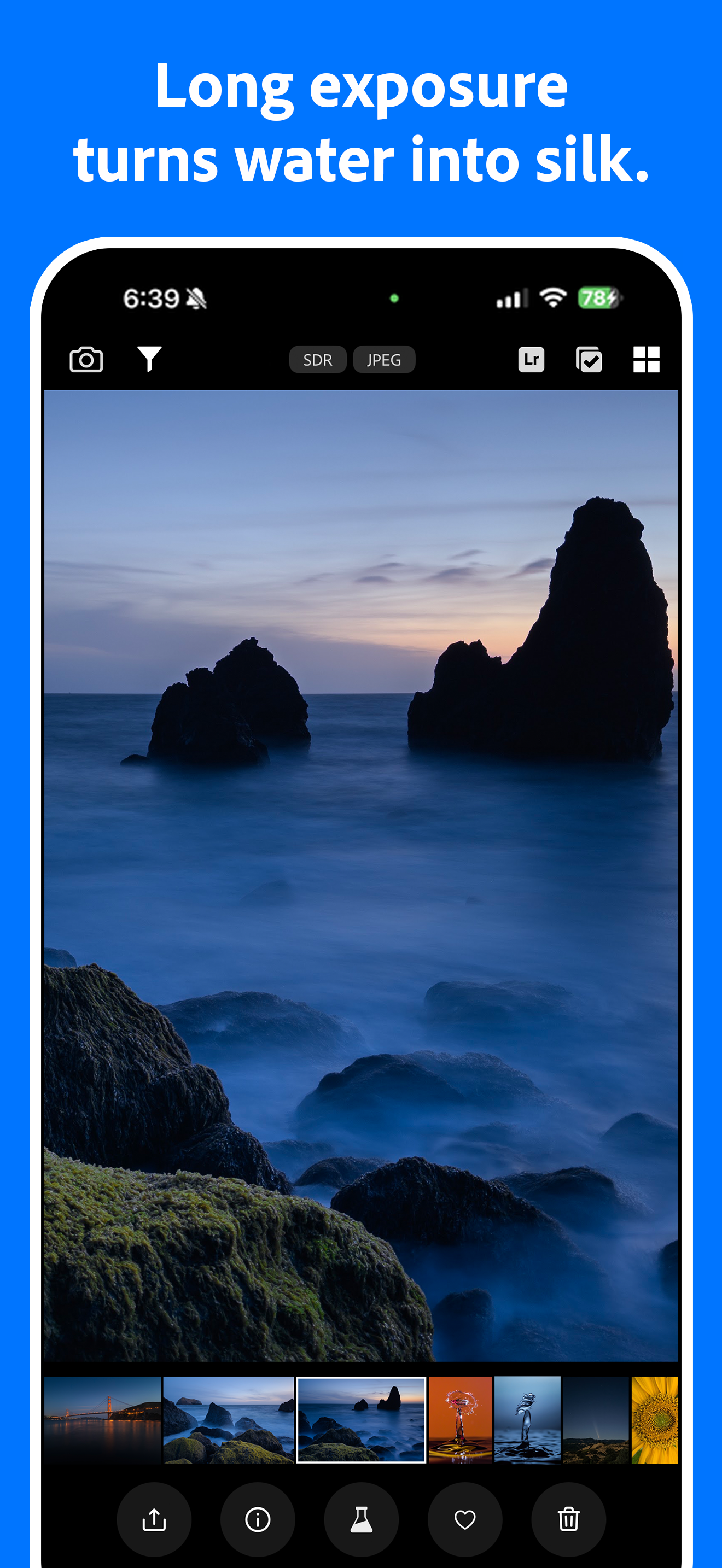
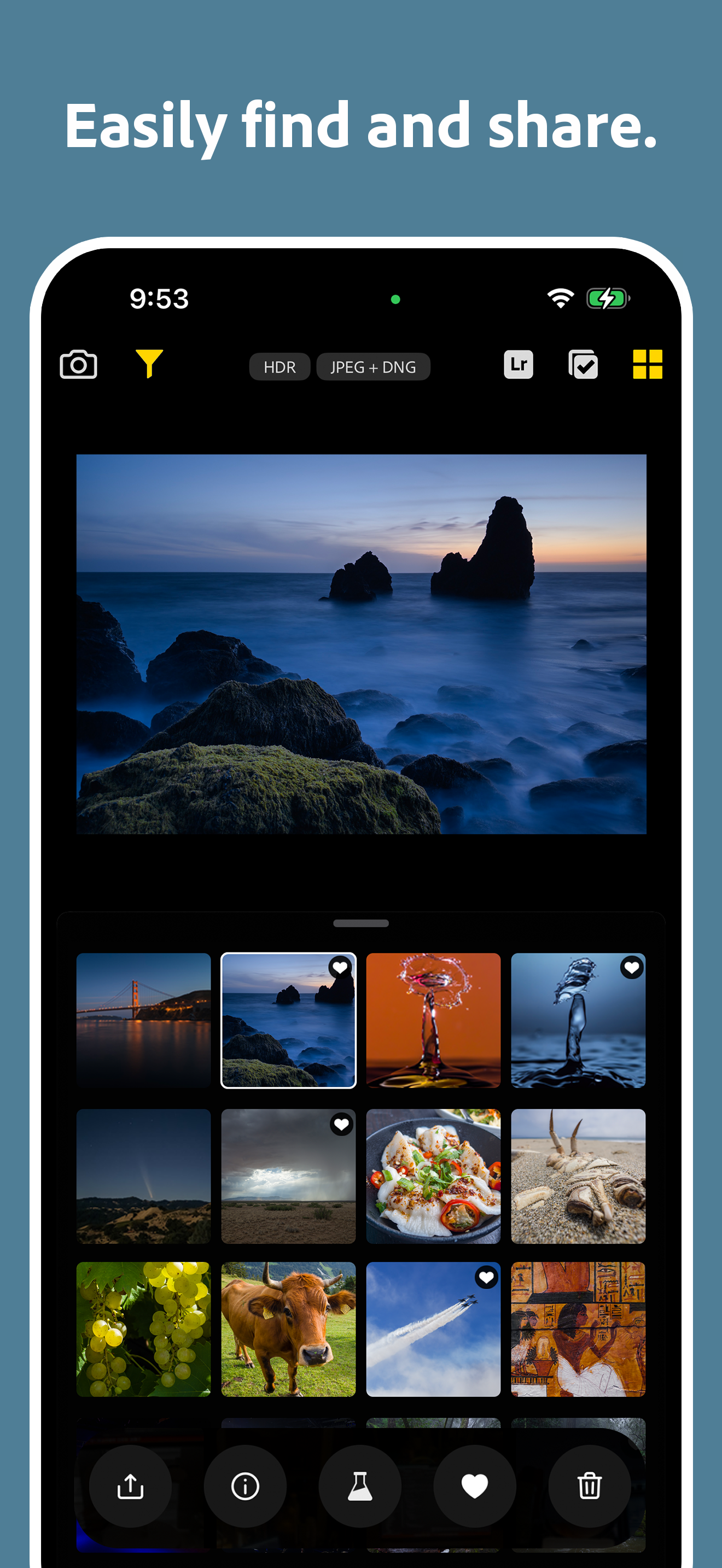
I have an iPhone 15 Pro Max, which isn't the worst camera in the world, but photos from the default camera app or, say, Halide, tend to look a bit punchier than reality. Project Indigo tends to look a lot more balanced in shots that Halide would overrepresent, while still taking extremely pretty and vibrant photos in genuinely saturated environments. It just feels generally a lot more true to life. One of the stated goals of Project Indigo is to make the captured photos look as close as possible to real SLR shots, and while I've personally never used an SLR camera, this certainly looks about up to par with what I'd expect from one. My only gripe is that, like seemingly all third-party camera apps, there is no button to open a photo in the built-in Photos app, nor is there one to open it in the built-in photo editor. There is a button to open the Photos app, but it doesn't take me to the specific photo I was viewing.
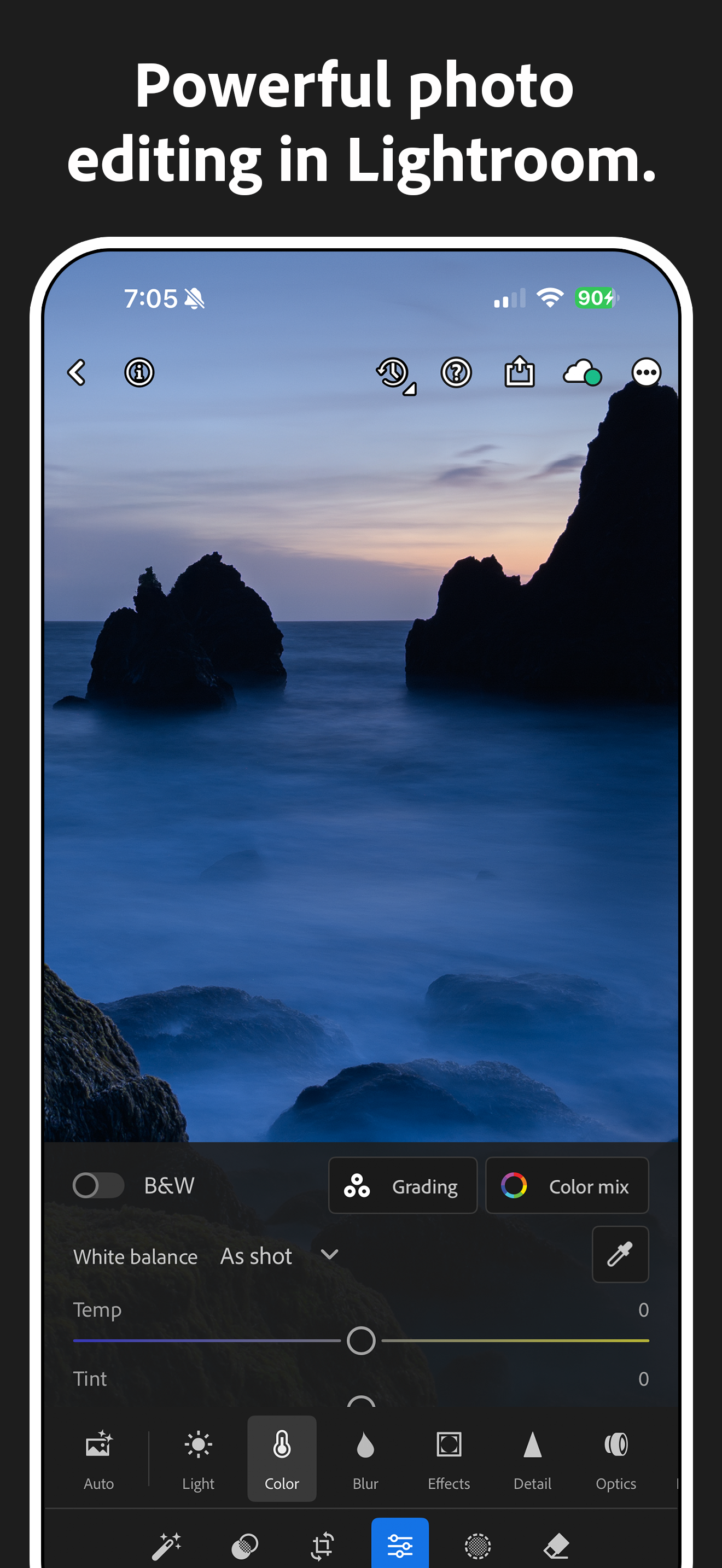
I’ve been looking for an app like this for a long time and the only options have been paid or kind of garbage. As somebody who already has an Adobe subscription I love this and can’t wait to see how it improves. Couple of bugs, the overheating warning can’t be exited out of in Landscape mode as the X is blocked by the shutter button. Moderate use on my iPhone 14 leads to over. Hitting the Lightroom button doesn’t immediately open that photo in Lightroom but just brings you to the import page which I feel like is a Missed opportunity for quicker workflow. Additionally it would be nice to be able to go into macro mode without requiring the phone to suggest it first. Overall great app and I hope I can give it a five out of five soon.
Welcome to Project Indigo, a new camera experience from Adobe Labs. With a custom computational photography pipeline, a natural image look, and full s...