Check the acquisition promise
Read the store headline, screenshots and description. What problem is the app promising to solve?
Study the storefront ↗
文荣 李 · iOS
Explore the ad evidence, study the storefront, and build your next acquisition hypothesis.
01 / Creative research
Read the store headline, screenshots and description. What problem is the app promising to solve?
Study the storefront ↗Explore apps with direct store-link matches. Compare their hooks and formats without assuming the same approach works here.
Browse observed advertisers ↗Store rankings and revenue estimates describe market context. They do not establish ad spend, conversions or ROAS.
Review the market context ↗02 / Storefront & product
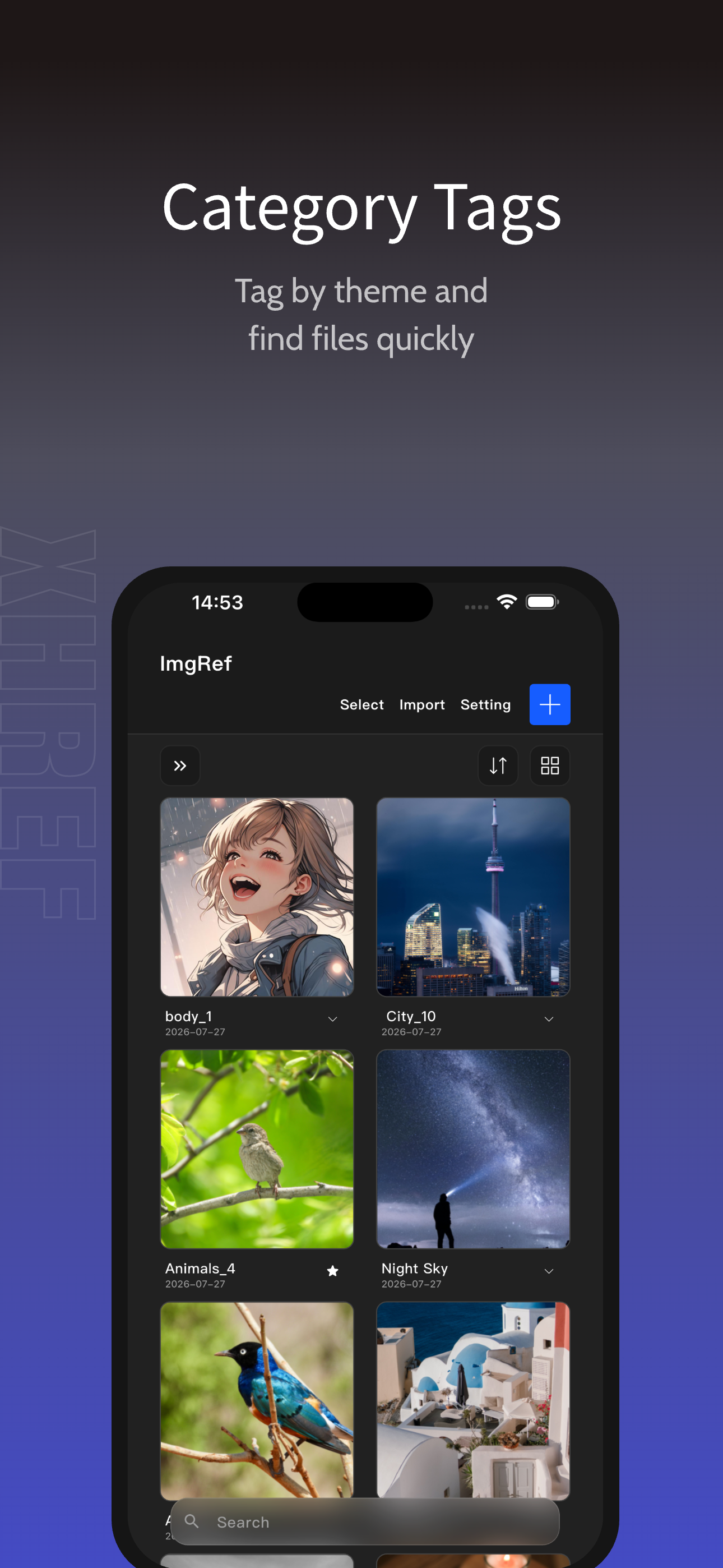
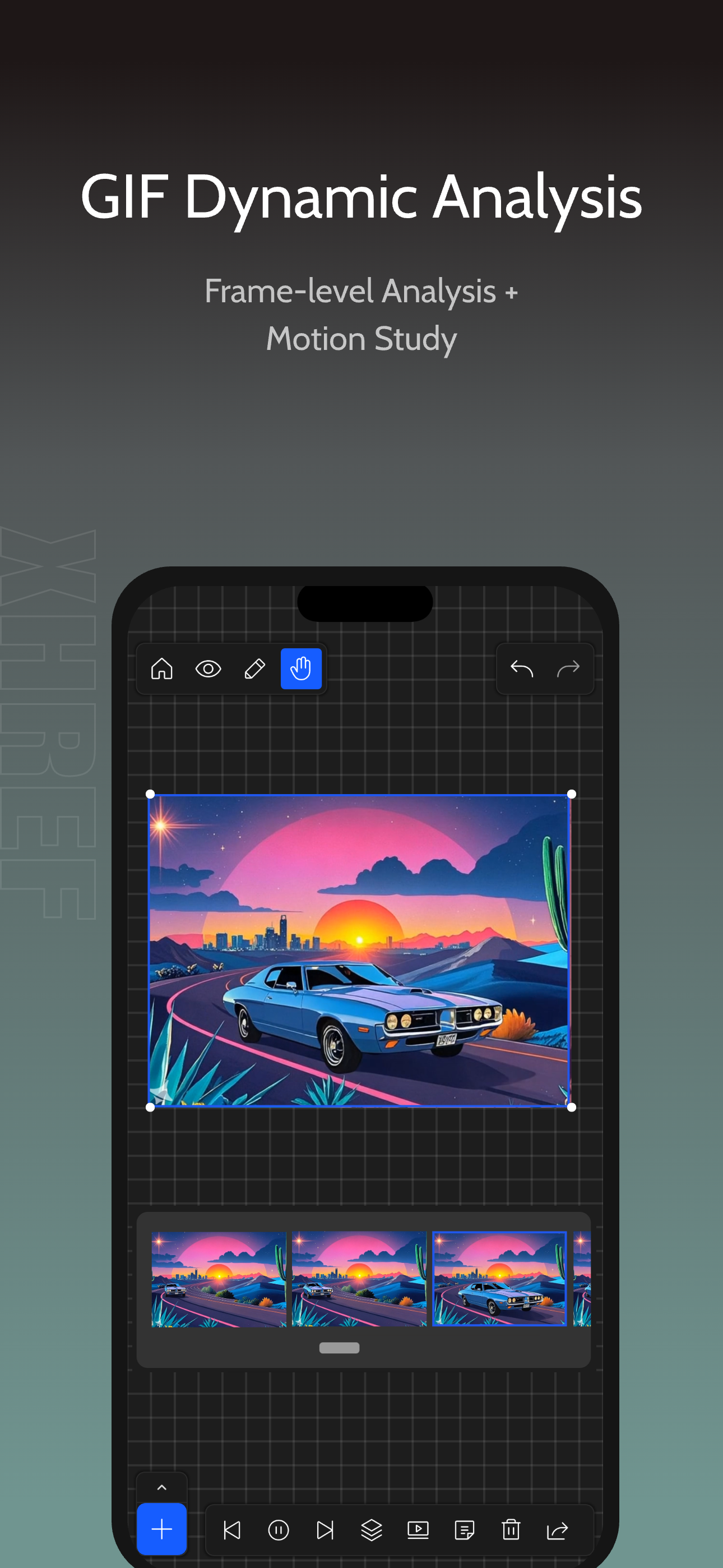
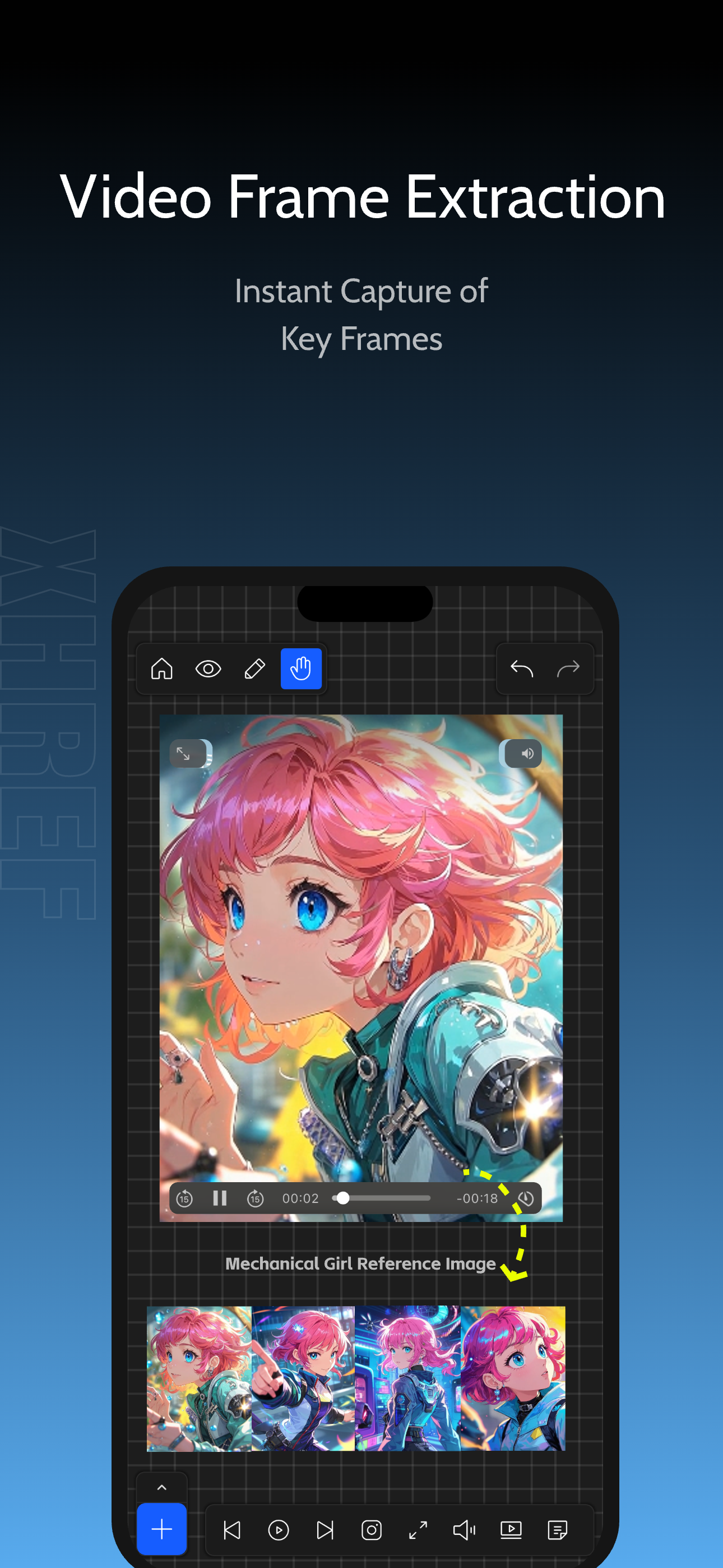
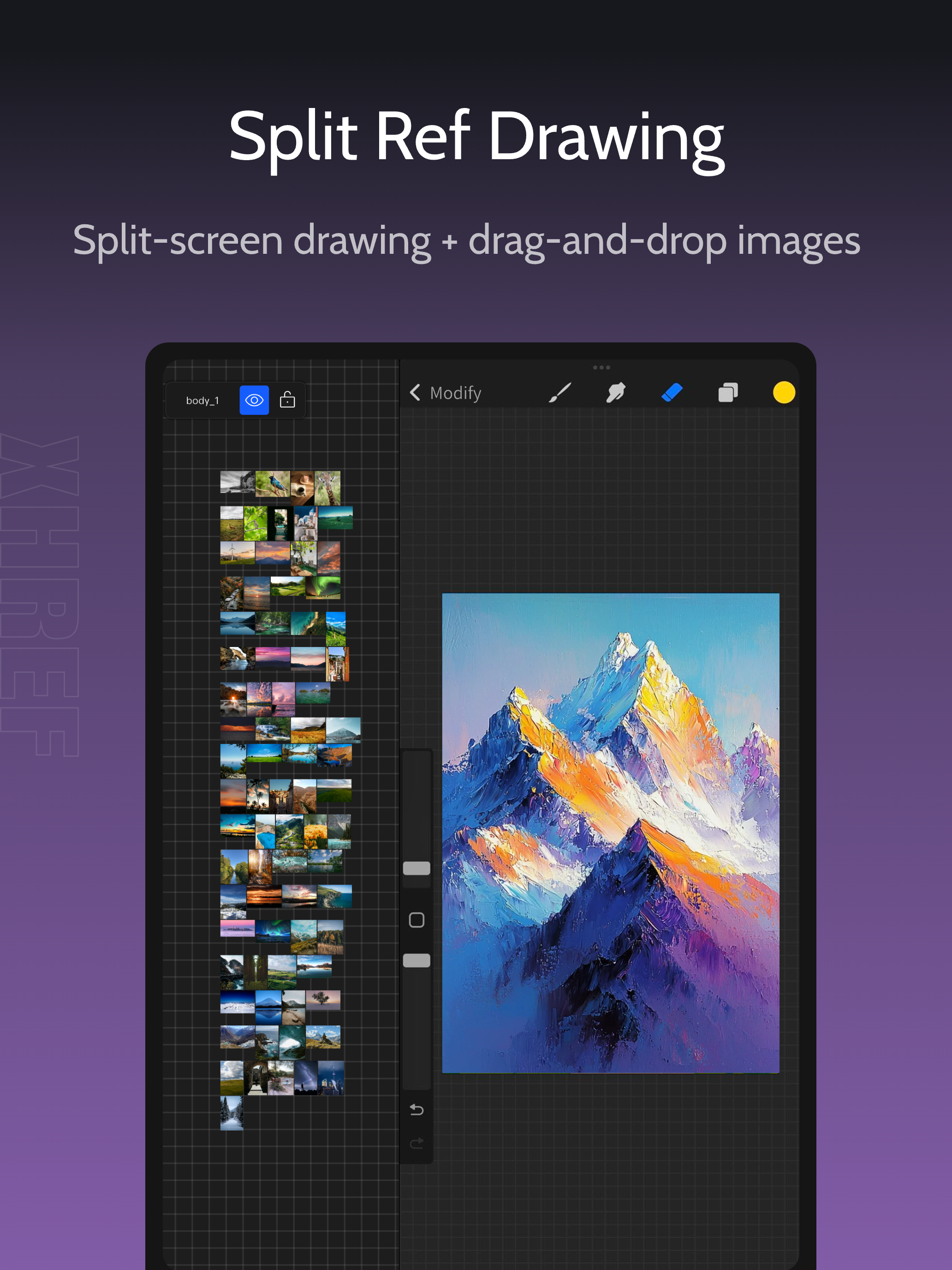
Study the product story and store experience behind the acquisition funnel.



03 / Market context
Keep revenue, downloads and store rankings separate from advertising performance.
I’ve used Visref for years, and don’t get me wrong it’s an amazing app for artists, however in recent years it has become extremely glitchy and development for it seems to have been halted for a long time, with no noticeable updates, even bug fixes, as far as I can remember since I got it. Imgref has basically taken the gripes I had with Visref and fixed them. Even as of only having installed the app for a couple days ago, I open the appstore to see that it has an update. The dev team seems active, and dedicated to their app and seems to be actually listening to users positives and criticisms and acting accordingly. So far it has handled my large boards for illustration references without crashing or bugs, and unlike Visref, hasn’t corrupted entire boards making them unusable. The app seems stable, well designed, and has features that take it a step further that other reference apps i’ve used. So far 5/5!
I was tearing my hair out over Vizref (a much pricier reference program!) consistently crashing when I tried to open projects, so in a fit I bought another reference program. Best decision ever. Not only is it simple, but there are SO many different possibilities that vizref just doesn’t have. You can draw and write notes on images!? You can color pick images!? The program shows how you can snap your compilation of images in a satisfying way!?!? It’s honestly incredible. I only have two notes: 1. Its’s very annoying that you have to click your finger away when selecting and moving an image to select another image. If I select and move the first image, I should be able to select and drag the second image when I click on it. It’s very monotonous because of that. 2.My other note is that the ui isn’t very pleasing to look at. Vizref buttons had very clear and pleasing contrast in their selection buttons, so I recommend a bolder style for buttons and colors. Besides that, wonderful. 5/5
i appreciate this app a lot, especially since most apps like this are paywalled and/or have an unbearable amount of ads. the ui is very good, there was no learning curve with this unlike in other programs like notion, which was another app i used for image collection. will you ever add a doodle / text feature to write down notes for the references ? if you do then this will definitely be more than perfect for artists and creatives, ive already recommended it to a good amount of my acquaintances and friends !
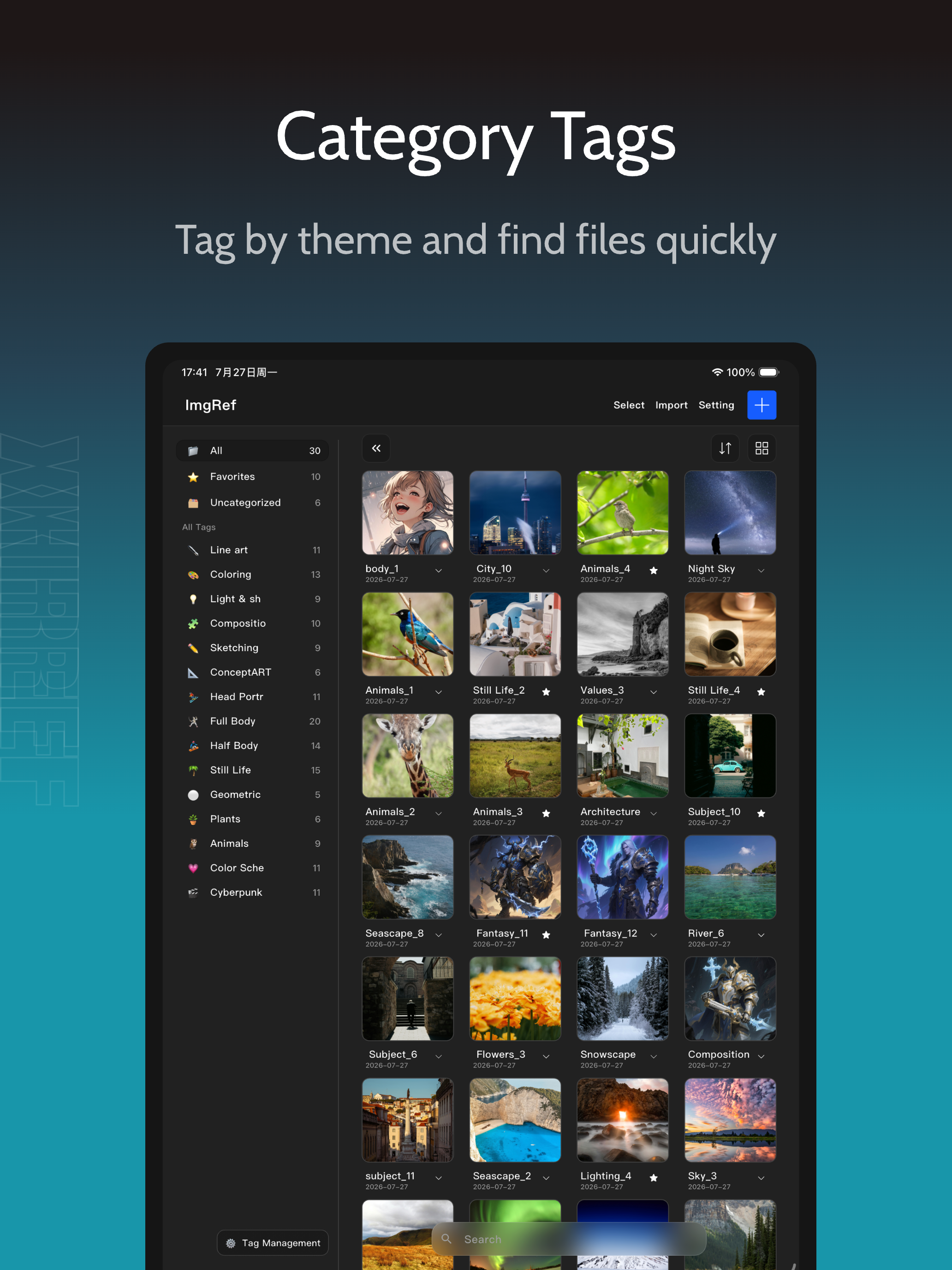
「App Store Editor's Choice」 「98% 5-Star Ratings」 「Cross-Platform for iPhone/iPad/MacOS」 Redefine your creative workflow - an all-in-one tool combini...
| Name | Price | Type |
|---|---|---|
| pro_monthly | $0.99 | Monthly |
| ImgRef Annual Subscription | $5.99 | Yearly |