Check the acquisition promise
Read the store headline, screenshots and description. What problem is the app promising to solve?
Study the storefront ↗
guangxie chen · iOS
Explore the ad evidence, study the storefront, and build your next acquisition hypothesis.
01 / Creative research
Read the store headline, screenshots and description. What problem is the app promising to solve?
Study the storefront ↗Explore apps with direct store-link matches. Compare their hooks and formats without assuming the same approach works here.
Browse observed advertisers ↗Store rankings and revenue estimates describe market context. They do not establish ad spend, conversions or ROAS.
Review the market context ↗02 / Storefront & product
Study the product story and store experience behind the acquisition funnel.




03 / Market context
Keep revenue, downloads and store rankings separate from advertising performance.
I like this app because 1) Works just like procreate except a bit simpler to work with (it seems a tad more intuitive to use, although not as many features as procreate) 2) The developer updates regularly 3) The developer does not collect data (privacy is important to me like procreate) 4) Pay once and no subscriptions. Thank you developer for providing this app.
Is it possible to save projects to come back to later? I can’t find a save button anywhere. First digital art app and I found it very intuitive and easy to use. I found that I would occasionally accidentally make dots or lines when zooming or switching layers. Is there anything I’m doing wrong or do I just need to be more careful? Is there a user manual?
Not the best- but it’s ok. There’s a glitch with air brushes though. When I use one, and draw on the “paper”, it glitches and shows in pixel-blocked things but didn’t show a clear line I used. It only shows when I zoom in on the paper. Please fix this. All in all, it’s ok. But I didn’t actually buy it. I just got it because it was free for a limited time- not really a professional app worth paying $9 for. So if you are more professional, try looking for something else. It’s a fun app to play around with though. I think I would like it a lot more if it had more tools, like a fill tool. I do like how it has a smudge tool, which a lot of apps don’t have. As far is it goes, I see it’s absolutely fine with my iPhone XS. It renders properly. Bye for now, -Irlxnda
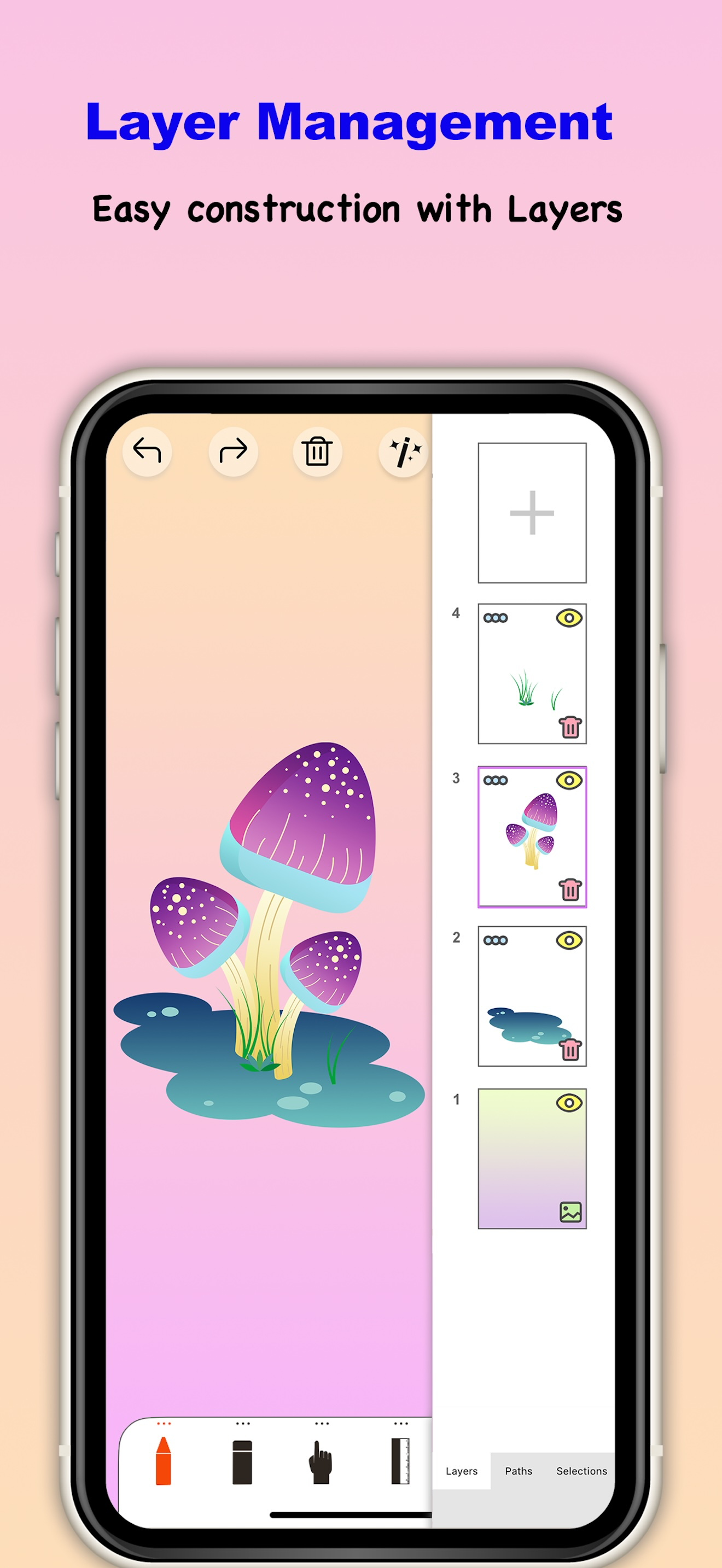
Sketch Tree is a mobile drawing application created specifically for creative professionals. Its painting and drawing function is very groundbreaking,...