
Check the acquisition promise
Read the store headline, screenshots and description. What problem is the app promising to solve?
Study the storefront ↗
Konstantin Dondoshanskii · iOS
Explore the ad evidence, study the storefront, and build your next acquisition hypothesis.
01 / Creative research
Read the store headline, screenshots and description. What problem is the app promising to solve?
Study the storefront ↗Explore apps with direct store-link matches. Compare their hooks and formats without assuming the same approach works here.
Browse observed advertisers ↗Store rankings and revenue estimates describe market context. They do not establish ad spend, conversions or ROAS.
Review the market context ↗02 / Storefront & product
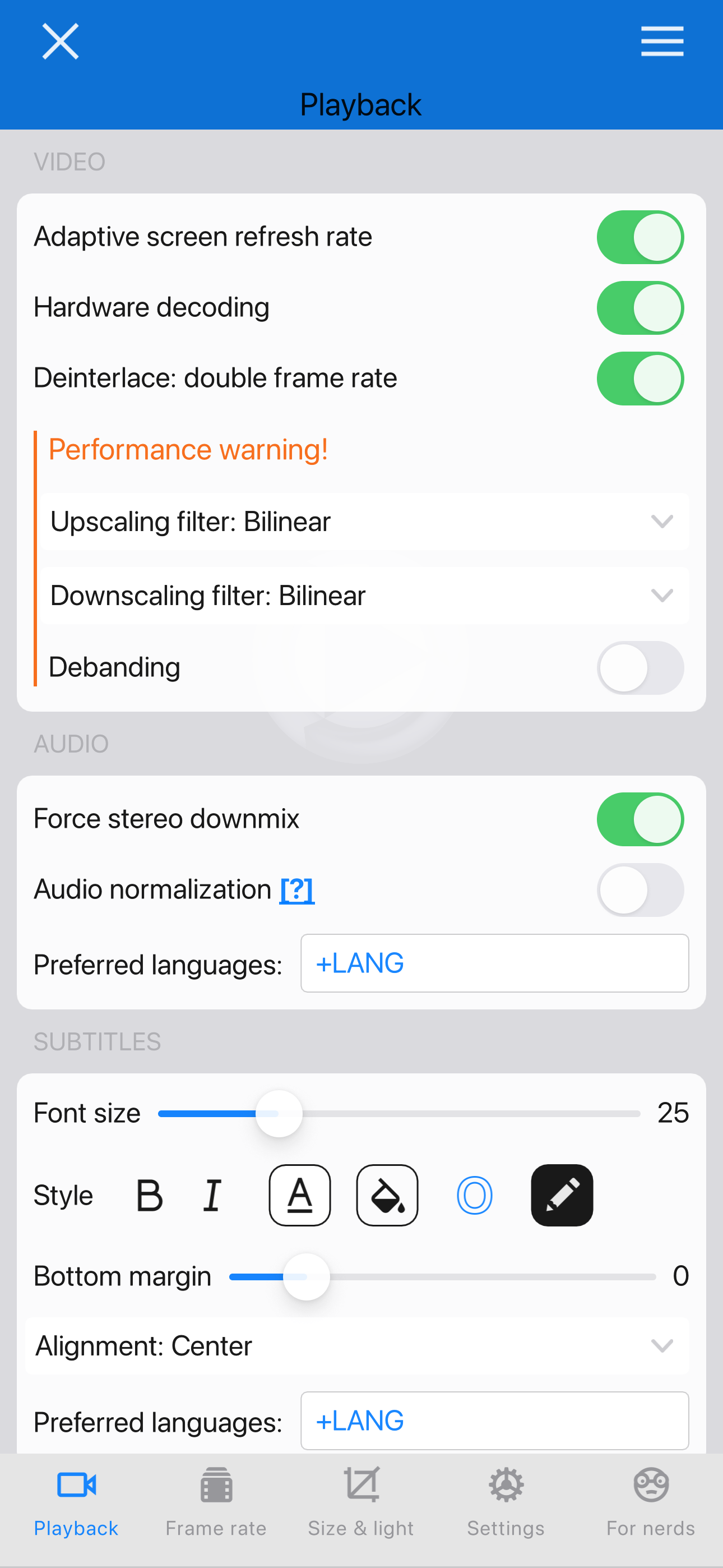
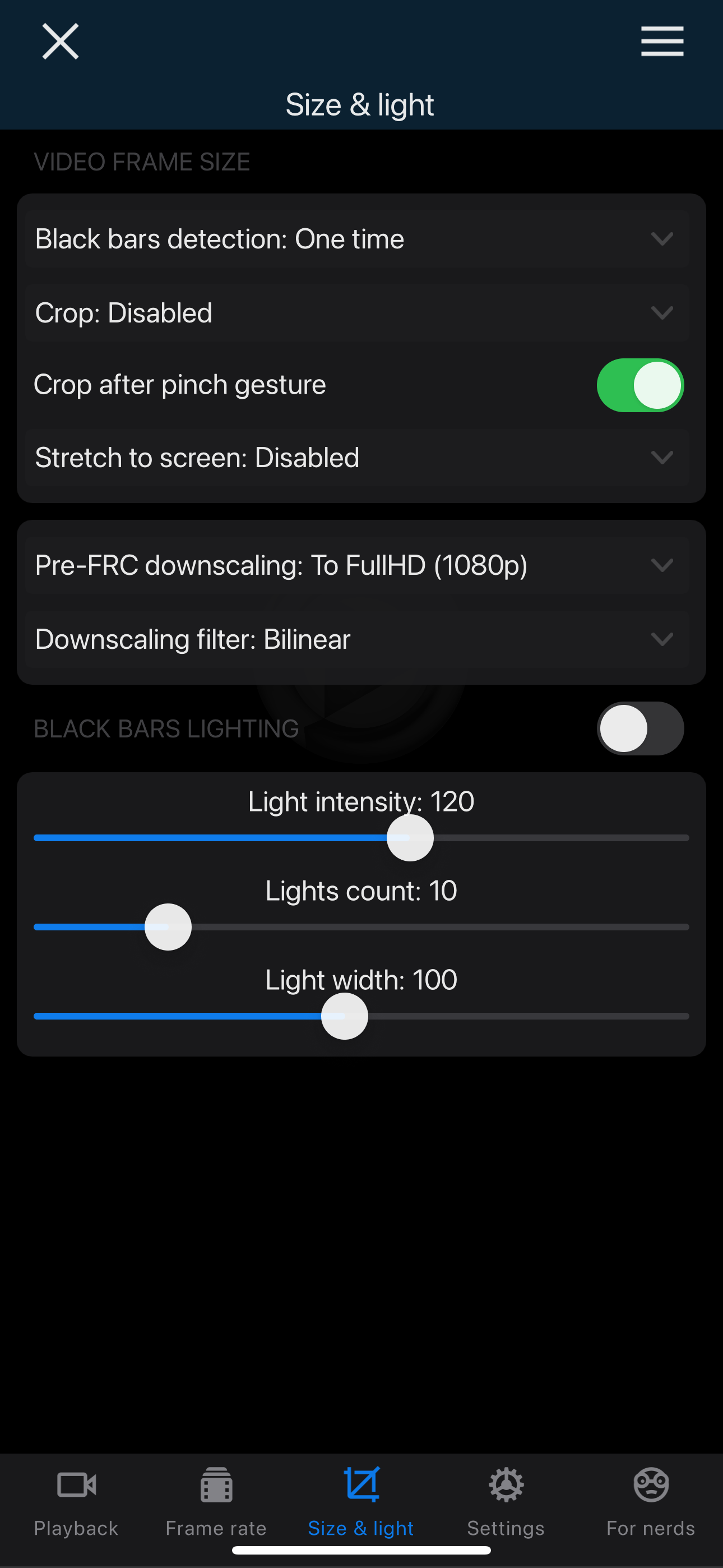
Study the product story and store experience behind the acquisition funnel.


03 / Market context
Keep revenue, downloads and store rankings separate from advertising performance.
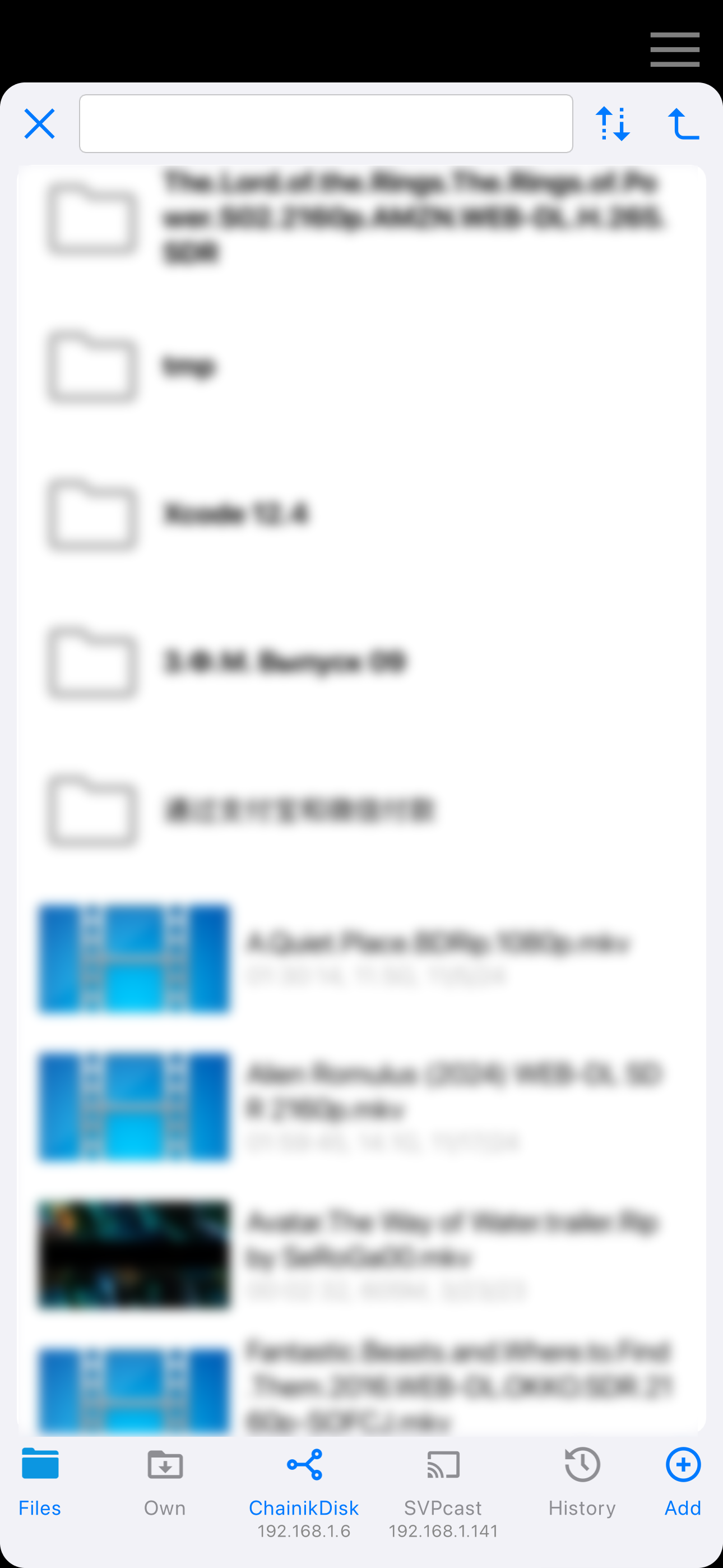
While SVPlayer for iOS carries over many of the same features from SVP4Mac, it’s held back by an app-breaking flaw: Every time I skip to the next video in my carefully curated “Own” folder, a big blue infinite loading overlay obstructs my view of my video (which is otherwise playing back perfectly as I’d like). Clearly this is a bug, but it’s a frustrating bug nonetheless—and the only workaround I’ve found thus far is to close the app and re-open it every time I want to switch to a different video—and doing that defeats the whole point of the skip button. I’m happy to come back and update my review to 5 stars if/when this is resolved. As of this writing, however, the infinite load overlay that occurs every time on skip ruins my experience with SVPlayer to the extent that I regret paying money for it in the first place.
Overall the app does exactly what it says and has no ads from what I’ve seen so it’s amazing, the only issue though is that the UI is just too annoying and crowded and sometimes it doesn’t go away when tapping, I put 4 stars because of this but the app is very good.
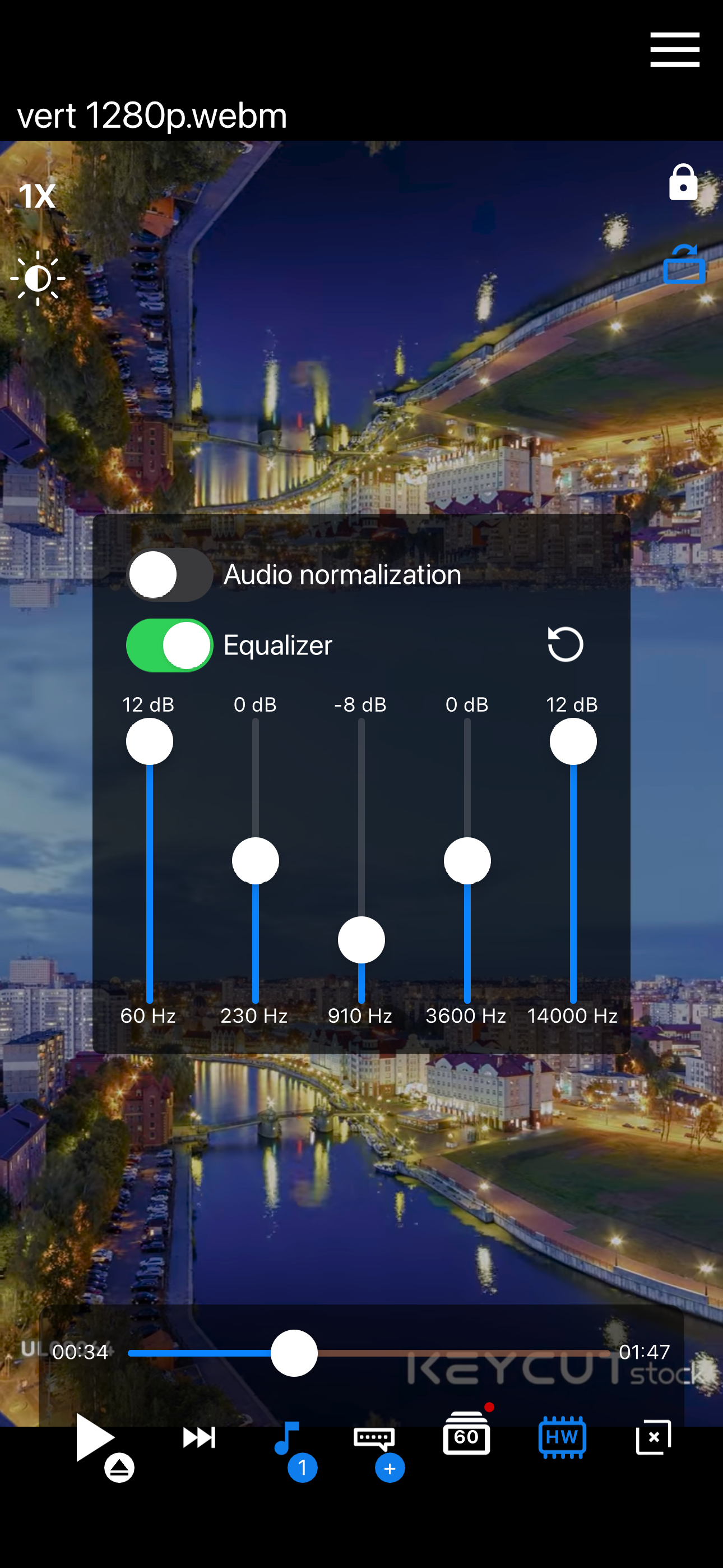
So my main concern is the audio I'm not seeing a equalizer now I don't know if in the manual settings for iOS you true or false audio settings, but no referencing back to your website and you know researching everything you guys put out there's not much for iOS mobile of course pretty basic but with that being said this is the best product and .for I think it was like two dollars I got the whole year with the Apple two dollars dude. I'm off I'm gonna be busy for the next two hours
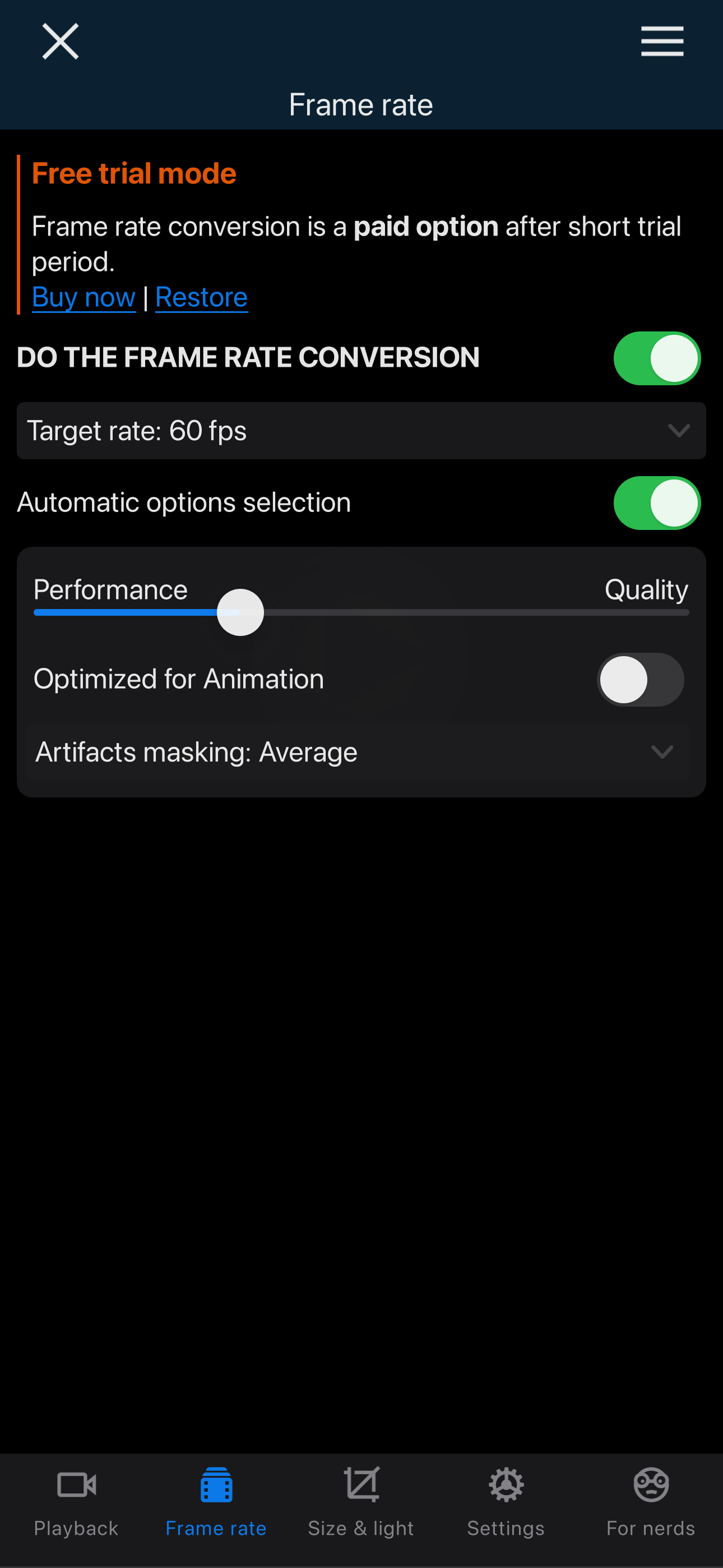
SVP (aka SmoothVideo Project) converts any video to 60 fps (and even higher) and does it in real time. From the extensive community feedback, we learn...
| Name | Price | Type |
|---|---|---|
| Yearly Premium (iOS) | $2.99 | Yearly |
| Yearly Premium +TV (upgrade) | $5.99 | Yearly |
| Yearly Premium +TV | $7.99 | Yearly |
| Lifetime Premium (iOS) | $9.99 | One-time |
| Lifetime Premium +TV (upgrade) | $17.99 | One-time |
| Lifetime Premium +TV | $24.99 | One-time |


