
Check the acquisition promise
Read the store headline, screenshots and description. What problem is the app promising to solve?
Study the storefront ↗
CellarTracker · iOS
Explore the ad evidence, study the storefront, and build your next acquisition hypothesis.
01 / Creative research
Read the store headline, screenshots and description. What problem is the app promising to solve?
Study the storefront ↗Explore apps with direct store-link matches. Compare their hooks and formats without assuming the same approach works here.
Browse observed advertisers ↗Store rankings and revenue estimates describe market context. They do not establish ad spend, conversions or ROAS.
Review the market context ↗02 / Storefront & product
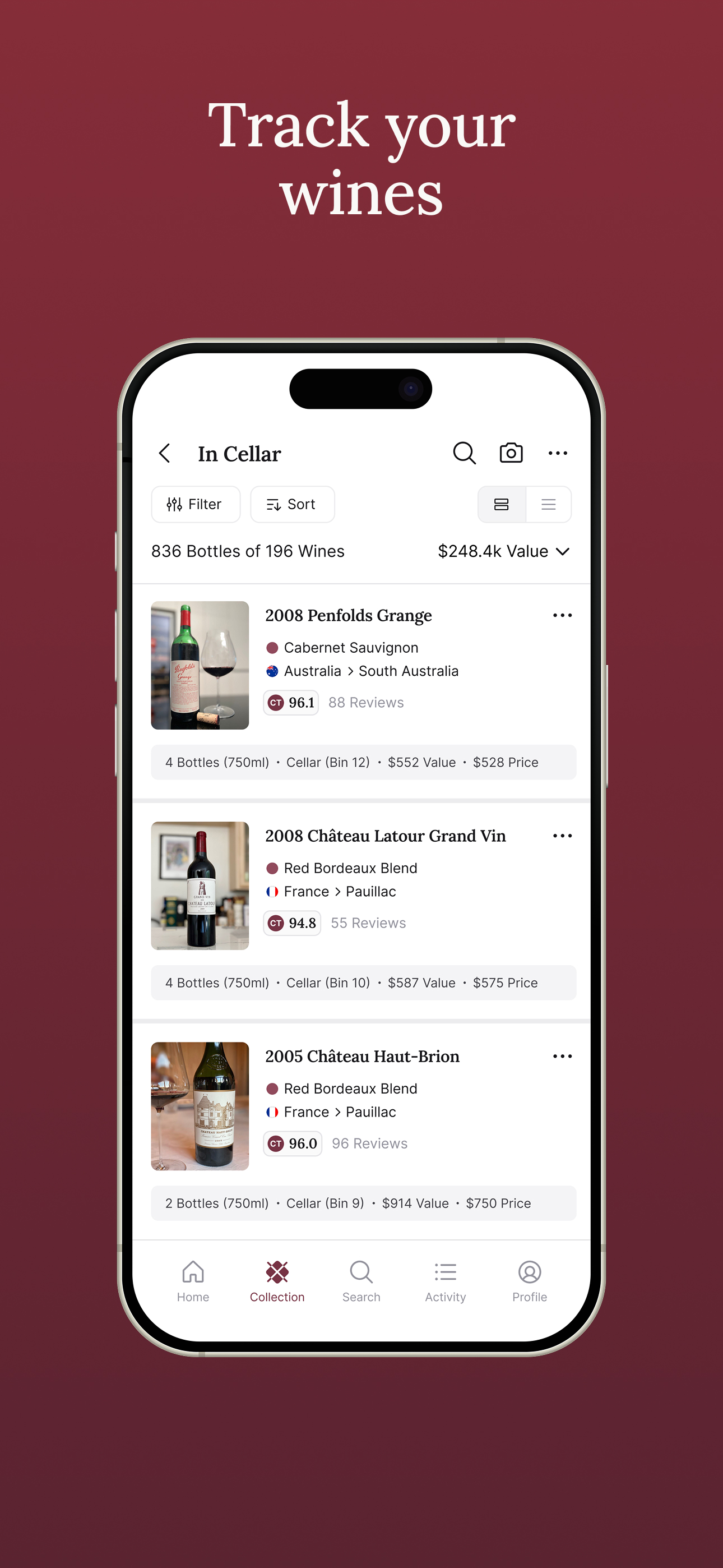
Study the product story and store experience behind the acquisition funnel.



03 / Market context
Keep revenue, downloads and store rankings separate from advertising performance.
This App does everything and it’s my go to for everything Wine. The reviews are by people like me who are serious about wine as a community. I rely on the reviews and comments. The App helps me to buy wine, it gives incorporates the professional reviewers I subscribe to seamlessly, it allows me to learn anything and everything about specific wines and my collection as a whole, and there are so many wonderful features that I am still happily discovering them. The developer takes personal interest in the customer experience and the features are always improving. The addition of an AI chatbot is a game changer. This is the only App I need and it’s indispensable to me.
My husband and I started collecting wine about 10 years ago. At first it was easy to manage on a spreadsheet. About two years ago with over 1500 bottles in our collection, I realized we needed something more robust. I had used Cellar Tracker a bit, but I decided to get committed, and I started to inventory our wine in the app. It was a labor of love. That I am so happy I took the time to do. I keep it updated adding new wines and removing the ones we enjoy on a weekly basis. Not only is it a great inventory system? It provides us with very usable information including drinking life, pricing and reviews. This year, we will be adding some secondary review services to our account. I highly recommend the app for everyone, but it’s especially a must for individuals who have a collection of 100 or more bottle.
Some of the new features are nice. But I find the old app quicker and easier to use. I saw more of the list, the new app requires more scrolling. Also where I have multiple same year Cabernets from the same vintner; I have to tap the picture or select bottle to see Which vineyard is connected to the wine bottle. The vineyard does not appear on the larger initial title. While this was true of earlier up, I could at least see the vineyard on the first screen. Also adding bottles is a little more of a hassle and less intuitive. After adding a bottle, I will return to initial cellar menu and my previous add does not show up. This has caused me to do duplicate entries and then I have to remove a bottle. Some of the sub menu features are better. I previously hit 1 star accidentally. Not my intention, sorry.
CellarTracker is the top-rated wine app with 4.9 of 5 stars, over 13.6 million wine ratings and reviews, and over 8.8 million users globally, collecti...
| Name | Price | Type |
|---|---|---|
| Up to 100 Bottles (Monthly) | $4.99 | Monthly |
| Up to 250 Bottles (Monthly) | $5.99 | Monthly |
| Up to 500 Bottles (Monthly) | $7.99 | Monthly |
| Up to 1,000 Bottles (Monthly) | $14.99 | Monthly |
| Up to 2,500 Bottles (Monthly) | $29.99 | Monthly |
| 2,500+ Bottles (Monthly) | $44.99 | Monthly |


