
Check the acquisition promise
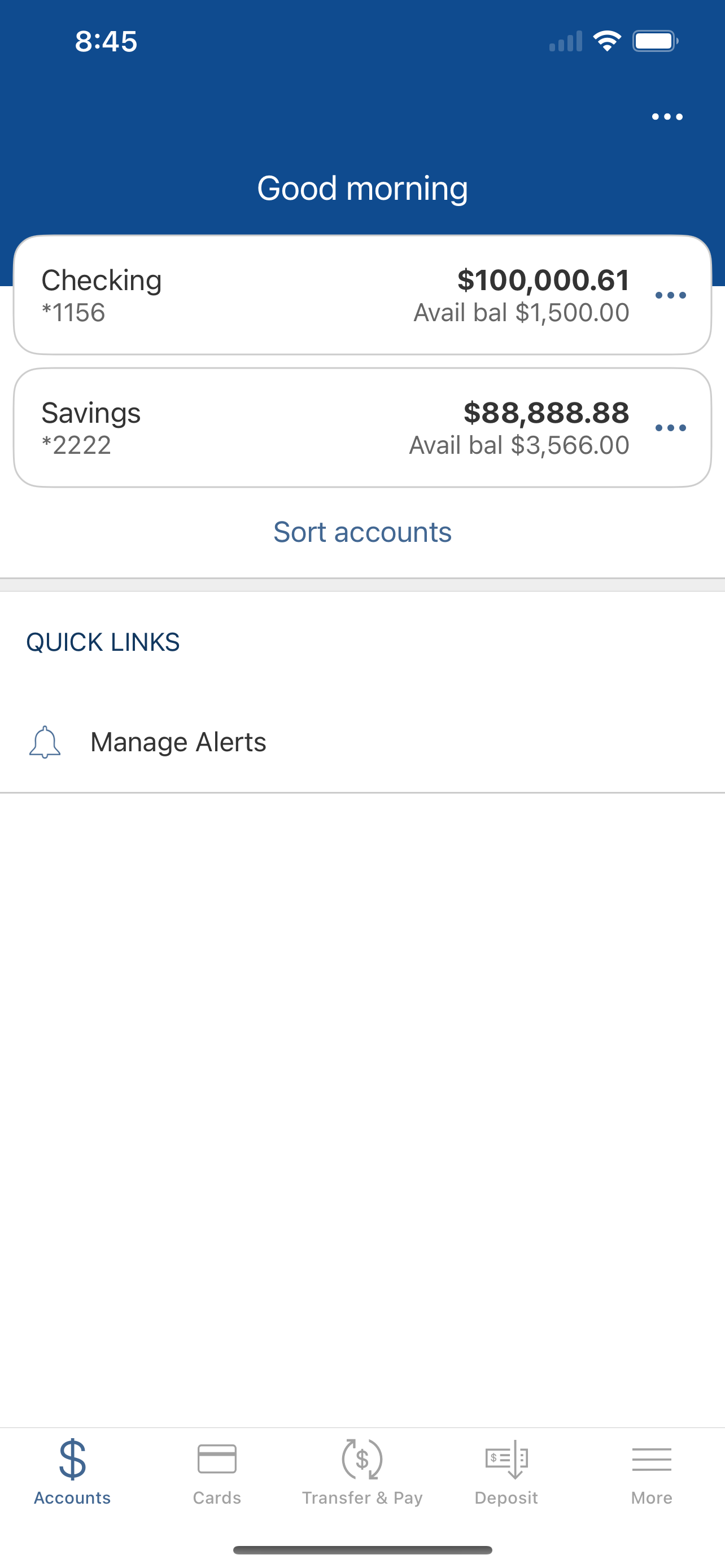
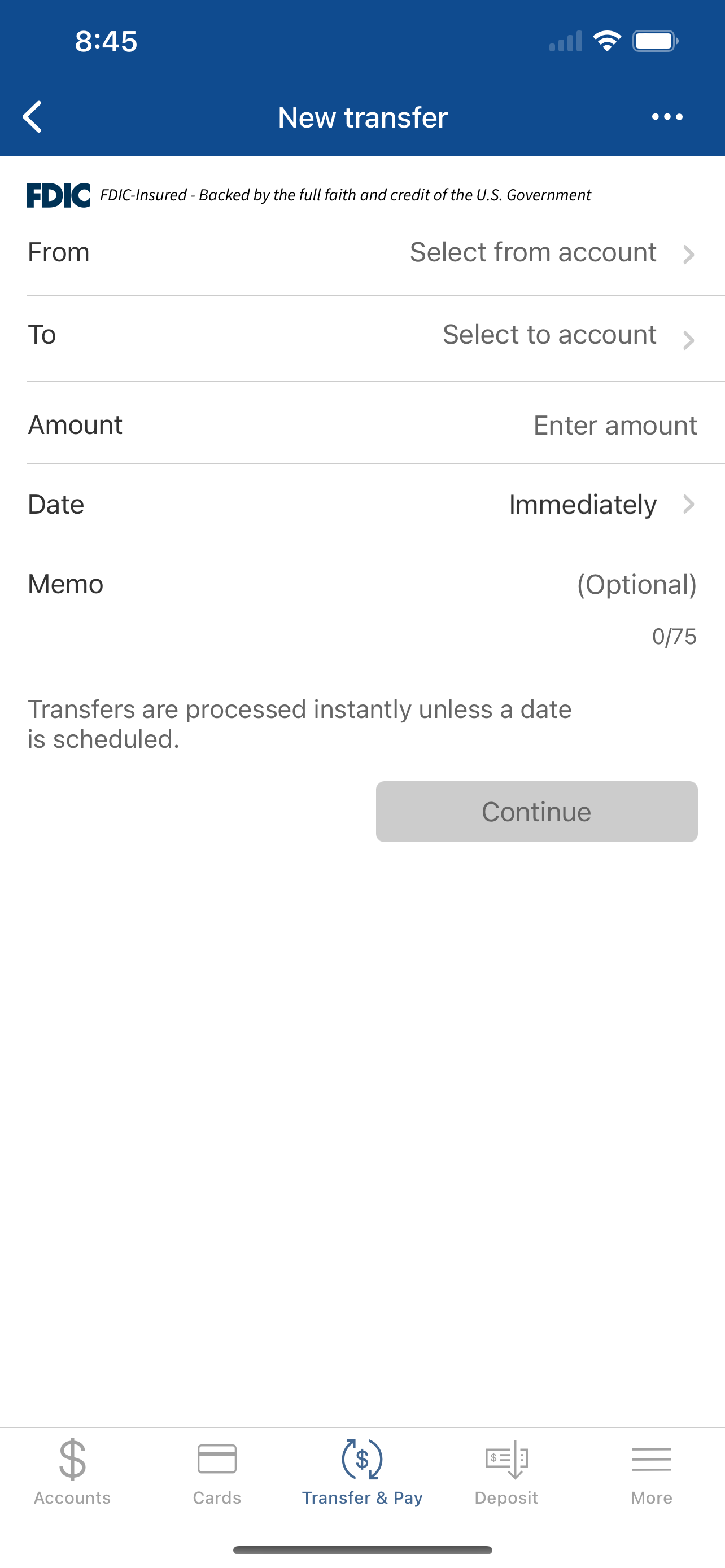
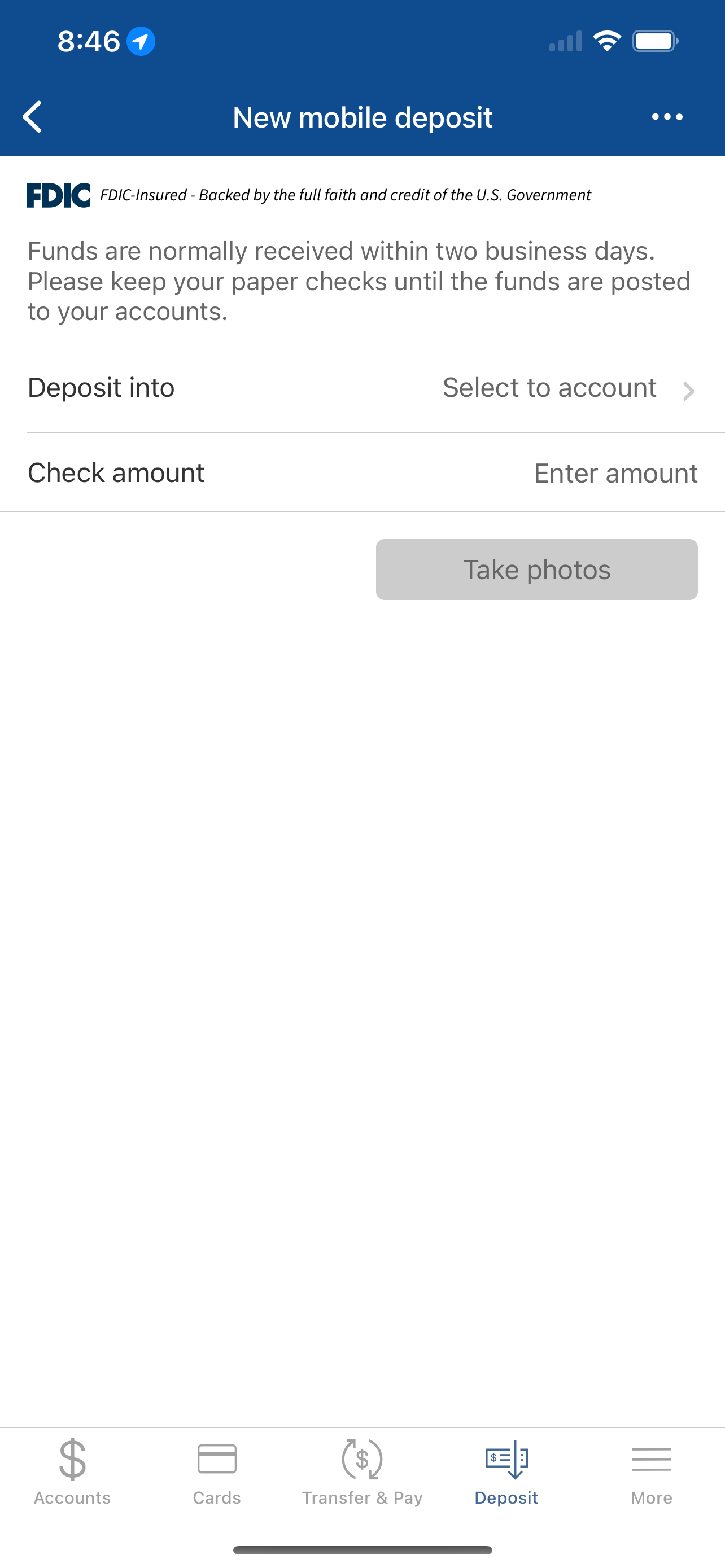
Read the store headline, screenshots and description. What problem is the app promising to solve?
Study the storefront ↗
Great Midwest Bank · iOS
Explore the ad evidence, study the storefront, and build your next acquisition hypothesis.
01 / Creative research
Read the store headline, screenshots and description. What problem is the app promising to solve?
Study the storefront ↗Explore apps with direct store-link matches. Compare their hooks and formats without assuming the same approach works here.
Browse observed advertisers ↗Store rankings and revenue estimates describe market context. They do not establish ad spend, conversions or ROAS.
Review the market context ↗02 / Storefront & product
Study the product story and store experience behind the acquisition funnel.



03 / Market context
Keep revenue, downloads and store rankings separate from advertising performance.
I have to re download it every time I want to use it. Sometimes I can get in, but mostly it tells me I should check my account settings to be set up for mobile applications (it is). Can’t use the website on any browsers on any Apple products because the keyboard does not interact with it in a browser. The app was really great to get instant balance updates also loved the notification for each debit. But then it just stops working, redownload, rinse, repeat. If I want to check my balance and I’m not near my home laptop I have to call the automated line like some schmuck; which seems like an even bigger step back in technology.
The app only works sometimes. It always gives an error and I have to delete the app and redownload - sometimes that doesn’t work. My username and passwords are all correct, it just states technical error. This happens almost every time I open it up so now I rarely use it.
Great Midwest Bank’s Mobile App offers customers simple, quick, and secure 24/7 banking access to your accounts. It is an efficient way to bank with...


