Check the acquisition promise
Read the store headline, screenshots and description. What problem is the app promising to solve?
Study the storefront ↗
Qrayon, LLC · iOS
Explore the ad evidence, study the storefront, and build your next acquisition hypothesis.
01 / Creative research
Read the store headline, screenshots and description. What problem is the app promising to solve?
Study the storefront ↗Explore apps with direct store-link matches. Compare their hooks and formats without assuming the same approach works here.
Browse observed advertisers ↗Store rankings and revenue estimates describe market context. They do not establish ad spend, conversions or ROAS.
Review the market context ↗02 / Storefront & product
Study the product story and store experience behind the acquisition funnel.


03 / Market context
Keep revenue, downloads and store rankings separate from advertising performance.
I LOVE this app but it is missing one dealbreaking feature that can actually bring this review from 5 stars to 2 stars. It is missing palm rejection. When I use my Apple Pencil, it frequently reads my palm as input and draws this gigantic line across the screen. Happens much too frequently for the app to be usable with an Apple Pencil. If an update ever brings palm rejection, I will definitely bring this review up to 5 stars
This app does just as it says it will. Records nice and smooth even on my old iPad 3! Very handy when it comes to getting the point across.
I like the direction this is going in. I do not feel it is useful for me at the current stage. One very cool feature even in the free version is the app records the line drawing and this can be exported and shared. To make this a stronger app consider PNG exports or a format that supports alpha channel. Pressure sensitivity to connect with devices like the apple pen seem like they would be right in line with the direction the app is moving in. In the current version of this review I can begin drawing something. Once in awhile it detects my finger and makes a big line to some point on the screen often it is diagonal. Raise the resistance slightly so the drawing feels a bit more realistic.
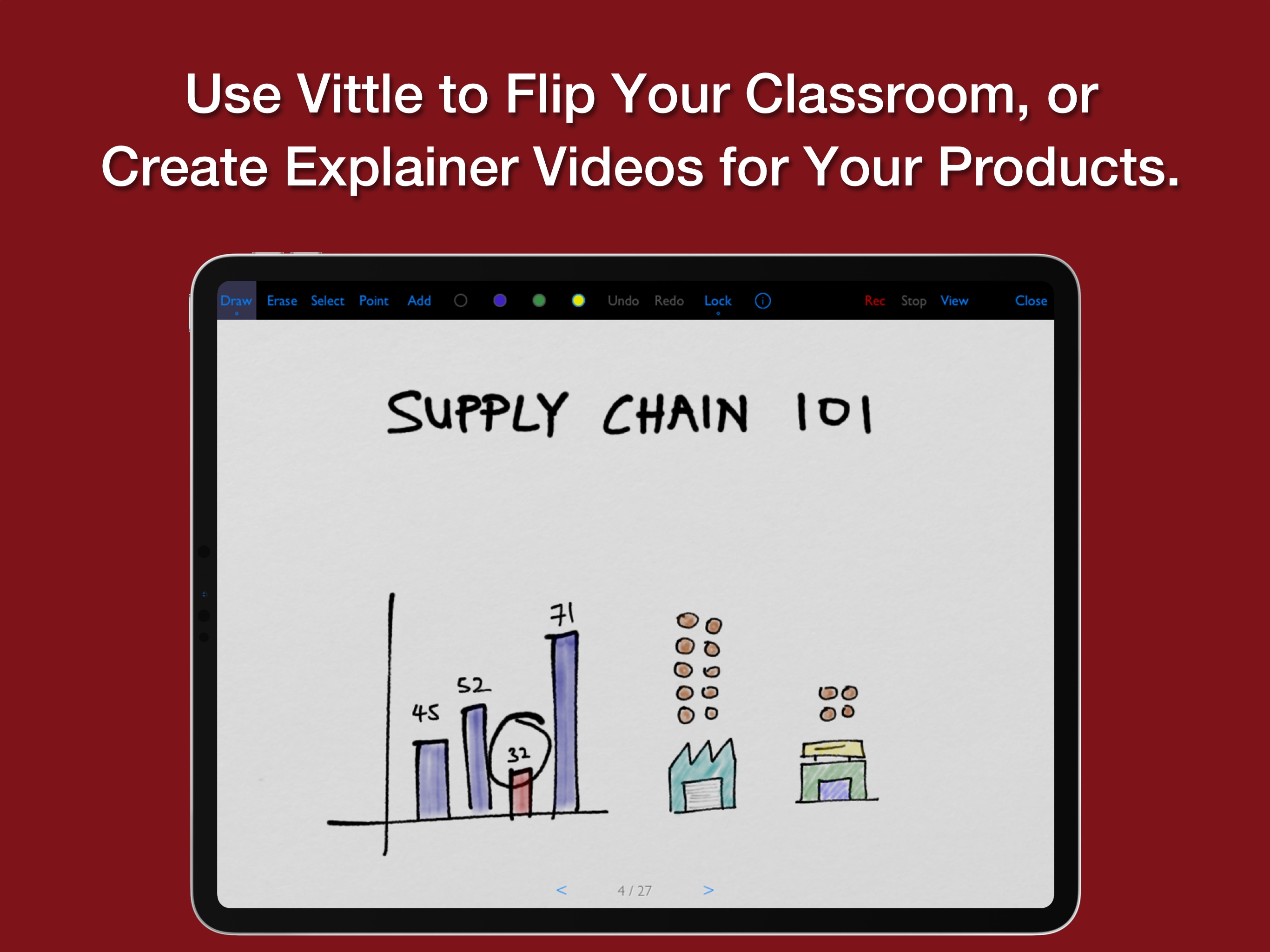
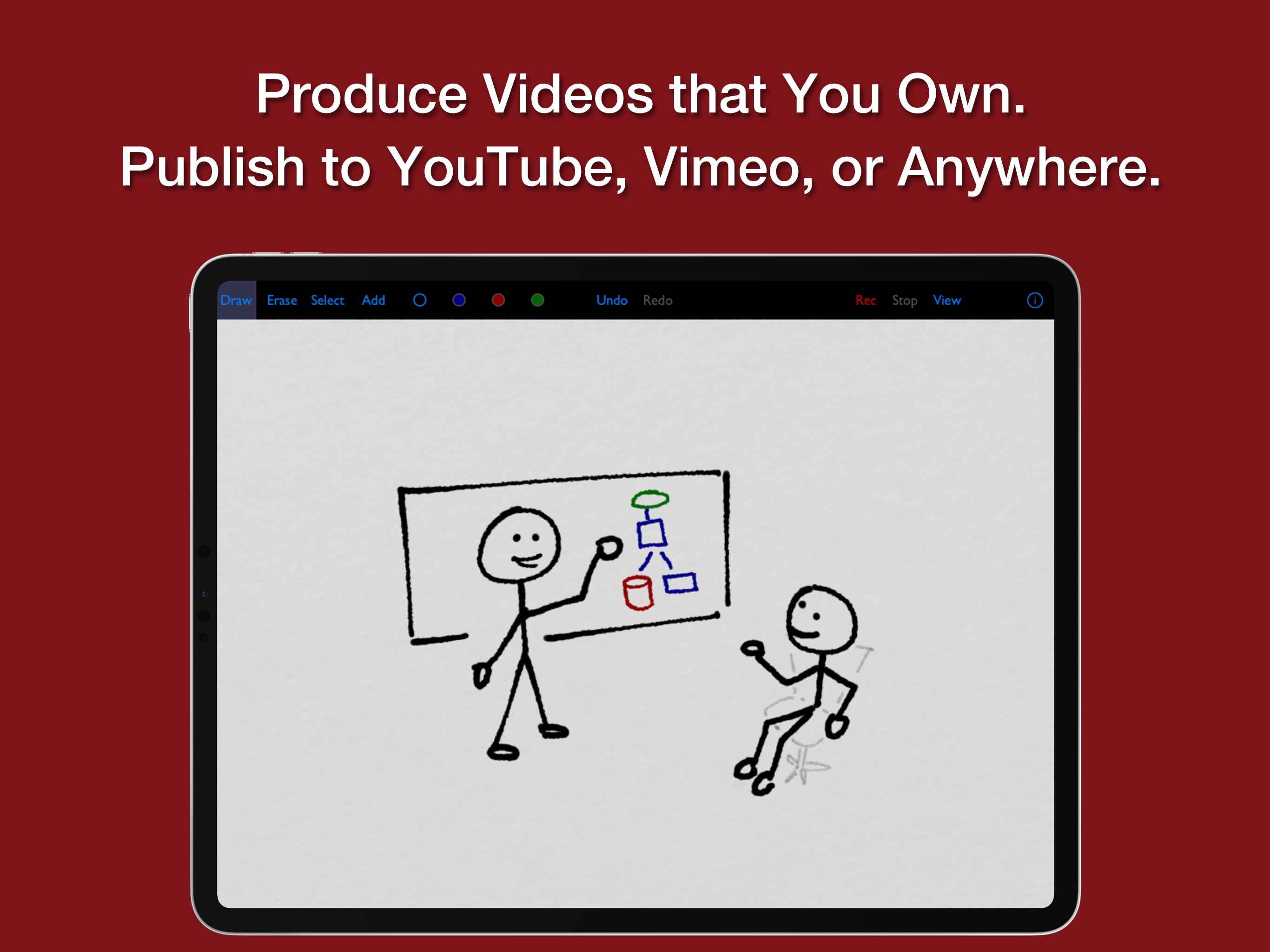
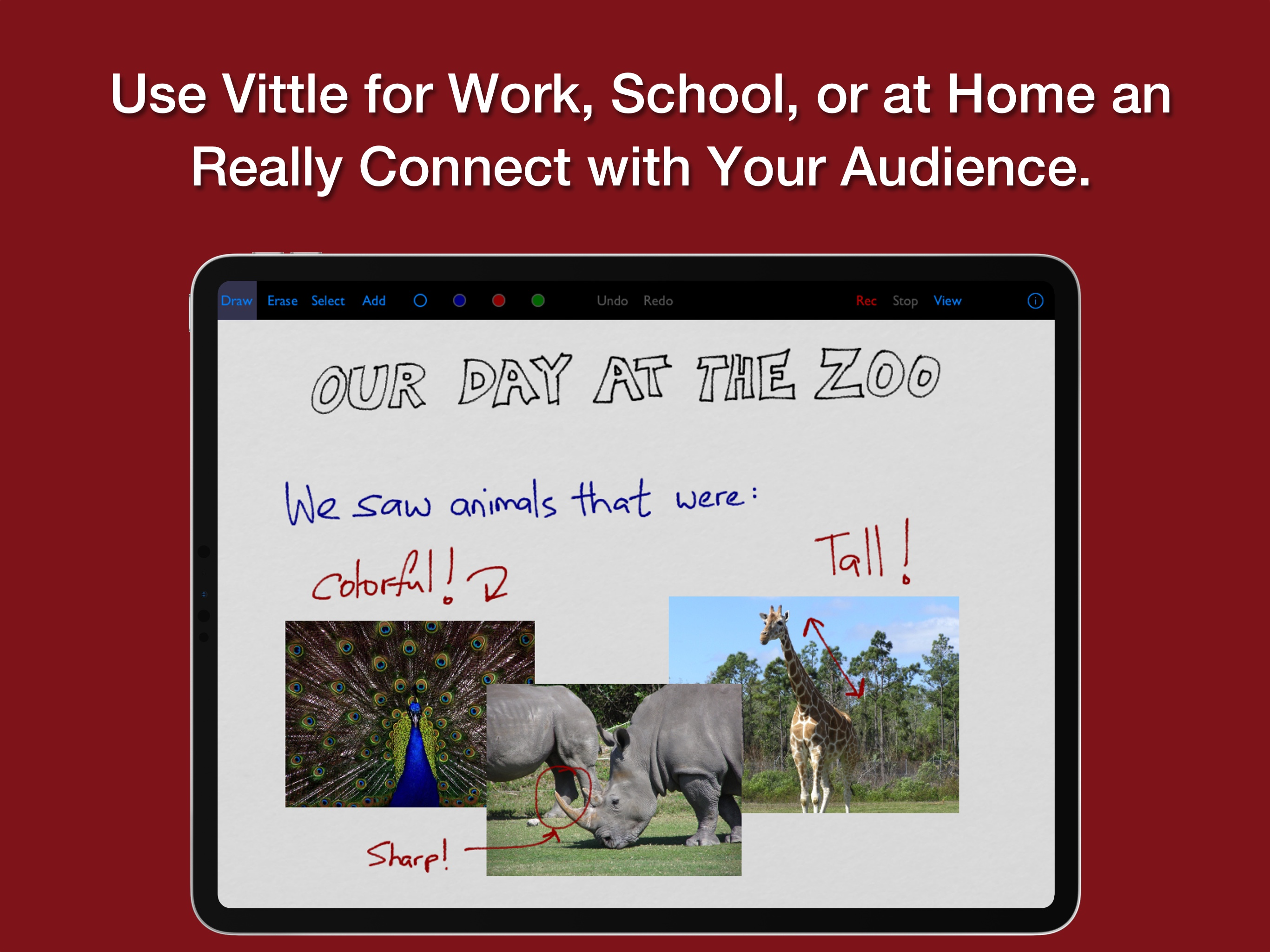
Produce Video Screencasts and Lectures, Right on your iPad. Vittles combine your photos, handwriting, and voice into engaging screencast videos that...