Check the acquisition promise
Read the store headline, screenshots and description. What problem is the app promising to solve?
Study the storefront ↗
Qrayon, LLC · iOS
Explore the ad evidence, study the storefront, and build your next acquisition hypothesis.
01 / Creative research
Read the store headline, screenshots and description. What problem is the app promising to solve?
Study the storefront ↗Explore apps with direct store-link matches. Compare their hooks and formats without assuming the same approach works here.
Browse observed advertisers ↗Store rankings and revenue estimates describe market context. They do not establish ad spend, conversions or ROAS.
Review the market context ↗02 / Storefront & product
Study the product story and store experience behind the acquisition funnel.


03 / Market context
Keep revenue, downloads and store rankings separate from advertising performance.
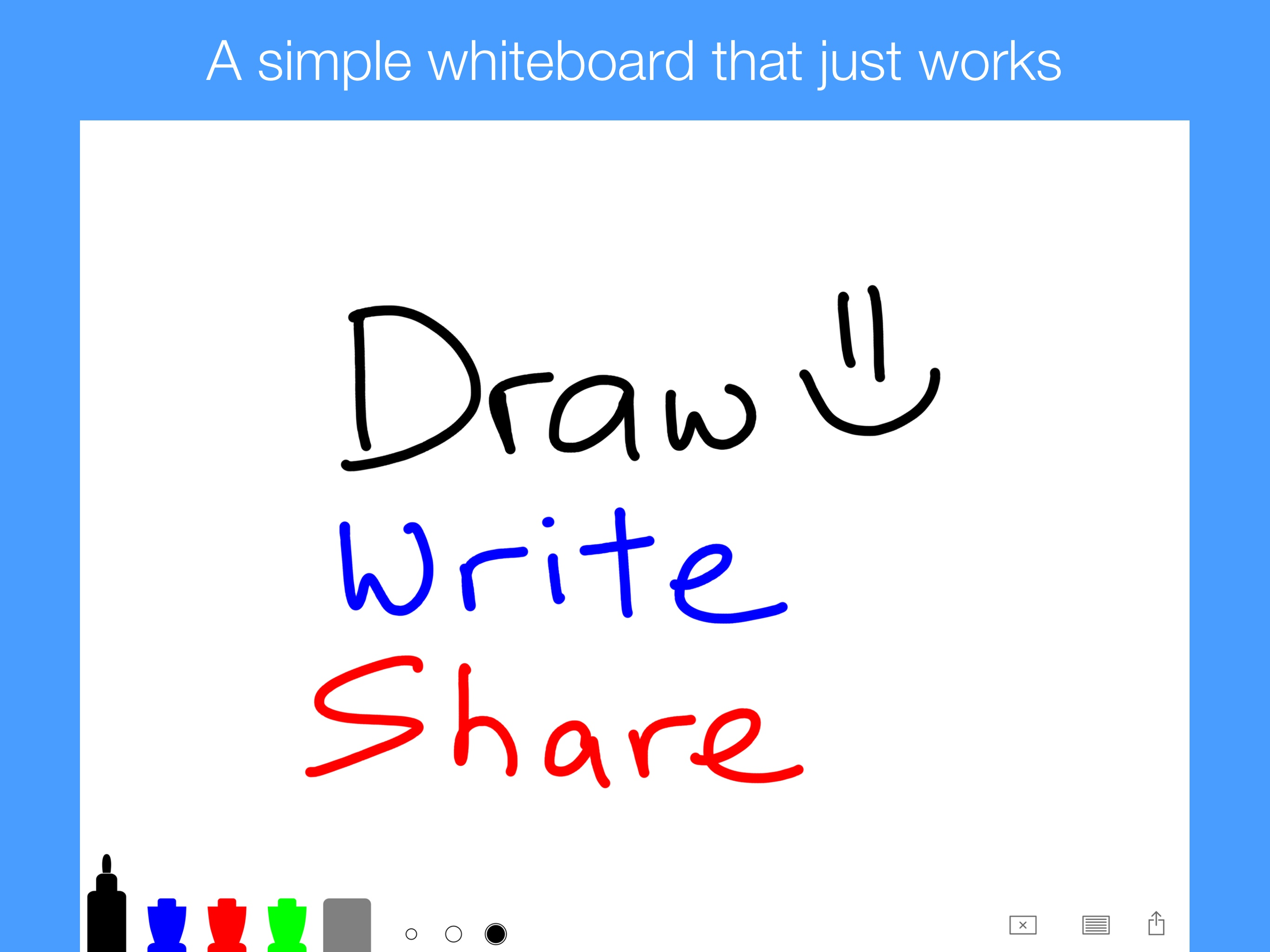
I love some whiteboard is so easy to use. I love everything about it. I love how you can change the colors but one thing I wanna change is like having different colors, but these colors are really good like black blue, red and green colors and then you can download on your phone and iPad. One thing I mean is a computer. The most people just have computer is playing my iPad but I wanna hear a story. I love it to teach your kids cause I’m a sixth grade and I love it but like stay home moms who was teaching the kids to go to school love it five stars.
There are some things that could make this app complete; a undo/redo button should be very helpful for taking something away without using a eraser that could mess up other stuff, and especially if you accidentally clear everything you worked hard on you could get it back. Another thing that could be very useful to have is a tool (like a ruler) to make lines straight. Other than that it is a perfect app to explain stuff or just to doodle. That’s all I have to say, thank you developers for this app, and I hope you read this.
Microsoft’s ‘whiteboard’ app is an absolute, stunning, mind-boggling disaster. This app is near flawless for my specific needs. I use it prolifically during my zoom meetings. If it were a paid app I’d give it four stars. Two improvements would make it a five-star-paid-app: (1) allowing brush sizes to alter the size of the eraser, and (2) adding a ‘+’ to the left of ‘x’ to add pages while saving prior drawings so I can swipe back and forth between multiple pages. Other than that the interface is clean, intuitive, and the screen has plenty of space. I also absolutely love the animations of the markers and that they are shaped like real dry-erase markers. Fantastic job!
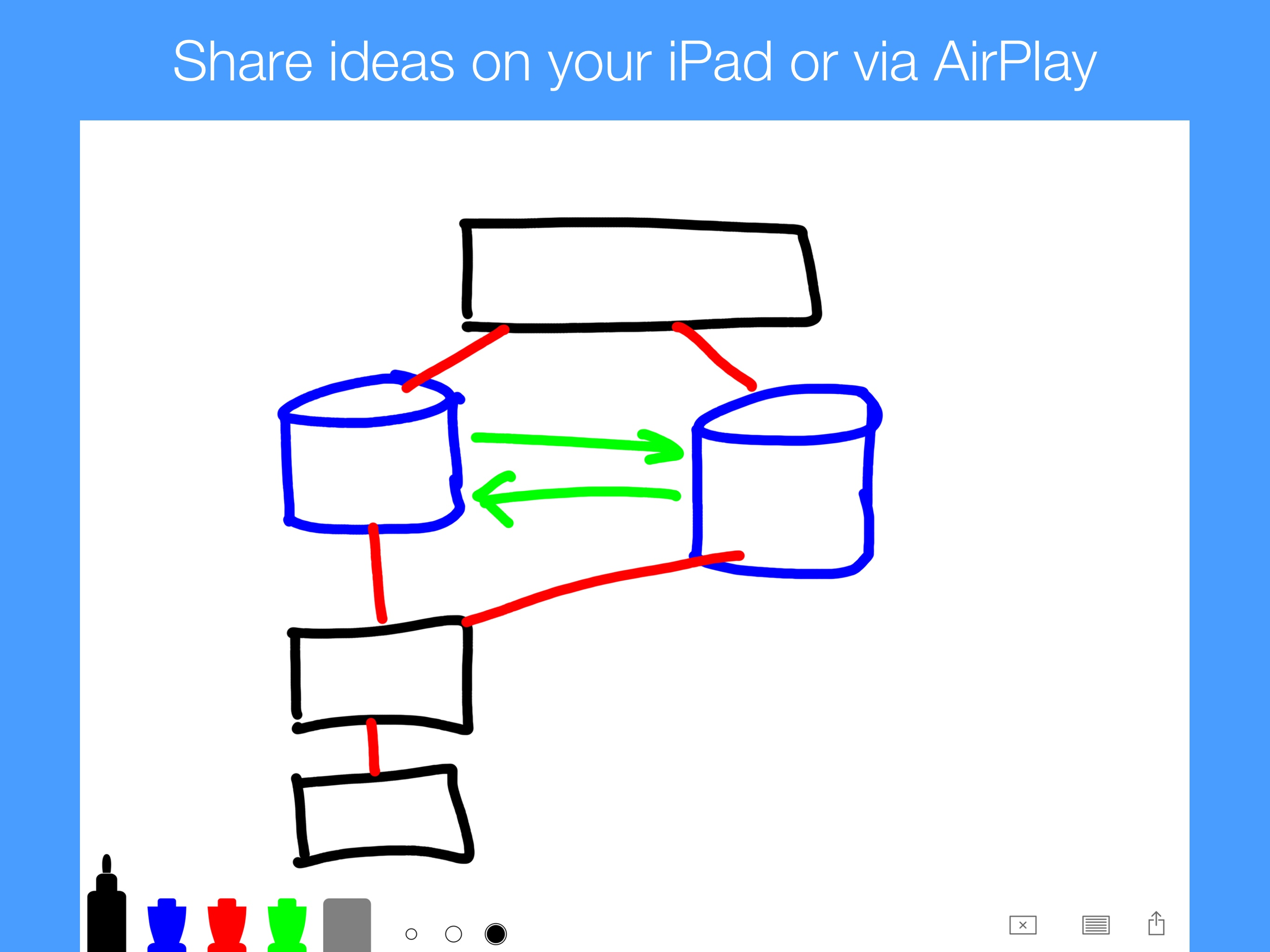
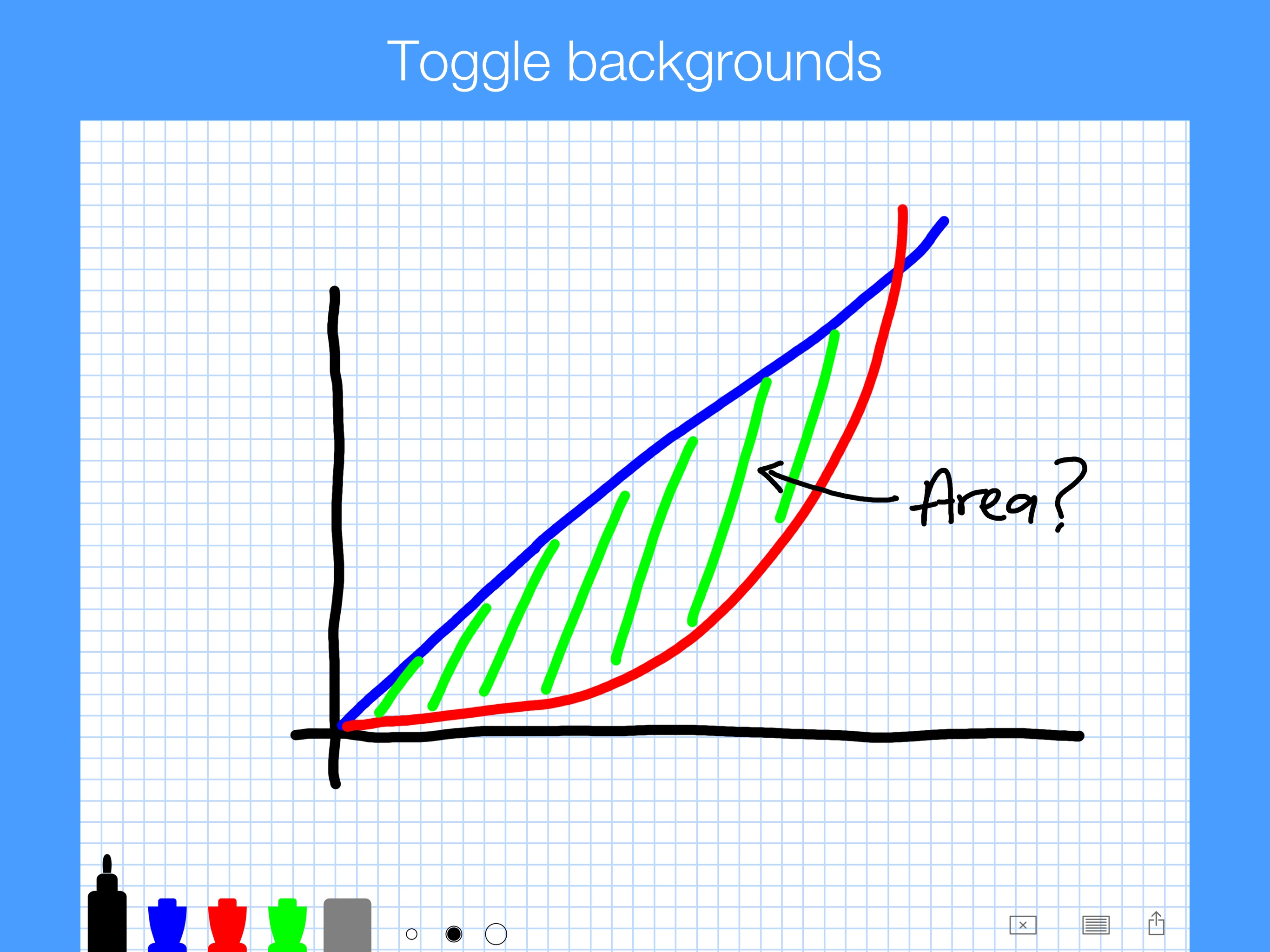
A simple whiteboard, fast and easy. No fuss, no muss, draw, write, and share. Enjoy! :) -- The app makers @ Qrayon Tip: Mirror your iPad or iPhone...