Check the acquisition promise
Read the store headline, screenshots and description. What problem is the app promising to solve?
Study the storefront ↗
Qrayon, LLC · iOS
Explore the ad evidence, study the storefront, and build your next acquisition hypothesis.
01 / Creative research
Read the store headline, screenshots and description. What problem is the app promising to solve?
Study the storefront ↗Explore apps with direct store-link matches. Compare their hooks and formats without assuming the same approach works here.
Browse observed advertisers ↗Store rankings and revenue estimates describe market context. They do not establish ad spend, conversions or ROAS.
Review the market context ↗02 / Storefront & product
Study the product story and store experience behind the acquisition funnel.



03 / Market context
Keep revenue, downloads and store rankings separate from advertising performance.
The design and instruction pages look very poorly designed and might turn you off, but try this app by all means. It is absolutely fantastic for color boards, spreadsheets, projects, and collages. No other apps compare. I’ve tried them all for design projects and this one wins in every category.
There are things I need to do in a hurry but this will not work with me to get the job done. It has symbols that doesn’t seem to function according the style of writing. It will do in a rush but some times I’m not in a hurry. For example, I have written done a five letter word, but one of the letters is out of order. Instead of being able to go right to that letter, erase it and place the right letter there, I have to erase all the letters after that to now enter the right one. That can be most unsettling because it breaks the train of thought. Done.
I have been searching for a very long time for a journaling app that has all of the features I want and this has them all! Inkflow lets you type, draw, write (like you would with a regular pencil), insert photos and more. It is very easy to use and lets you place the text, drawing/writing, and photos where ever you want and resize them. The free features are great for being free, but as a writer who uses this everyday, I didn’t mind doing a one time payment of 9.99. I’m glad this app doesn’t make you do a subscription because I personally hate those. I HIGHLY recommend this app. It’s perfect!!!
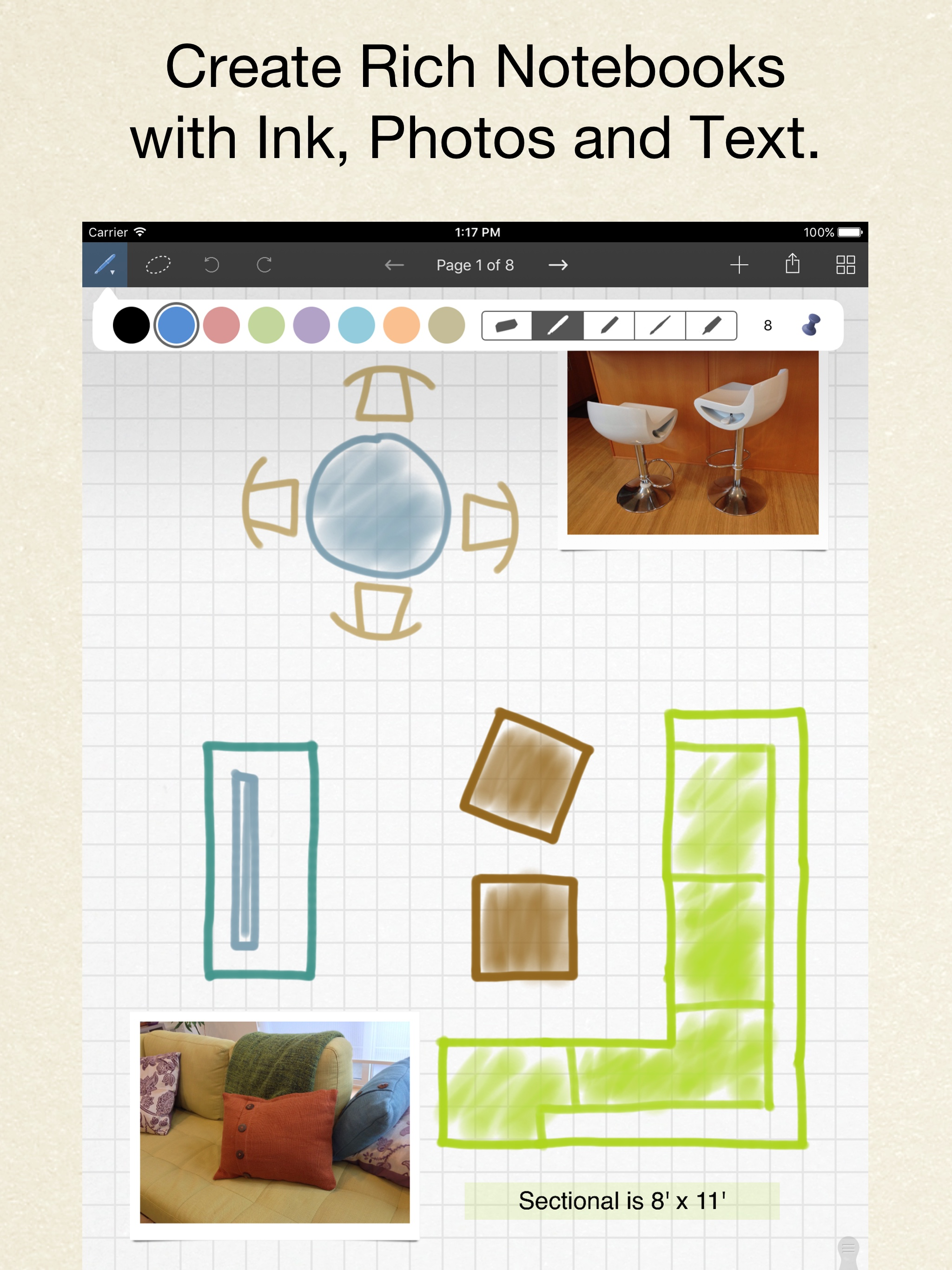
Inkflow is a note-taking and brainstorming experience unlike any other! Capture your ideas as easily as with pen and paper, then resize and reorganize...
| Name | Price | Type |
|---|---|---|
| Inkflow Plus | $5.99 | One-time |