Check the acquisition promise
Read the store headline, screenshots and description. What problem is the app promising to solve?
Study the storefront ↗
Educreations, Inc · iOS
Explore the ad evidence, study the storefront, and build your next acquisition hypothesis.
01 / Creative research
Read the store headline, screenshots and description. What problem is the app promising to solve?
Study the storefront ↗Explore apps with direct store-link matches. Compare their hooks and formats without assuming the same approach works here.
Browse observed advertisers ↗Store rankings and revenue estimates describe market context. They do not establish ad spend, conversions or ROAS.
Review the market context ↗02 / Storefront & product
Study the product story and store experience behind the acquisition funnel.



03 / Market context
Keep revenue, downloads and store rankings separate from advertising performance.
I’ve used Educreations for sharing my own original curriculum of science/spirituality for 10 years and I truly recommend it to anyone who needs to use visual diagrams to explain complex concepts. The pen works smoothly, the colors can be changed easily, I love that i can pause between drawings then resume my recording, I love the “scale” and “move” function which I use for sharing jpg’s and making each lesson more dynamic, and I also really enjoy the most recent update that includes some basic in-app editing features so that the final recording is very clean and just what the recorder/speaker intends it to be. Worth it, very professional software.
This app has come in handy to create math lesson for students in an attempt to flip the classroom. To increase the quality of my videos, I still had to purchase a pro account to be able to export my movies into another movie editing program. Because the fonts are so limited in the app and there aren’t different shapes built into the program, I find myself designing slides using other programs and importing the images into this program and using lots of pictures from Google. This app would be perfect if engineers increased the ability to change font and had built-in shapes feature right in the app. A little time consuming, but well worth it!
Overall, I really love this app. I use it a lot and depend on it a lot for my instruction. That being said, I have the pro edition, and I have a lot of videos, but it is a struggle to find the video I am looking for...I wish this had a way to have folders for units or chapters or topics. With pro, you can make different classes, but if you have a lot of videos for the same class, it isn’t really that helpful. You still have to sort through dozens of videos to find what you want. I’ve been using this app for about four years, and they have made some great improvements and I really do like it. The pro version is also great because you can convert to an mp4 then save it outside of the app, which is great to make available to students to without relying on internet links (save on google drive, etc). I’d go with the free version unless you intend on making more than a couple dozen videos and keeping them. (I don’t think you can convert to mp4 on the free version, but save on the app and provide an internet link to students) It would also be nice if they had a site license for multiple teachers to be able to use at the same school.
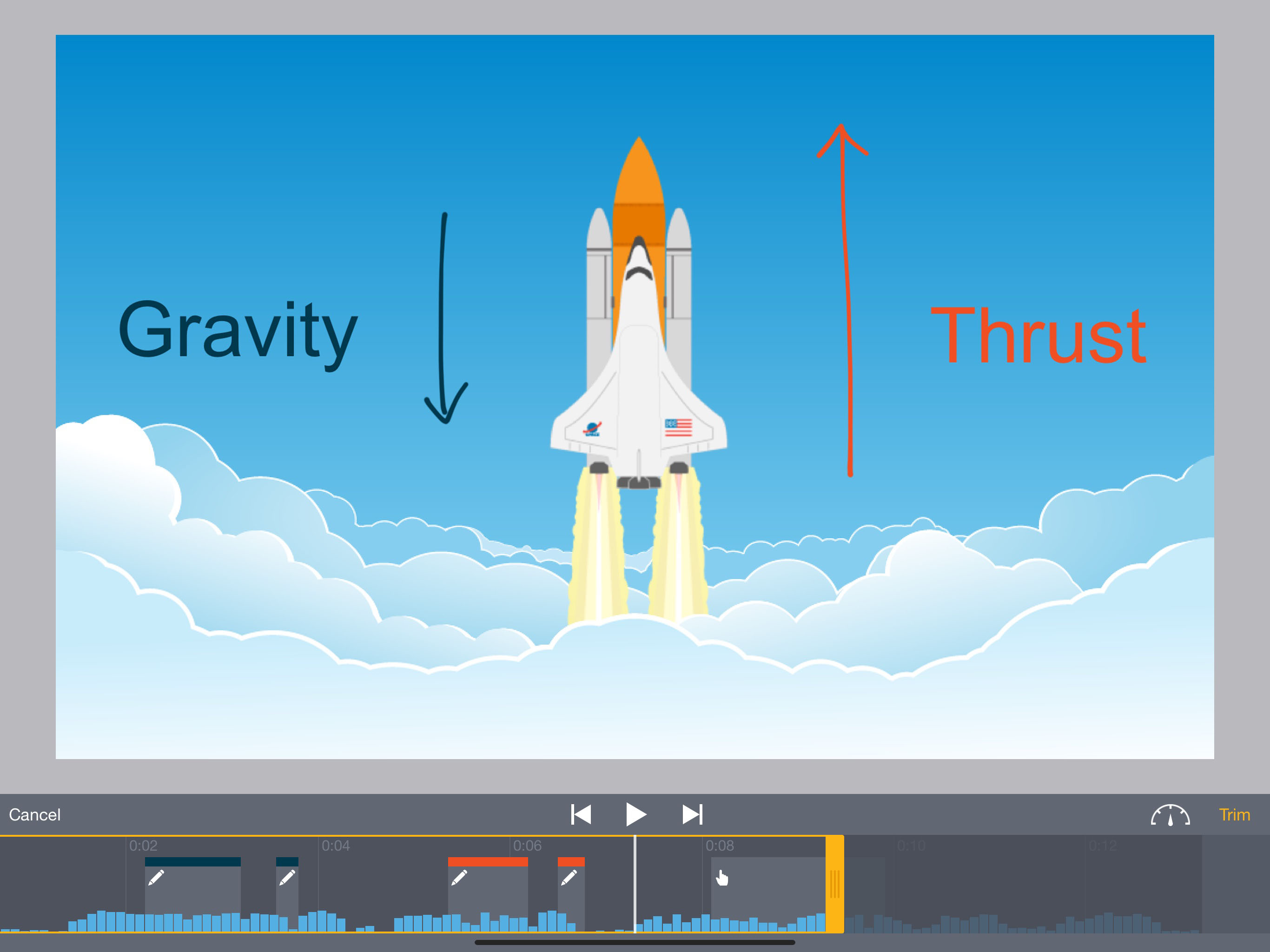
Educreations is a unique interactive whiteboard and screencasting tool that's simple, powerful, and fun to use. Annotate, animate, and narrate nearly...
| Name | Price | Type |
|---|---|---|
| Pro Classroom Edition (Monthly) | $11.99 | Monthly |
| Pro Classroom Edition (1 year) | $99.99 | One-time |