
Check the acquisition promise
Read the store headline, screenshots and description. What problem is the app promising to solve?
Study the storefront ↗
Spencer Savings Bank · iOS
Explore the ad evidence, study the storefront, and build your next acquisition hypothesis.
01 / Creative research
Read the store headline, screenshots and description. What problem is the app promising to solve?
Study the storefront ↗Explore apps with direct store-link matches. Compare their hooks and formats without assuming the same approach works here.
Browse observed advertisers ↗Store rankings and revenue estimates describe market context. They do not establish ad spend, conversions or ROAS.
Review the market context ↗02 / Storefront & product
Study the product story and store experience behind the acquisition funnel.



03 / Market context
Keep revenue, downloads and store rankings separate from advertising performance.
I just noticed there’s two different ones on the App Store. One for Spencer and one that is just Zelle. i’ve been used trying to use the one with Spencer and it’s been giving me a hard time. not wanting to accept my phone number to receive text messages.
I’ve been a customer of this bank, and user of this app, for a number of years now. Most of it is standard, gets the job done, nothing fancy but it works. However, this year they updated their mobile check deposit to blur out the screen and display the message “Rotate your device to continue your deposit”. But no matter how many times you turn your phone, shake your phone, tap the screen, it never gets rid of the message and allows you to deposit the check. There are no other buttons or options on the screen, it renders this function completely useless. I have tried turning my phone every which way, turning off the ‘lock screen’ setting for iPhone, deleting the app and redownloading it, turning my phone off and on again. Nothing has worked and I cannot deposit any checks without going to the bank. It is incredibly frustrating and no one at the bank seems to aware of this issue based on my call there. This needs to be fixed immediately so I can actually deposit checks. Just get rid of the display message, people know to turn their phone. Just let them into the function!
Thanks For the Making Best App for Business Mobile Banking App. Very easy to access, Every activity update on your phone, Most Important about Account Security are best, Just account holder can access easy. Mobile deposit is the best service and very convenient......Thanks again ( My Spencer Savings Bank)
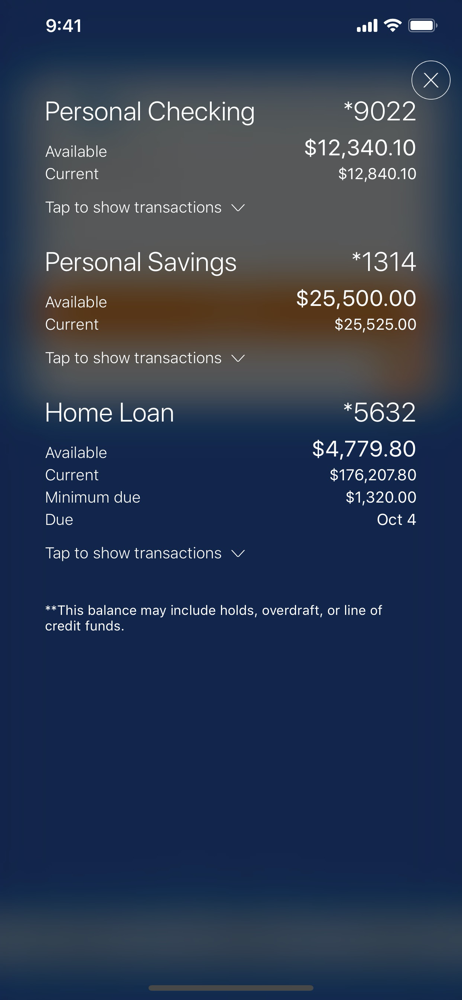
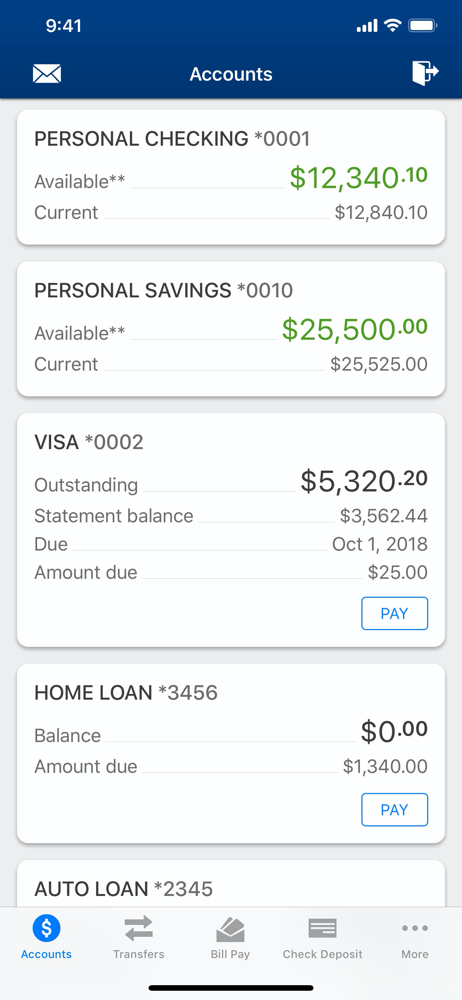
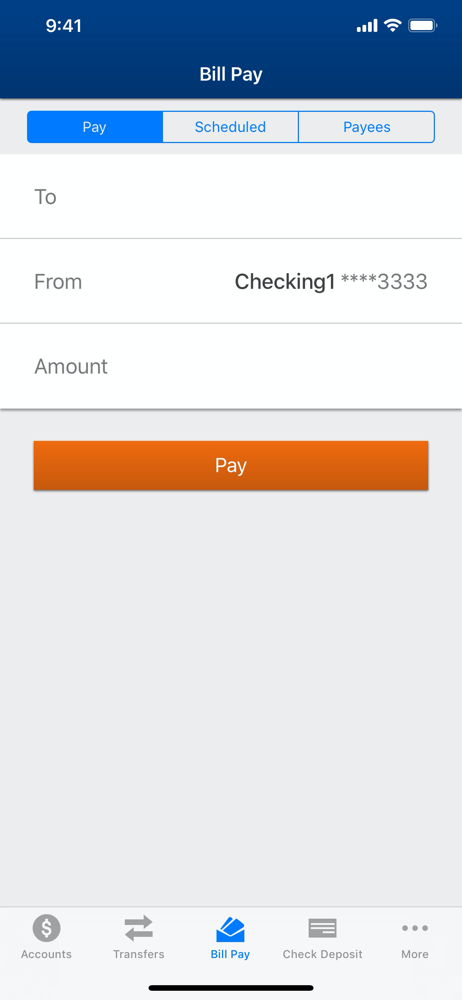
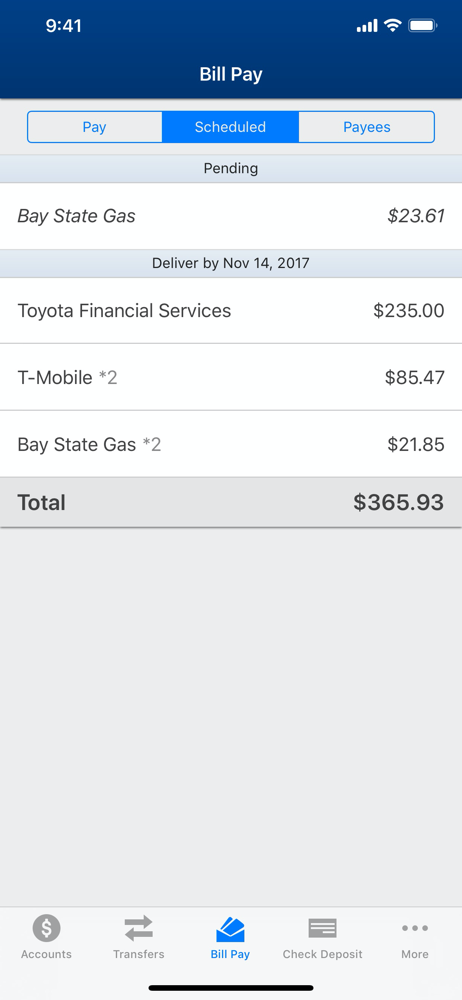
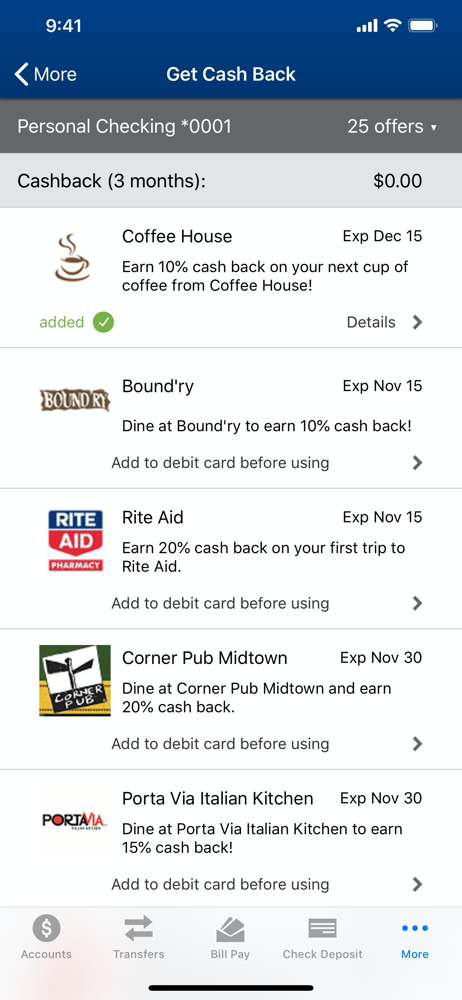
Spencer Savings Bank’s Mobile App makes it easy for you to bank on the go. Do your banking right from your iPhone and iPad! You can manage your acco...


