Check the acquisition promise
Read the store headline, screenshots and description. What problem is the app promising to solve?
Study the storefront ↗
iCollect Everything, LLC · iOS
Explore the ad evidence, study the storefront, and build your next acquisition hypothesis.
01 / Creative research
Read the store headline, screenshots and description. What problem is the app promising to solve?
Study the storefront ↗Explore apps with direct store-link matches. Compare their hooks and formats without assuming the same approach works here.
Browse observed advertisers ↗Store rankings and revenue estimates describe market context. They do not establish ad spend, conversions or ROAS.
Review the market context ↗02 / Storefront & product
Study the product story and store experience behind the acquisition funnel.



03 / Market context
Keep revenue, downloads and store rankings separate from advertising performance.
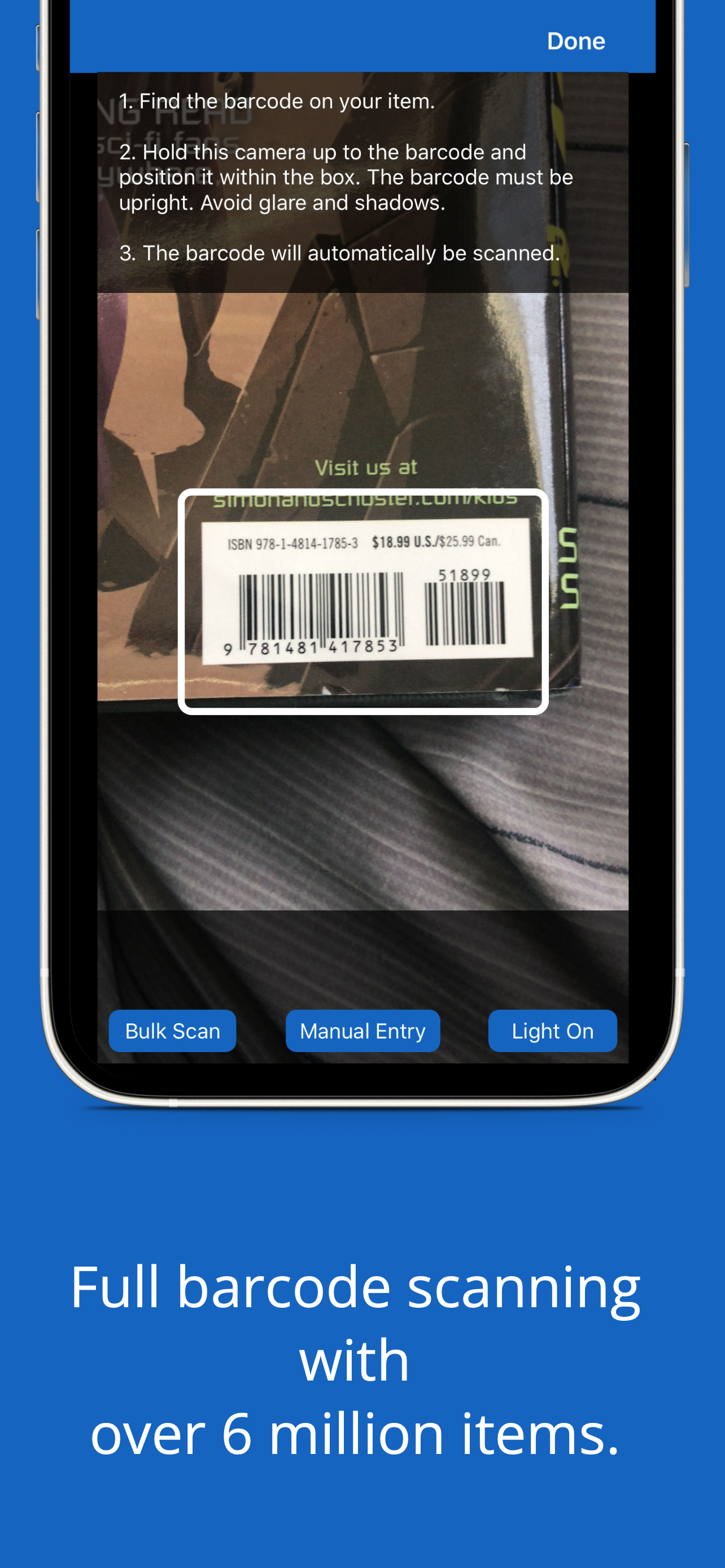
Most barcodes I’ve scanned have come back with no corresponding models and I am forced to manually scroll through images until I find what I’m looking for. I usually default to manual entry but searching returns EVERY car with that name and subsequently I have to click on each one in the list to find the correct match. After entering 200 cars I opened the app today and the database is blank. Only after uninstalling and reinstalling did I get the message that the servers were in maintenance mode. There should ABSOLUTELY be a local database that pairs with online database as it is insane to not have access to your collection Information if their servers are down. There should also be a maintained database of model images instead of relying on home photos of boxes laying on people’s dining room counters.
I absolutely love using the iCollect Toy Car app to manage my diecast collection! It's such a brilliant idea and has made organizing my toy cars incredibly easy. The user interface is intuitive and straightforward, making it a breeze to add new cars and keep track of what I have. One of the features I appreciate the most is the ability to scan barcodes to add cars to my collection. While this feature is handy, I did encounter a minor inconvenience where the barcode scanner sometimes struggled to find the right car in my collection. However, this is a small hiccup in an otherwise fantastic app. Overall, iCollect Toy Car has been a game-changer for me in managing my toy car inventory. I highly recommend it to any diecast collector looking for a convenient way to organize their collection.
I was told about this app from my sister. So I thought I’d try it out. I have so many cars in my collection I wanted a way to keep track of them. This app is great for that as I can find any car I have put on the app! It took a little time to figure it out but pretty easy. Still learning how to do stuff but worth the $5.99. The only thing I don’t like about it is if you type a car in and it doesn’t pull up a previous car listed you have to enter all the info about it.
iCollect Toy Cars is the #1 app on the Apple App Store for managing your toy car collection or inventory. This app works on all device sizes and syncs...
| Name | Price | Type |
|---|---|---|
| 50 AI Identification Scans | $9.99 | One-time |
| Unlimited Toy Cars (Annual) | $29.99 | Yearly |
| 250 AI Identification Scans | $44.99 | One-time |
| Add Unlimited Toy Cars | $49.99 | One-time |
| Pro User - Yearly | $79.99 | Yearly |
| 500 AI Identification Scans | $79.99 | One-time |