
Check the acquisition promise
Read the store headline, screenshots and description. What problem is the app promising to solve?
Study the storefront ↗
CE Broker · iOS
Explore the ad evidence, study the storefront, and build your next acquisition hypothesis.
01 / Creative research
Read the store headline, screenshots and description. What problem is the app promising to solve?
Study the storefront ↗Explore apps with direct store-link matches. Compare their hooks and formats without assuming the same approach works here.
Browse observed advertisers ↗Store rankings and revenue estimates describe market context. They do not establish ad spend, conversions or ROAS.
Review the market context ↗02 / Storefront & product
Study the product story and store experience behind the acquisition funnel.



03 / Market context
Keep revenue, downloads and store rankings separate from advertising performance.
I was trying to upload my Continuing Competence form to renew my nursing license. The app is much easier to use than doing it on the computer in my opinion, however it was confusing on what to do. I kept clicking on “Show me what I’m missing” and nothing happened or showed up. Then I clicked “Add CE” and the two options were not clear because some of us work full time without doing CEs but still qualify under number 4 on the forms. I did not think that was the correct place to upload my form because it wanted the name of the courses? So it could be a little bit more user friendly or explained better. We only do this once every two years so it can be quite confusing. My co-workers all had the same issue and thought it was confusing as well as we don’t use this site except for renewal.
Once you figure out that the first screen is not an app “preparation to load” screen, entering information goes fairly smoothly. There are glitches in the process when it comes to entering the date of the course (you have to click on the current date in the lower right of the screen and only then do you get a calendar to choose date……clicking on the ”intuitive” arrow by today’s date does nothing). Also don’t make any typing errors in the course title as back correcting them requires erasing everything after the error as the cursor will not move anywhere but the end of the typed line. Hopefully the glitches will be corrected soon as this looks like a new process for the app (which explains why the app was, without an explanation, down over the past several days). It would have been nice to at least tell the app users of the reason for the downtime and date of expected reboot.
Cebroker is the best to keeping all your continuing education in one spot !I have used them for many years. They make it easier to review the classes I have taken and keeps me informed to the other classes I need for each renewal period. I would recommend using them for your Continuing Educational renewals. To keep you up to date, they also have Providers listed and classes you can take as well to find the class you may need as a state required course for your specific licensure. Also many different states and professions seems to use this app for your specific occupation. Make your life easier and use a system that works! Lisa Seward
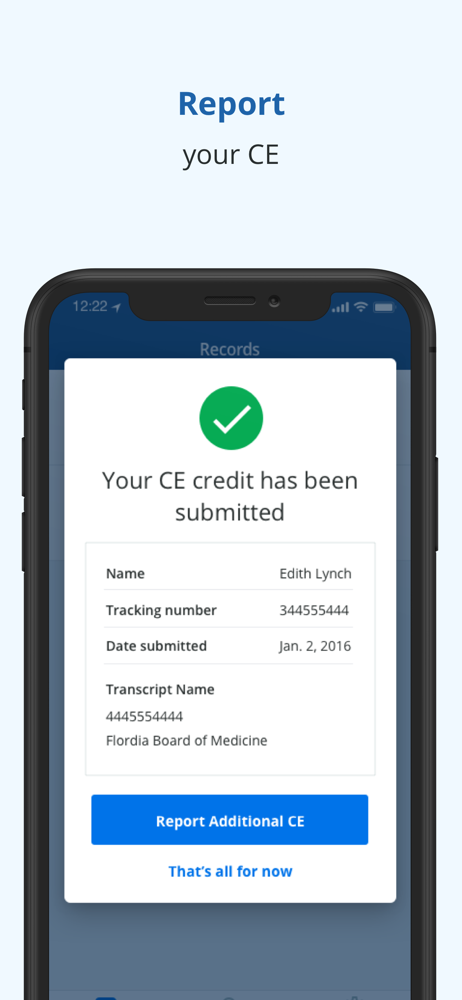
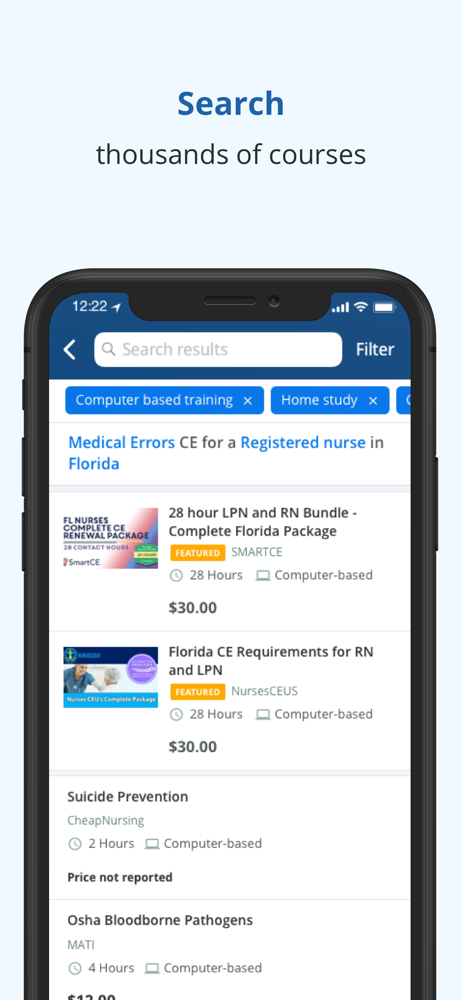
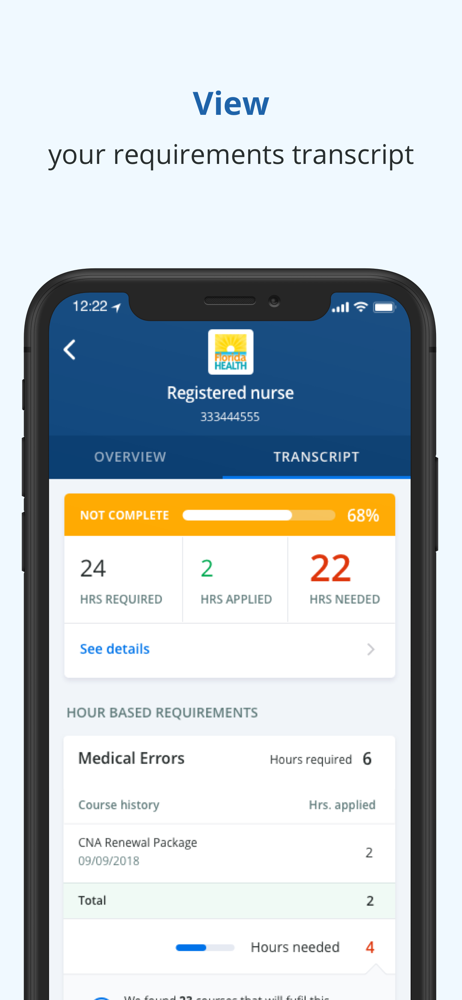
Using the CE Broker mobile app, you can find, track, and report your continuing education requirements anytime, anywhere. The official CE/CME tra...


