
Check the acquisition promise
Read the store headline, screenshots and description. What problem is the app promising to solve?
Study the storefront ↗
Colloquy Project · iOS
Explore the ad evidence, study the storefront, and build your next acquisition hypothesis.
01 / Creative research
Read the store headline, screenshots and description. What problem is the app promising to solve?
Study the storefront ↗Explore apps with direct store-link matches. Compare their hooks and formats without assuming the same approach works here.
Browse observed advertisers ↗Store rankings and revenue estimates describe market context. They do not establish ad spend, conversions or ROAS.
Review the market context ↗02 / Storefront & product
Study the product story and store experience behind the acquisition funnel.



03 / Market context
Keep revenue, downloads and store rankings separate from advertising performance.
I’ve been using this client for many years and it worked perfectly! Up until iPadOS 13. It no longer scrolls automatically to show new messages when the screen is full. Also (and I think this is more of an issue with iPadOS, but I’m still going to mention it just in case), when using Colloquy in split screen/multitasking (chat on the right, Safari on the left), I can’t browse/scroll Safari on the left-hand side and keep the cursor “live” in the chat on the right-hand side. I have to tap on the chat side to be able to type anything again. I used to be able to type whenever I wanted with my connected keyboard while still scrolling the internet with my finger on the left. Just very inconvenient all around now, which has pushed me to stop using this app on my iPad. I have to pull out my laptop and use the program on there, which is annoying. I’m still giving this 3 stars because it’s served me well for so many years. But I wanted to write this review to let the developers know that some features aren’t working any longer and to hopefully get an update!
This mobile version of Colloquy is very different from the desktop version. This mobile version is barely usable. Below is a list of bugs I frequently encounter each time I use it. • Display bug where console window bar will be drawn as a duplicate channel window bar. Clicking on a bar to reopen and return seems to force it to redraw properly • Display bug where duplicate user names are listed in channel • Bug that prevents private messaging a user in channel - app believes user is offline when they are clearly online. • Bug that prevents a whois on a user that has joined a channel if selected from chat window - app believes user is offline, however console displays whois info just fine. Workaround is to select user from user listing instead of chat window. • Bug that draws first two or three lines in a private conversation above visible space. Must swipe pull down private chat window to read. Even the preview next to user name bar does not properly display the text hidden above • Random bug where message and channel bars become locked and are unselectable. A workaround is to “open a console” to unlock this condition, this works even if console window is already open At its current state, I cannot recommend this app - save your money. There are likely other IRC apps that work better than this.
The app seems like a wonderful idea… Until you try to use it to connect to a chat room. Worked very well on older versions of iOS. The developers really need to do some work to keep it current. Sometimes, it takes me up to an hour to connect to a chat room… Where as with any other client, or via the web, I connect instantly.
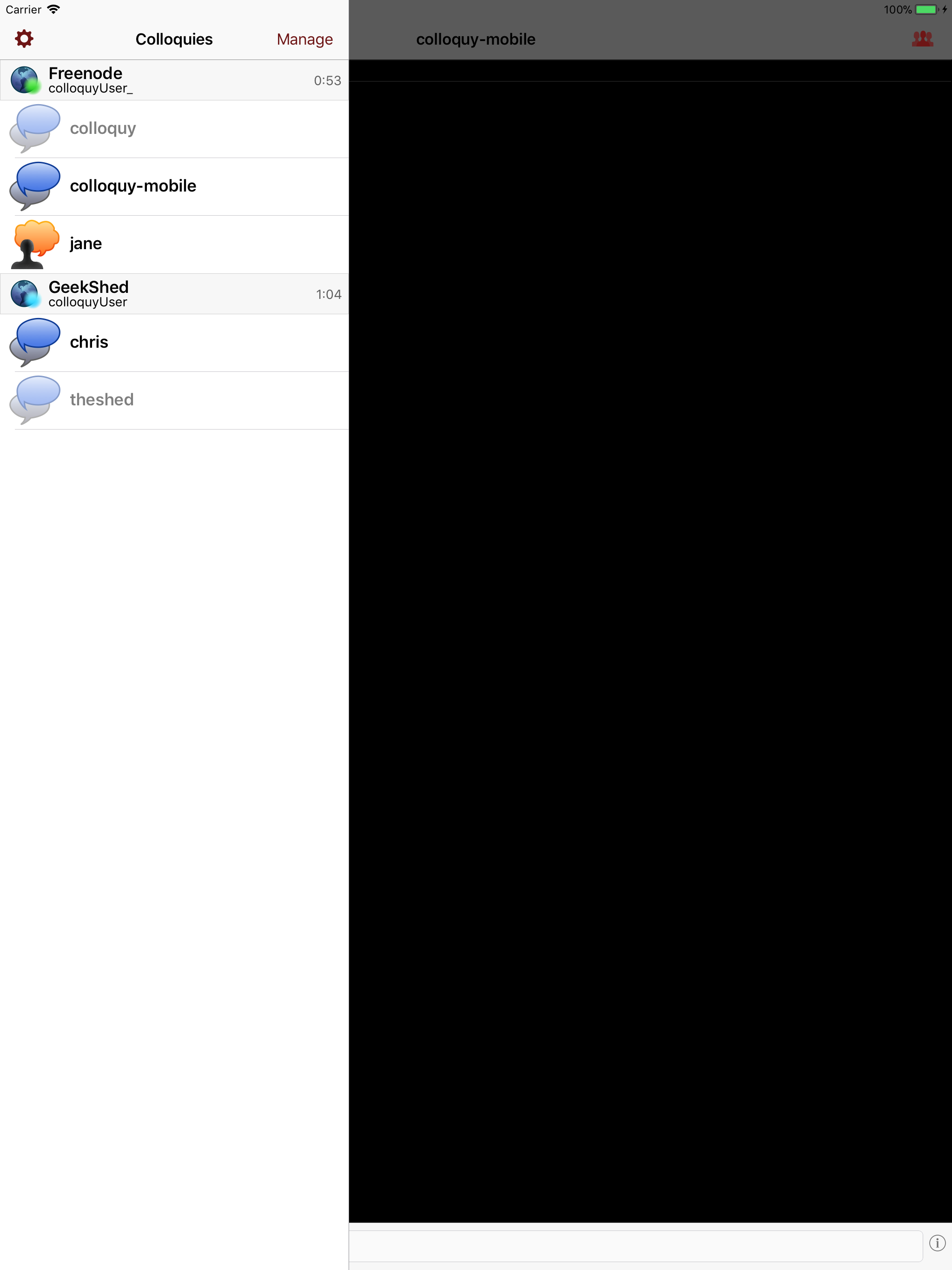
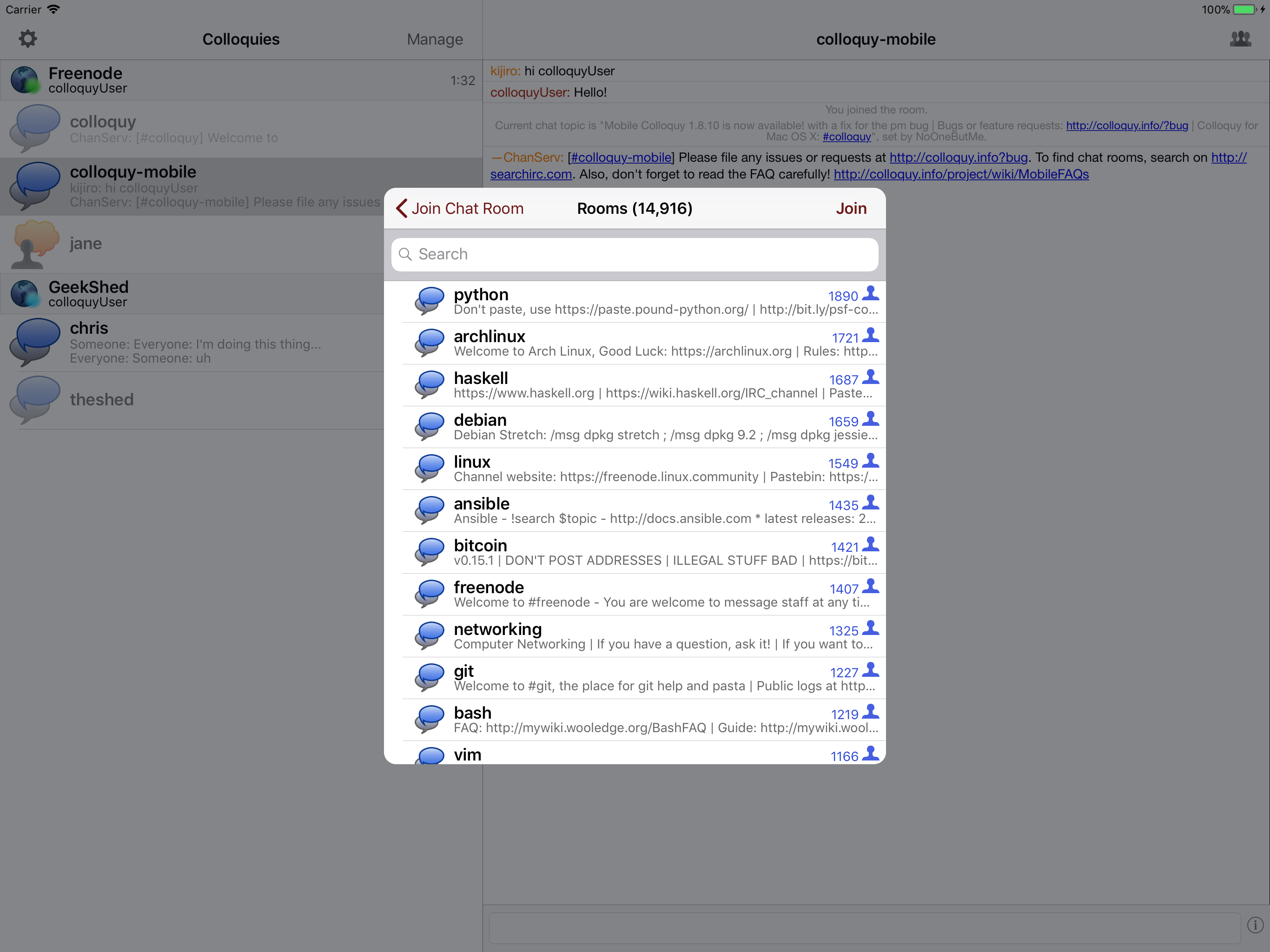
Colloquy for iPad, iPhone and iPod touch puts the power of the most popular IRC client for the Mac in the palm of your hand. Built atop the Chat Core...


