
Check the acquisition promise
Read the store headline, screenshots and description. What problem is the app promising to solve?
Study the storefront ↗
Rho Business Banking · iOS
Explore the ad evidence, study the storefront, and build your next acquisition hypothesis.
01 / Creative research
Read the store headline, screenshots and description. What problem is the app promising to solve?
Study the storefront ↗Explore apps with direct store-link matches. Compare their hooks and formats without assuming the same approach works here.
Browse observed advertisers ↗Store rankings and revenue estimates describe market context. They do not establish ad spend, conversions or ROAS.
Review the market context ↗02 / Storefront & product
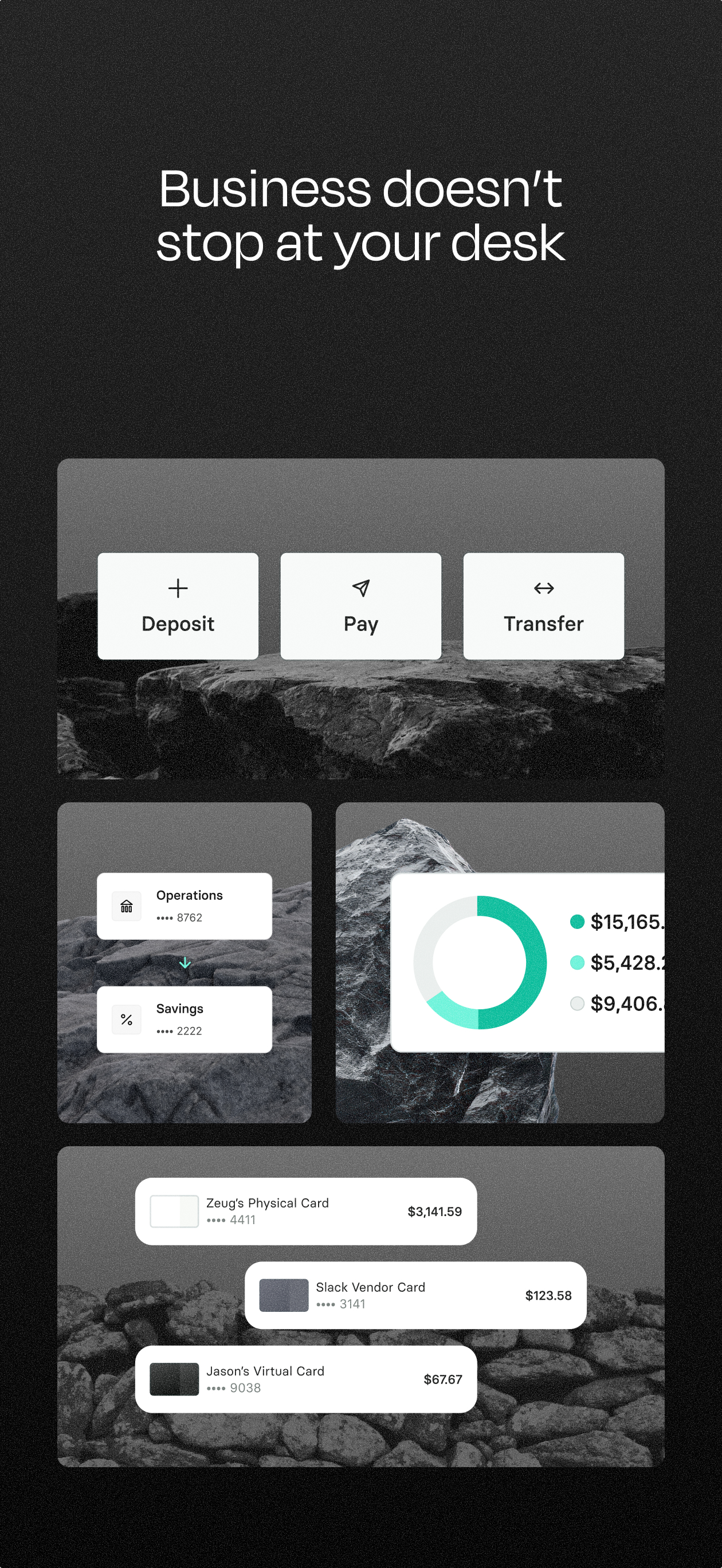
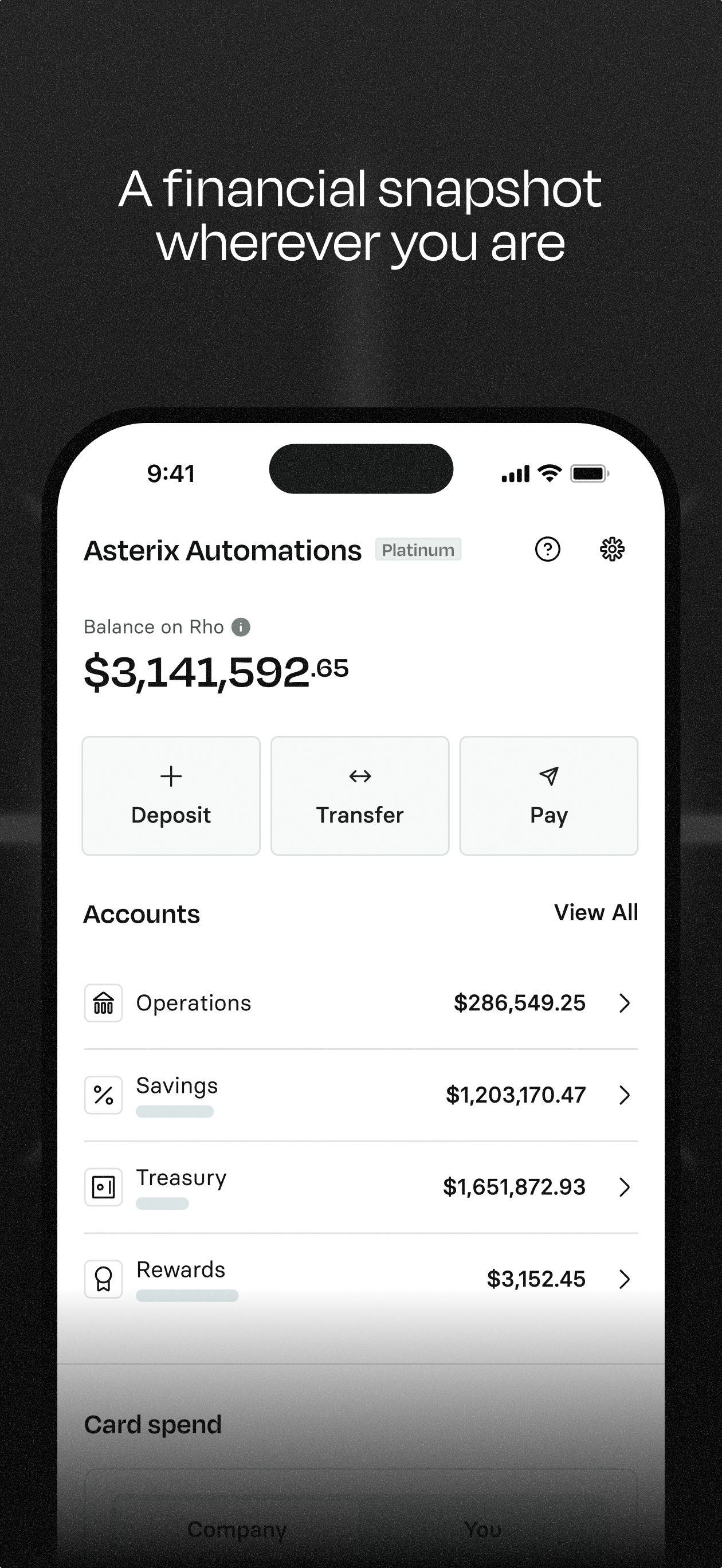
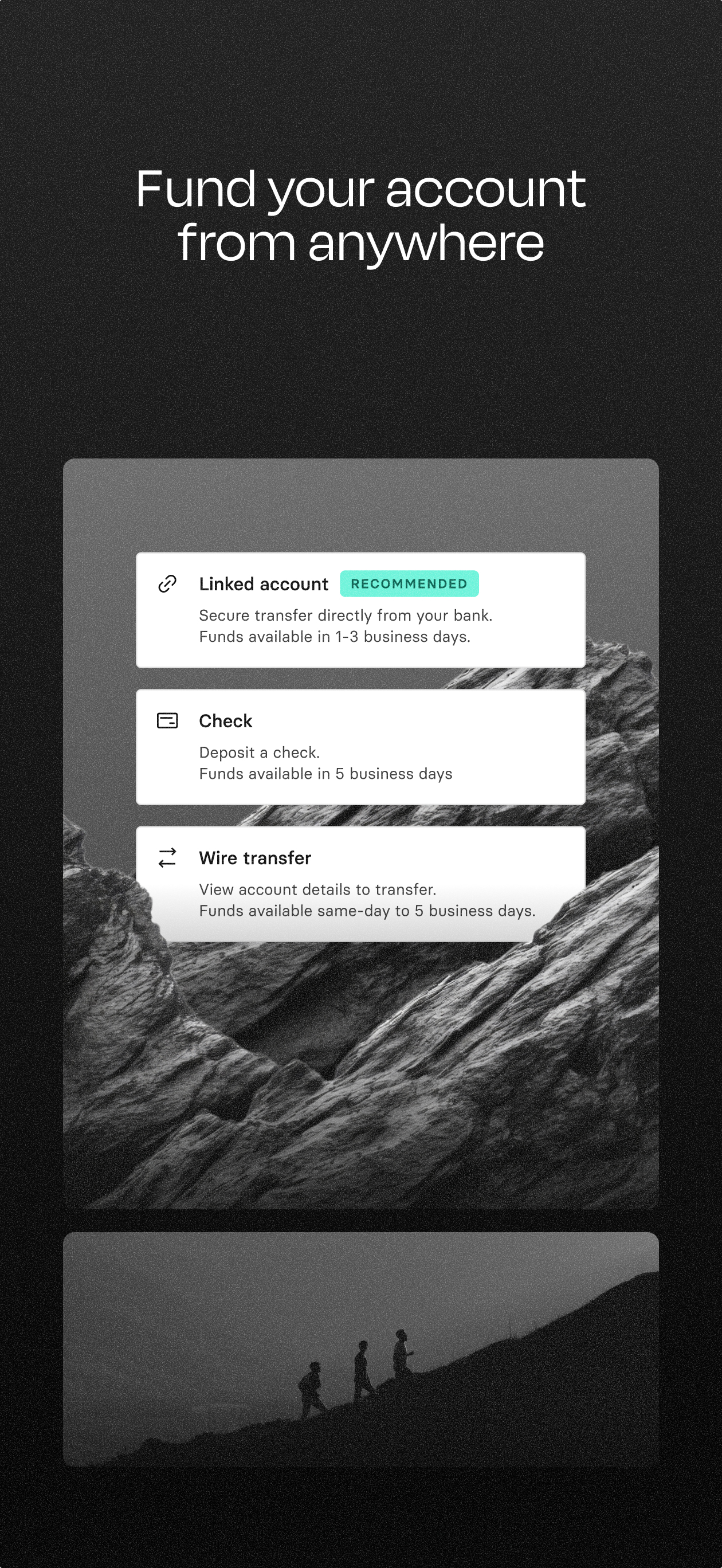
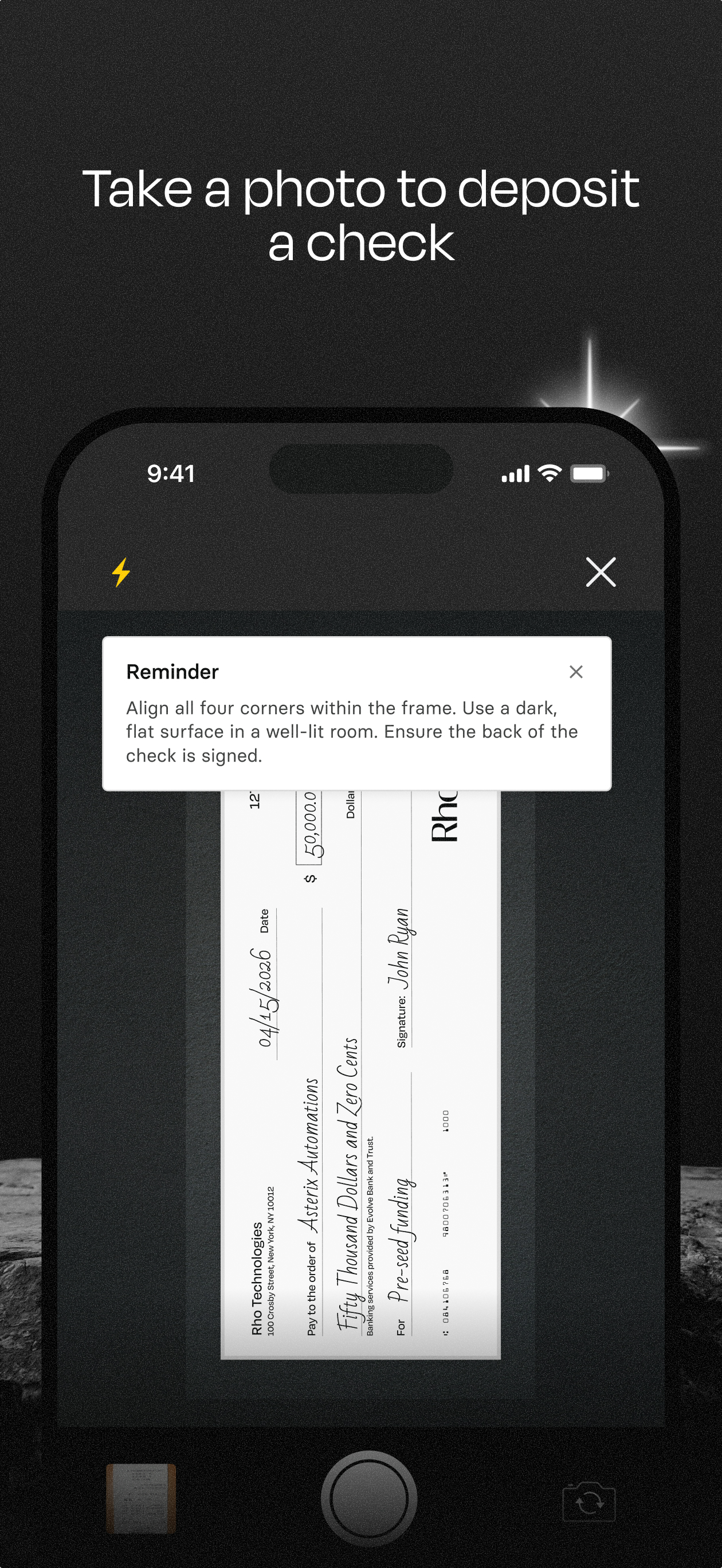
Study the product story and store experience behind the acquisition funnel.




03 / Market context
Keep revenue, downloads and store rankings separate from advertising performance.
The latest update removed the ability to screenshot anywhere in the app. This was a terrible move. Now I have to give all of my employees my login so they know what invoices I am expecting. Before I could just screenshot a few charges and text them to the team. Your app team should know how to limit screenshot blocking to critical items rather than blanket blocking to include pending charges.
This app has helped my employees get expenses in on time as well as upload receipts, etc. My finance team has saved many hours of time using the Rho app and platform.
I’ve used a legacy expense software provider in previous jobs (you know the one), and it made the expense submission process painful. Rho makes expenses much easier. Whether you buy a coffee or incur an ad spend expense with your Rho Card, you receive a text alert (or a Rho notification based on your settings). Once you upload a picture of the receipt, you’re done.
Run finances leaner and boost your bottom line instantly with Rho. Get business banking, payments, and corporate card products designed to expand you...


