
Check the acquisition promise
Read the store headline, screenshots and description. What problem is the app promising to solve?
Study the storefront ↗
RIVERSIDEFM, INC · iOS
Explore the ad evidence, study the storefront, and build your next acquisition hypothesis.
01 / Creative research
Read the store headline, screenshots and description. What problem is the app promising to solve?
Study the storefront ↗Explore apps with direct store-link matches. Compare their hooks and formats without assuming the same approach works here.
Browse observed advertisers ↗Store rankings and revenue estimates describe market context. They do not establish ad spend, conversions or ROAS.
Review the market context ↗02 / Storefront & product
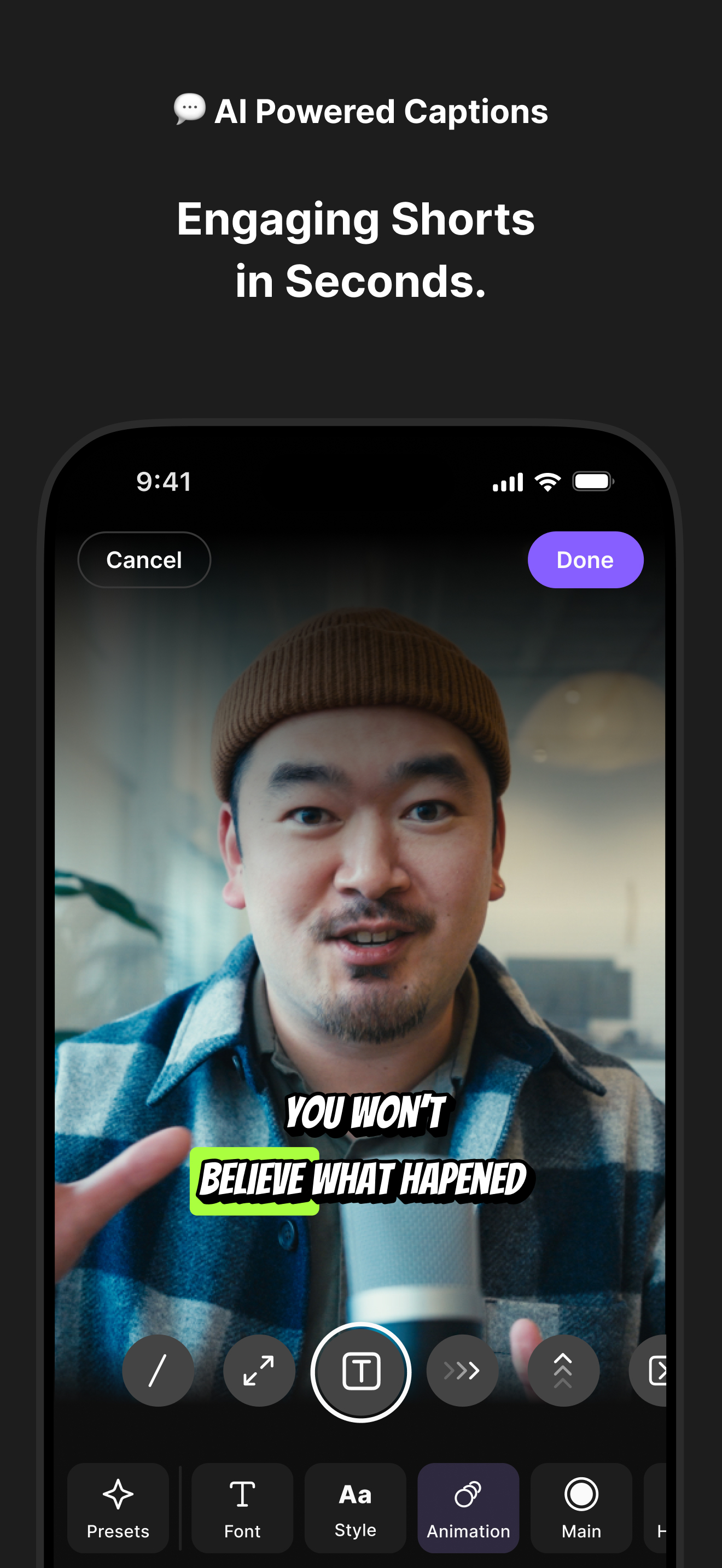
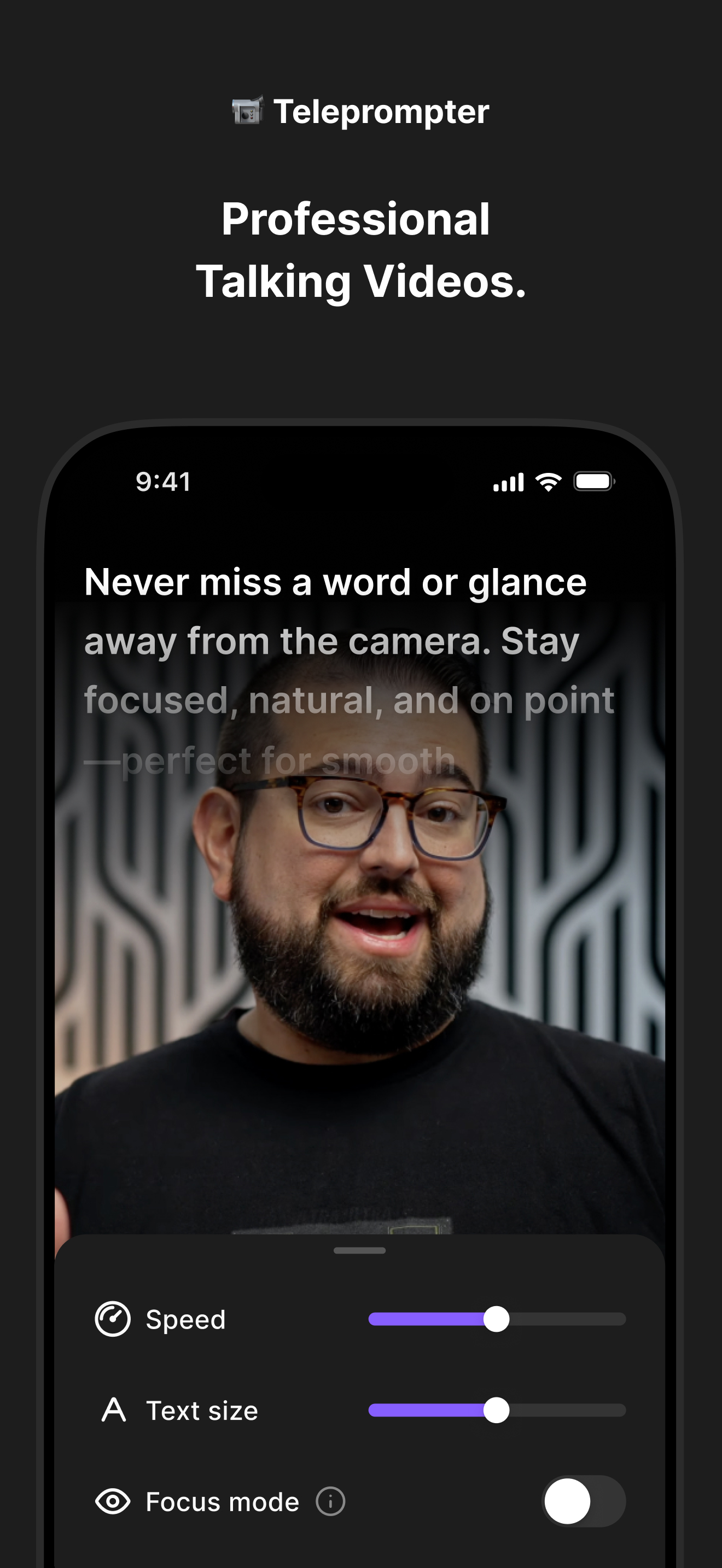
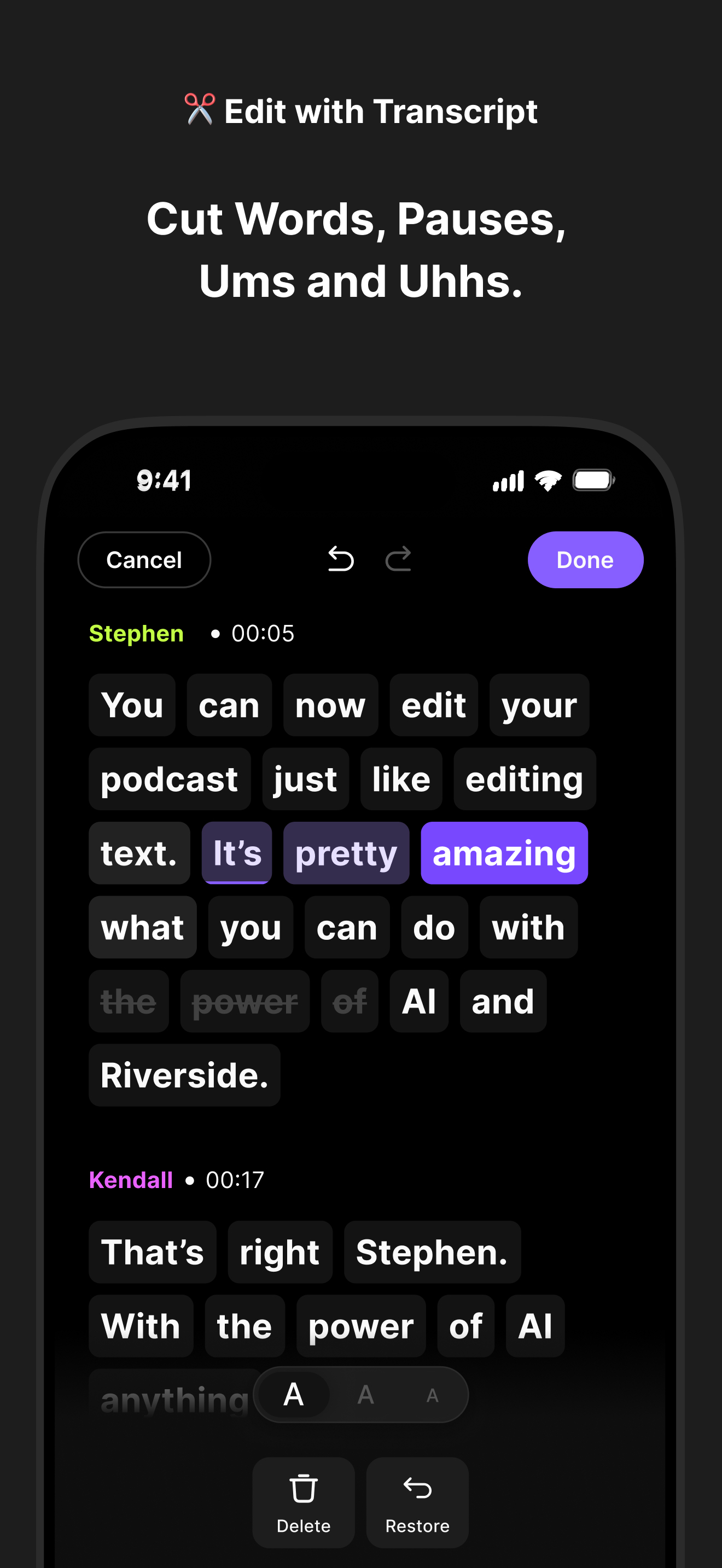
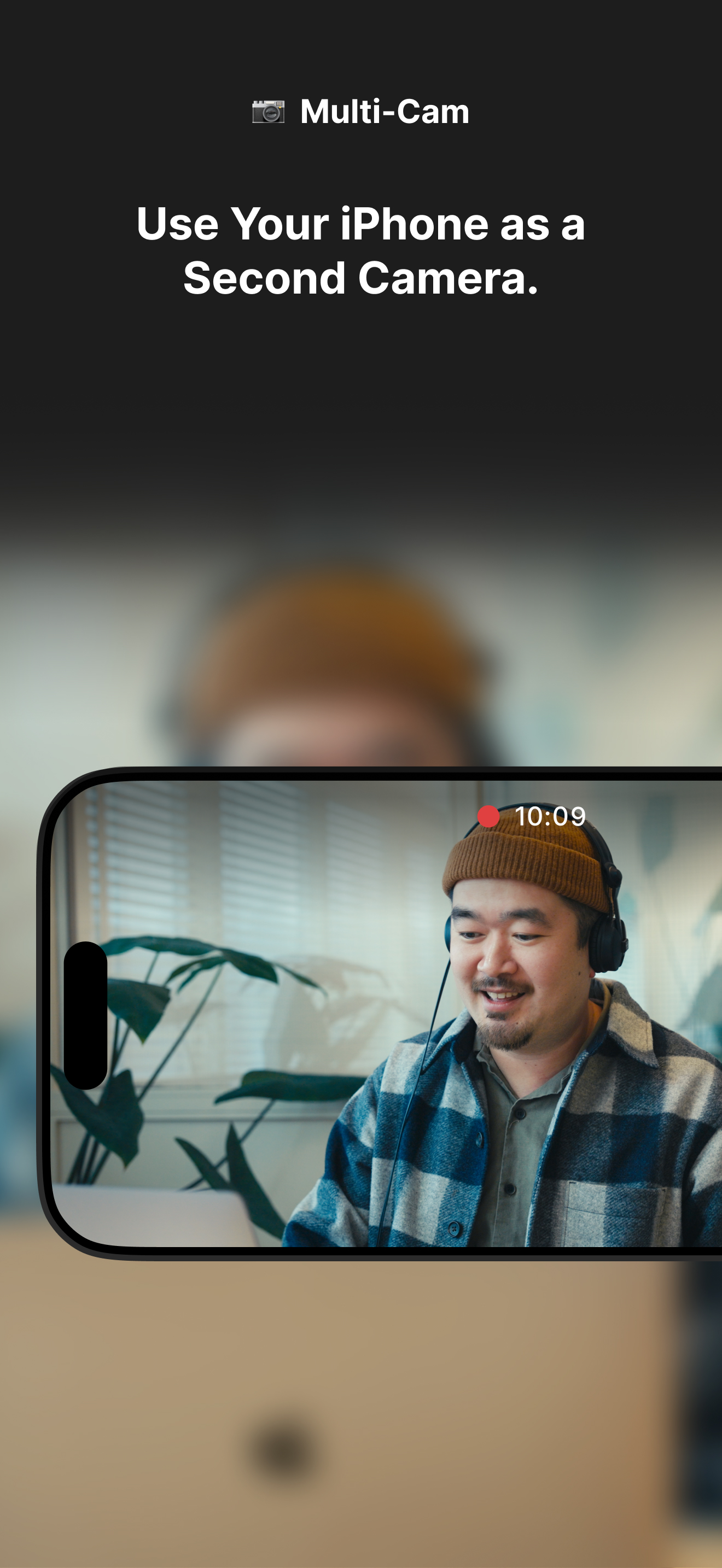
Study the product story and store experience behind the acquisition funnel.




03 / Market context
Keep revenue, downloads and store rankings separate from advertising performance.
One of the things I use this app for more than anything, if not, the only thing, is the Magic Clips. I record an episode through Google Chrome, and when finished recording, the recording generates Magic Clips to which I would find in my “For You” section of each episode on the app. I would click on a Magic Clip on the app on my phone, and while I couldn’t view it, yet, was able to export and then download to my phone to prepare for social media posting. I was also able to long hold on the clip, click edit and fix normalize the sound before exporting. The other day, there was an app update and I couldn’t access use of the app unless I updated it; so I did. Once the app was done updating, I opened the app to check the Magic Clips from my most recent recording, and I came to find out, that with the new update, they removed that feature. It was really the only thing I used this app for. I would find a clip, export, download, edit in another app, and post. Now, the only way to access Magic Clips is through the website. This really makes things difficult in order to get some content out because I don’t have a desk job where I am at my computer all day and can edit clips, and when I am at my computer, I’m editing a full 2.5 hour+ episode to post on all platforms. This was possibly the apps best feature and, for some reason, the update had that key feature removed. I don’t understand the logic in taking away a feature that is so critical to posting of content. It boggles my mind. It makes no sense.
If you want terrible video quality, then this app is for you. Even the paid version provides zero video resolution options. Every video is out of focus and worthless to use if you want quality video. The customer service is subpar. No phone contact number for immediate help. The pro version on the computer is over $30 a month and they can’t even provide you with immediate service. Ridiculous! If you want to record on your phone and then edit on your computer, you have to pay for the Phone app and the computer access app. And even then it’s a moot point because the video quality is terrible even though you’re using a camera that has superb video quality. Useless. When questioned about the low video quality available through the mobile app their responses that it is supposed to be used for on the go. Well here is my response to that just because it’s on the go doesn’t mean that you don’t want or need quality video. Again this is a useless app. Look elsewhere. I had decided because of that that I would turn off my $9.99 mobile app subscription because I’m already paying over $31 a month for the computer subscription. And what did they do? They shut down both accounts.
I love Riverside! what used to take me ages and a lot of expense to film and edit podcasts and virtual courses now takes just a fraction of the time and cost. My team can access and edit from anywhere on any device- plus the magic clips are so helpful for repurposing content and getting ideas for social content to create from the videos we just produced. I DO wish that I could film vertically then rotate in the editor though- that would be a massive improvement. Overall, I’m a huge Riverside fan and would recommend it to anyone producing and editing video content.
Riverside is a powerful podcast and video maker that allows you to record and edit video and audio easily. With AI features like captions, transcrip...
| Name | Price | Type |
|---|---|---|
| RS Mobile Plus - monthly | $9.99 | Monthly |
| RS Mobile Plus - yearly | $64.99 | Yearly |


