
Check the acquisition promise
Read the store headline, screenshots and description. What problem is the app promising to solve?
Study the storefront ↗
OpusClip · iOS
Explore the ad evidence, study the storefront, and build your next acquisition hypothesis.
01 / Creative research
Read the store headline, screenshots and description. What problem is the app promising to solve?
Study the storefront ↗Explore apps with direct store-link matches. Compare their hooks and formats without assuming the same approach works here.
Browse observed advertisers ↗Store rankings and revenue estimates describe market context. They do not establish ad spend, conversions or ROAS.
Review the market context ↗02 / Storefront & product
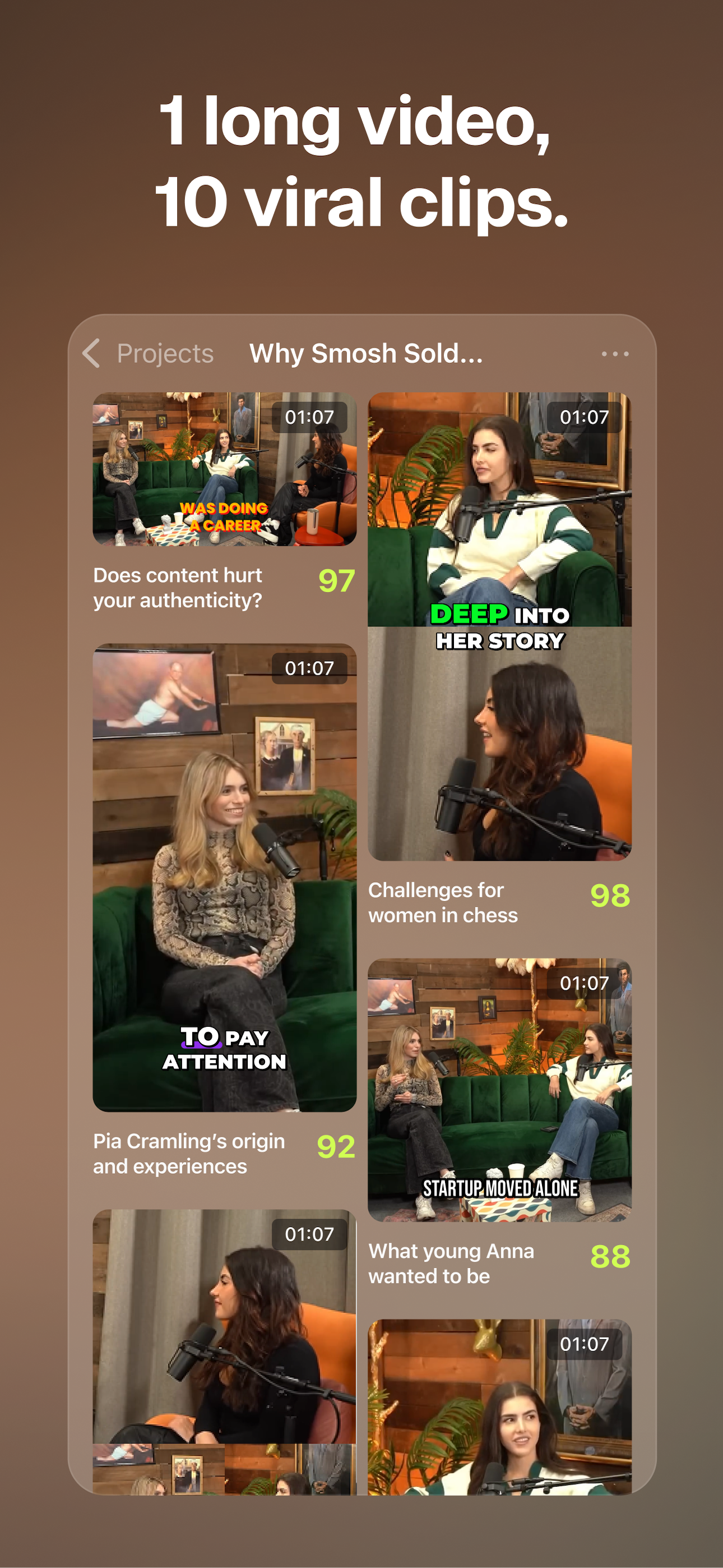
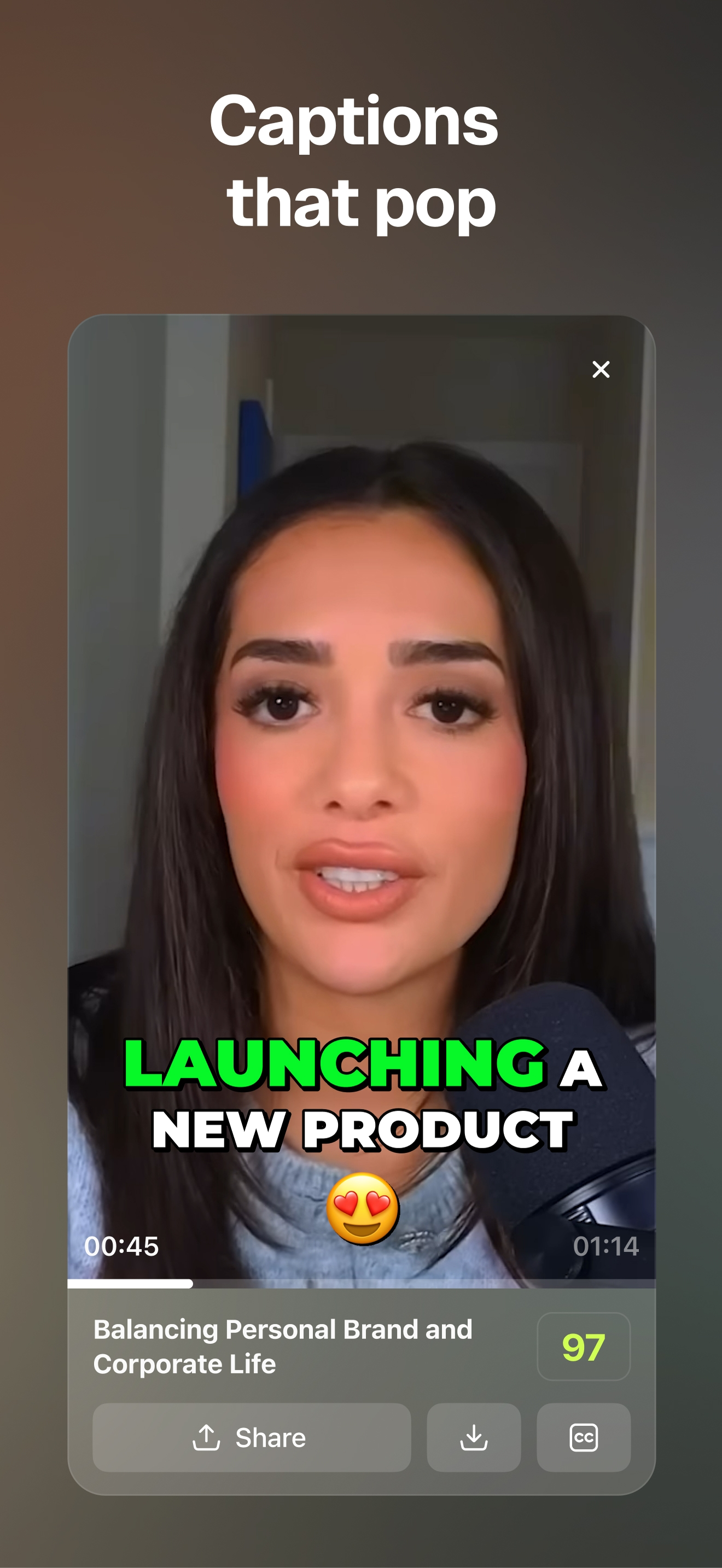
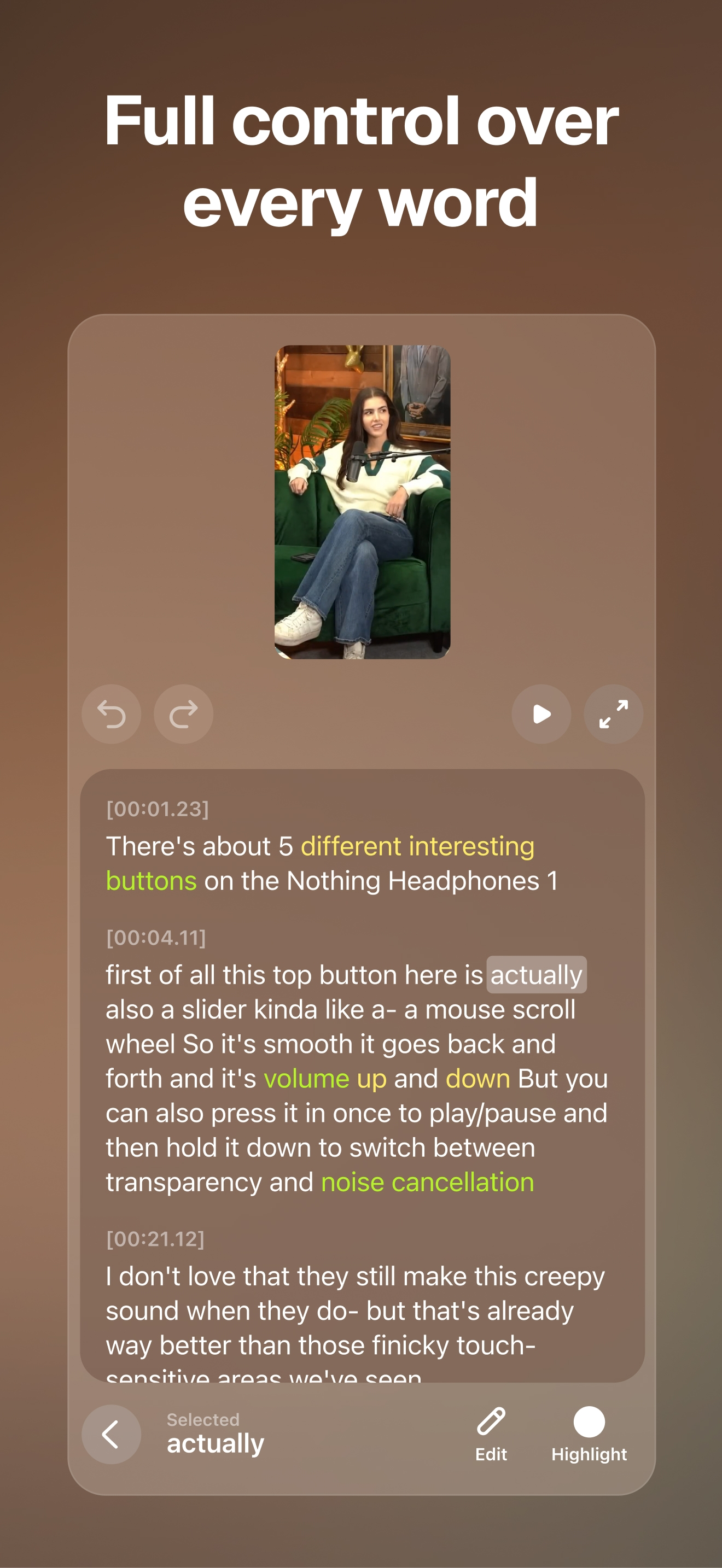
Study the product story and store experience behind the acquisition funnel.



03 / Market context
Keep revenue, downloads and store rankings separate from advertising performance.
As a content creator and podcast host, OPUS Clip has genuinely simplified my workflow. I record long-form interviews and conversations, and OPUS does an impressive job identifying strong moments and turning them into short-form clips that are actually usable. The AI captions are clean, the formatting is optimized for social platforms, and it saves me hours of manual editing. It’s not perfect every time — but it gets me 80–90% of the way there, which is huge when you’re balancing creativity, family, and business. If you’re a podcaster or creator trying to stay consistent without burning out, this tool is worth exploring.
OPUS has been an absolute game-changer for my content workflow. As someone who delivers long-form spoken messages regularly, the challenge has always been repurposing that content for social media without losing the heart of the message. OPUS doesn't just slice video; it understands context. It consistently finds the most impactful, 'viral-ready' moments and turns them into high-quality clips that fit my brand perfectly. It has saved me countless hours of editing time while actually increasing my output on Reels and Stories. Absolutely amazing tool.
Downloaded the app to try it out. The app didn’t fit my phone screen. The sign-in area is all hidden, so I lost interest, and forgot about it. Then however, long later I’m charged after I guess a trial ended. What is really obnoxious nowadays is that Apple support and refund requests are all determined by AI. So, sure enough, Apple AI swiftly denies my claim for a refund, even though the app was entirely unused and immediately canceled once I was notified of the charge. And then, of course, the OpusClip support has the same speech that it’s “not their fault, that they can do nothing about the denied refund, that it’s all determined by Apple, blah blah”. Had the app actually fit my phone at least I probably would have tried it out to see if I liked it. But now that I am being forced to pay for it doesn’t exactly excite me to explore the app. It’s sad how heavily young companies rely on AI now. I’ll be looking elsewhere for a better quick video editing solution (and boy are there so many), one that perhaps has some real humans behind it and a legit customer support.
OpusClip is the #1 AI video clipping tool that fits an entire editing studio in your pocket. Just drop or record a long video and OpusClip will: 1....
| Name | Price | Type |
|---|---|---|
| Starter (Monthly) | $15.00 | Monthly |
| Pro Monthly 1 Pack | $29.00 | Monthly |
| Pro Yearly 1 Pack | $174.99 | Yearly |


