
Check the acquisition promise
Read the store headline, screenshots and description. What problem is the app promising to solve?
Study the storefront ↗
He Zhou · iOS
Explore the ad evidence, study the storefront, and build your next acquisition hypothesis.
01 / Creative research
Read the store headline, screenshots and description. What problem is the app promising to solve?
Study the storefront ↗Explore apps with direct store-link matches. Compare their hooks and formats without assuming the same approach works here.
Browse observed advertisers ↗Store rankings and revenue estimates describe market context. They do not establish ad spend, conversions or ROAS.
Review the market context ↗02 / Storefront & product
Study the product story and store experience behind the acquisition funnel.


03 / Market context
Keep revenue, downloads and store rankings separate from advertising performance.
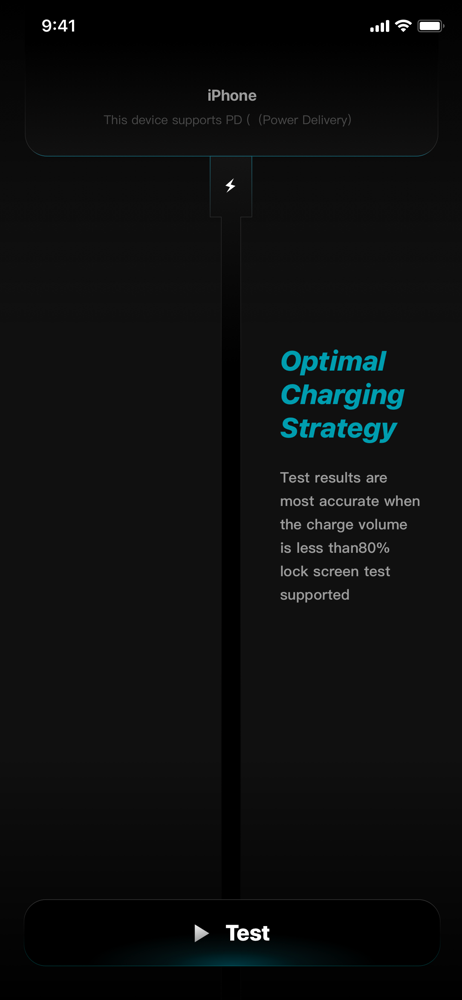
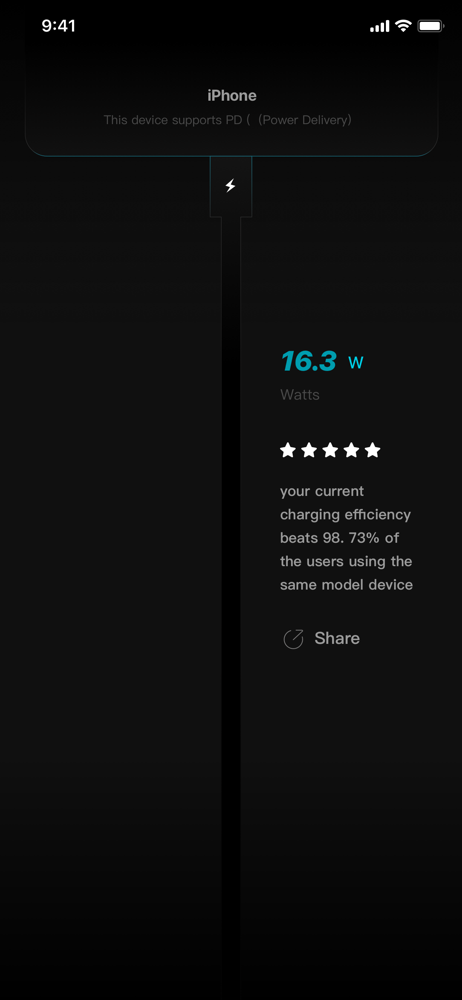
this app Really works 😶 first i thought it’s just a fake one but i Chaked it with 3 defrant Cables and adapter i got defrant Result one shod me 5w the other shown me 9.7w but the last one got 23w
Worked great on the iPhone 14 Pro Max. I just upgraded to the iPhone 15 Pro Max. In the app it reads I have an iPhone 16. The wattage constantly says 2 watts or 5 watts, even though I’m using MagSafe charger or USB-C. When this app gets an update it will be great, but you’ll have to be patient.
Doesn't seem to work when I'm wireless charging. However, wired ; I am pleased with the results.
Mr. Battery can help calculate every detail of your device's charging! Did you know that with different chargers and charging cables, your device's ch...


