Check the acquisition promise
Read the store headline, screenshots and description. What problem is the app promising to solve?
Study the storefront ↗
CrioSoft LLC · iOS
Explore the ad evidence, study the storefront, and build your next acquisition hypothesis.
01 / Creative research
Read the store headline, screenshots and description. What problem is the app promising to solve?
Study the storefront ↗Explore apps with direct store-link matches. Compare their hooks and formats without assuming the same approach works here.
Browse observed advertisers ↗Store rankings and revenue estimates describe market context. They do not establish ad spend, conversions or ROAS.
Review the market context ↗02 / Storefront & product
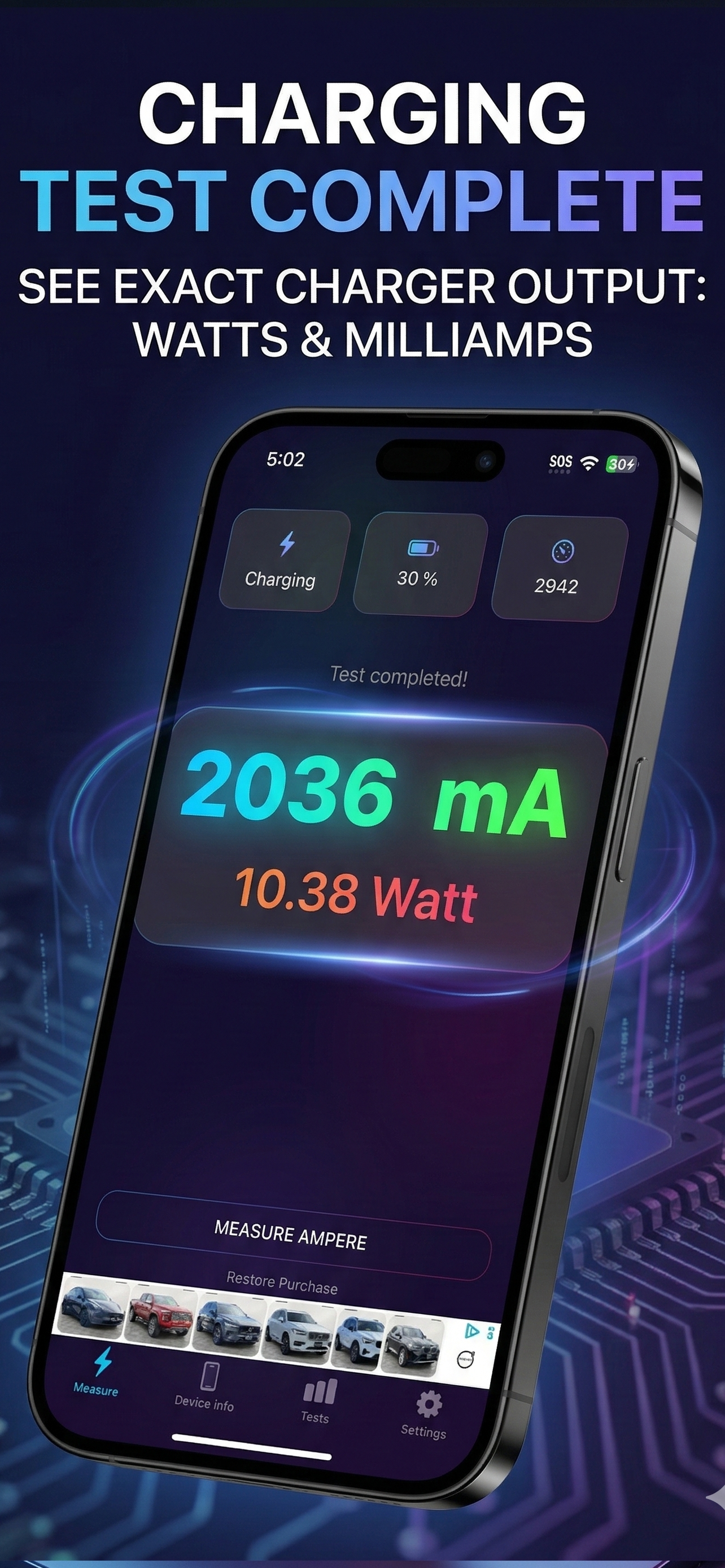
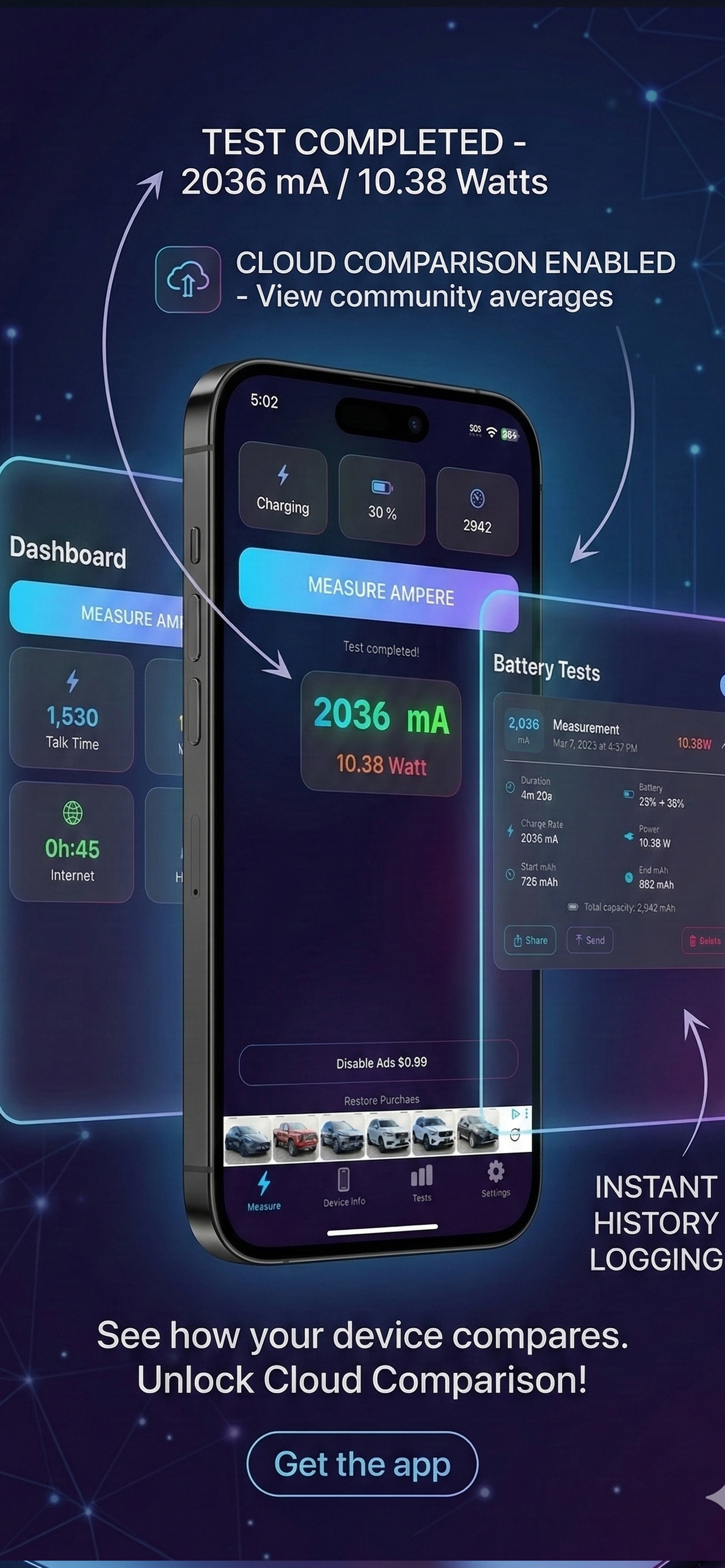
Study the product story and store experience behind the acquisition funnel.



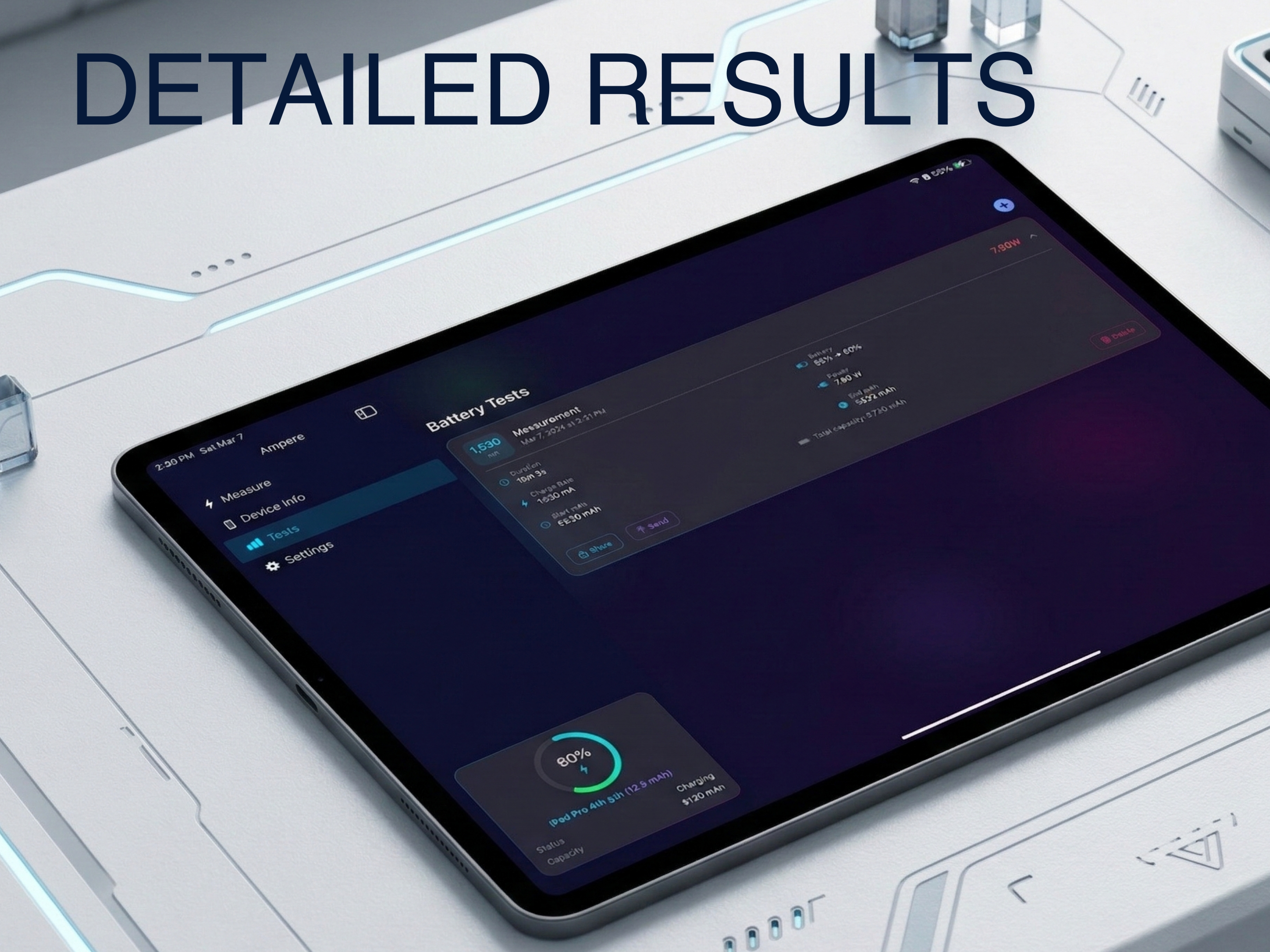
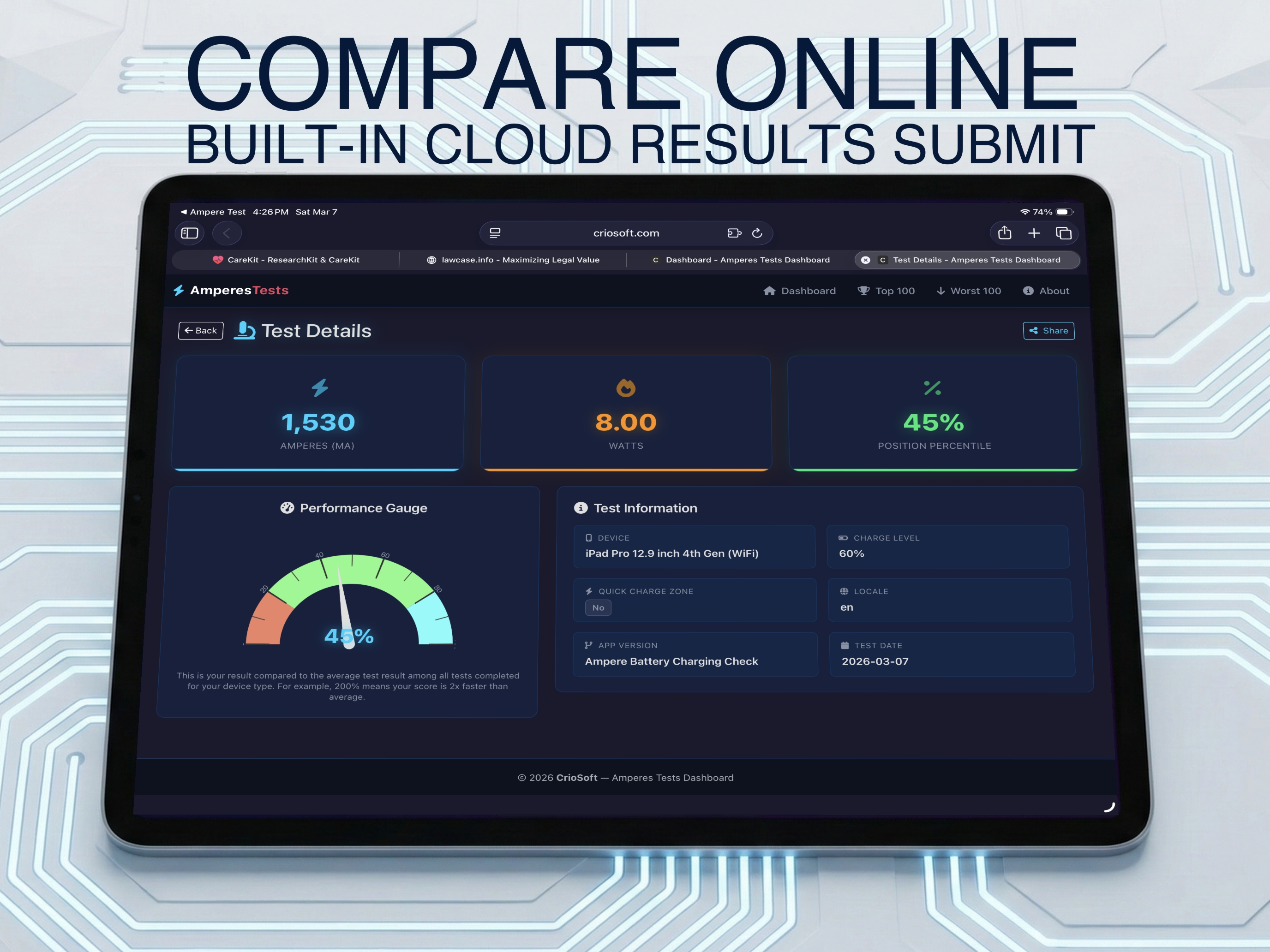
03 / Market context
Keep revenue, downloads and store rankings separate from advertising performance.
Not sure what all the negative reviews are talking about. The app works exactly as described if you follow the instructions. Yes there are ads in the free version but they are skippable. Also the developer is very responsive in responding to negative reviews with a personalized message addressing the specifics brought up in the review. You can read those and see. It’s unfortunate that starting with iOS 10 Apple removed the ability for apps to access battery info. That’s not the fault of app developers.
App does what is supposed to do. I took one star off due to ads being so obnoxious and taking over the screen with no way to dismiss them, making the app unusable until I paid to remove them. I’m usually fine with the trial version of an app having ads that I did pay to remove once I decide I like the app. But with this app, I couldn’t even test drive the app without removing the ads first as they take over the entire screen with loud sound, and I had to force quit the app to get back to the main screen. So I just blindly paid for the app before I even knew if I wanted to not.
I really like the numbers I'm seeing! It actually shows the current's milliamperes rather than the time left to 100. And when I was past 80%, I actually witnessed the battery optimization change to a slower charging speed, which I totally was expecting. But I have to say, please change the font. Verdana really?! Please use San Francisco. If you can't use iOS 13's San Francisco, please use something like Helvetica Neue, at least. Verdana is very distracting, and so mid-90s. Please! Everything else is great. Thanks!
Introducing Ampere Battery Check, your ultimate companion for all things battery-related: - Accurately measure the charging speed of your battery usi...
| Name | Price | Type |
|---|---|---|
| Disable Ads | $0.99 | One-time |