
Check the acquisition promise
Read the store headline, screenshots and description. What problem is the app promising to solve?
Study the storefront ↗
Pioneer Corporation · iOS
Explore the ad evidence, study the storefront, and build your next acquisition hypothesis.
01 / Creative research
Read the store headline, screenshots and description. What problem is the app promising to solve?
Study the storefront ↗Explore apps with direct store-link matches. Compare their hooks and formats without assuming the same approach works here.
Browse observed advertisers ↗Store rankings and revenue estimates describe market context. They do not establish ad spend, conversions or ROAS.
Review the market context ↗02 / Storefront & product
Study the product story and store experience behind the acquisition funnel.
03 / Market context
Keep revenue, downloads and store rankings separate from advertising performance.
If I could go back I wouldn’t even consider purchasing a Pioneer car stereo. I have the DMH-W4660NEX and I spend more time trying to figure out how to keep it connected to Bluetooth; Wi-Fi; USB; Hotspot; etc, etc. than I do getting to actually use it. It just never works. I spent a good part of a 30 hour drive trying to keep my music and navigation connected, which defeated the purpose of why I chose this product. Even after I get it to connect to Bluetooth when I try to use it I get errors stating that I must connect to Bluetooth. Ugh!!! I dislike everything about it. And this software. Again I have had constant problems getting connected. When I am connected to Bluetooth on the head unit and I try to connect to AVCarAssist I get errors every time stating I must connect to Bluetooth to use the software. I F&$*#*NG am connected!!! Then I have to delete and clear all network settings on my phone, head unit, and program to start over. These problems aren’t exclusive to me as I see many complaints from other users stating the same issues. All for a very hefty $750 price tag! If only a I could go back I would do things much differently! Pioneer needs to recheck this and stop selling products that are so unreliable and aggravating!
It took me a while before I finally was able to wirelessly update my 8600NEX firmware. Unfortunately the app didn’t do a good job at explaining the proper steps. Follow these instructions and u shouldn’t have any issues:After downloading the app on ur iPhone you have to ensure that ur receiver and iPhone are both connected via WiFi hotspot. Once that’s done, go into the app and “connect” the receiver to ur iPhone. It may take a few tries for it to find ur receiver and connect if it’s ur first time connecting. Once they are both connected, go to the firmware update area on the app. It’ll search for the latest firmware. If u need to update ur firmware it’ll show the latest update. Select it and it’ll download into the app. This last step is the MOST important and the one step that is not very well explained. Once the new firmware is successfully downloaded to the app, close out of the CarAVAssist on ur receiver. You then have to go to ur settings menu on the receiver. Scroll down to you find the system information menu. Select that and locate firmware update. Once u select that it’ll ask u for “USB or CarAVAssist”. You have to select CarAVAssist. Once you select that then you press the “transfer” button on the app on ur iPhone. If all these steps are followed then firmware load should be displayed on ur receiver.....the update takes about 2-3 mins total....I did a lot of research to figure this out. Not sure why pioneer made this process so difficult and confusing. If this was explained better then I guarantee this app wouldn’t have such terrible reviews. After following theses steps, the load was very easy and seamless.
I finally figured this out and hit many of the similar problems described in these reviews. I just don’t understand what all the the phone connection options are but figured it out for the iPhone finally. You use the iPhone hotspot feature. In the head unit, you will connect using the WiFi hotspot tool, and set it up to connect to your phone. Next open the CarAVAssist on both devices. It should be able to connect on the phone app once you are connected to the head unit using the WiFi hotspot. Then make your changes using the phone app. Then hit the phone-to-unit transfer button on the head unit. This actually initiates the transfer from the phone app to the head unit. The transfer should occur, and you can (and maybe should) also change the screens on the head unit while this occurs. This seems to help make the transfer happen, perhaps because it’s on the screen where the images would be that you loaded on your phone. The head unit is looking for differences. Anyway, it works and I like all of the features. If they made it so all of this could be done with the head unit itself, then it would be a lot more expensive. So I have no complaints. It was a challenge to learn but it happens. Hope this helps.
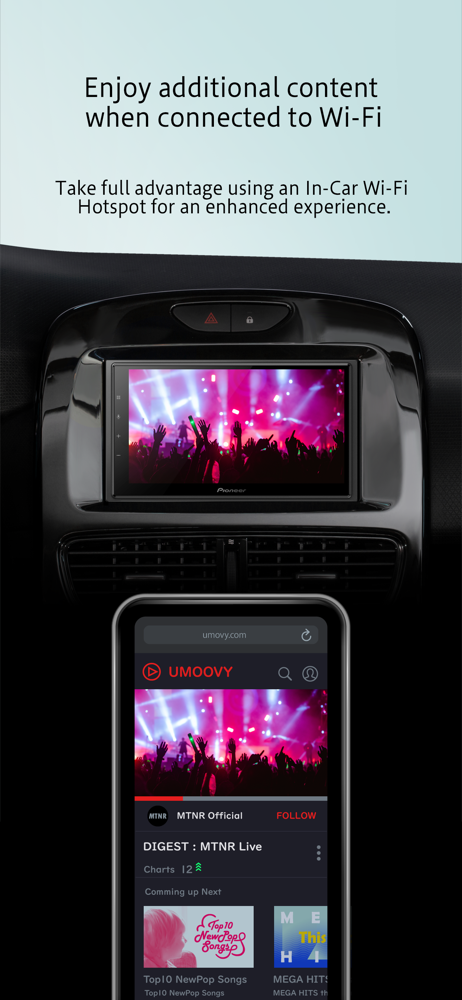
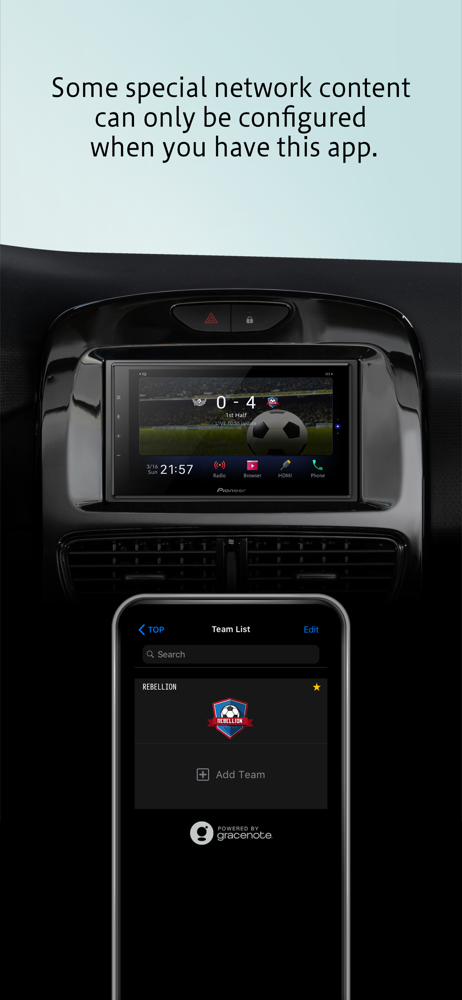
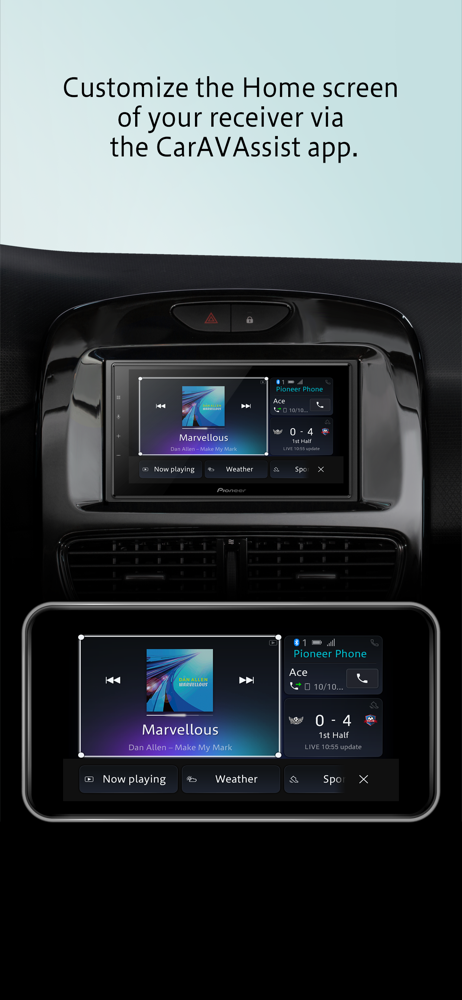
Customize your in-dash receiver's home screen to view your favorite live content! CarAVAssist enhances your in-car experience. Currently, we support...


