Check the acquisition promise
Read the store headline, screenshots and description. What problem is the app promising to solve?
Study the storefront ↗
Boulder Community Health · iOS
Explore the ad evidence, study the storefront, and build your next acquisition hypothesis.
01 / Creative research
Read the store headline, screenshots and description. What problem is the app promising to solve?
Study the storefront ↗Explore apps with direct store-link matches. Compare their hooks and formats without assuming the same approach works here.
Browse observed advertisers ↗Store rankings and revenue estimates describe market context. They do not establish ad spend, conversions or ROAS.
Review the market context ↗02 / Storefront & product
Study the product story and store experience behind the acquisition funnel.

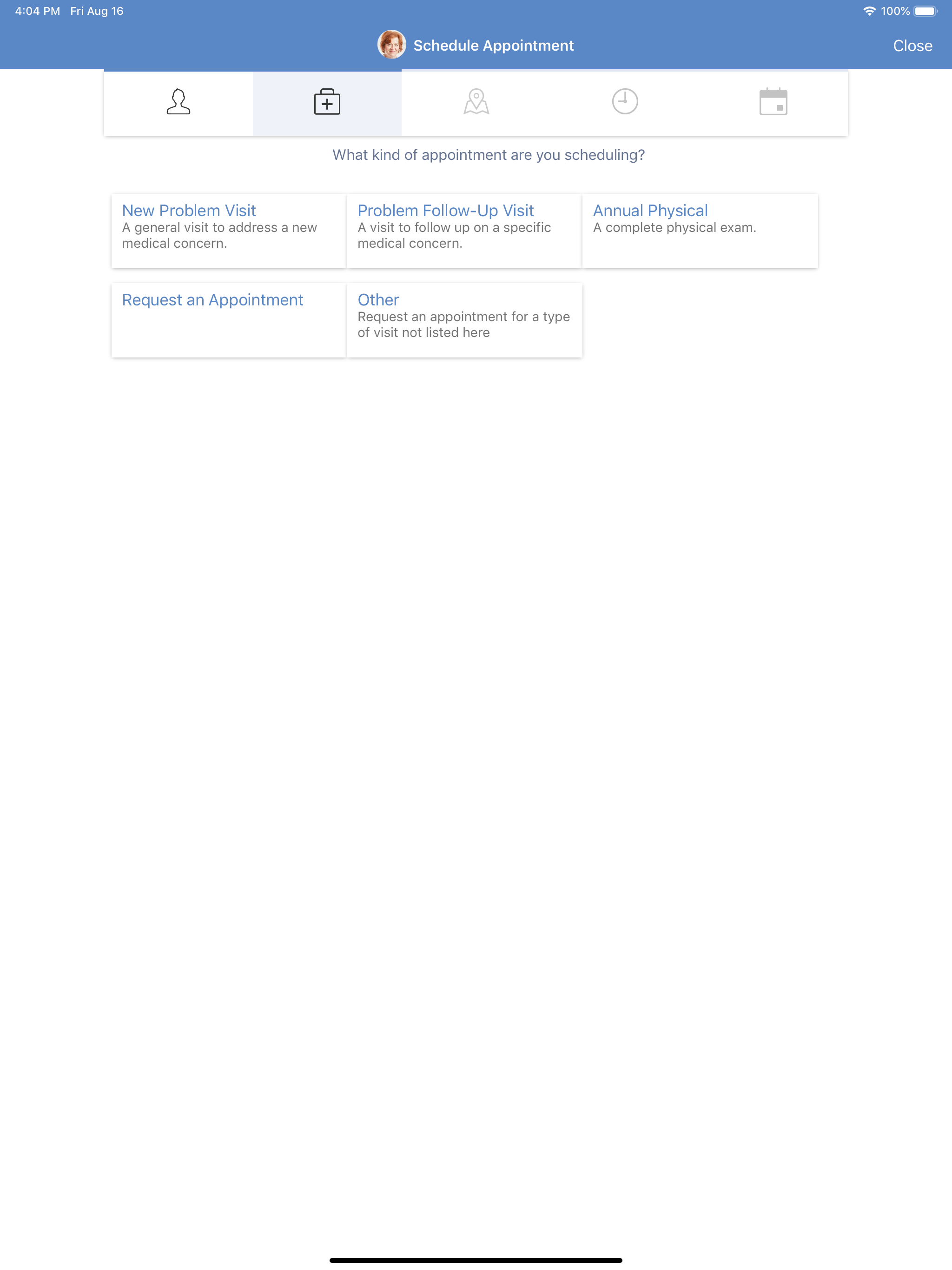
03 / Market context
Keep revenue, downloads and store rankings separate from advertising performance.
The site gives me access to a lot of my information and in that way is very helpful. But the “medications list” feature is very frustrating. (I take a LOT of different medications.) -the medications are not listed alphabetically so it’s easy to inadvertently omit one. -there is no obvious way to change dosage information, so I have to “remove” with a note reporting the new dosage (not intending to remove, but to edit). -and each time I “edit” the list, the system starts the list over again so I have to scroll down the whole list to find where I left off.
I am on a couple of these type of portals, and this one is the best, but it has a few bugs that have never been corrected: 1). In doing a set of pre-appointment forms, is it truly necessary to skim and sign the exact same set of obligatory forms, every single time you have an appointment, even if you have just done it a few weeks ago? How about a box right at the beginning that says, “Has anything changed? Last time you said OK. Click OK here and move on.” 2). At my most recent set of pre-appt forms, there was a little progress bar across the top - very good. However, after telling me I had two forms to fill out, with the bar showing around 90% done, they forced another form on me - the medical history one, which I have filled out maybe 4x per year every year. 3). I fill out these forms on my personal iPad Pro, with all the updates (currently iOS ver 17). On the Med Hist form, all those buttons on the multiple choice questions (e.g., “When you smoked did you smoke…1 pack per day/ 2 packs per day/ 3 packs per day …”) all the buttons look identical, so you can’t see which one you chose last time. Can't you just make the background a different color to indicate the existing record selection, or embolden the font, or something? 4). Also on that Med Hist form, there was a glitch in filling in my sister’s name (it didn’t show her breast cancer, so I was adding it) and no drop-down list appeared, so I typed it in. Now it looks like I have two sisters with the same exact name. To the BCH IT staff: I hope you can do something about these little conditions marring your actually very good interface - I would love to give you the full 5 stars!
I have used app and trying to log in every way possible. Have used present password multiple times in past 3 weeks. Today, even though working once as valid, my app won’t take log in and what’s more, won’t recognize my name, last 4 of SS# nor birthdate. And there’s no help listed.
MyBCH is a secure online connection to your health care team and important information from your electronic medical record — available 24/7 on your co...