
Check the acquisition promise
Read the store headline, screenshots and description. What problem is the app promising to solve?
Study the storefront ↗
Hochschule fur Gestaltung Schwabisch Gmund · iOS
Explore the ad evidence, study the storefront, and build your next acquisition hypothesis.
01 / Creative research
Read the store headline, screenshots and description. What problem is the app promising to solve?
Study the storefront ↗Explore apps with direct store-link matches. Compare their hooks and formats without assuming the same approach works here.
Browse observed advertisers ↗Store rankings and revenue estimates describe market context. They do not establish ad spend, conversions or ROAS.
Review the market context ↗02 / Storefront & product
Study the product story and store experience behind the acquisition funnel.




03 / Market context
Keep revenue, downloads and store rankings separate from advertising performance.
I agree with the person who posted above me (and would be glad to change my review to higher stars) if this would be made into a keyboard. Right now, you have to navigate to the app, scroll through the options, select and copy the emoji, then navigate back to the text conversation and paste in order to use.
Can you make this a keyboard I can add, so when I text I can easily integrate these emojis. Not easy to open app copy one send separately from other text content. Am I missing something? Overall the images are great and love the style, concept and that they are open. Well done!
I have installed the iOS app on my iPad. I can open the app and copy an emoji for pasting into another app. But is there a way to access them from the keypad, like other emojis? One copy/paste at a time is tedious. Otherwise, I like the emoji set.
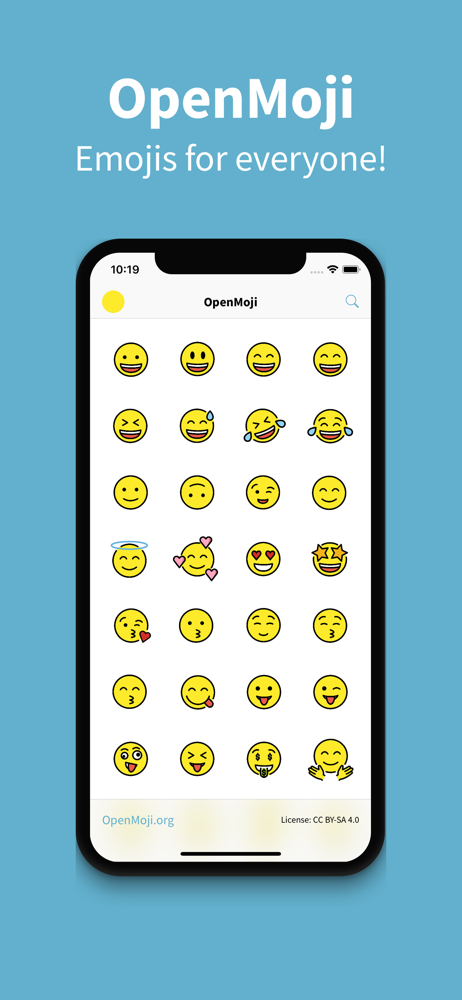
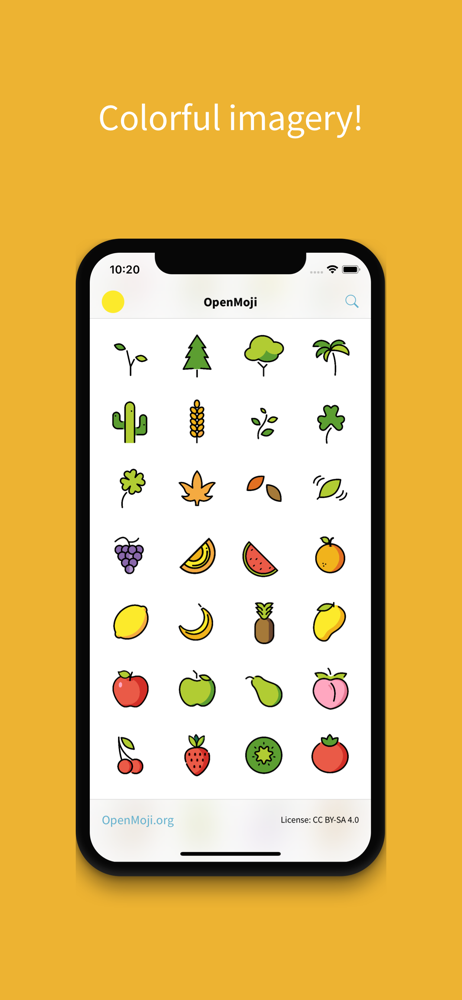
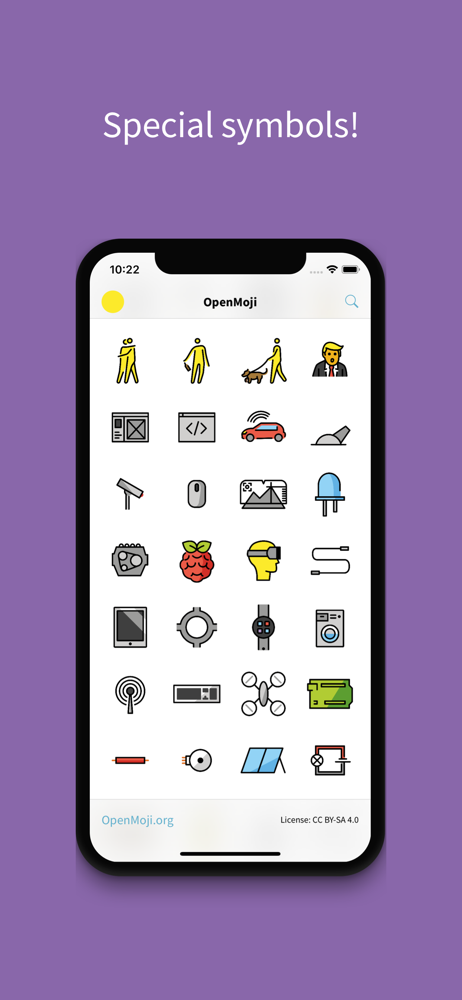
OPENMOJI 16.0 – 4,292+ OPEN-SOURCE EMOJIS FOR DESIGNERS, DEVELOPERS, AND EVERYONE WHO LOVES CREATIVE, CONSISTENT EMOJI DESIGN. Created by students an...


