Check the acquisition promise
Read the store headline, screenshots and description. What problem is the app promising to solve?
Study the storefront ↗
Binnerup Consult · iOS
Explore the ad evidence, study the storefront, and build your next acquisition hypothesis.
01 / Creative research
Read the store headline, screenshots and description. What problem is the app promising to solve?
Study the storefront ↗Explore apps with direct store-link matches. Compare their hooks and formats without assuming the same approach works here.
Browse observed advertisers ↗Store rankings and revenue estimates describe market context. They do not establish ad spend, conversions or ROAS.
Review the market context ↗02 / Storefront & product
Study the product story and store experience behind the acquisition funnel.


03 / Market context
Keep revenue, downloads and store rankings separate from advertising performance.
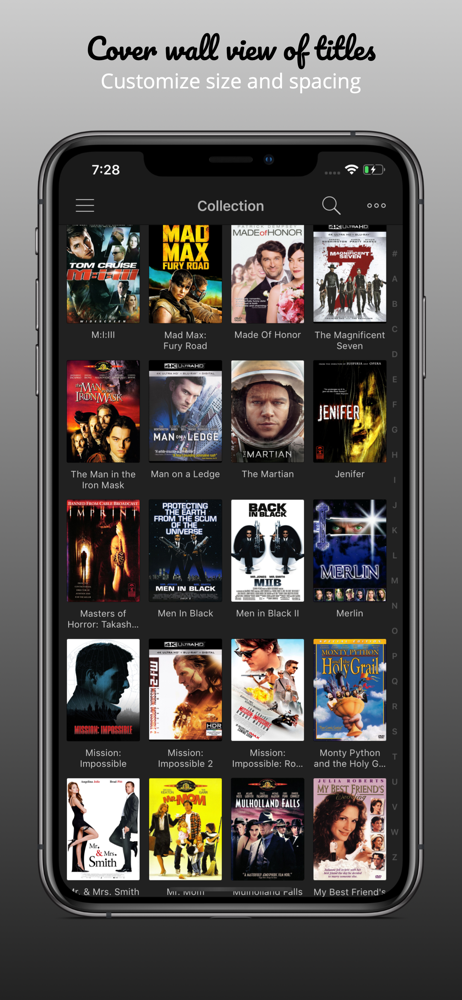
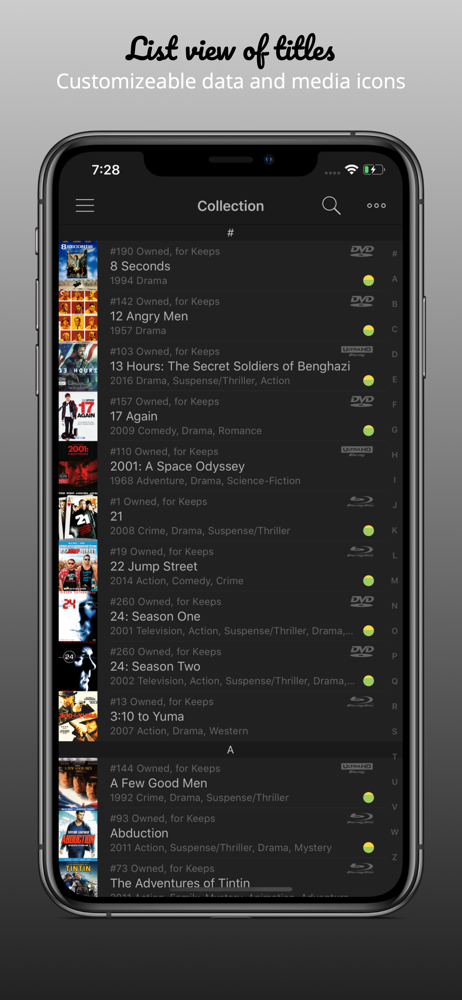
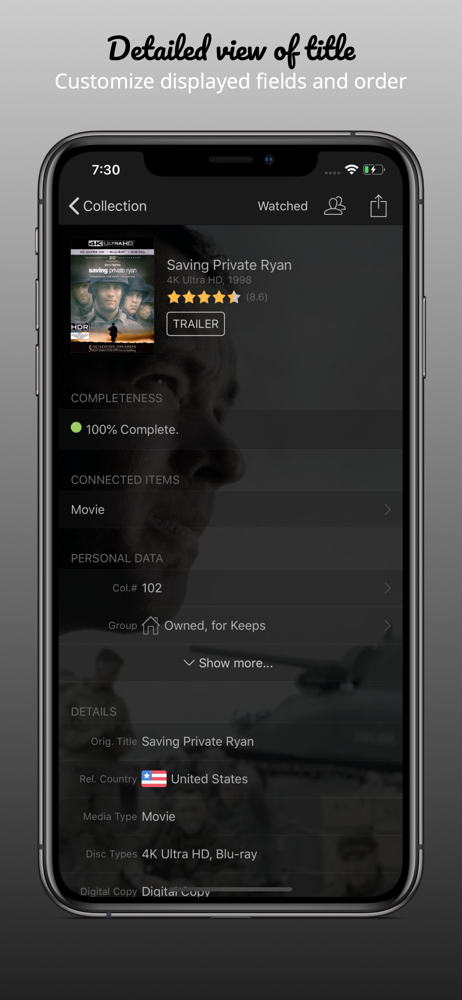
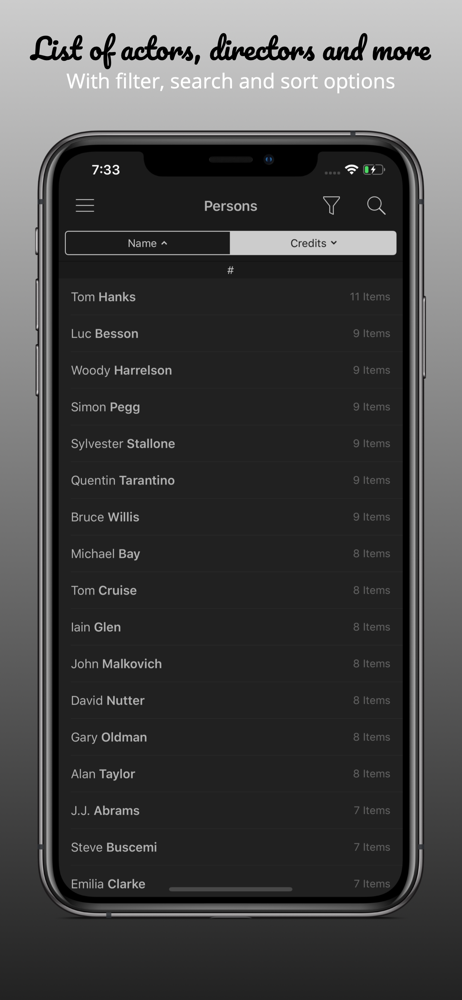
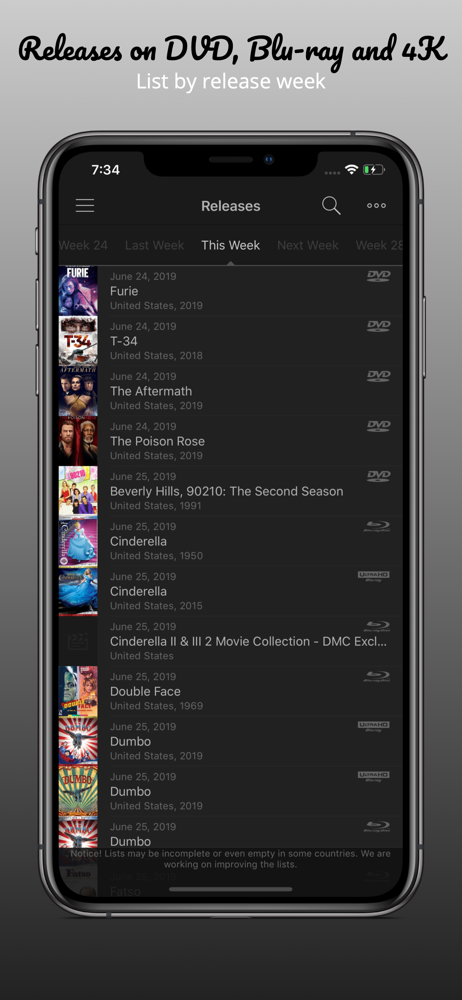
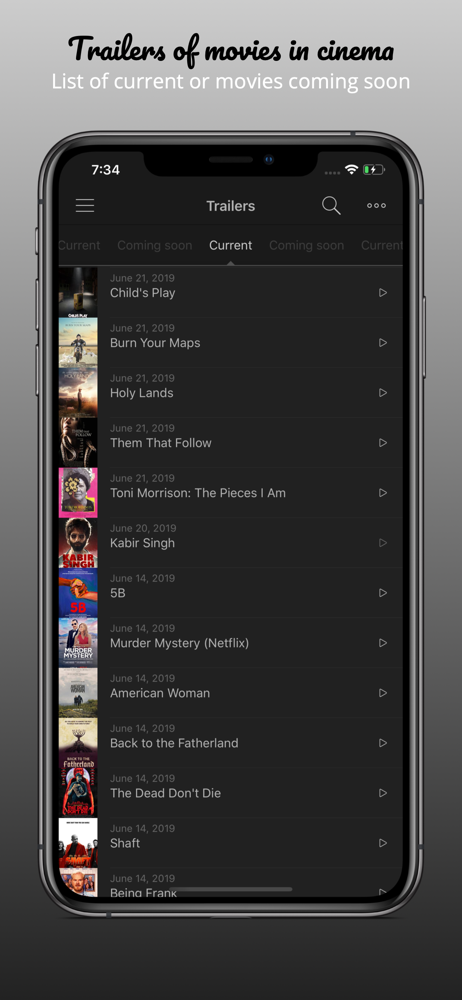
Aside from a few rough edges here and there, My Movies is a great app for my purposes. I’m an avid film fan. My collection of blu rays and 4Ks hovers around 700. The app handles all of it well, bolstered by what I think is a great community of editors constantly updating title metadata. I’m impressed that I can receive a BB steelbook on release date, scan it, and find a match 9 times out of 10. Regardless of metadata, the wealth of options at your fingertips for title display, filtering, and sorting is much appreciated. One usually sees a couple approaches in apps like My Movies. I’ve yet to see both applied harmoniously. This app focuses more on content than flourish. You’re given many roads to navigate your collection; fewer if you’re mostly interested in presentation. If you’re like me and are more into stats than slick styling, don’t hesitate to grab up this app. If you want an app polished to absurd proportions, there are other options out there that might suit you better. But as far as I’ve seen, this is as good as it gets for movie and TV collectors using iOS. Kudos for that!
I’ve been using it for ten years to keep track and organize all of my movies. My collection is large, so it’s a great app for making sure my films are in alphabetical order. Sometimes I lend movies to friends and family members, and with this app I can mark a movie as “out” and attach the name of the individual I lent it out to, so that I can keep track. Sometimes I even forget which movies I own (which is a luxury, I know), and instead of digging through my blu-rays, I can simply grab my phone, open the My Movies app, and type in a search for a movie by title. I’ve purchased the My Movies app on four different devices (iPhone, Samsung, MacBook, and Kindle Fire) and I still use it on all of them to access my library across all of them.
This was the first app I ever purchased for my iPhone years ago and I’ve loved using it ever since. The developers do a great job of taking feedback from the community to update the app. The ability to scan barcodes (even in batches) makes it really easy to add titles to your collection. There tons of information on the movie titles. And, if you see something you know is missing, you can provide the info for the database to be updated. It’s a great app for any movie collector (or if you just want to keep track of movies you have seen). A new version comes out every couple of years or so and I’ve upgraded each time (and will continue to do so).
My Movies allows you to catalog your entire collection of movies and TV Series from our world class online data service containing data for more than...
| Name | Price | Type |
|---|---|---|
| Upgrade from My Movies 2 | $4.99 | One-time |
| Unlimited | $9.99 | One-time |