
Check the acquisition promise
Read the store headline, screenshots and description. What problem is the app promising to solve?
Study the storefront ↗
monocro · iOS
Explore the ad evidence, study the storefront, and build your next acquisition hypothesis.
01 / Creative research
Read the store headline, screenshots and description. What problem is the app promising to solve?
Study the storefront ↗Explore apps with direct store-link matches. Compare their hooks and formats without assuming the same approach works here.
Browse observed advertisers ↗Store rankings and revenue estimates describe market context. They do not establish ad spend, conversions or ROAS.
Review the market context ↗02 / Storefront & product
Study the product story and store experience behind the acquisition funnel.




03 / Market context
Keep revenue, downloads and store rankings separate from advertising performance.
I paid for several visual packs which were like 4.99 a pop, I used this to create visuals for my own music, now? Well I don’t see anything indicating HOW to make a recording of a song visual anymore, just as I’d done over the past about 4 years…when I press record it says something about a playlist, I HAVE SONGS in the local folder on device, NO indication or even help sources as to how I must shift from how I captured before? If the insinuation/ update is now I have to pay again for what I paid for (clicking restore in setting told me I have purchased ZILCH which is false), if I have to sub more than a streaming service sub a month for this which I use for a hobby of mine yet did invest in the various effects, THEN I say, oh friggin abandon ship because it’s not worth your money when they throw away money already patroned. This is quite a disappointment to see “sub” option when I paid for recording rights and several packs of fx, all only to return to feeling like I wasted time and money as I can only afford to invest in more otp, based financial expenditures. And this app doesn’t deal with so much platform issues as other apps with $ sub scams because this is an effects app that is majorly separated from social media and copyright claims things. It’s a mega filter, now a mega pick pocketer. SMH. If I’m wrong about something, please STAELLA n co. Reach out, because I paid money for nothing in the end it seems.
1. On the app it's not immediately clear that there are different sets of the visualizations you can buy - or at least the "pro" package is not inclusive of everything, and it's the least useful add-on of sorts (at least to me). 2. Aside from that, the Microphone line in is not useful if you output to Apple TV / Screen mirroring, because when you select "micrphone line in" it gets a lot of artifacts and distortions - so then you can only use dummy - which also does not let you set visualizations to change automatically with each song - 3. which leads me to the other option of letting the visualization change every few seconds, which is ridiculously short (like 3-5 seconds) - 30 seconds would have been acceptable or to select from a few options - 30 seconds, 1 minute, 3 minutes and 5 minutes. Other than that - 4. If it's an option, when mirroring to a TV, it does not fill the whole screen and has black bars on the sides.
Look no further. Without a doubt this is the best music visualizer on the market for Apple devices. By unimaginable depths, no other comes close. I mainly use this for my iPad, it's library is vast and it's main purpose is dedicated to holding my music. Some people have a problem, because they want to use other streaming services. I use them, but whatever I listen to there (and like) at some point I download and upload to my iTunes library where I have it forever. Simple. Might be a bit of an effort for some people, but I enjoy music so it's nothing at all. At least I haven't forgotten the ability to download and upload music. I wanted something beautiful to accompany the sounds I listen to and this is it. The visual packs are more than reasonable, especially with the shuffle function. Color customization is slightly limited, but you can get around that by playing with the mixture. Thanks so much for your awesome work!!!!! P.s. if you ever add more packs I'll gladly purchase those too! Totally in love with all the new features, Pro included. Everything works flawlessly, the new mixtures, coloring, everything I wanted. You guys really are amazing. Thanks again!
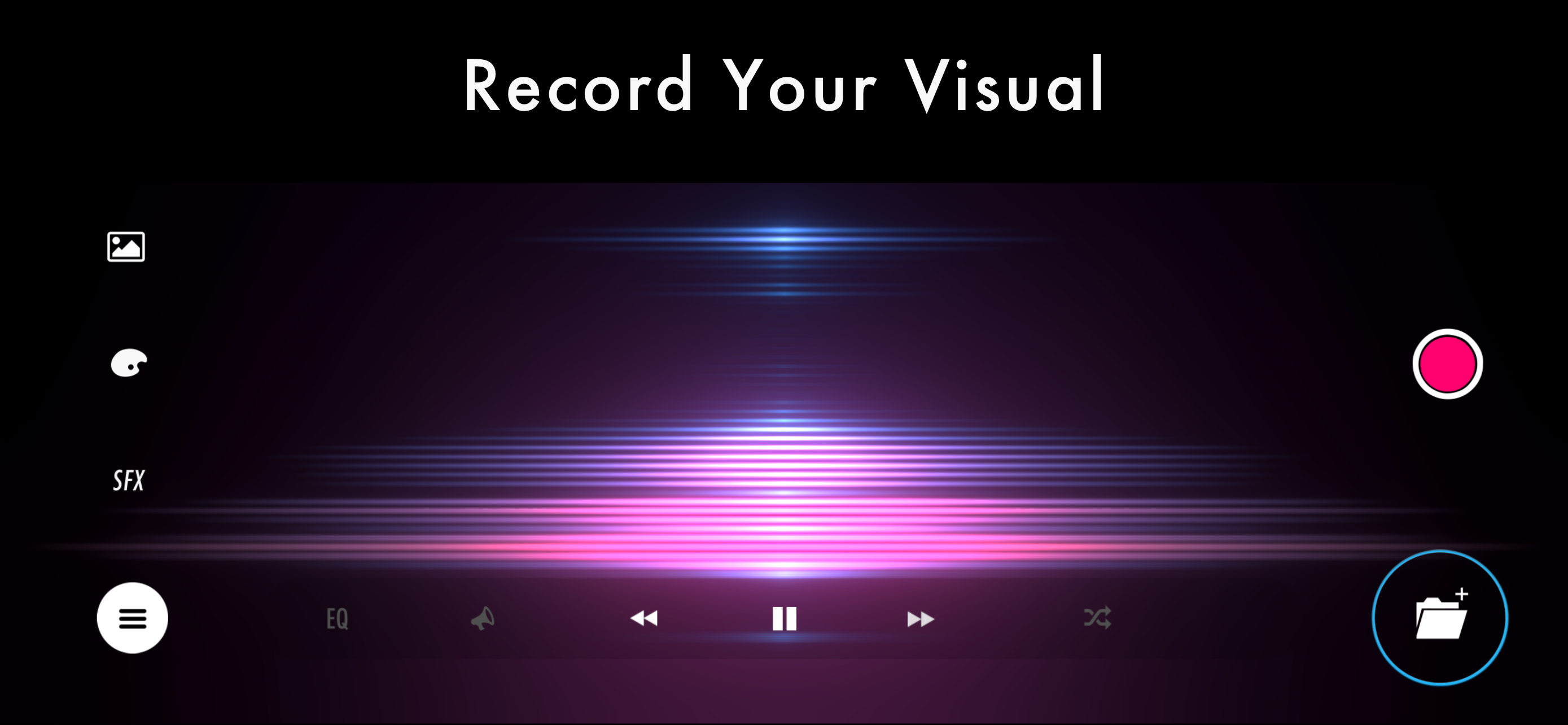
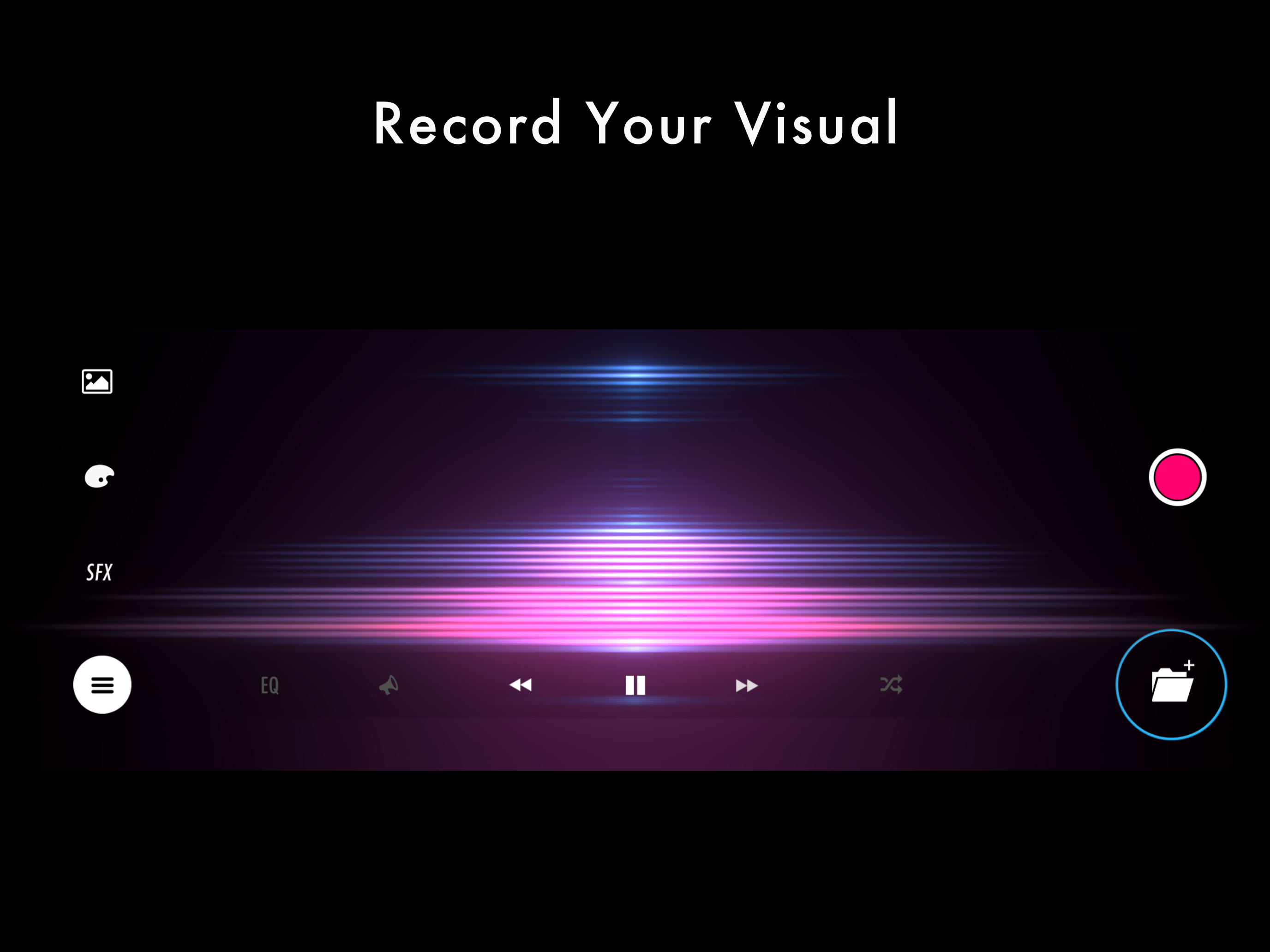
Real-time music visualization. 30 Visuals × 70 Shapes — every play, a different piece. ■ Design the visuals from a free combination 4 categories with...
| Name | Price | Type |
|---|---|---|
| STAELLA Premium (Weekly) | $4.99 | Weekly |
| NEX | $9.99 | One-time |
| STELLA | $9.99 | One-time |
| Toolkit pro | $9.99 | One-time |
| TERRA | $9.99 | One-time |
| MACHINA | $9.99 | One-time |
| STAELLA Premium (Annual) | $49.99 | Yearly |


