Check the acquisition promise
Read the store headline, screenshots and description. What problem is the app promising to solve?
Study the storefront ↗
志强 童 · iOS
Explore the ad evidence, study the storefront, and build your next acquisition hypothesis.
01 / Creative research
Read the store headline, screenshots and description. What problem is the app promising to solve?
Study the storefront ↗Explore apps with direct store-link matches. Compare their hooks and formats without assuming the same approach works here.
Browse observed advertisers ↗Store rankings and revenue estimates describe market context. They do not establish ad spend, conversions or ROAS.
Review the market context ↗02 / Storefront & product
Study the product story and store experience behind the acquisition funnel.



03 / Market context
Keep revenue, downloads and store rankings separate from advertising performance.
Bought it a year ago, worked with difficultly once, tried to use it again and could not get it connect or pair with iPad or WiFi…just a blank screen. Total waste of time and money!
I tried to use this app with my BlueFire that’s been sitting for a year. I couldn’t figure out how to get ít to work, or even if it was the right application. It always showed a black picture. Today I found the manual online. I learned this was the right app, and the “volume”control (above the power switch) was for brightness. I turned on the BlueFire, changed the WiFi setting to Jetion_???, ran the app, and fiddled with the brightness control. Presto! It worked! I could now see the junk that was clogging up my garbage disposal’s pipe.
Works good for me to see the vid from a BlueFire scope. The only thing missing is a flash or blink when a picture is taken, to indicate success.
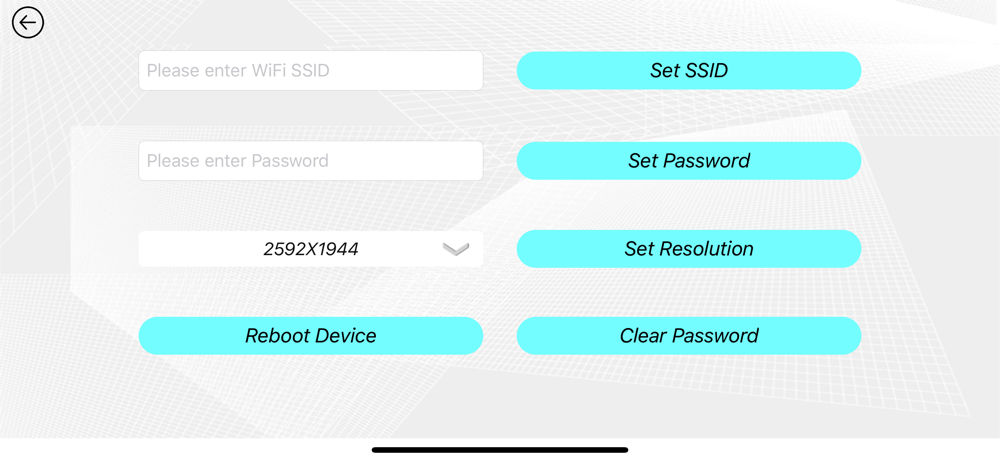
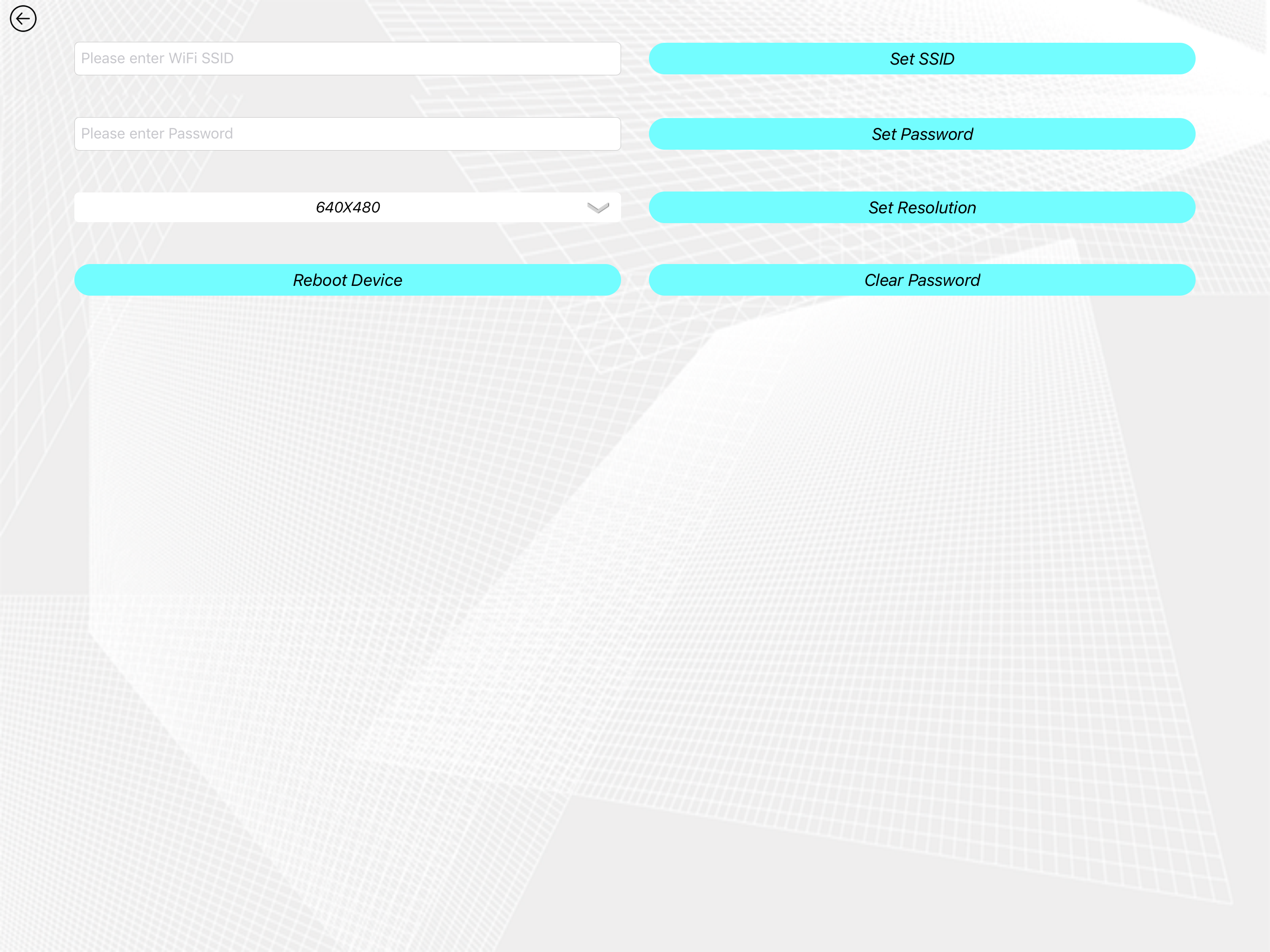
Scope View is a app that can transfer video stream with wifi. You can take photos or videos and get them later through this app. This app is mainly us...