Check the acquisition promise
Read the store headline, screenshots and description. What problem is the app promising to solve?
Study the storefront ↗
志强 童 · iOS
Explore the ad evidence, study the storefront, and build your next acquisition hypothesis.
01 / Creative research
Read the store headline, screenshots and description. What problem is the app promising to solve?
Study the storefront ↗Explore apps with direct store-link matches. Compare their hooks and formats without assuming the same approach works here.
Browse observed advertisers ↗Store rankings and revenue estimates describe market context. They do not establish ad spend, conversions or ROAS.
Review the market context ↗02 / Storefront & product
Study the product story and store experience behind the acquisition funnel.



03 / Market context
Keep revenue, downloads and store rankings separate from advertising performance.
I bought this device about an year ago and I only used it one time. It has been in the box practically brand new and I got it out last night to use it and there is no light coming on the device only the red light when I charge it. It is not showing up on wifi and I tried everything. The cap is off. I also deleted app off my iPhone and put back on and still nothing showing up on wifi. Because of this issue I can’t even use the device.
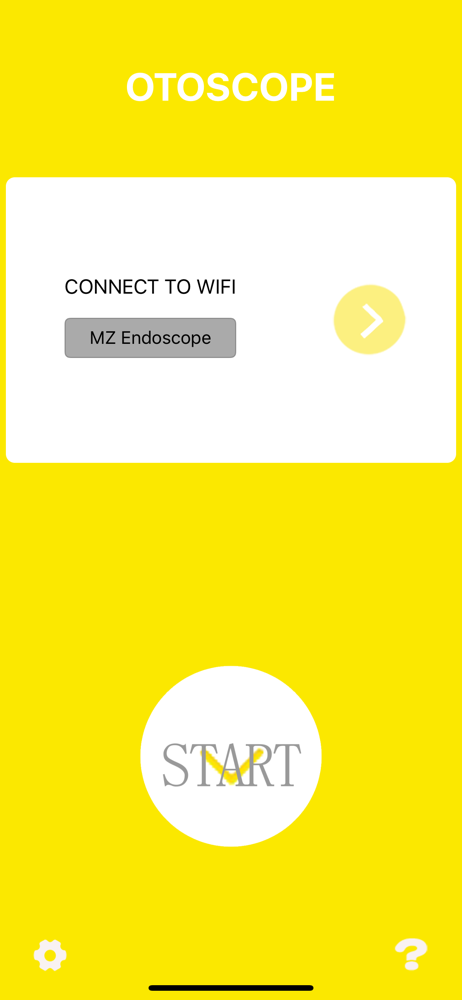
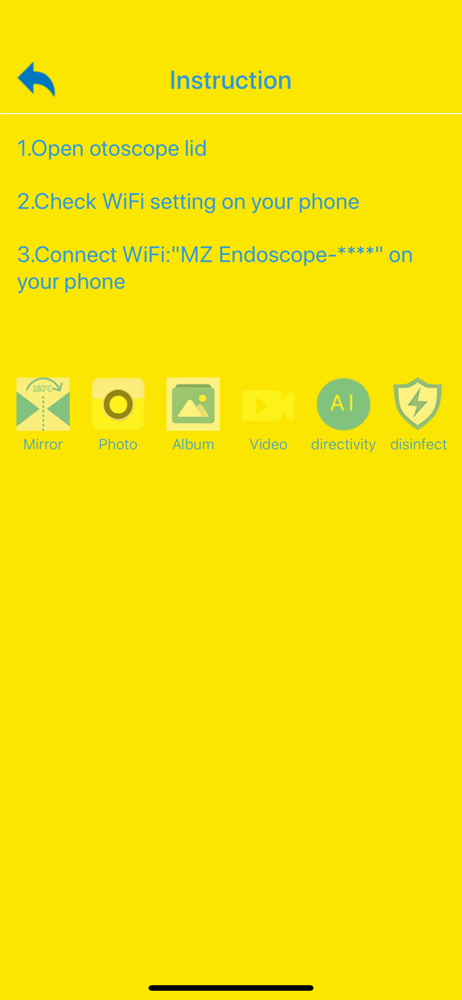
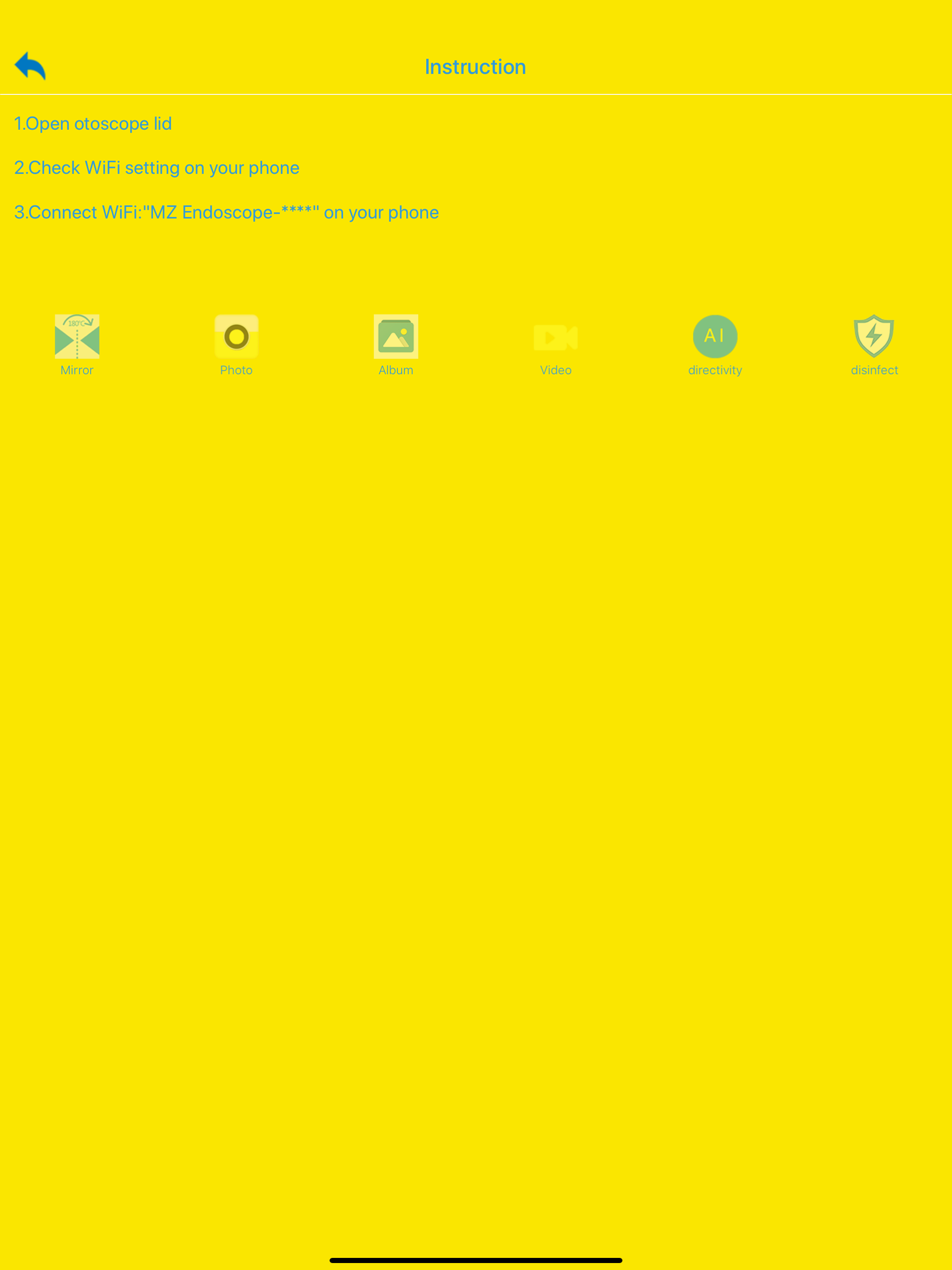
Device takes micro usb common charger. First charge device for at least an hour. Download app. Don’t open app yet. To operate: 1) Slide off magnetic cap to turn on device. There are no buttons to push. *Blue flashing light means WiFi is available or connecting or connected. Not sure which. * 2) go to settings on your phone. You’ll see your wifi networks update to show “MzScope etc etc”, click that. Your device will connect. No password needed. 3) Open app. Press big start button. 4) picture should appear. Point camera at your hand and slowly move in and out to focus it until you see your skin lines clearly. 5) explore buttons and preferences. 6) replace lid to turn off. Reconnect to whatever internet source you were using before. Remember if there’s no picture, your device is possibly not charged, connected to the wifi, or you need to go to settings and click on apps, then MZSCOPE, then “force stop”. If this doesn’t work, try uninstalling and reinstalling. It will definitely work. Way way worth the money.
I’m happy i found something i can use to now unclog my ears and be able to see helps a lot. As for the issue i heard from others about the video not showing up, mainly for Iphone since thats what i have, i troubleshooted and found the fix, and if it worked for me it should for you. When you take the cap off the device which turns it on and you select it in your WiFi settings, you have to also go into the wifi settings for that device and deselect the Private Address(it’s automatically turned on for wifi networks) and then the camera video shows up on the app because by deselecting it you freed up the security blocking the app from connecting to the device properly(ie the video function etc...)
此App是用于可视采耳方面的应用。 通过wifi与采耳内窥镜设备连接,可以在iOS设备上显示镜头的实时画面,与设备搭配的配件一起使用将会更佳。并且,配合设备上的加速度传感器,可以使画面一直正向,使用更佳趁手。