
Check the acquisition promise
Read the store headline, screenshots and description. What problem is the app promising to solve?
Study the storefront ↗
The Little Brown Box Pizza LLC · iOS
Explore the ad evidence, study the storefront, and build your next acquisition hypothesis.
01 / Creative research
Read the store headline, screenshots and description. What problem is the app promising to solve?
Study the storefront ↗Explore apps with direct store-link matches. Compare their hooks and formats without assuming the same approach works here.
Browse observed advertisers ↗Store rankings and revenue estimates describe market context. They do not establish ad spend, conversions or ROAS.
Review the market context ↗02 / Storefront & product
Study the product story and store experience behind the acquisition funnel.



03 / Market context
Keep revenue, downloads and store rankings separate from advertising performance.
Sometimes the “makers” forget to place some of the toppings : ( Once the pizza was so very obviously burnt… but we didn’t know until we opened the box. My husband went back in and they made us a new one : ). I put my already selected after-bakes under special instructions now … because these are usually left off as well. In all honesty, I think the “makers” might be a little inexperienced when it comes to checking for “completeness” … Still, they’re pretty sweet customer service wise and you can’t beat that : ) Overall, quality and value are right up there. I really, really enjoy Pieology pizza.
Today I opened the app and was logged out. I realize that the app had updated and after some unsuccessful log in attempts I tried resetting my password. However, I found that the external website pieology uses to reset the password is the same site that Rubio’s uses, so Keychain is now associating the password with Rubios. I don’t like that keychain isn’t recognizing within the app. After finally logging in, I tried using the app to see my rewards but if I hit “home”, “order” or “account” nothing within the app changes. I have the same screen. I’m not sure if this is a bug but it made it really difficult to order today. I deleted the app and redownloaded it to see if this would correct the issue but i found the same results. I hope this gets fixed. I ended up just ordering within the store. *side note, Pieology is not printing Qi codes on your receipt any more so if you forget to scan before you pay there’s no way to receive your rewards. I was frustrated about this* I really miss the old interface. I love the way it displayed your rewards as a pizza pie and was upfront and center. I’m not even able to find my rewards at the moment. Apart from the fact that its not functioning for me to use and see my rewards or account, the ui feels sterile and less creative to me. I never have had issues with the app until today. I loved the app. I’m rooting for you Pieology! I hope this gets fixed. 🍕
Hello! I started the keto diet and learned there is a chicken crust! I was able to order it in the store, which was amazing. I was exited to download the app so we could order ahead of time, but the app advertises 6 crust options, but in the app selection, it shows 5 to choose from. I went to your website as well and although I saw 6 crust options there, the chicken crust was not one of them. Please correct this to show all options available. Had I not read online keto options on some forum, I would have never known about the chicken crust. This is nowhere to be found on your website, app, on on the menu in the stores. I was hoping to call a customer service number so I could avoid giving the app a low rating, but I think this is my only option for getting someone’s attention. For the record, I love Pieology and I’ll change my rating once my concern as been acknowledged.
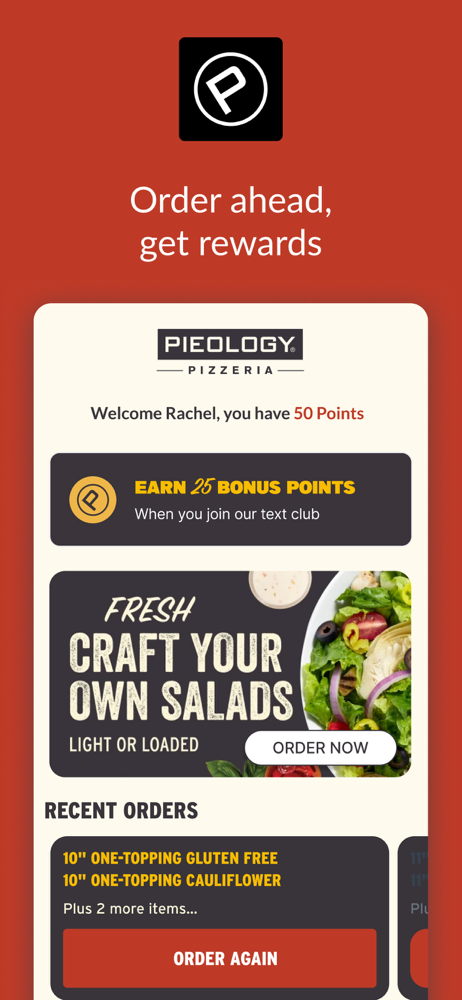
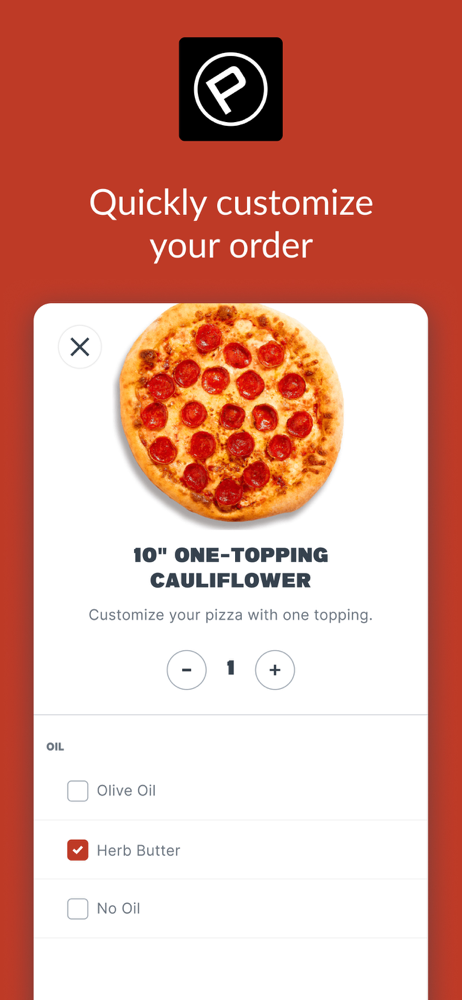
Order all your Pieology favorites for pick up or delivery right from your phone! Join Pie Life Rewards to earn points on every order, get access to ou...


