Check the acquisition promise
Read the store headline, screenshots and description. What problem is the app promising to solve?
Study the storefront ↗
Stephan Marx · iOS
Explore the ad evidence, study the storefront, and build your next acquisition hypothesis.
01 / Creative research
Read the store headline, screenshots and description. What problem is the app promising to solve?
Study the storefront ↗Explore apps with direct store-link matches. Compare their hooks and formats without assuming the same approach works here.
Browse observed advertisers ↗Store rankings and revenue estimates describe market context. They do not establish ad spend, conversions or ROAS.
Review the market context ↗02 / Storefront & product
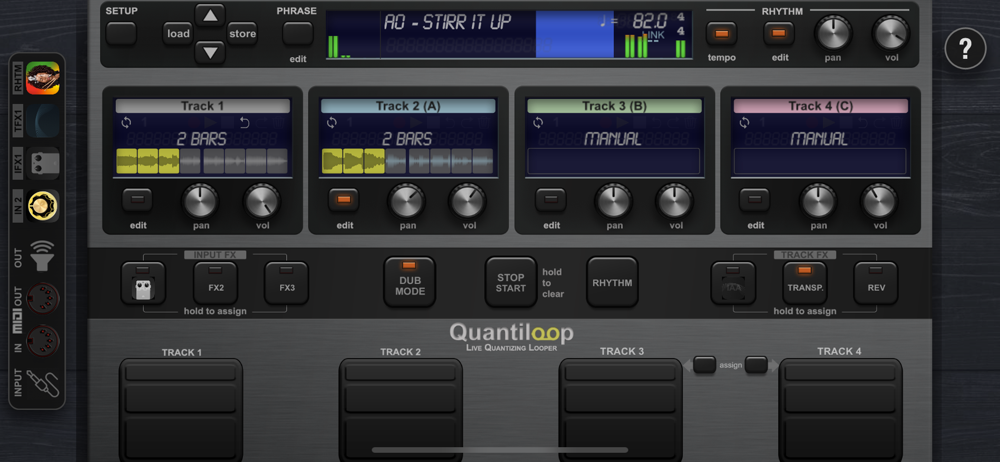
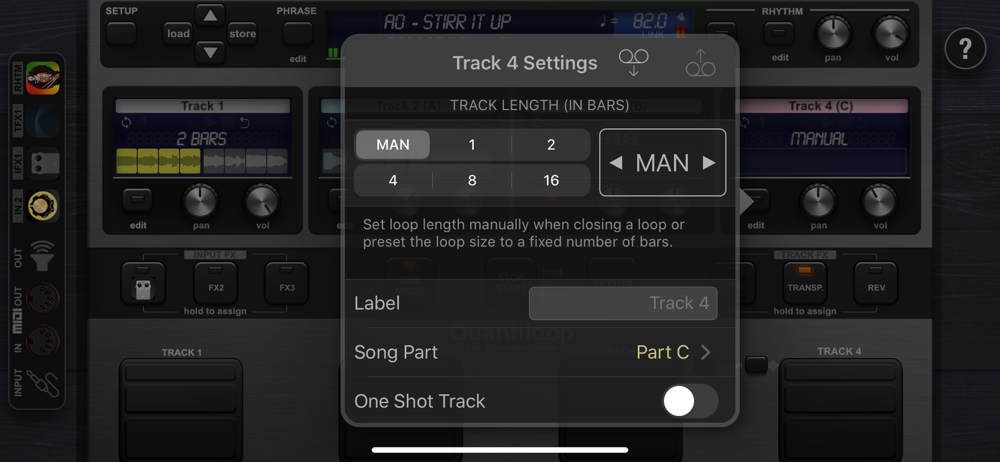
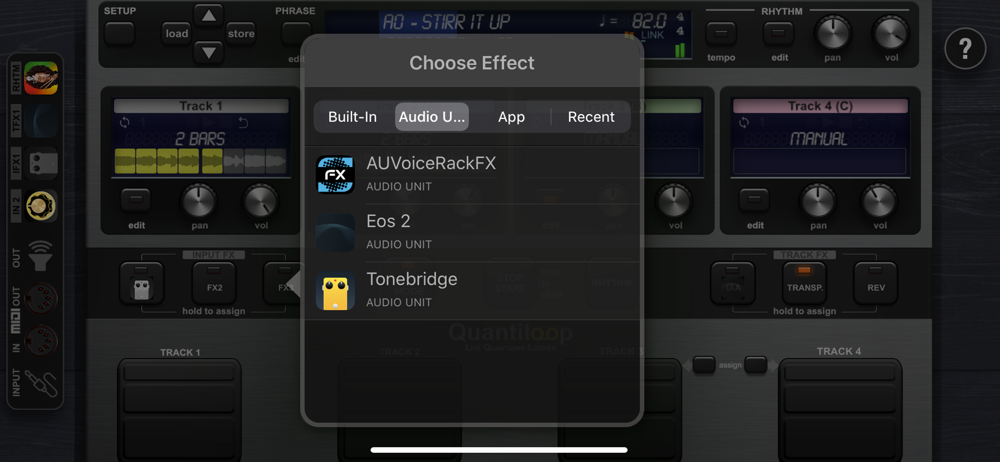
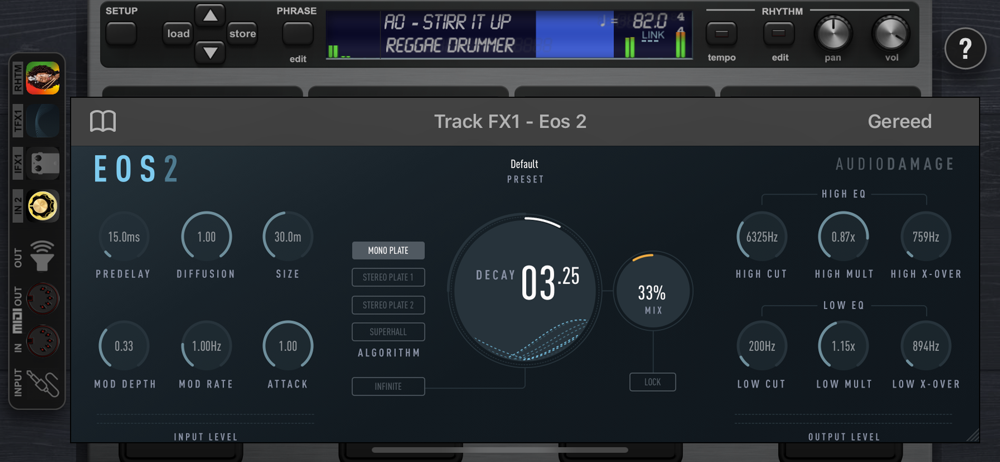
Study the product story and store experience behind the acquisition funnel.
03 / Market context
Keep revenue, downloads and store rankings separate from advertising performance.
As soon as you try using the app you get an extremely loud notification telling you to buy the pro version to get rid of this message. Completely unusable
Several very negative reviews look like they haven’t even read the basic instructions… I went through the 7 day trial, determined that there was potential here, and decided to pay for the Pro version. After that, I went through a bit of learning curve, and it paid off. Just to explore Quantiloop’s possibilities, I tried to duplicate my Boomerang 3; I found all the settings necessary, and was successful; I now have a Boomerang 3 with unlimited recording time, built-in selectable AUv3 effects, and preset save and recall. You guys need to take the time to learn how these things work before you trash it in a review. PS: since getting Quantiloop figured out and set up to work with the Behringer FCB 1010, I have experimented with Loopy Pro, and found it to be as flexible and unlimited as everyone says; but this flexibility comes with a gigantic learning curve that I was unwilling to invest. Remaining with Quantiloop which I already have set up to do everything I need and then some…
This app is great, it works just as simple as a hardware looper like a Boss Loop Station but has way more options as far a routing effects and inputs. I use it with a Behringer FCB1010 midi pedalboard and setting up midi commands within the app couldn’t be easier, it’s not rocket science, if you can’t figure this out then maybe a hardware looper pedal would be better for you. This also has a feature that some apps don’t, a STOP button and an easy way to start the loop from the beginning, add in the built in effects and this is the best looper app out there. The only thing that keeps me from giving it 5 stars is I wish it supported split screen on my iPad Pro, the ideal setup would be to have a chord chart and lyrics on one side and Quantiloop on the other, but I’ve found a good workaround for this, I use my iPad for chord charts and then my iPhone for Quantiloop but it would great to just show up for a gig with my iPad, a small midi pedalboard (this also works great with my irig BlueBoard), an interface, and my guitar, hopefully they can add support for split screen in a future update, otherwise it’s the best looper app I’ve found for the iPad and I’m probably going to sell my Boss Loop Station.
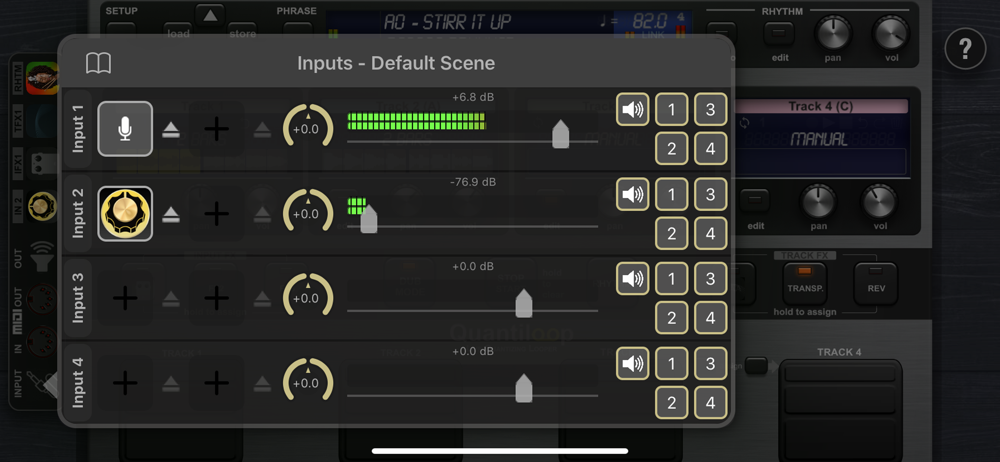
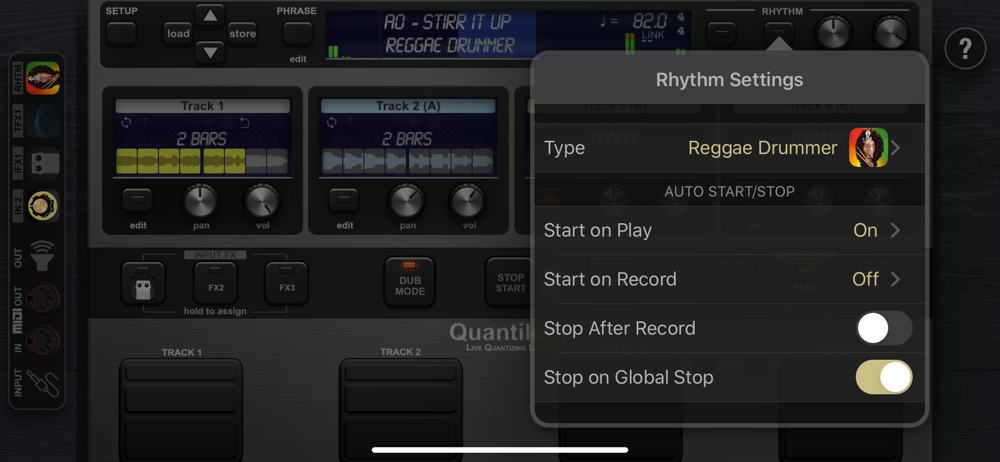
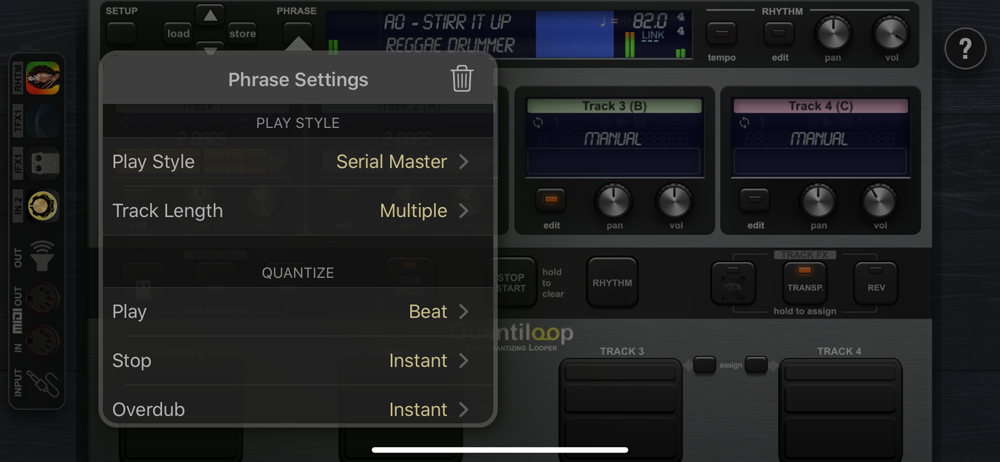
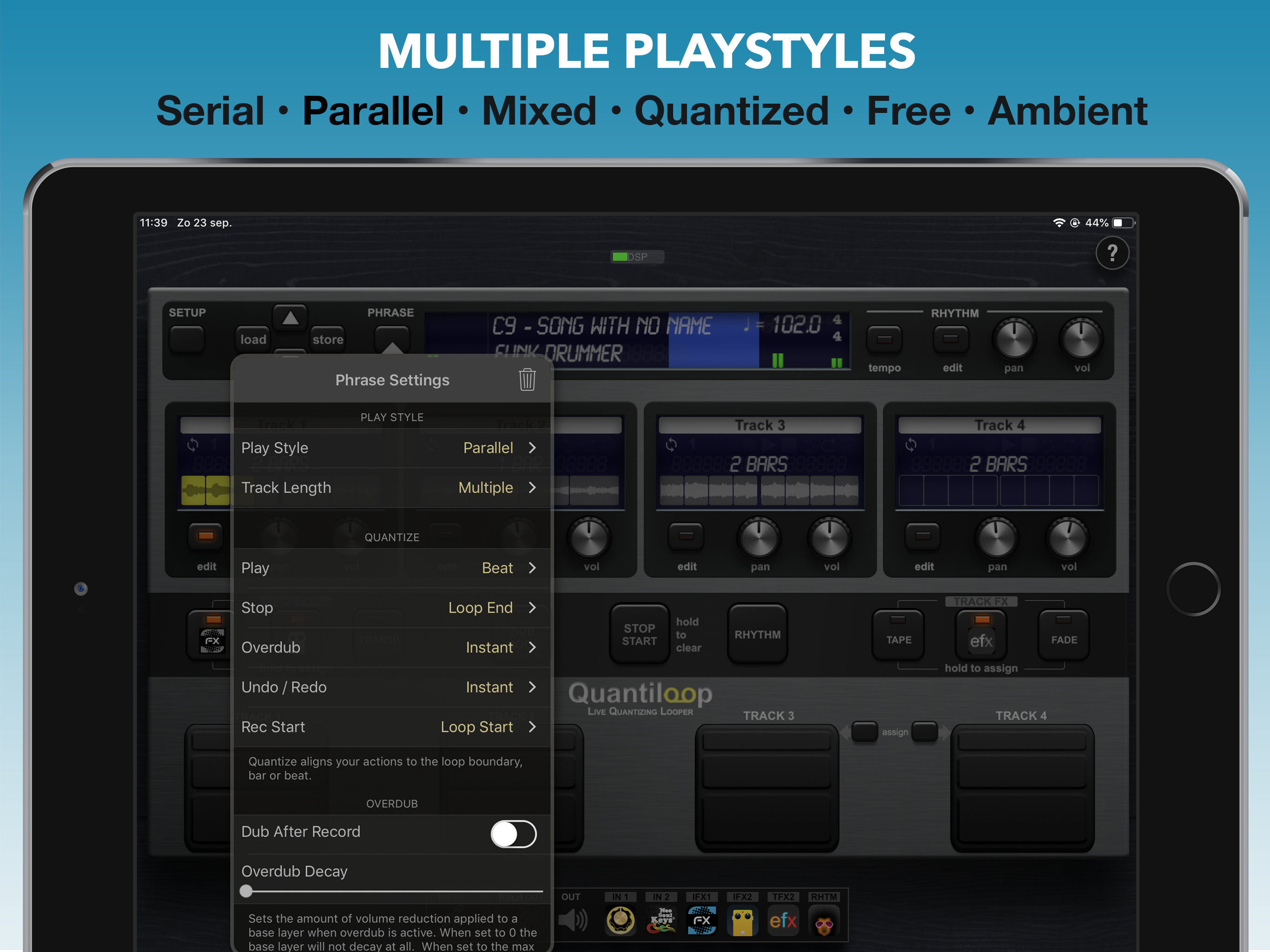
Built for Live performance and hands free use, Quantiloop recreates the simplicity of a hardware loop pedal in an iOS app. Attach a MIDI foot controll...
| Name | Price | Type |
|---|---|---|
| Pro (7 Day Trial) | $0.00 | One-time |
| Pro Upgrade | $14.99 | One-time |