
Check the acquisition promise
Read the store headline, screenshots and description. What problem is the app promising to solve?
Study the storefront ↗
Kayur Shah · iOS
Explore the ad evidence, study the storefront, and build your next acquisition hypothesis.
01 / Creative research
Read the store headline, screenshots and description. What problem is the app promising to solve?
Study the storefront ↗Explore apps with direct store-link matches. Compare their hooks and formats without assuming the same approach works here.
Browse observed advertisers ↗Store rankings and revenue estimates describe market context. They do not establish ad spend, conversions or ROAS.
Review the market context ↗02 / Storefront & product
Study the product story and store experience behind the acquisition funnel.


03 / Market context
Keep revenue, downloads and store rankings separate from advertising performance.
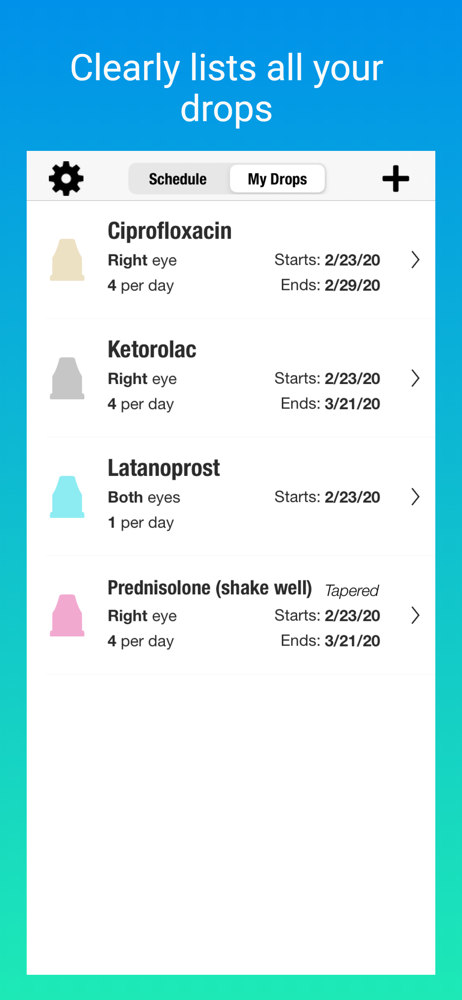
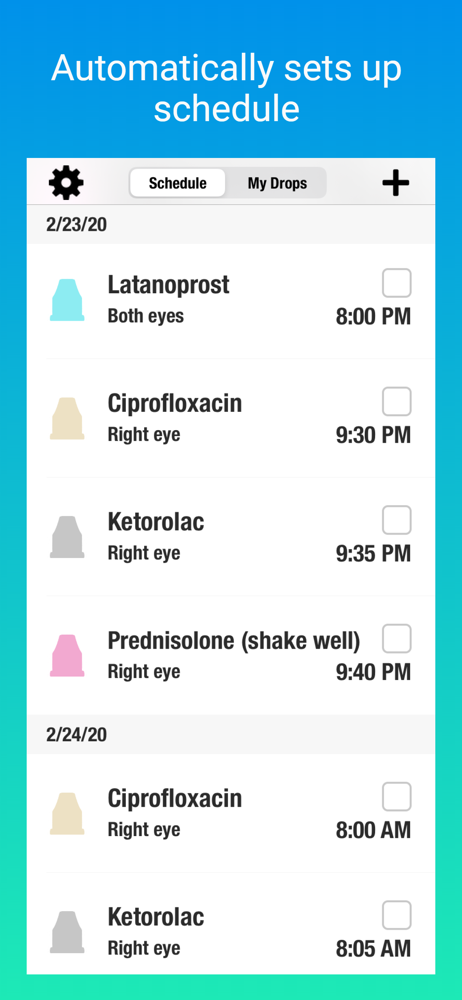
I spent a couple hours creating an elaborate spreadsheet to log all of my various pre-op and post-op drops (times 2 for both eyes). Then when I went to print it out, I realized: A) I’d have to carry around the printout of the spreadsheet to manually check-off each drop; B) I’d still have to create events or reminders on my phone for multiple times a day for me to take the drops; and C) neither of these solutions sounded very simple. Then the little 5-watt bulb went on over my head and I thought “there has to be an app for this”. Well………. There is, and THIS IS IT!! This app is fantastic!! It does anything and everything you need for managing your eye drops before and after cataract surgery. The user interface is simple and straightforward. Setting up different schedules for different drops is a piece of cake. The app will alert you when it’s time for a drop; it will handle the ‘delay’ between successive drops; it will handle stepping down the number of drops per day as the weeks go by (if needed); and it will give you peace of mind that it’s all being taken care of so you don’t have to even think about it!! Some apps that purport to ‘manage’ aspects of your life are really done poorly - sloppy coding, lousy UI, unstable performance, etc. This app is totally professional - I’d gladly pay for it - BUT IT’S FREE!! What are you waiting for? Get it NOW!!
This app was recommended in a Facebook group for cataract surgery. It is intuitive to use and was easy to setup. It just works and is not overly complicated. I just brought my wife home after a total knee replacement, and 3 scripts to take at different times of day and for different periods of time. She gets the anti nausea med in both eyes every 6 hours. I know what it means and will track my drops (they have the pink top!” I did even look for an app for swallowed pills. Thank you for developing this app! If you find yourself in need of a project, you could adapt this app for other meds!? Thanks again!!
I added this for cataracts surgeries. It’s excellent. However, the developers don’t seem to be aware that for cataracts surgeries, the eyes are operated on a FEW WEEKS apart and need different schedules. The app doesn’t allow same prescription drop on different eye time schedules. It also gives reminders via my Apple Watch as well. I hope the developers will make that necessary update fix. I’m on different schedules and drop amounts from my left eye to my right because my left eye was done 10 days before my right. Some people might be 2 or 3 weeks apart. I could not set the schedule separately. That’s my 4 vs 5 star explanation. Thanks.
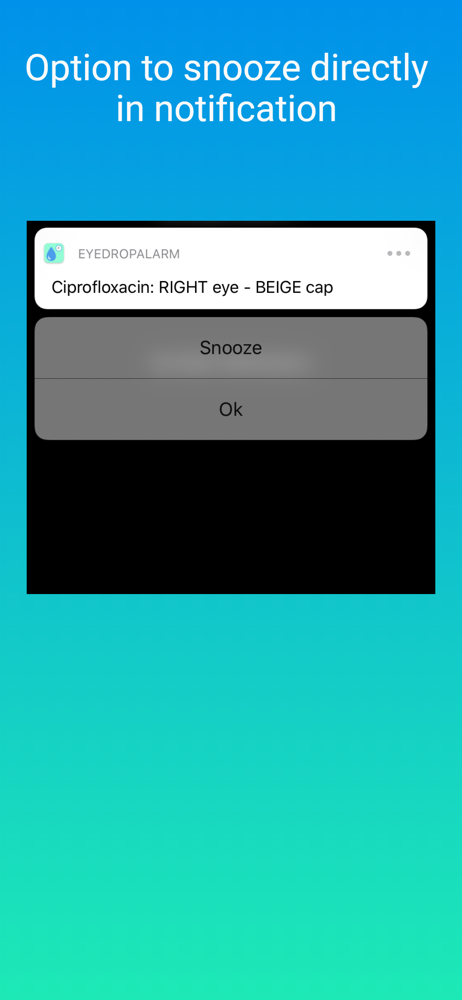
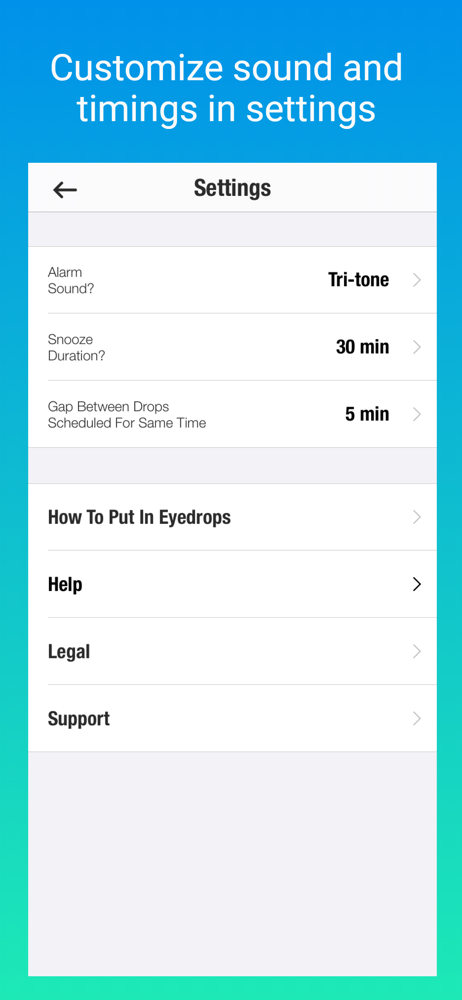
Eye Drop Alarm reminds you to put in your eyedrops. • Quick set up. No login required. • Recommended as "Top App for Patients" at the American Aca...


