
Check the acquisition promise
Read the store headline, screenshots and description. What problem is the app promising to solve?
Study the storefront ↗
Pluribus Web LLC · iOS
Explore the ad evidence, study the storefront, and build your next acquisition hypothesis.
01 / Creative research
Read the store headline, screenshots and description. What problem is the app promising to solve?
Study the storefront ↗Explore apps with direct store-link matches. Compare their hooks and formats without assuming the same approach works here.
Browse observed advertisers ↗Store rankings and revenue estimates describe market context. They do not establish ad spend, conversions or ROAS.
Review the market context ↗02 / Storefront & product
Study the product story and store experience behind the acquisition funnel.


03 / Market context
Keep revenue, downloads and store rankings separate from advertising performance.
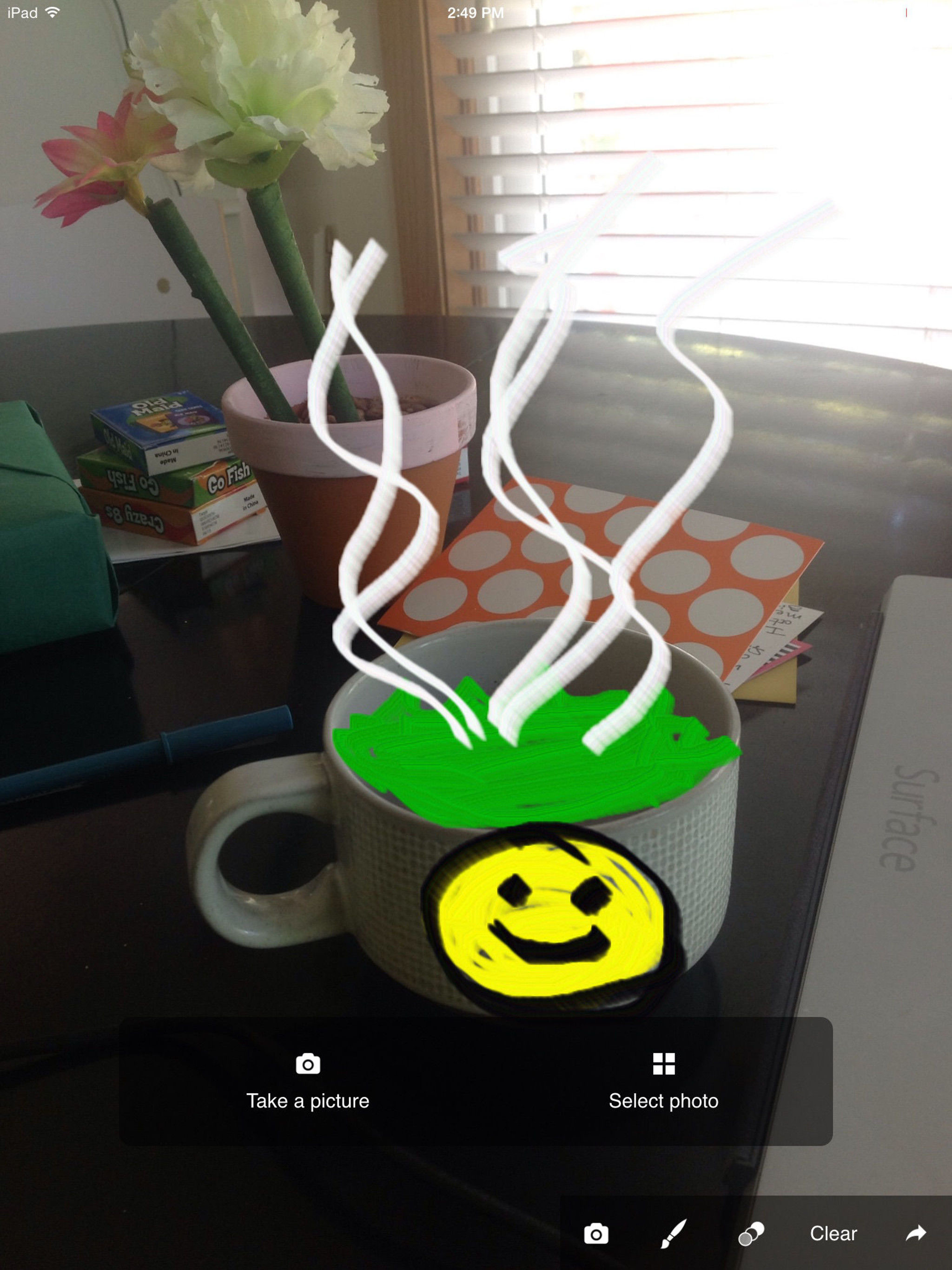
It’s good for literally marking pictures. Would love to see an improved zoom feature. Unchecking and checking the “fill screen” option found in the lower left corner doesn’t zoom nearly to the extent I was hoping to go. 2020 update: Zoom feature has been corrected and I highly recommend this app.
I enjoy using the Markup Photo App. It has a lot of variables that are great for what I use it for. A couple of unliked issues. 1. Ads can be turned off....Good. Ads reappear deleting all of your markups that you have applied. You have to start all over. Very poor feature. 2. If you turn the I-Pad either inadvertently or on purpose, from portrait to landscape mode or visa versa, all of your markups you have made will be deleted and you have to start all over. Very poor feature. 3. Solution to above: save often. When you are done, delete all saved photos except the last one. Silly but effective. 4. There should be an undo button to undo the last function. The CLEAR BUTTON Deletes all markups already implemented. 5. There should be an ad free option which will give you more room for markups and won’t delete existing markups except the last one. 6. Nicknames for review are mostly taken.
Great tool, but STILL crops your picture before you mark it up with no option seemingly available to zoom back out to full resolution. Useless for screenshots where you need to highlight portions of the image intact.
Markup any photo, with an array of brushes - No-nonsense interface - get right to business - Choose color, brush style - Easy export to any app


