Check the acquisition promise
Read the store headline, screenshots and description. What problem is the app promising to solve?
Study the storefront ↗
Tue Nguyen Minh · iOS
Explore the ad evidence, study the storefront, and build your next acquisition hypothesis.
01 / Creative research
Read the store headline, screenshots and description. What problem is the app promising to solve?
Study the storefront ↗Explore apps with direct store-link matches. Compare their hooks and formats without assuming the same approach works here.
Browse observed advertisers ↗Store rankings and revenue estimates describe market context. They do not establish ad spend, conversions or ROAS.
Review the market context ↗02 / Storefront & product
Study the product story and store experience behind the acquisition funnel.





03 / Market context
Keep revenue, downloads and store rankings separate from advertising performance.
This should be priced at 2.99 off the bat as it’s basically unusable without the in app purchase to unlock the addition button so I get the negative reviews but for 3 bucks this is a cheap quick and simple solution that I needed to add fractions together on my carpentry projects.
I don’t see any indication this is a lite version. I don’t mind paying for a useful app but I downloaded this freebie in the middle of helping my wife with a project and now I’m writing a review instead of helping her and she’s looking at me with that look that says “I just needed you to convert that measurement to a fraction and now you’re writing a frustrated review on an app you tried once instead” The lite version does not have the calculator functions unlocked and I didn’t see an easy way to convert decimals to fractions. I’m deleting the app. -edit : I figured out that the lite version will let you do basic math OTHER THAN ADDITION. You have to tap the unit buttons at the top (ft, in, cm, mm) to enable the division or subtraction buttons, but the addition button is still locked out and takes you to a different app entirely, not an in-app purchase. That’s some shady stuff if you ask me. Also, wife forgave me. We’re ok.
It’s so irritating why Apple allows apps like this on their App Store. Apparently this company started out by having a fully functioning App for a while that actually provided value in people’s lives, thus getting deserved positive reviews. You could ADD, subtract, etc measurements and it shows up on a tape - good deal right? Well this company knew how to game things with sometime over the last year release a “bug fix” which removed the ability to ADD and put a lock symbol on the button, making the App basically useless. If you want to just ADD two things you have to buy a whole different app for $3. Ridiculous that Apple allows this. The screenshots DO NOT match what you can actually do in the app, which is frustrating that people are duked every time they download this App. What’s next? If you want the App to load, you have to buy a different App for $5?!?!? Again with my title: sooooo irritating that company’s do things like this on the App Store and Apple allows it!
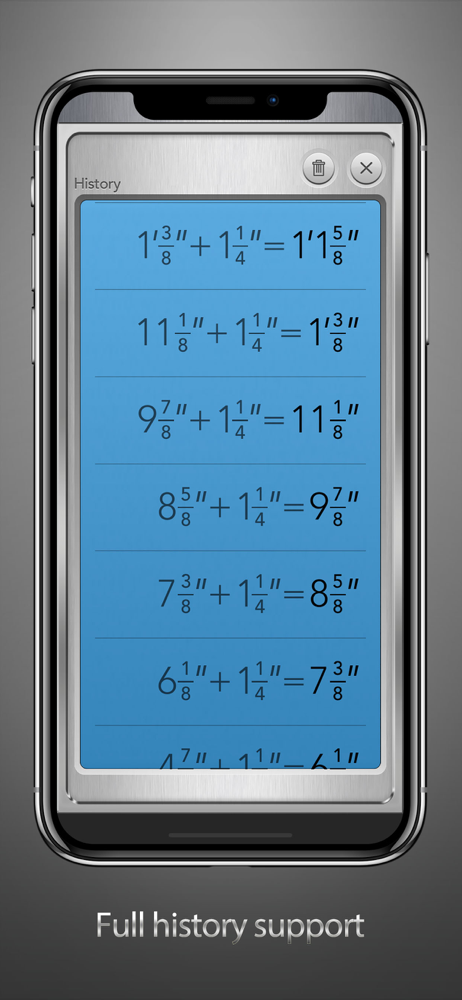
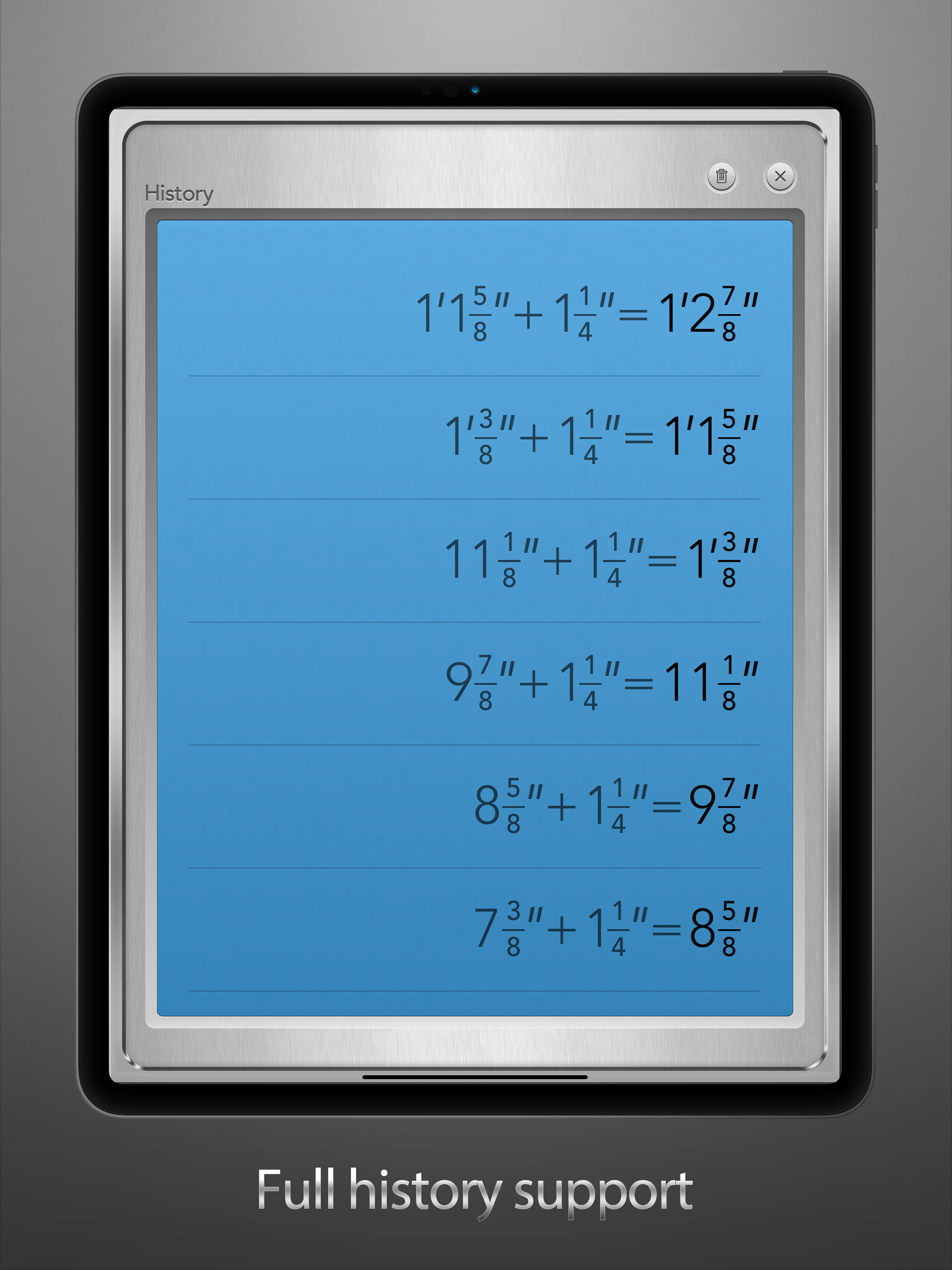
Explore the convenience of Feet & Inches Calculator, your go-to tool for effortless feet and inches calculations with a visual tape measure display!...
| Name | Price | Type |
|---|---|---|
| Pro Features | $2.99 | One-time |