
Check the acquisition promise
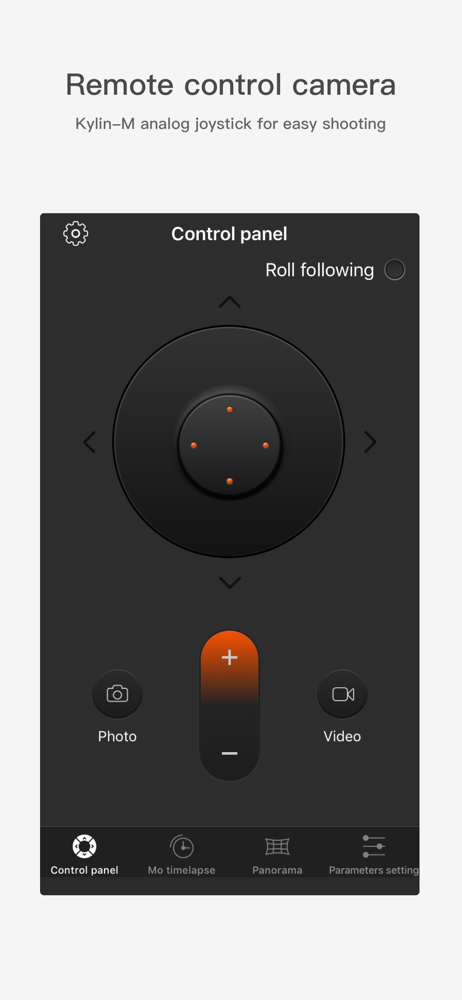
Read the store headline, screenshots and description. What problem is the app promising to solve?
Study the storefront ↗
Snoppa Technology Co., Ltd. · iOS
Explore the ad evidence, study the storefront, and build your next acquisition hypothesis.
01 / Creative research
Read the store headline, screenshots and description. What problem is the app promising to solve?
Study the storefront ↗Explore apps with direct store-link matches. Compare their hooks and formats without assuming the same approach works here.
Browse observed advertisers ↗Store rankings and revenue estimates describe market context. They do not establish ad spend, conversions or ROAS.
Review the market context ↗02 / Storefront & product
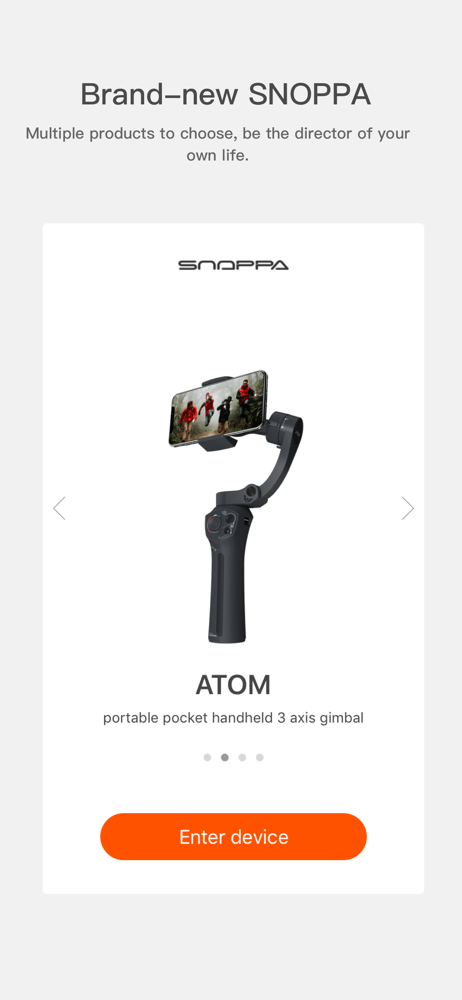
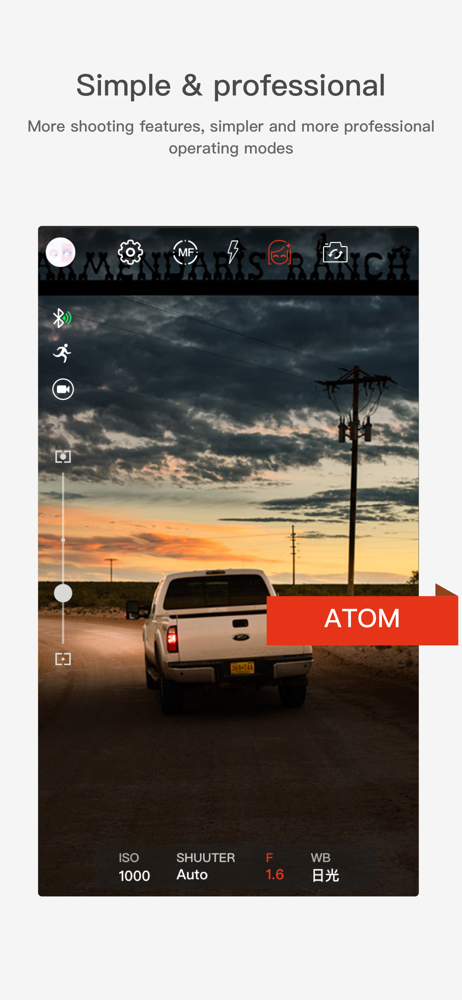
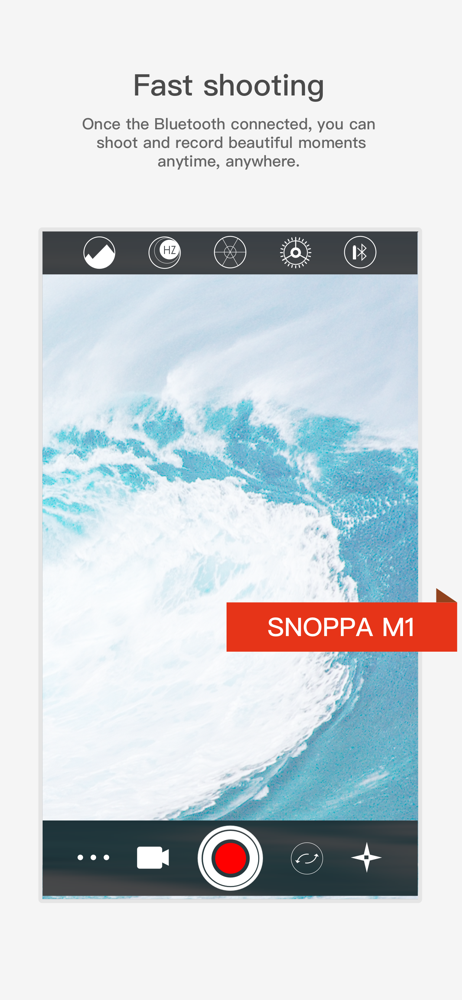
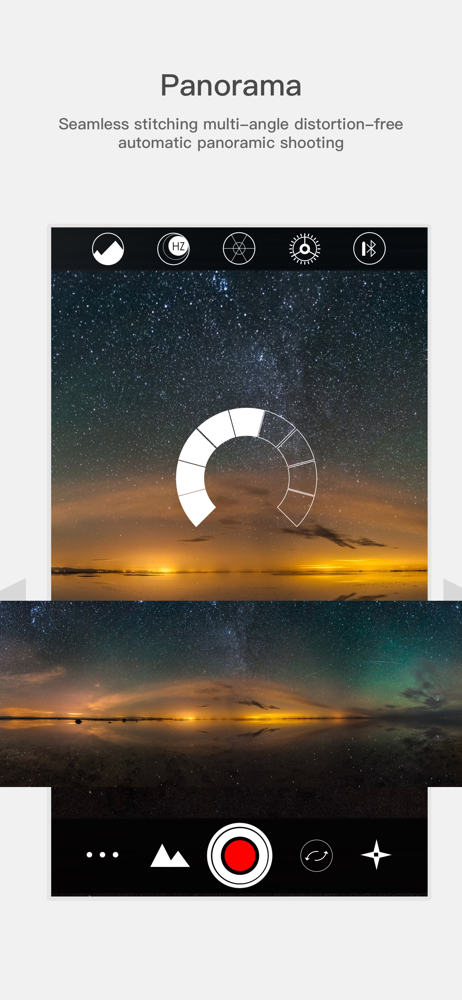
Study the product story and store experience behind the acquisition funnel.
03 / Market context
Keep revenue, downloads and store rankings separate from advertising performance.
I do wish that you could use another device such as table or another phone to remote control the gimbal. If there is a way I have not yet found it. Other then that it works.
The M1 gimbal is a nice solid piece of kit, in weight and looks, and it (mostly) does a good job of holding the phone up. For a while. When I first got it, I shot using my 7 and 7 Plus. I haven’t used it for months, but went to prepare for a documentary trip. The app won’t connect over Bluetooth on the Plus on iOS 12.4.1, and the gimbal slowly drifts without an easy way to correct it. Looks like the app hasn’t been updated since 2016, so there may be some subtle framework compatibility issues that could be fixed if somebody spent a couple of hours on it. And devs, the fake 5-star reviews certainly aren’t helping things.
It's a good app but not good enough yet. I love the face and object tracking function, it doing better than I'm using Zhi-Yun. Here's something of my opinions 😔 1. The video file’s name and metadata information could fill better, especially what I need a capture machine info in the metadata, for videos settlement. 2. Hope it could add a button of wireless charging function on the interface, I don't use this function often so I want to put other function on the physical button, but if I did, when I need wireless charging, I have no way to turn it on, the only way is to rest it back to a physical button; 3. A ”very slow” selection of zoom/focus speed function. The ”slow” still got a little bit fast for some scenes. 3. A selection to choose multiple languages.
Snoppa App is used with Snoppa M1 which is a brilliant three-axis motorized smartphone gimbal. With Snoppa App, M1 users can do multiple shooting con...


