Check the acquisition promise
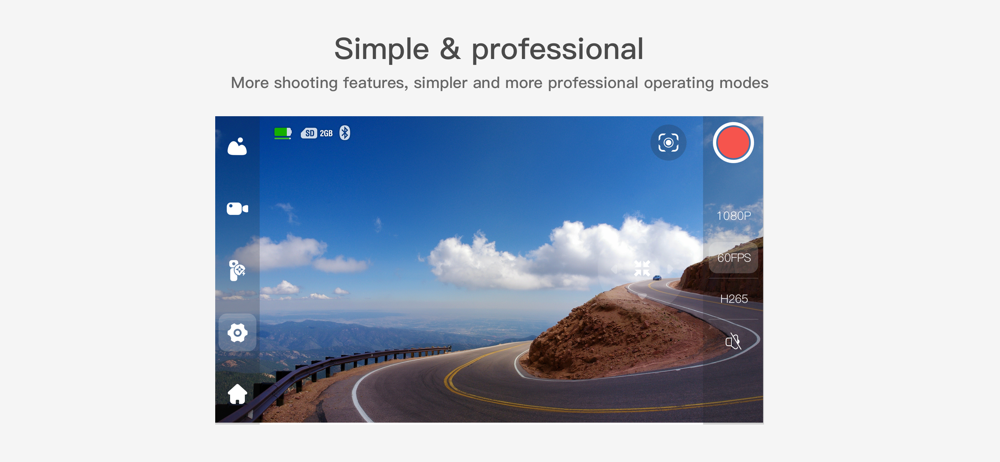
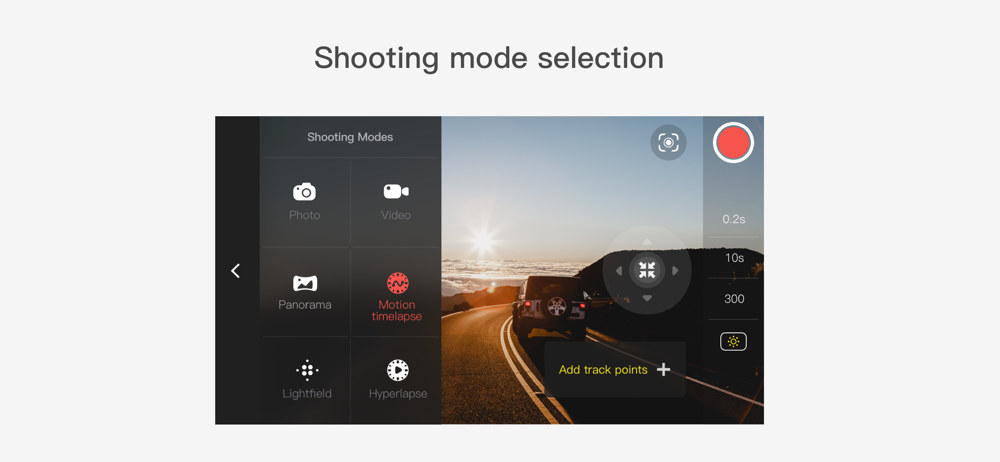
Read the store headline, screenshots and description. What problem is the app promising to solve?
Study the storefront ↗
Snoppa Technology Co., Ltd. · iOS
Explore the ad evidence, study the storefront, and build your next acquisition hypothesis.
01 / Creative research
Read the store headline, screenshots and description. What problem is the app promising to solve?
Study the storefront ↗Explore apps with direct store-link matches. Compare their hooks and formats without assuming the same approach works here.
Browse observed advertisers ↗Store rankings and revenue estimates describe market context. They do not establish ad spend, conversions or ROAS.
Review the market context ↗02 / Storefront & product
Study the product story and store experience behind the acquisition funnel.


03 / Market context
Keep revenue, downloads and store rankings separate from advertising performance.
There are still some functions that are “in development“. And then there’s the issue with even connecting to the camera from the application. Thankfully, there seems to be a workaround that I found, I’m glad I didn’t pay full price for this camera, given the nature of the app. The only reason it gets two stars is because I found this workaround. If they ever decide to fix it, I’m happy to reevaluate the application. As a developer this workaround is unacceptable in a finished product. Go to Settings > Cellular > Cellular Data (toggle to off) Open Vmate Power up the Vmate Camera Select Connect the device or Device detected Select Join to select the camera’s Wi-Fi Allow the camera to use the iPhone’s local network The app will alert you that the network is down, and that it is unable to check for updates At this point you can use the App switcher to go back into Settings to re-enable Cellular Data Then you can use the App switcher to switch back to the Vmate camera app
As with other reviews, the unit will not connect to my iPhone. Have reset the VMate, forced quit my phone and restarted multiple times to no avail. When you go into any other screen on the app like support, there is no way to return to the main screen. Very poor app design as there is no prompts to identify the icons.
Won’t connect to any of my Iphones. My iphone 7, 8 and XS can find the vmate during search, I select the vmate, and then it stays stuck indefinitely on on the connection screen. I was so excited to buy this camera but the software doesn’t work. I bought this so I could use my iphones with it since the screen is too tiny to be useable. PLEASE FIX THE SOFTWARE! Right now I have a very expensive paper weight. Not cool.
Vmate App is used with Snoppa device which is a Palm-sized gimbal camera with all your needs. With Vmate App, Users can do multiple shooting controls...