
Check the acquisition promise
Read the store headline, screenshots and description. What problem is the app promising to solve?
Study the storefront ↗
AgiDev AB · iOS
Explore the ad evidence, study the storefront, and build your next acquisition hypothesis.
01 / Creative research
Read the store headline, screenshots and description. What problem is the app promising to solve?
Study the storefront ↗Explore apps with direct store-link matches. Compare their hooks and formats without assuming the same approach works here.
Browse observed advertisers ↗Store rankings and revenue estimates describe market context. They do not establish ad spend, conversions or ROAS.
Review the market context ↗02 / Storefront & product
Study the product story and store experience behind the acquisition funnel.


03 / Market context
Keep revenue, downloads and store rankings separate from advertising performance.
My heart rate is high due to a medical condition and needs to be monitored every now and then for my safety. I’ve been looking for a way to reliably check my heart rate on the go, so I was curious about the efficiency of different mobile heart rate apps. I tested the app by recording my heart rate simultaneously with the app on my left hand and a blood pressure monitor on my right hand, taking around 10 readings with both of them for each mode. I wrote it down and did the math. I got a 92.7% accuracy rate for the “Continuous” mode, stopping it when the reading was complete on both hands. For the “Quick” mode, the accuracy rate was only 86.3%. TL;DR the quick mode is around 86% accurate and the continuous mode is around 93% accurate so take that as you will.
I think it would work well if there was just a straightforward tutorial showing where exactly to place your finger. Half the time it tells me it can’t get an accurate reading because of finger placement, but there is no info about where to place it exactly. I can move it around and get a few readings, but so far there is enough variation that I’m not sure which reading is the correct one. Guess I’ll keep trying….
This works well and apparently includes no advertising, a real plus. Another app asked for $50 every year! Connects to Apple Health for basic data records. No Apple Watch necessary. The tutorial was helpful and mostly clear. Strangely, my only confusion was the illustration of finger placement while scanning the pulse over the phone camera. I just couldn’t follow that guidance successfully. Hint: It scanned consistently for me when I placed my left index finger across the top back side, covering the lens and light, and my thumb gently holding the top front. Experiment a little and you’ll likely find your own best “grip”. All in all, I found “Heart Shape” a simple, smart way to successfully measure and record my heart rate every day without an Apple Watch.
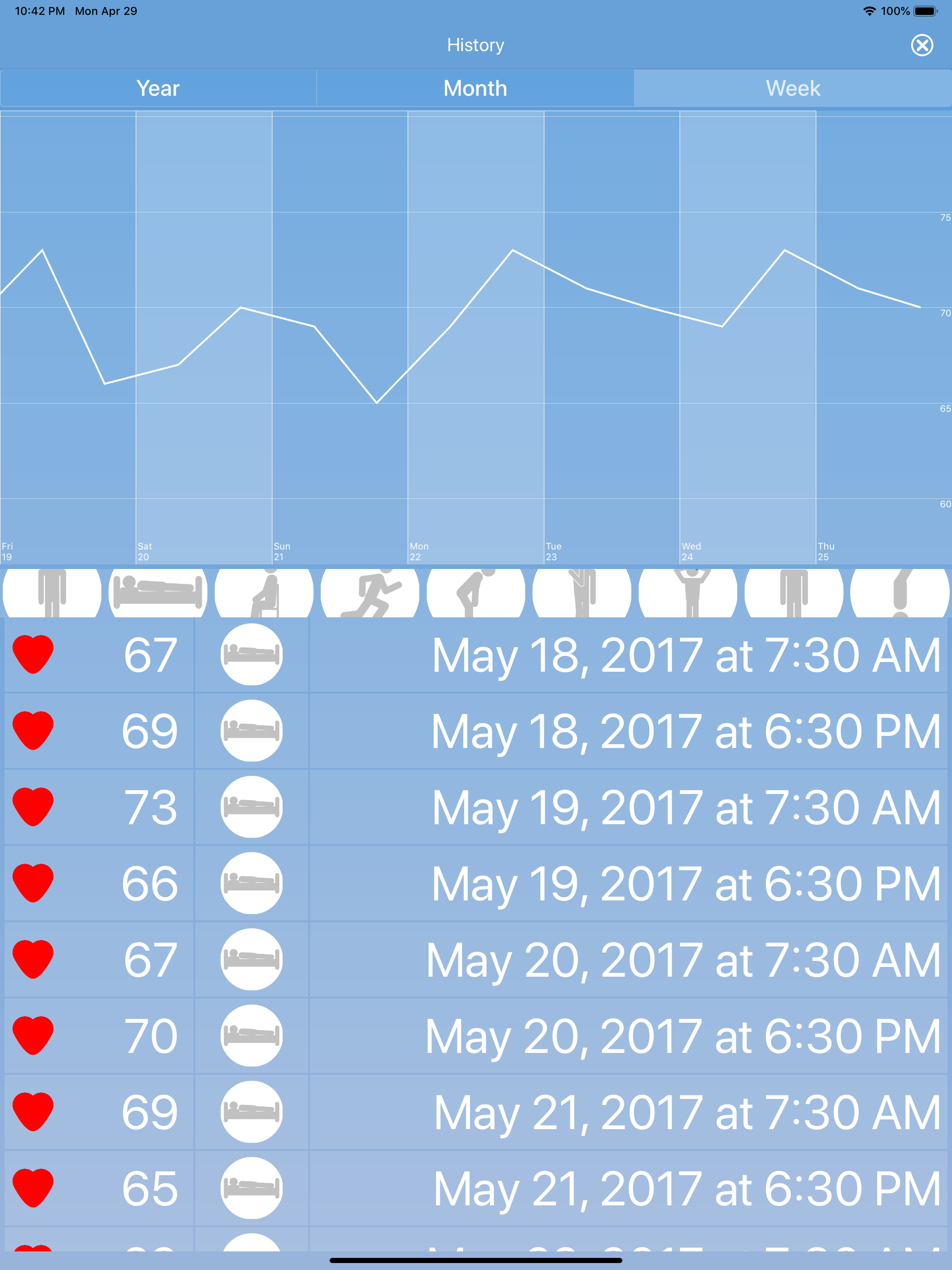
What does your pulse look like? Not just the number of beats it does per minute (i.e. the heart rate), but how does it behave? HEARTshape will let you...


